
Instructional, step-by-step articles.
Content Type: How-To
-

Windows 11 KB5083769 Boot Loop: What’s Happening and How to Recover
The April 2026 Patch Tuesday update is leaving some PCs stuck in pixelated crashes and endless recovery cycles.
-
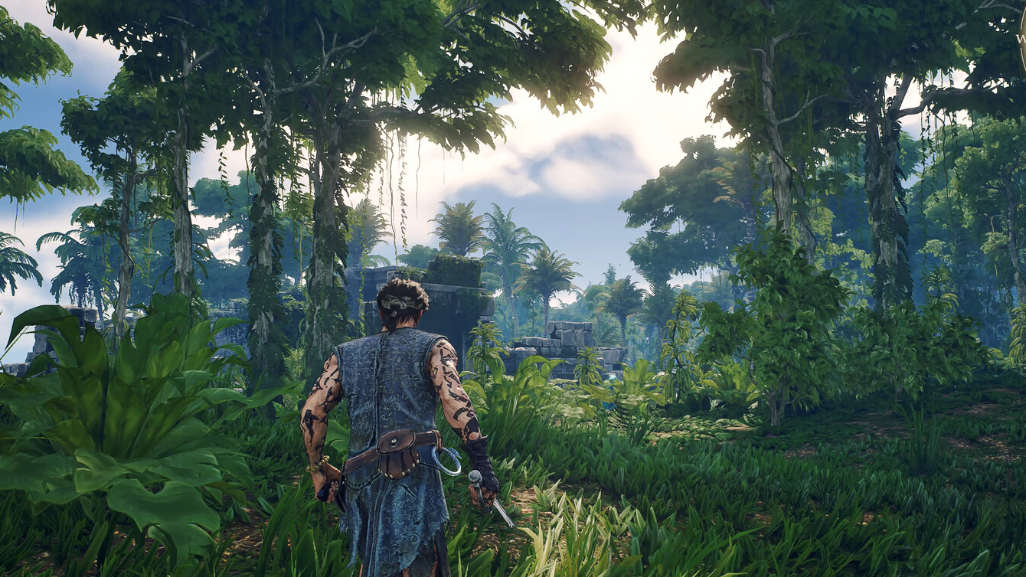
Quagmire Powder in Windrose: Where to farm it and how to craft Mire Metal Ingots
The Cursed Swamps resource that gates every late-game upgrade, plus the enemies and chests that drop it.
-
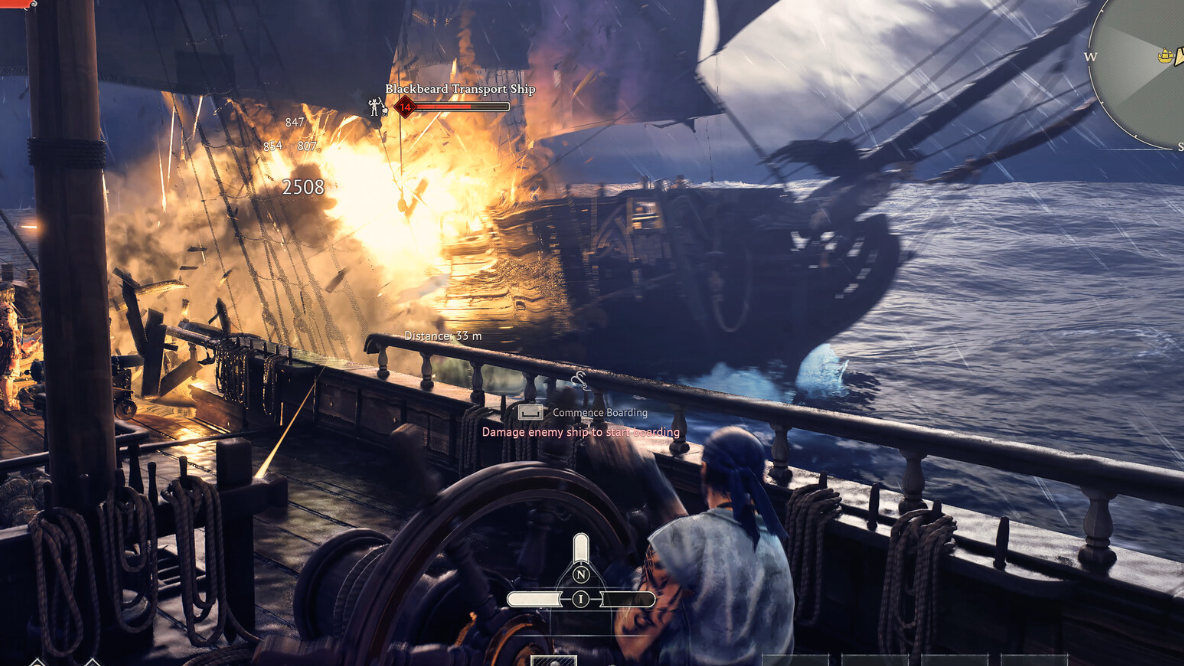
Soul Eater in Windrose: How to Get It, Stats, and Upgrade Path
Defeat Israel Hands in the Needle in a Haystack quest, loot the Ancient Chest, and follow the Weaponsmith Workshop upgrade ladder.
-
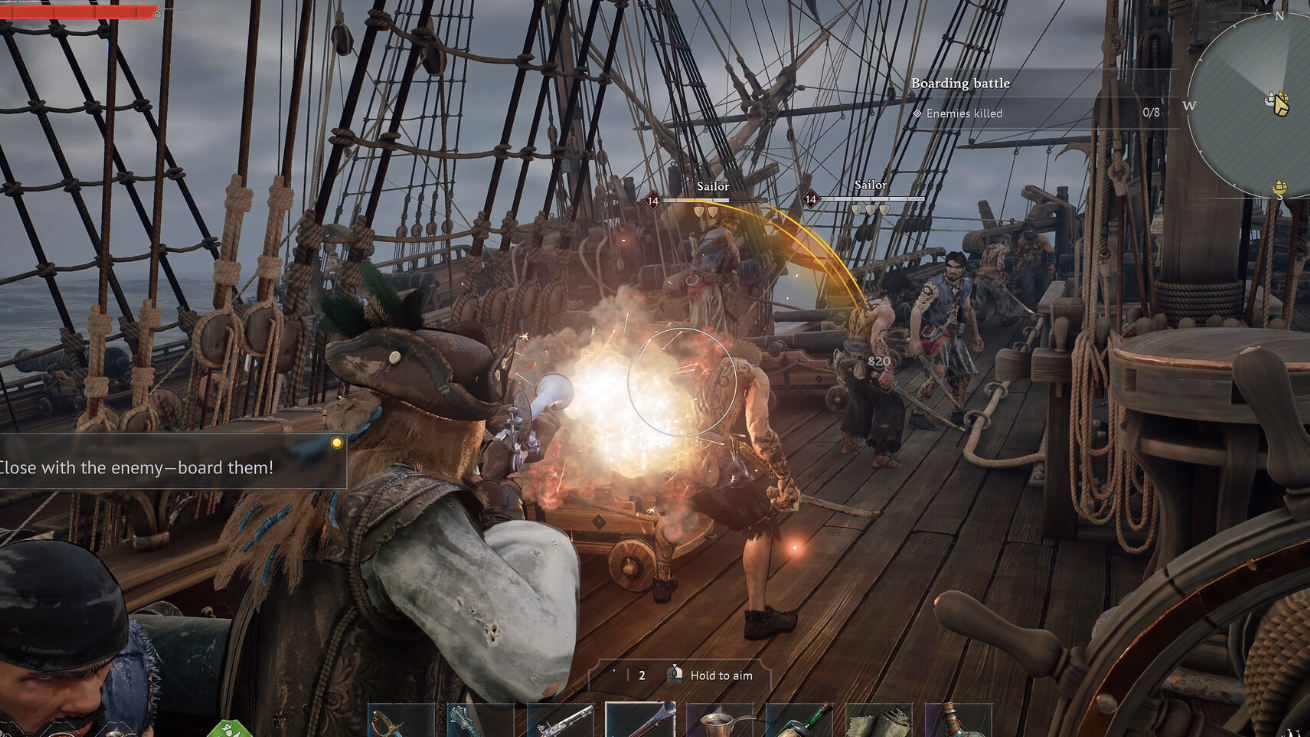
Windrose: How to Equip Cannons on Your Ship
Build the Shipwright’s Workshop and Wharf, craft 12-Pounders, then install them from the Manage Ship menu.
-
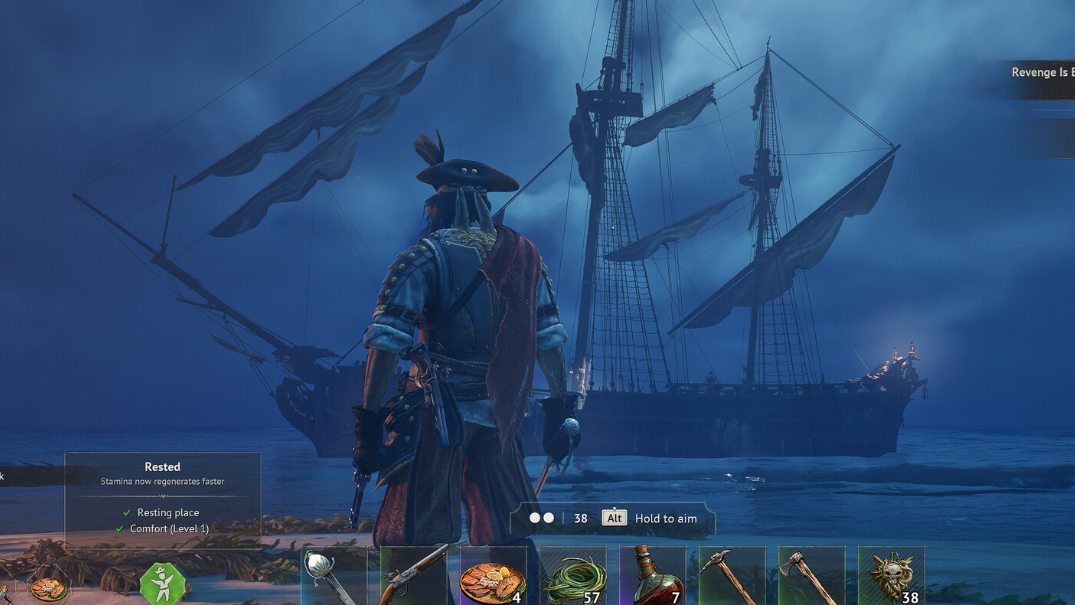
Windrose: How to Get Doctor Galen Back When He Disappears from Camp
If Galen vanishes after you move or destroy your bonfire, the fix takes only a few seconds at the new fire.
-
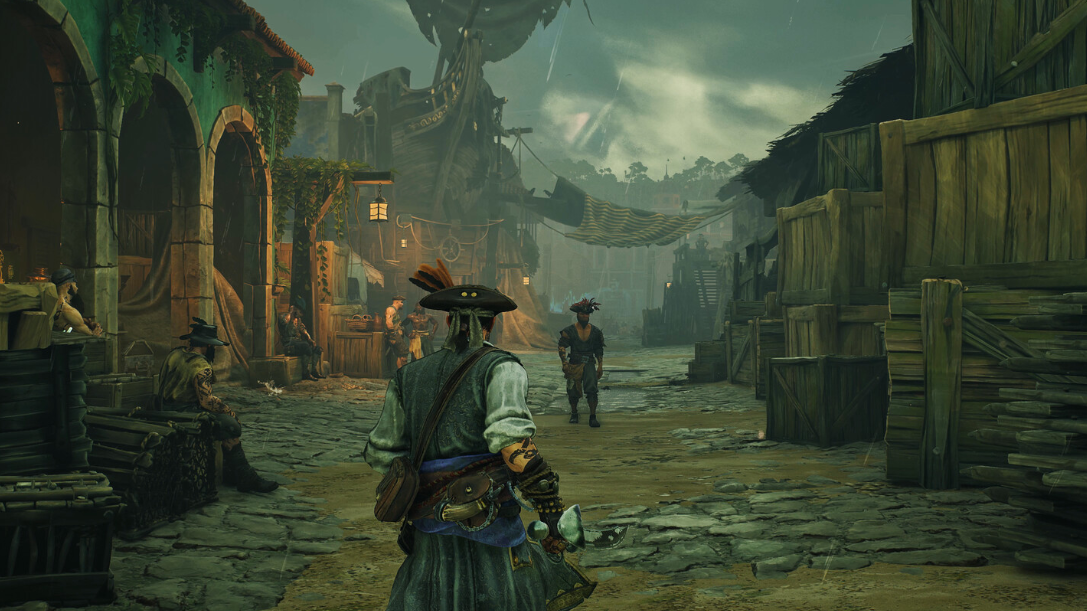
How to Sell to Smugglers in Windrose
Reach the Smugglers of Port Royal main base through the Underground Network quest to unlock the Buyer.
-
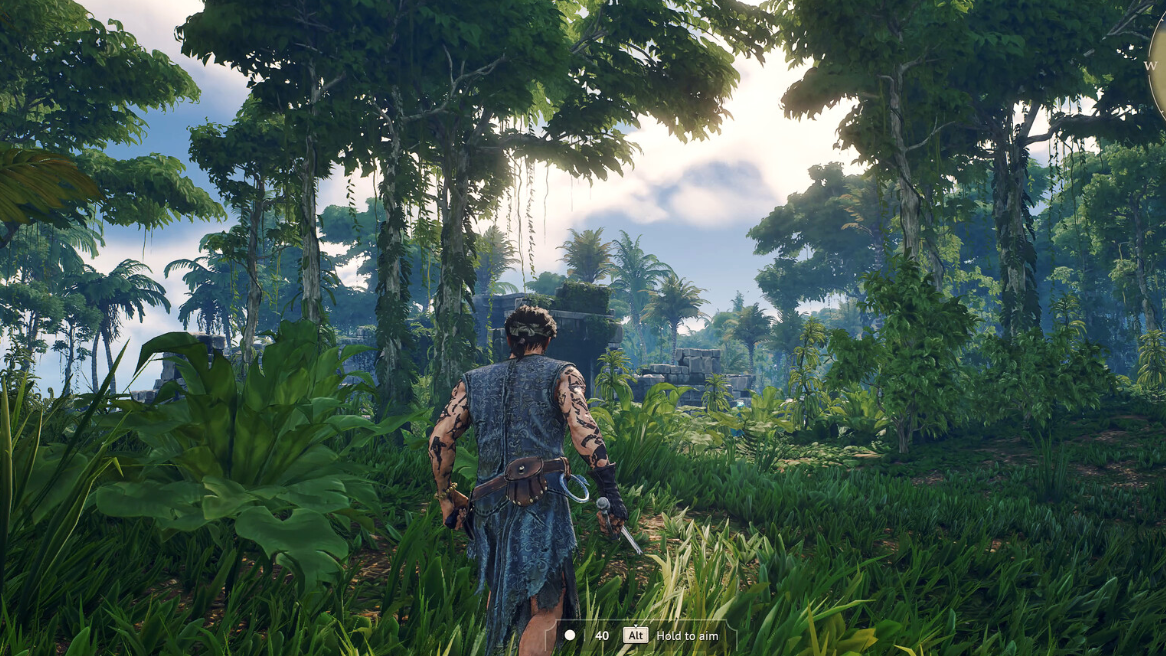
Windrose Foothills Discoveries and How to Find Them
Every Foothills resource, where it spawns, and what it unlocks after you clear Thomas Richards.
-
Claude Code Skills on GitHub: How to Find, Install, and Build Them
A practical map of the Claude Code skills ecosystem, from Anthropic’s official repo to community marketplaces and your own SKILL.md.
-

KD Rattical Skin in Fortnite: How to Unlock the LEGO Rat Outfit
The skater rat is locked behind the Soaring Skies LEGO Pass and needs XP progression to claim.
-
How to Spawn Sea Beasts in Sailor Piece (Kraken and Sea Serpent)
The exact conditions, bounty thresholds, and positioning that trigger Kraken and Sea Serpent spawns in Sea 2.