
Instructional, step-by-step articles.
Content Type: How-To
-
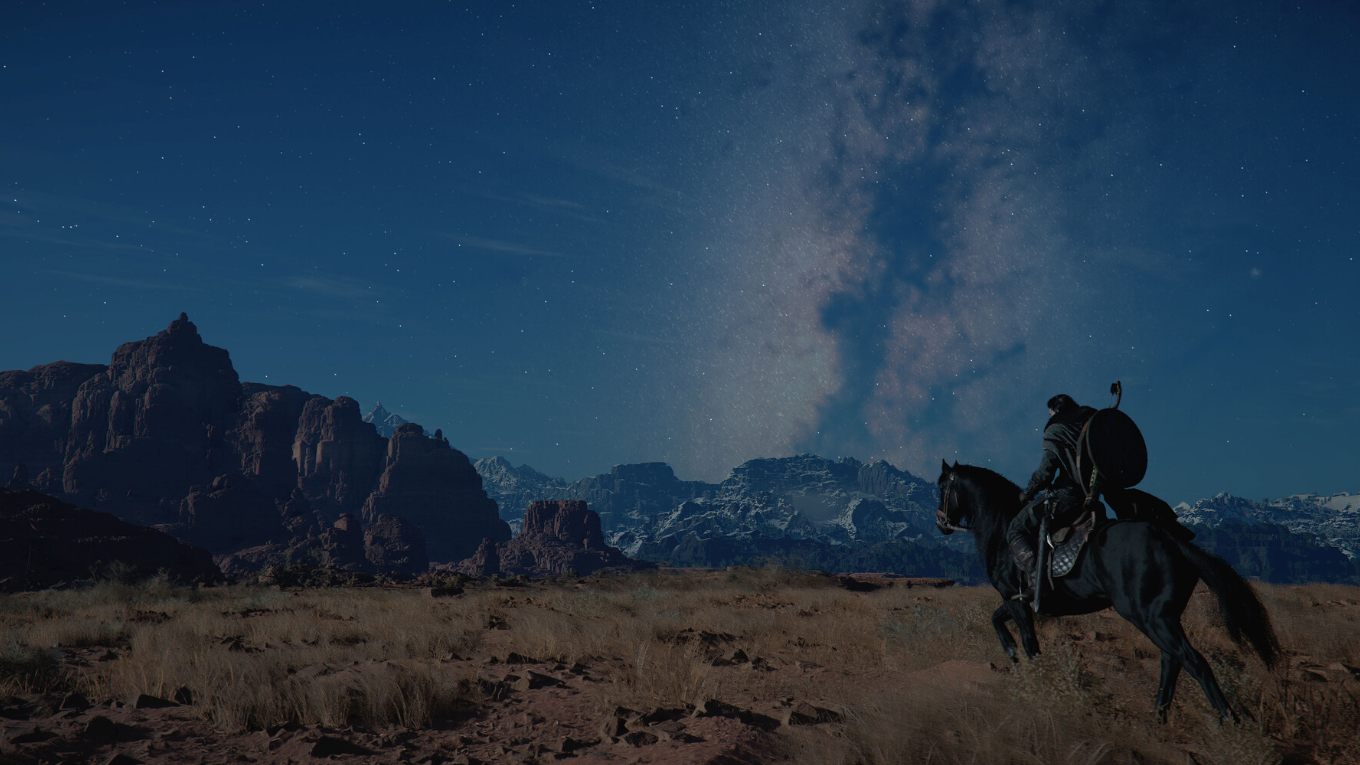
Crimson Desert Won’t Let You Hide Your Helmet — Here’s the Best Workaround
There’s no toggle to make helmets invisible, but a quick-swap trick keeps you looking good between fights.
-
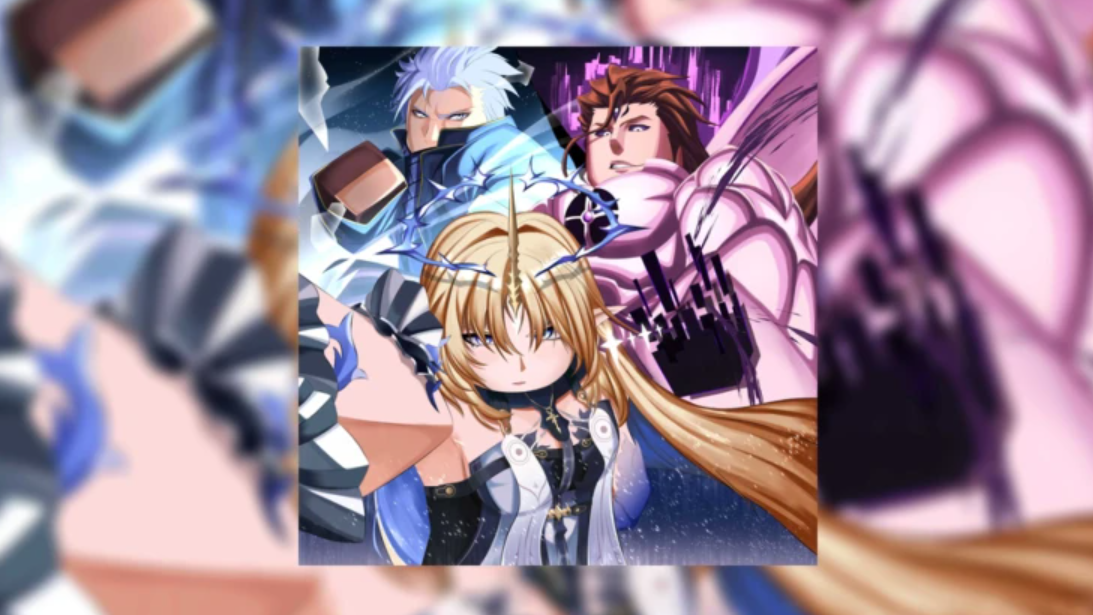
How to Get Strong Fast in Sailor Piece on Roblox
A full island-by-island progression roadmap, damage scaling breakdown, and currency farming plan for new players.
-

New Sanctuary Vault in Fortnite — How to Get Inside
The old button is gone, but the vault behind that big door still holds loot worth chasing.
-
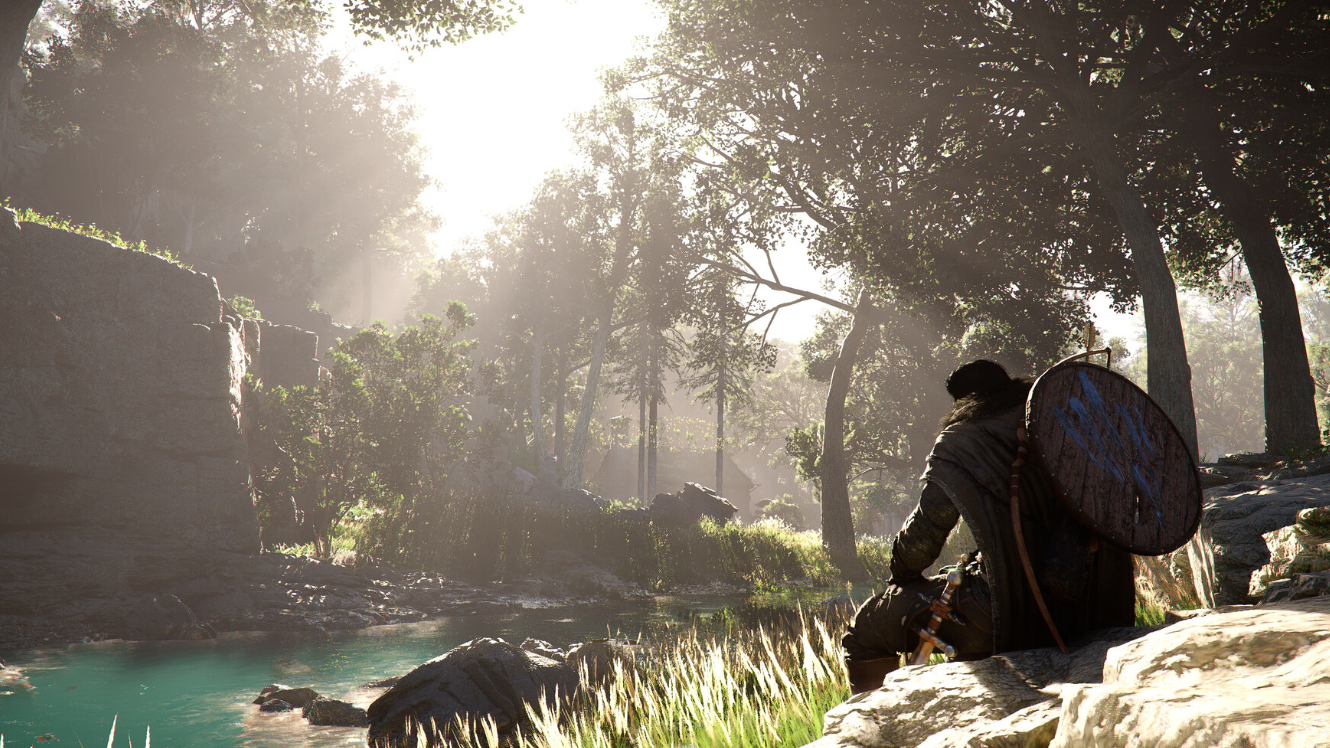
Crimson Desert Motion Blur Is Hidden in Accessibility Settings — Here’s How to Disable It
The blur intensity slider and camera shake controls aren’t where you’d expect them.
-
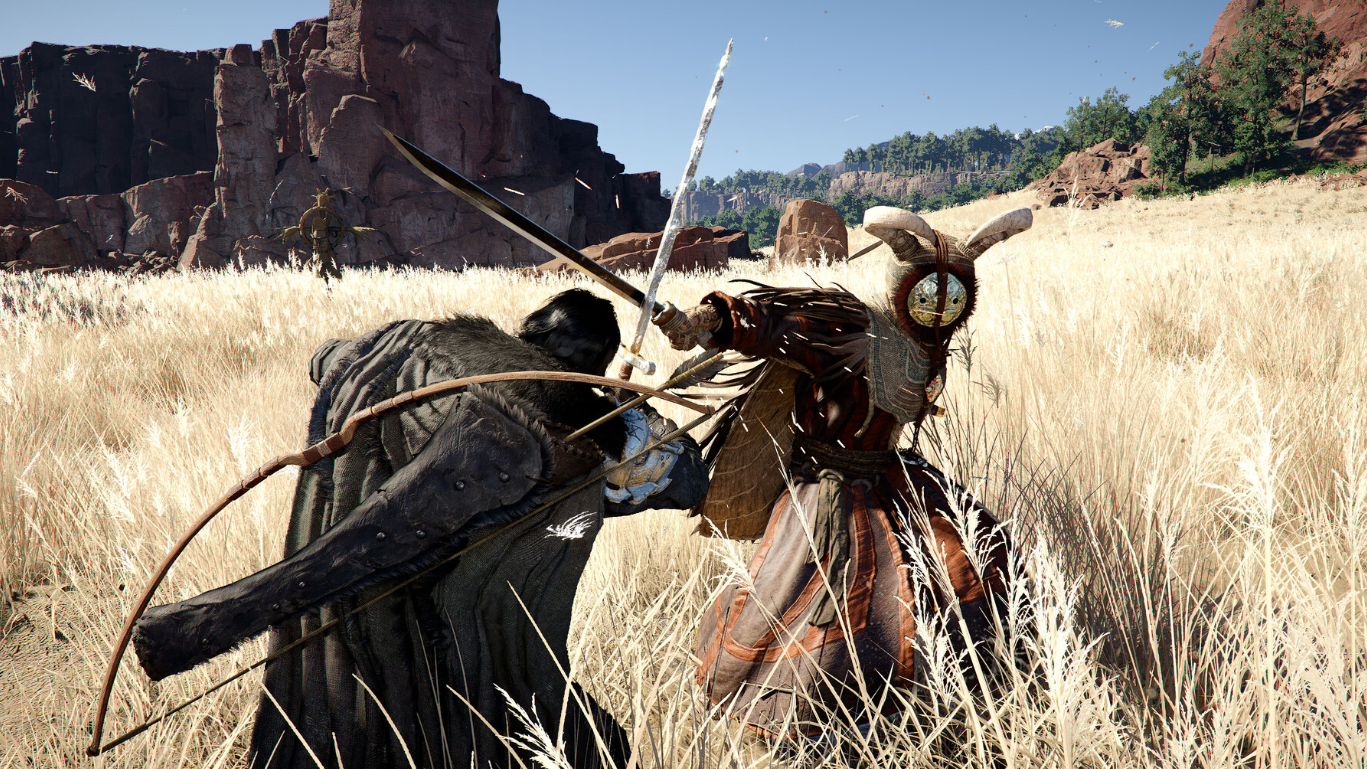
Crimson Desert’s Keen Senses Skill — How to Unlock Parry, Counter, and Backstep
All three defensive abilities are locked behind one upgradeable skill that requires boss-drop currency to activate.
-

How to Build Sigrika in Wuthering Waves — Weapons, Echoes, and Team Comps
Everything you need to gear Sigrika as a top-tier Aero Echo Skill DPS in Version 3.2.
-
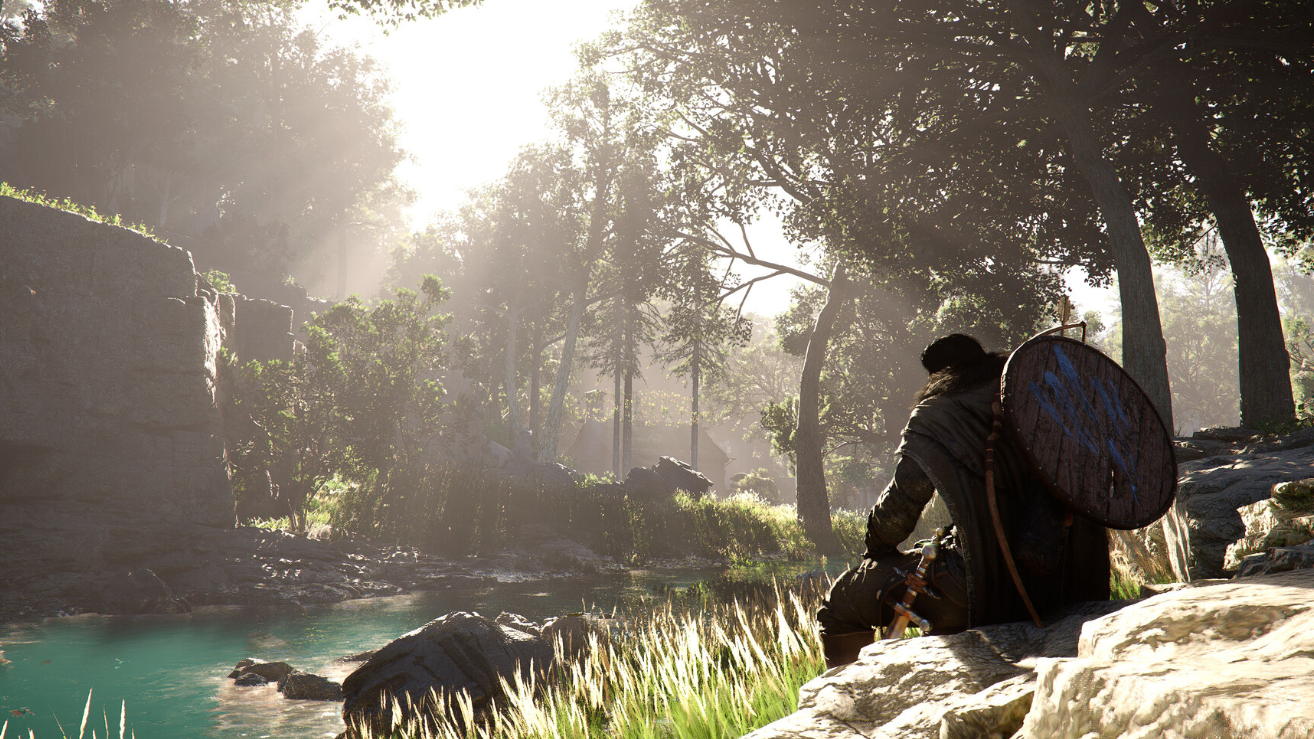
Crimson Desert Fishing — How to Learn, Cast, and Profit
Fishing in Crimson Desert is hidden behind an observation mechanic, but it’s one of the best early money-makers once unlocked.
-
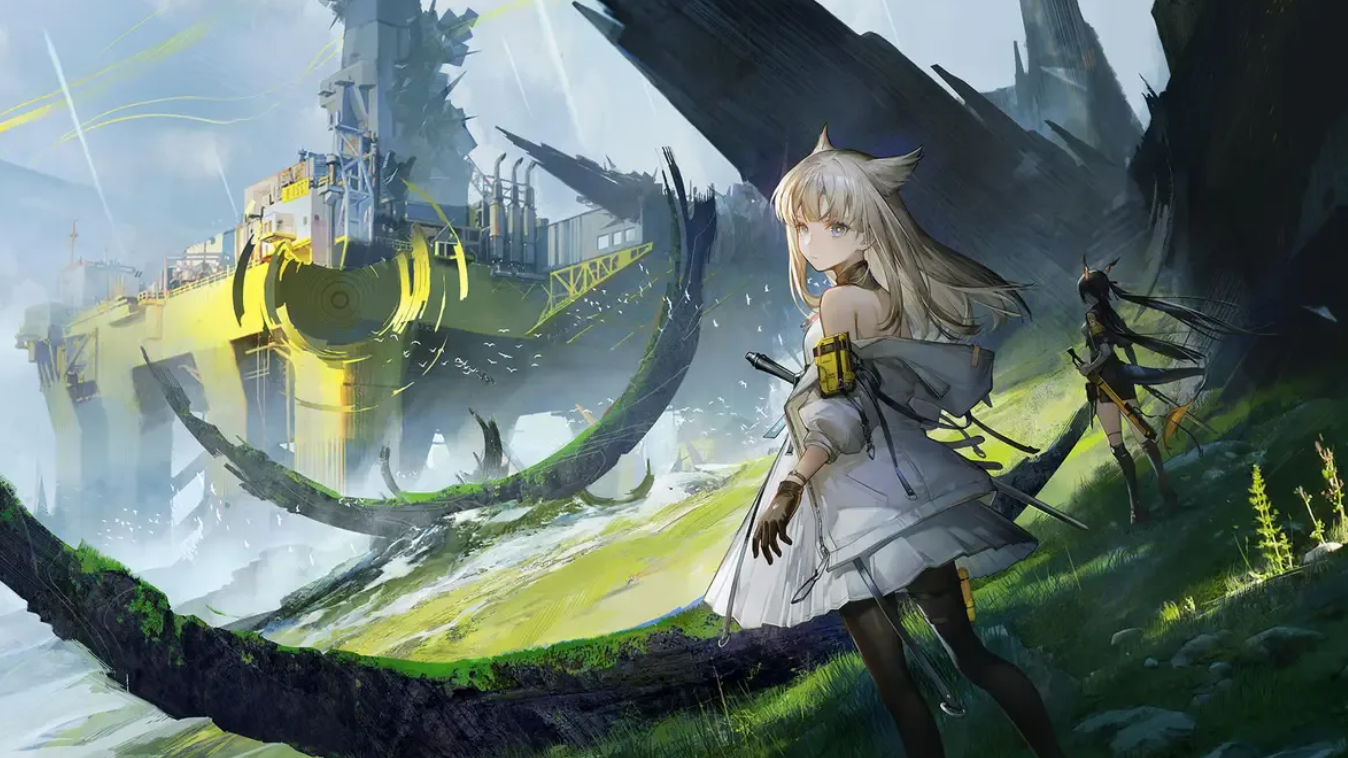
How to Build Avywenna in Arknights: Endfield — Weapons, Gear, and Teams
Everything you need to maximize Avywenna’s Thunderlance burst damage with the right gear, weapons, and teammates.
-
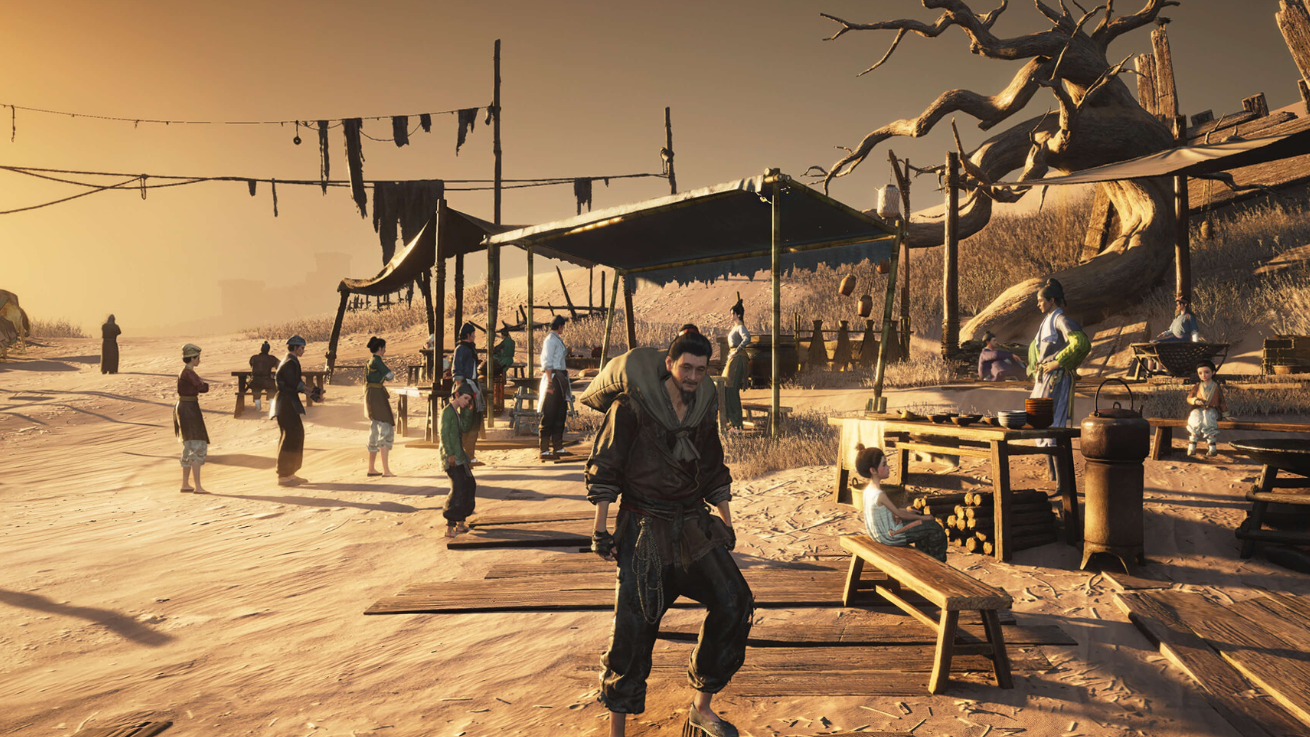
How to Find and Beat Yi Dao in Where Winds Meet
Everything you need to defeat the Killerblade, from unlocking the Dreamscape fight to countering every move in his arsenal.
-
How to Unlock the Shadow Sword F Move in Sailor Piece (Roblox)
Complete six mastery quests to unlock the final ability and gain a permanent 30% damage buff.