
Instructional, step-by-step articles.
Content Type: How-To
-

How to Get the Hippocampus Pet in Grow a Garden
The Divine-tier Hippocampus drops from Shelldon Rewards at a 0.2% rate during the High Tide Harvest Event.
-
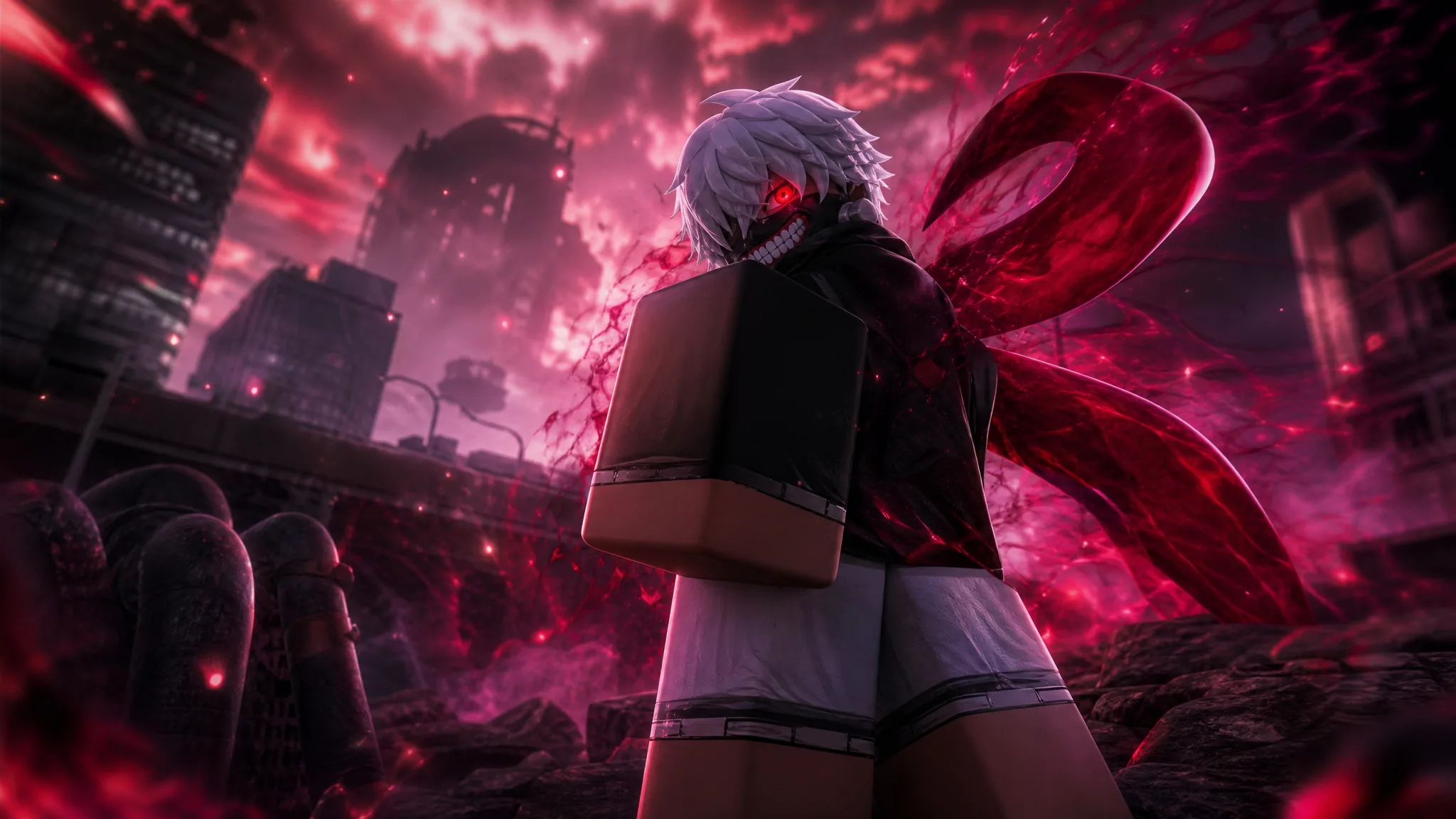
How to Get and Awaken Kan (Ken Kaneki) in Anime Squadron
Everything needed to summon the Tokyo Ghoul-inspired Mythic unit and evolve him into the Divine-rarity Kan (Ghoul).
-

How to Get the Jellyfish Pet in Grow a Garden
Everything that unlocks the Legendary Jellyfish through the hourly Chest Conquest event and its Mythical Chest.
-
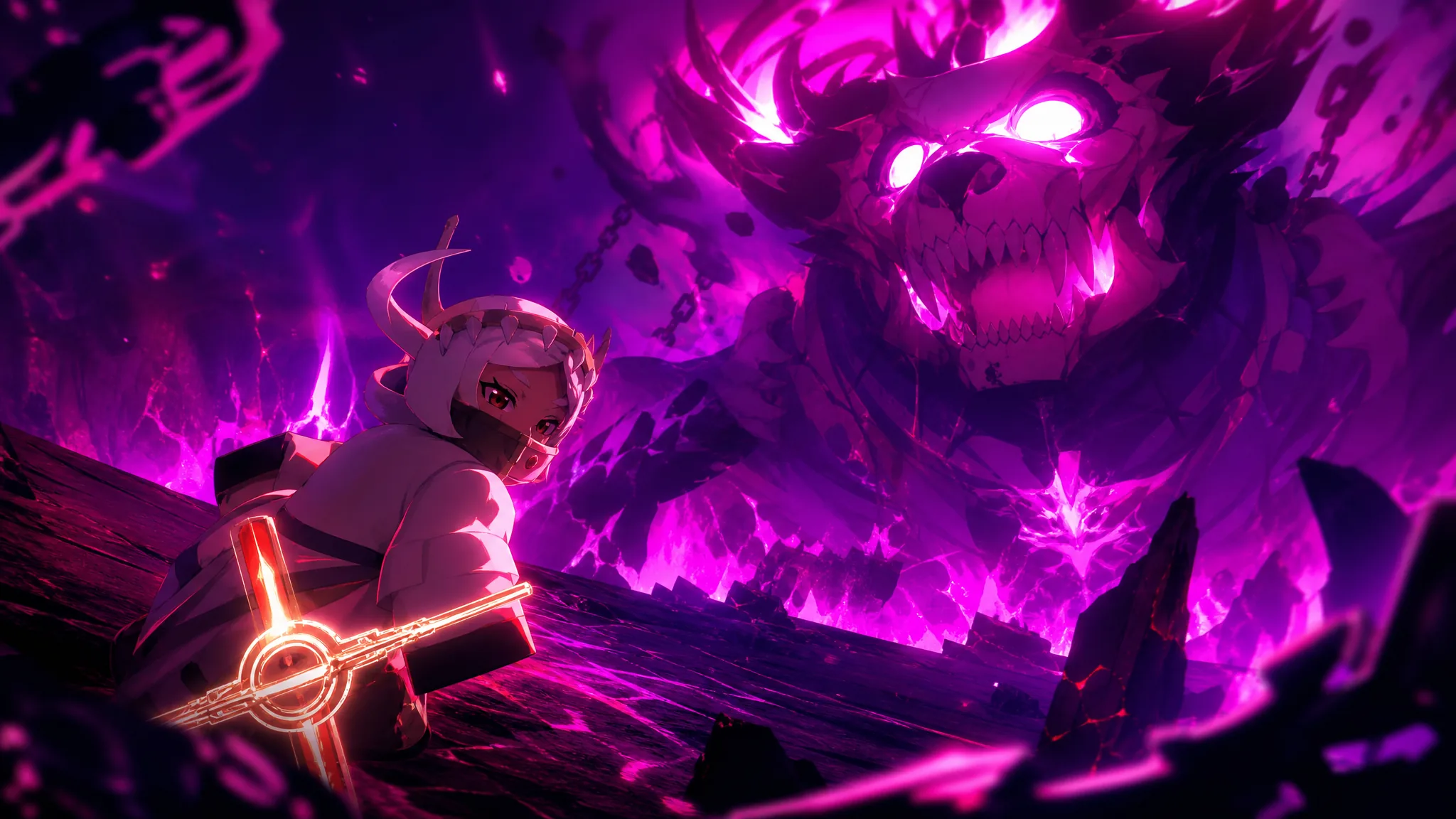
How to Get and Evolve True Saint (Holy) in Anime Expeditions
The exact login reward, evolution materials, and stats for the Exclusive-tier True Saint unit.
-
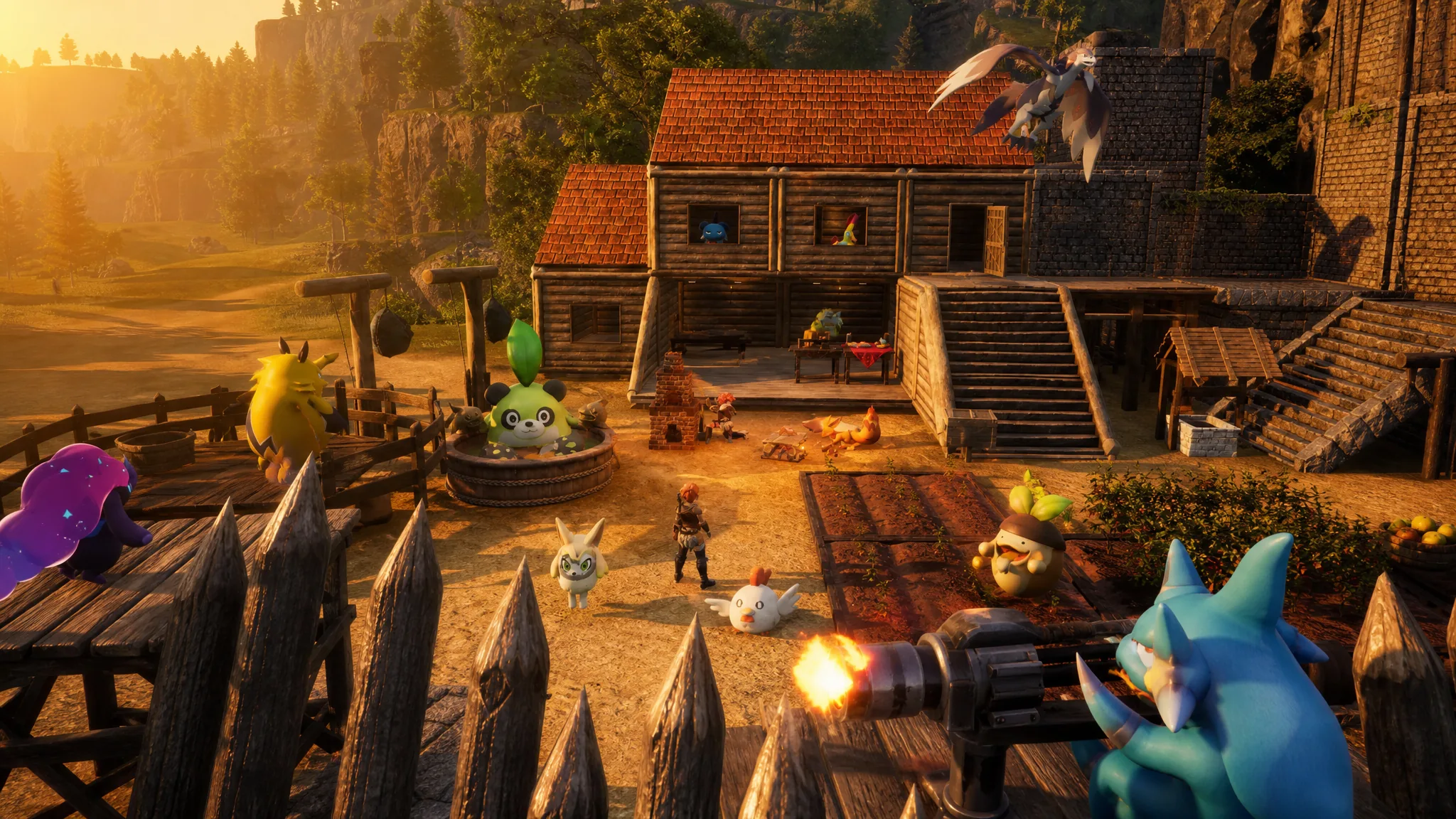
How to Defend Against Raids and Survive Every Wave in Palworld
Everything that decides whether a raid becomes free loot or a wrecked base, from walls and Pals to paying the negotiator.
-
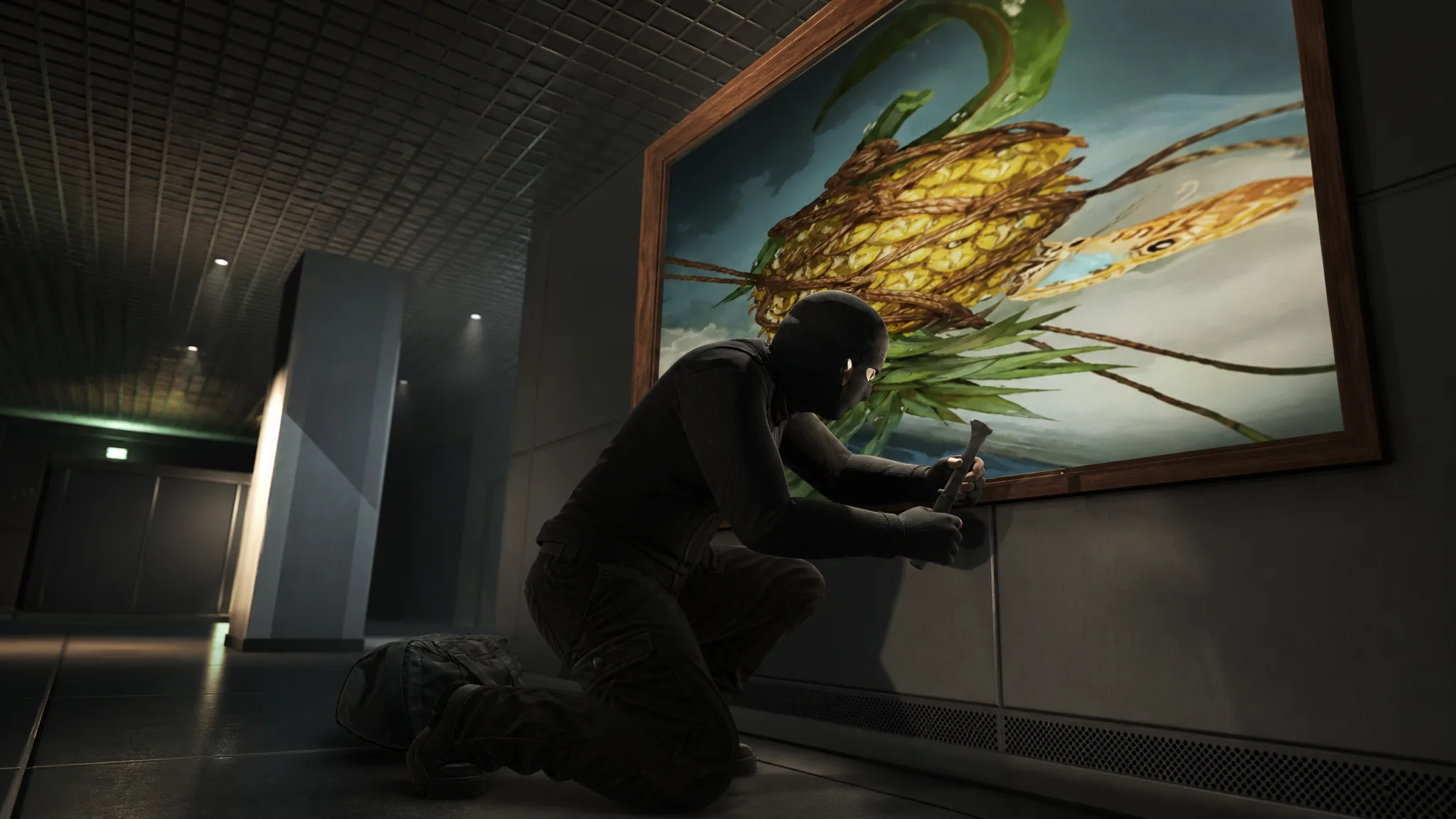
How to Keep the GTA Online Kortz Center Heist Paintings for Your Mansion
The Keep option is buried in the finale settings, not the planning board, and it trades away most of your payout.
-
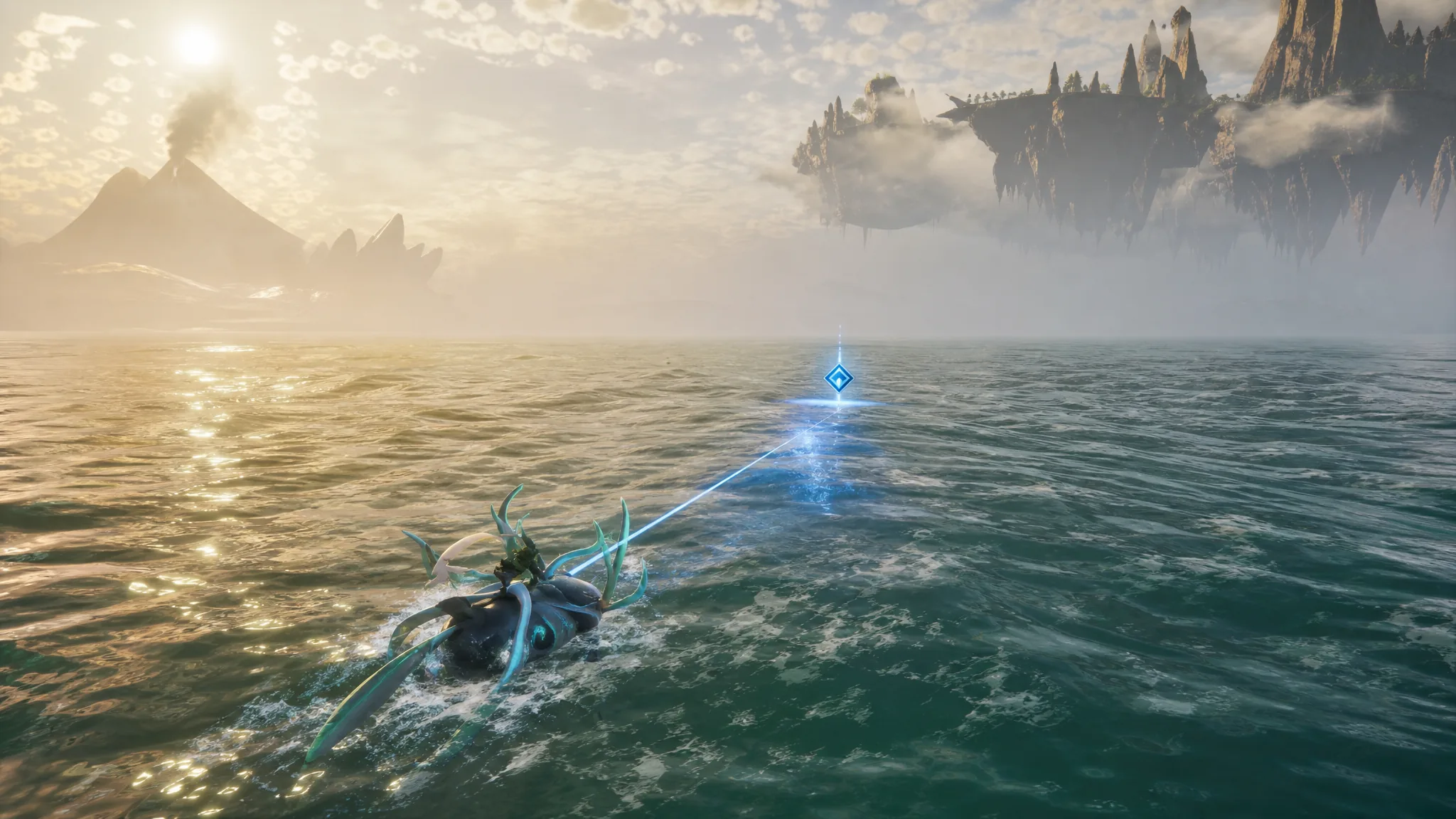
How to Use the Powerful Fishing Magnet for Ocean Salvage in Palworld 1.0
Craft the magnet at Technology level 62, then pull high-value loot like Coralum Ore from gold-rimmed salvage spots.
-
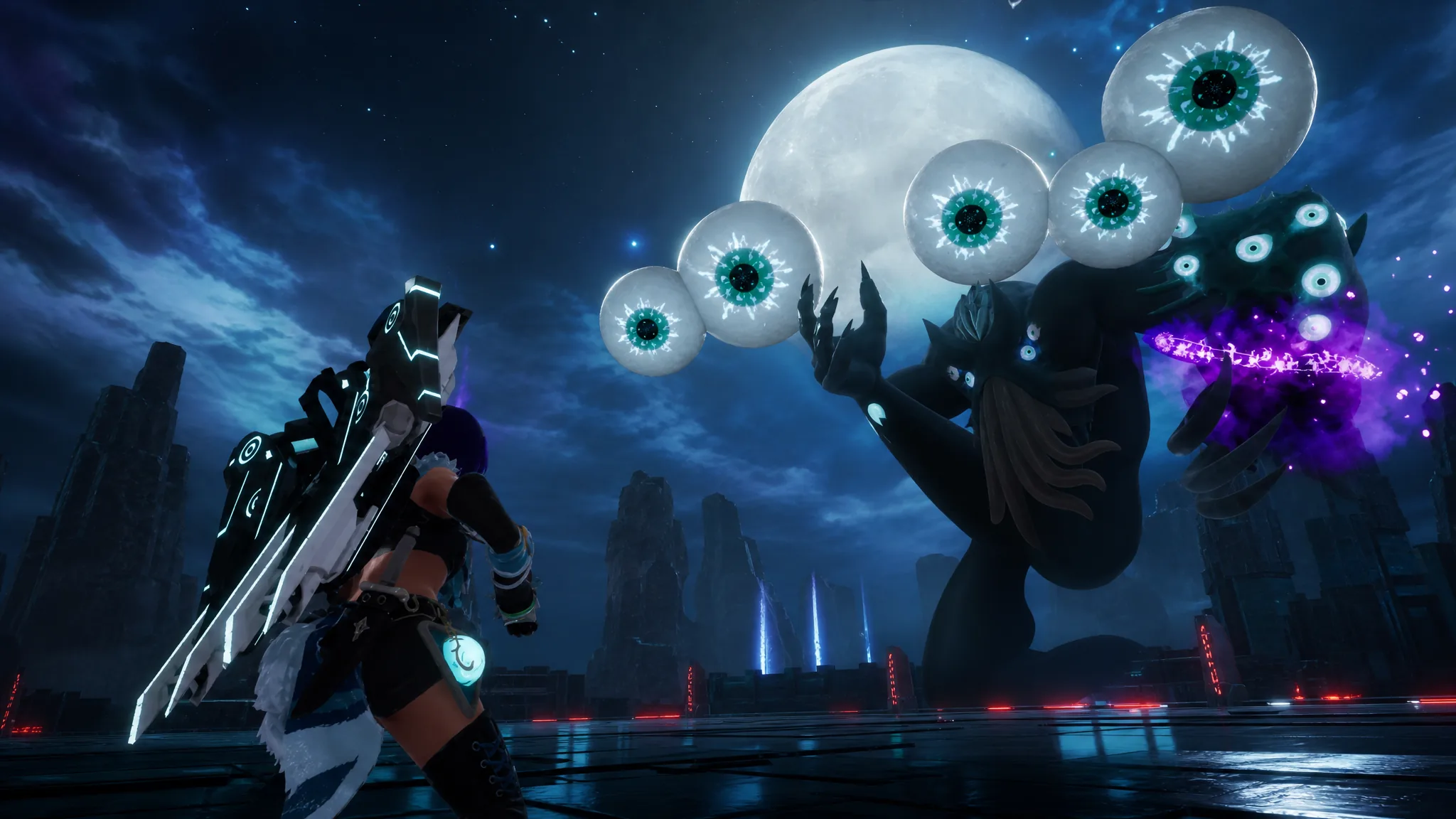
How to Beat the Moon Lord Raid Boss in Palworld
Everything you need to summon, weaken, and finish the level 50 Terraria crossover boss with over 400,000 HP.
-
How to Get Crimson (Choso) and Evolve it in Anime Expeditions
Everything needed to claim, evolve, and build the Battlepass-exclusive Crimson unit, including his passives and best trait.
-
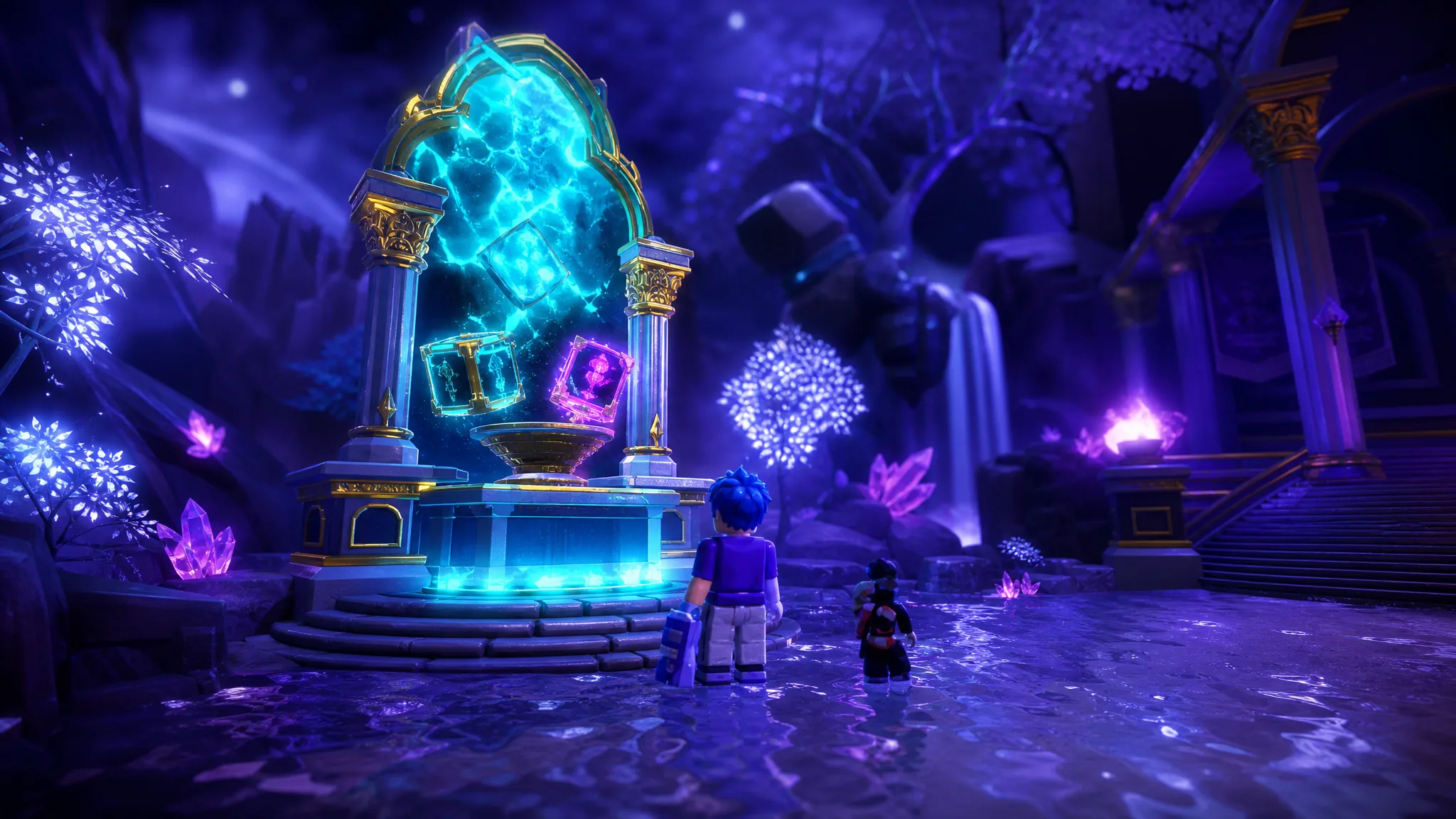
How to Reroll Stats in Anime Expeditions (Stat Potential Guide)
Where to reroll Damage, SPA, and Range, the full tier odds, and how Stat Locks and transfers protect a good roll.