
Instructional, step-by-step articles.
Content Type: How-To
-

How to Build the Ultimate PvE Setup in Bizarre Lineage
Maximize damage and minimize grind time with the right Stand, stats, perks, and gear for PvE content.
-
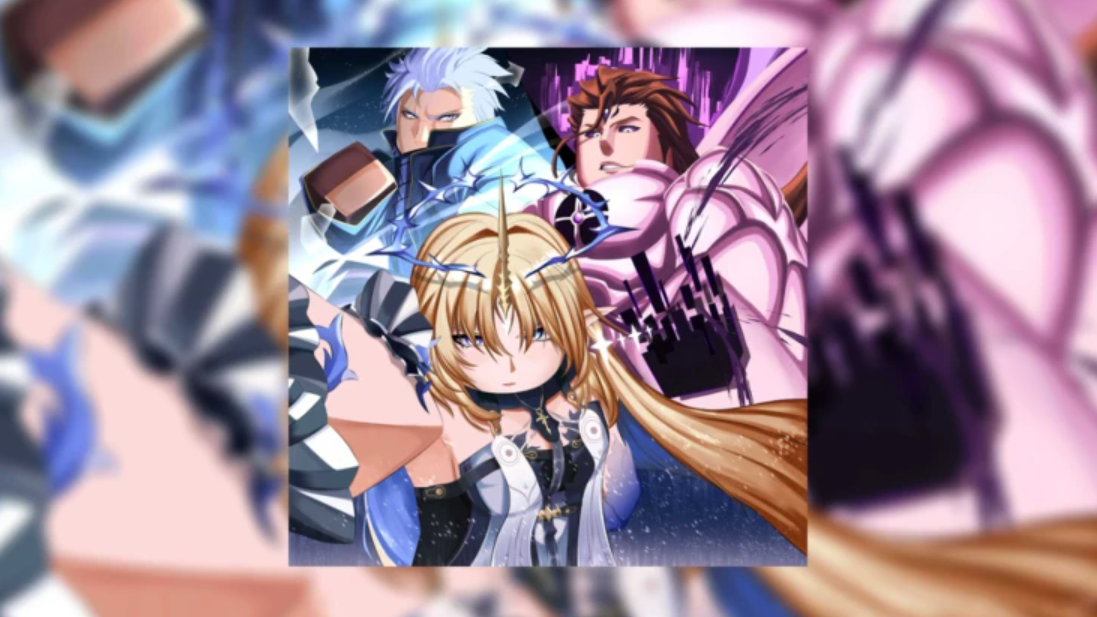
How to Unlock Atomic and CID V2 in Sailor Piece on Roblox
Everything you need to obtain Shadow CID Atomic, the Atomic Sword, and the upgraded CID V2 fighting style.
-
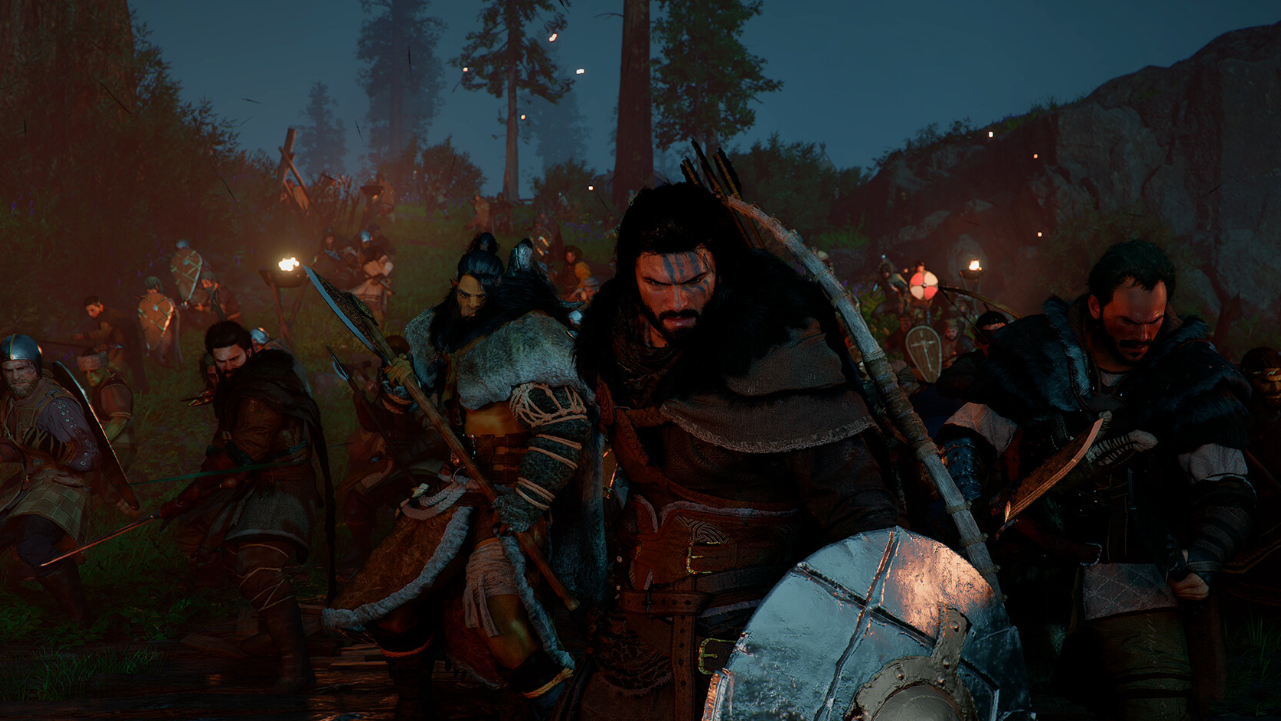
Contribution Points in Crimson Desert — How to Earn, Spend, and Avoid Losing Them
Every faction has its own Contribution currency, and knowing where to spend it unlocks some of the best early gear.
-
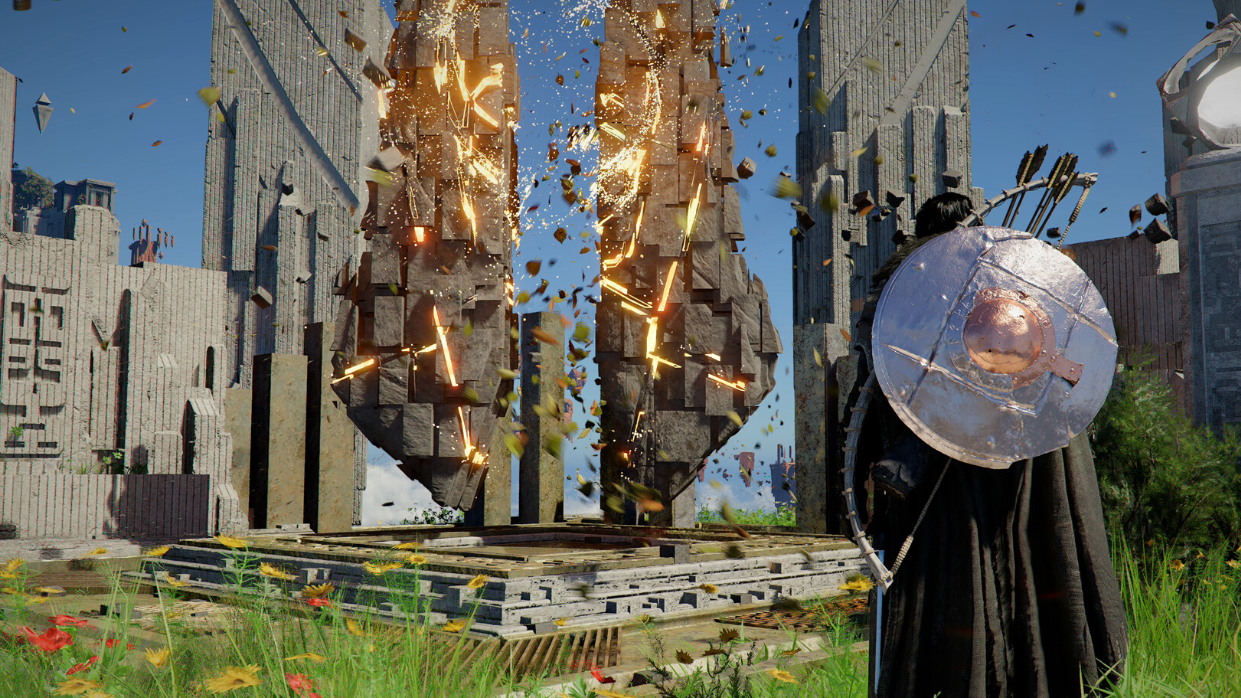
How to Finish the Young Monk’s Request in Crimson Desert
The Mystical Pine Mushroom is locked behind a hidden prerequisite quest — here’s how to get past it.
-
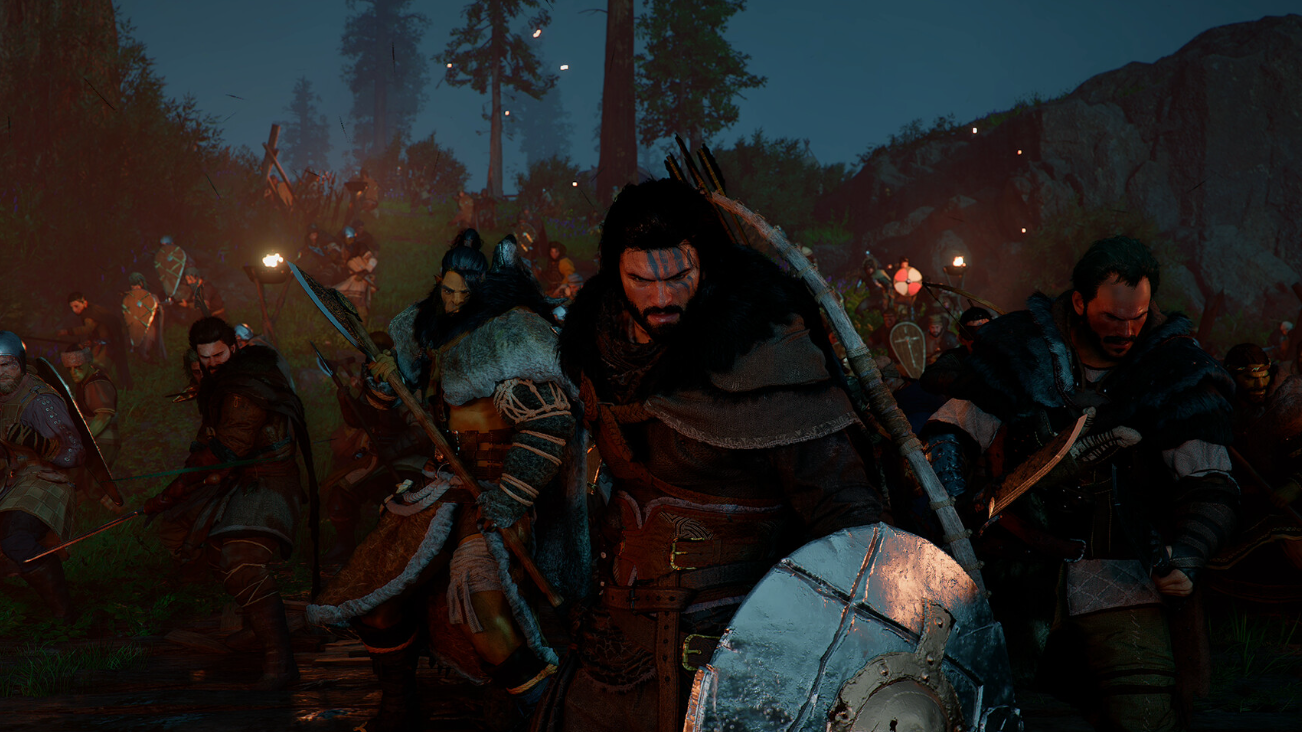
Alec’s Request Quest Guide: How to Get Leopard Perch in Crimson Desert
Catch the fish by hand in shallow water and complete this early Greymane camp quest.
-
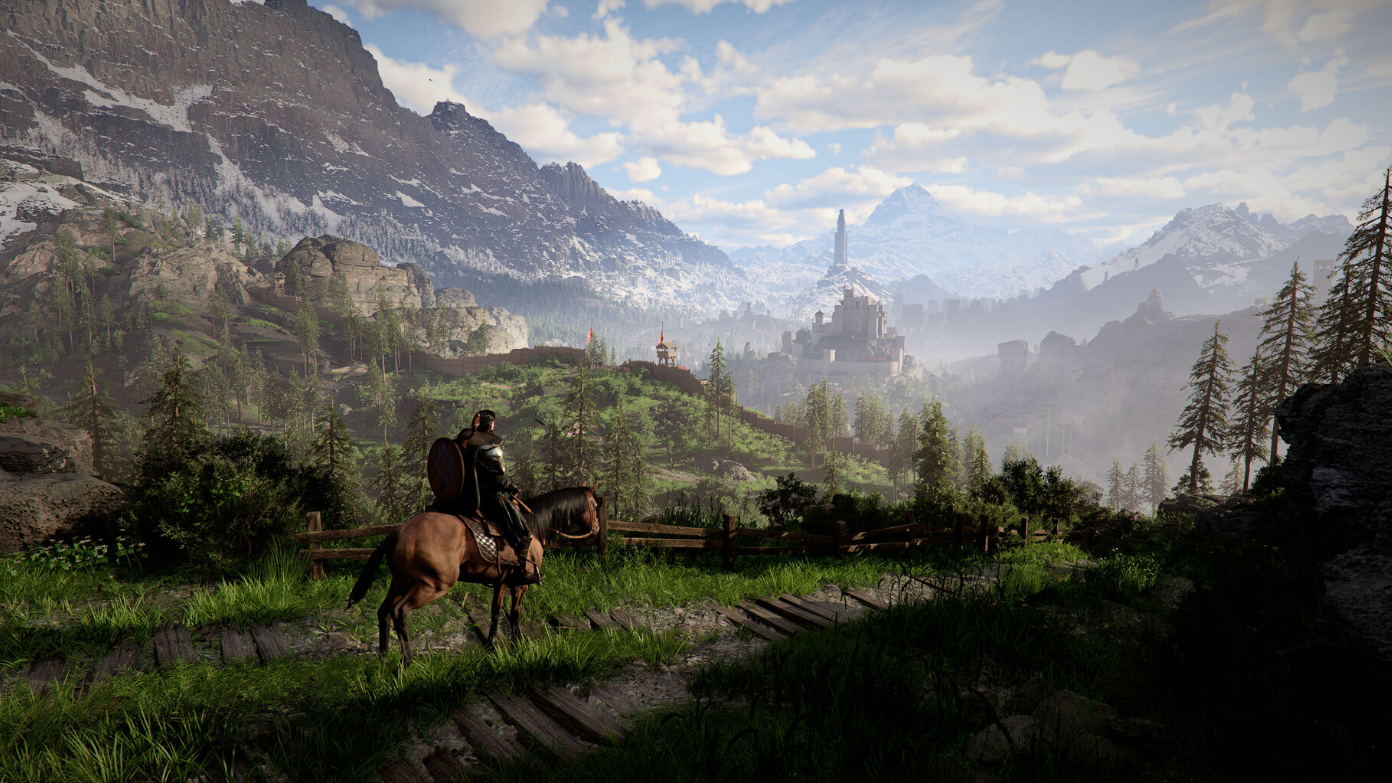
How to Complete Sharpened Spear III Challenge in Crimson Desert
Defeat five enemies in 15 seconds using Stab attacks to unlock an Abyss Artifact reward.
-
How to Get Started in Anime Overload on Roblox — Currencies, Units, and Traits
Everything you need to farm gems, build a strong team, and land the rarest traits in Anime Overload.
-
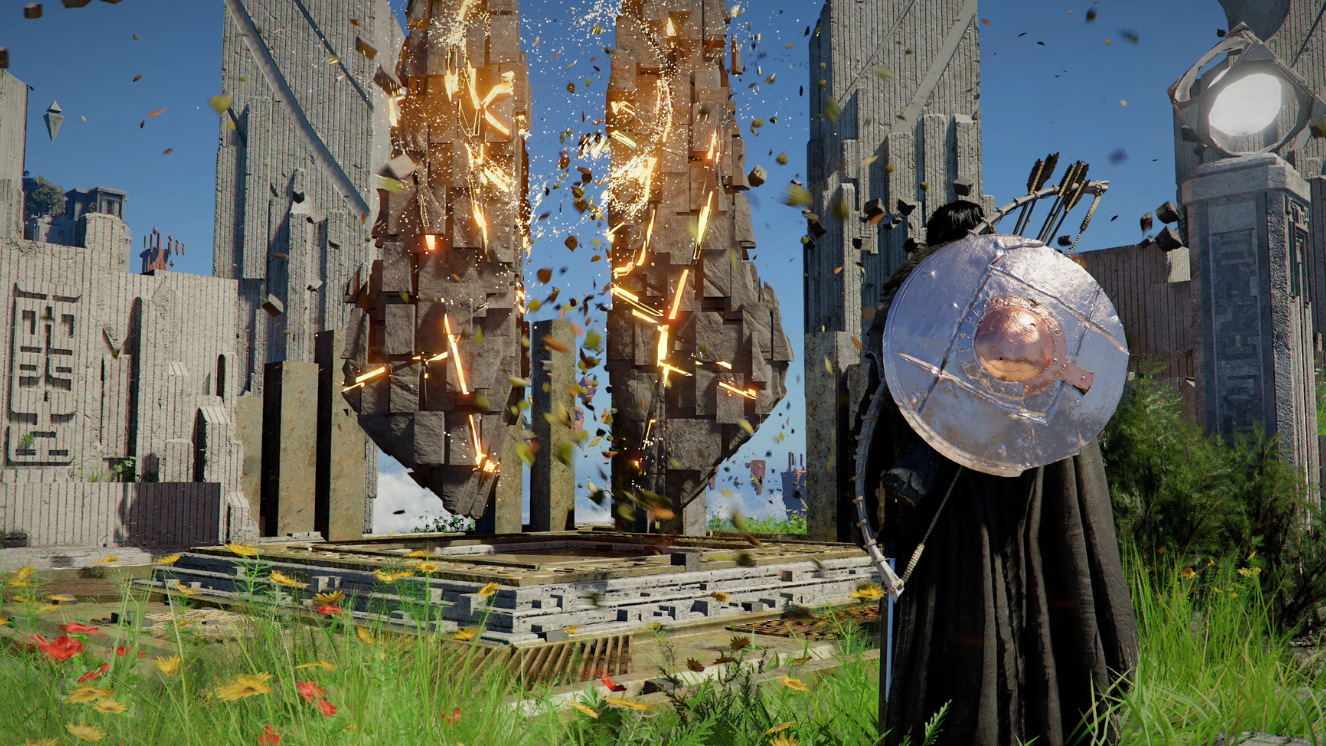
How to Find and Solve the Dragon’s Stone Chamber Puzzle in Crimson Desert
Rotate three ornate discs to the right positions and unlock an Abyss Cresset near your home camp.
-
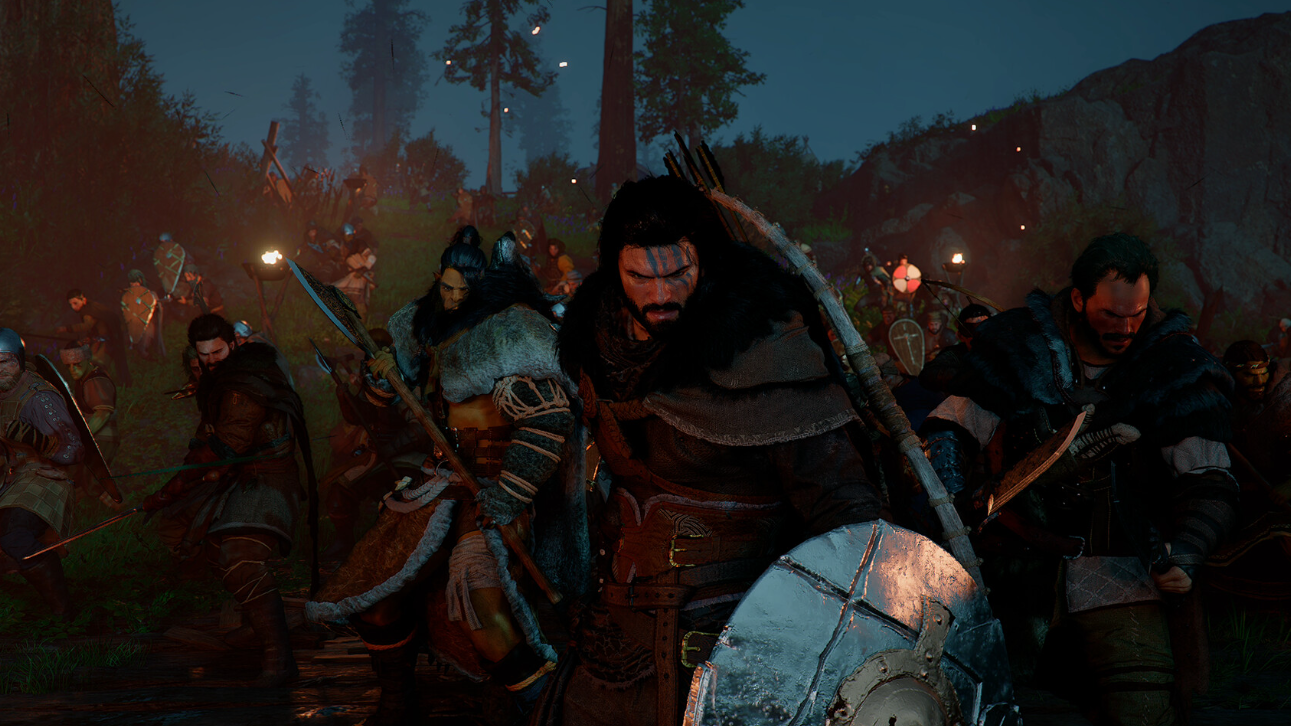
How to Cleanse the Sanctum of Penitence in Crimson Desert
Clear the Antumbra enemies, find the missing cube, and restore the broken pillar with Axiom Force.
-
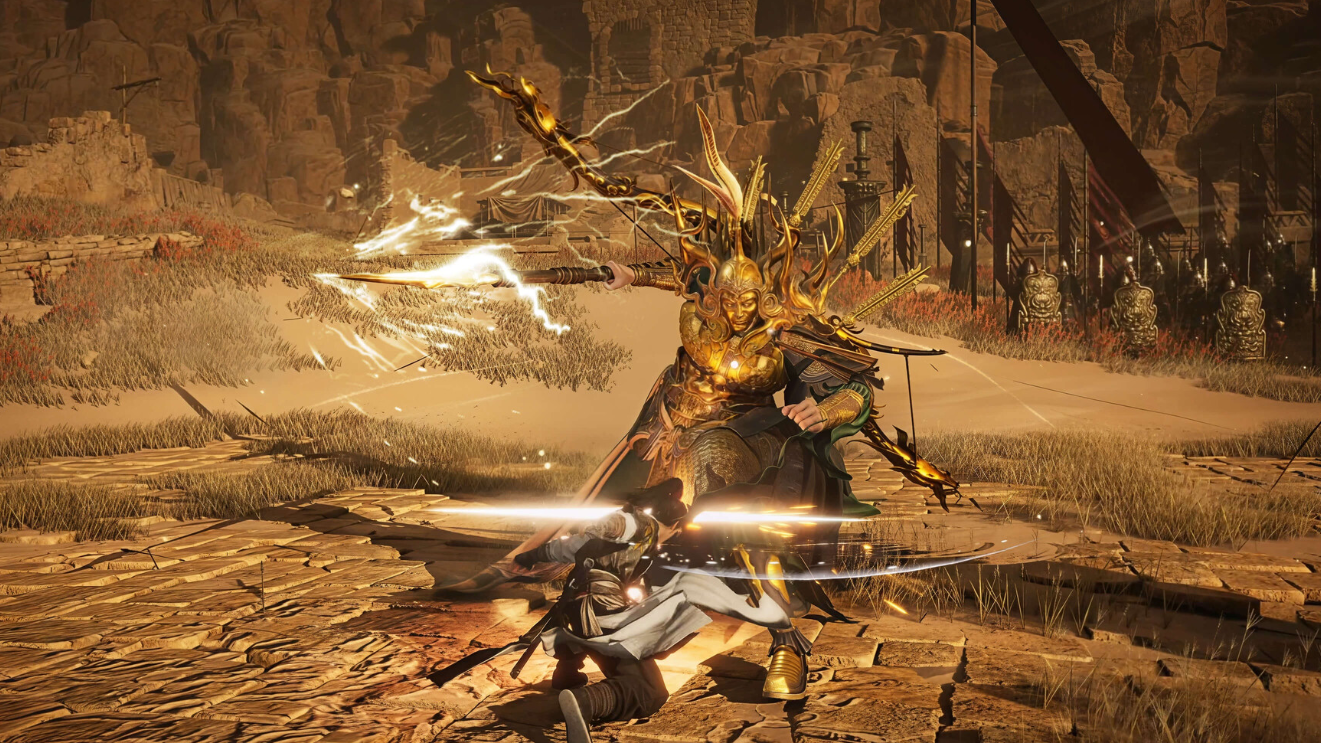
How to Complete Heart of Iron in Where Winds Meet
Find Ye Meng, retrieve Ye Wanshan’s Dagger, and claim your rewards in this Wandering Tale.