
Instructional, step-by-step articles.
Content Type: How-To
-
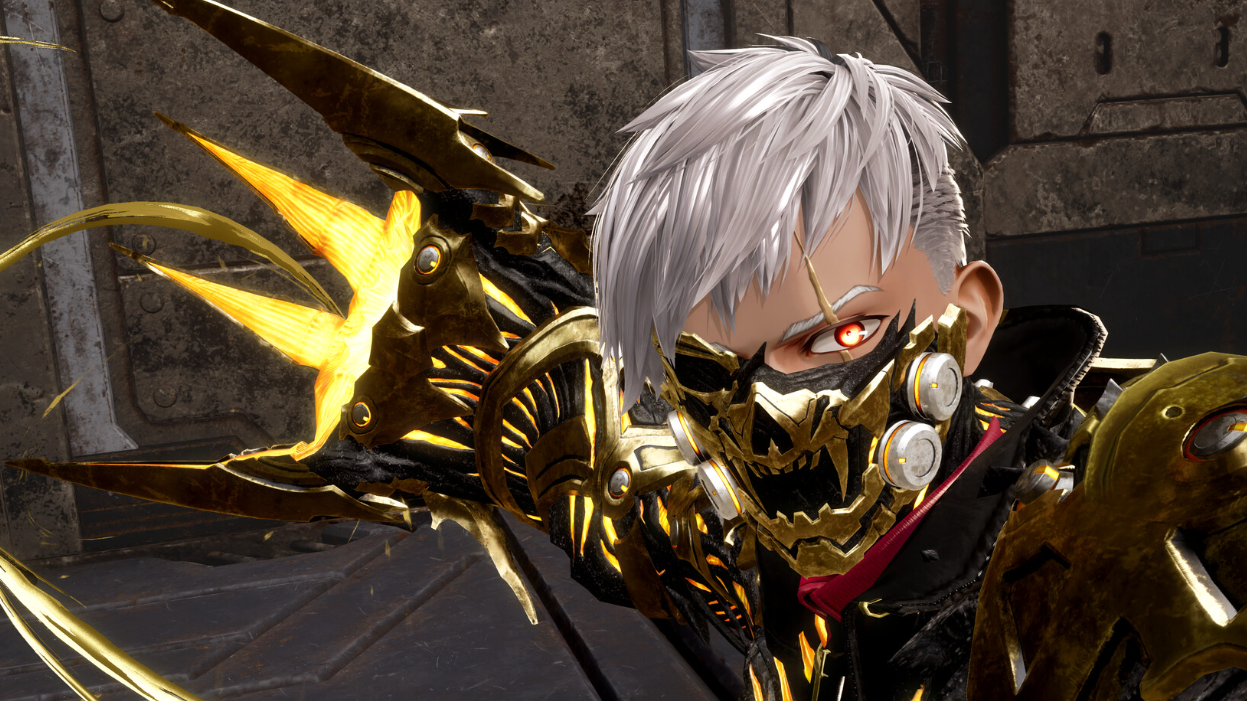
How to Change Your Appearance in Code Vein 2 After Character Creation
Use the MagMell building’s mirror room to switch to saved looks or edit your character once the hub is unlocked.
-
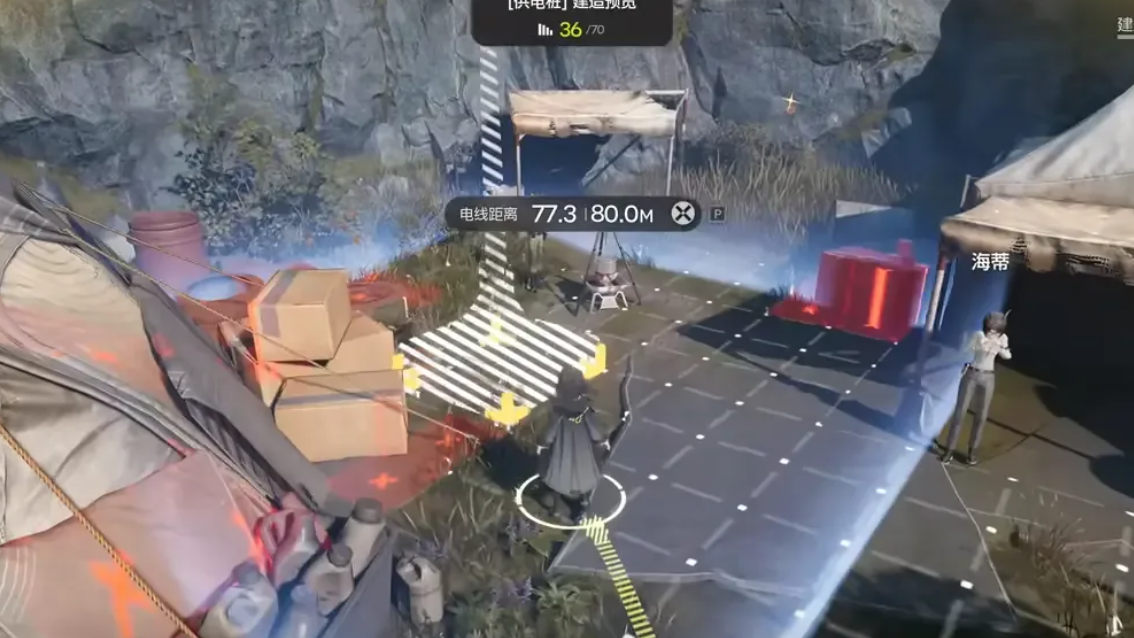
Arknights: Endfield – How To Power Aburrey Quarry From The Hub PAC
Learn the exact requirements and layout needed to bring PAC power from The Hub into every facility in Aburrey Quarry.
-
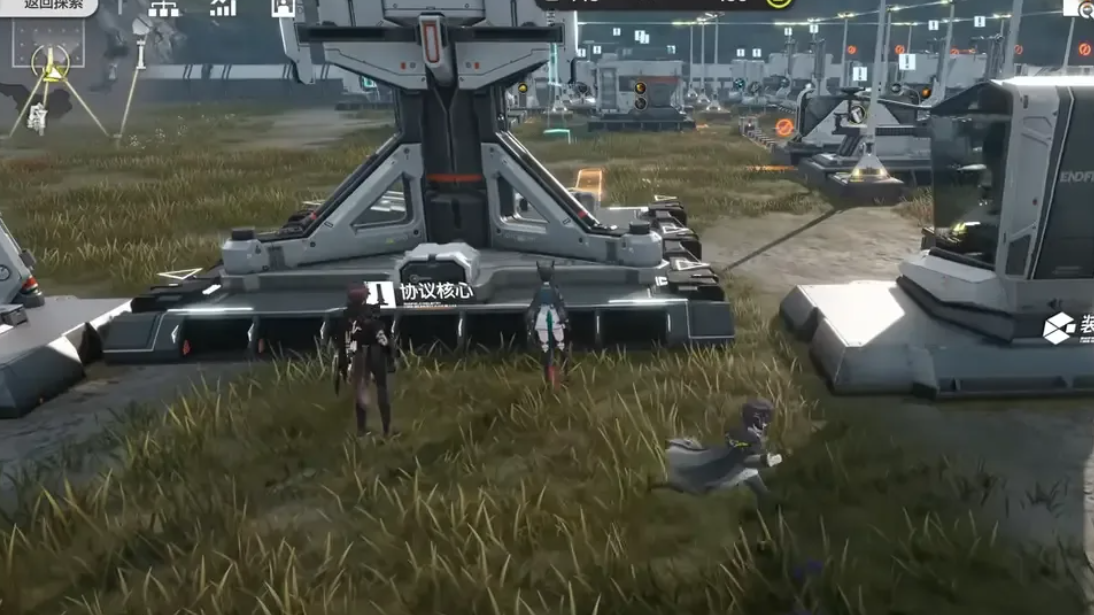
How to Complete Insider Threat in Arknights: Endfield
Learn the exact scan trigger, the hidden real-time wait, and how to confirm each phase of the Insider Threat mission.
-

How to get the Jupiter Blueprint in Arc Raiders
Learn the exact conditions for Jupiter Blueprint drops and how to confirm you did the Harvester event correctly.
-
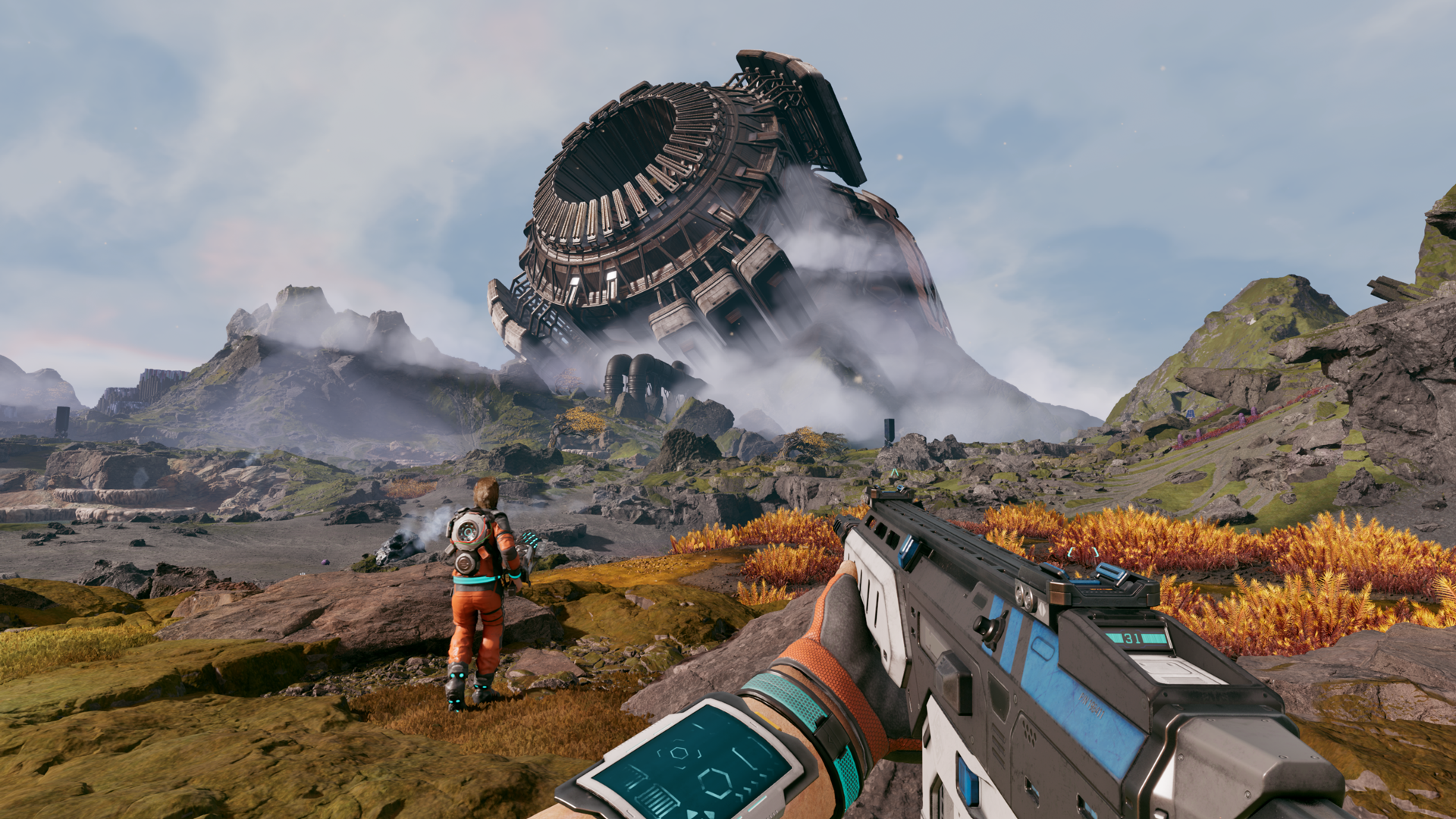
Where StarRupture saves your files on PC (and how to verify them)
Learn the exact Windows paths StarRupture uses for saves on Steam and how to confirm your progress is really being written.
-

Arknights: Endfield – How To Craft Industrial Explosives (Bombs)
Learn every requirement, machine, and resource you need to turn aketine and amethyst into portable explosives.
-

Highguard: How To Use Atticus’s Abilities Effectively
Understand how Shockspear, Supercharged Axe, and Powerstorm work so you can control fights and objectives with Atticus.
-
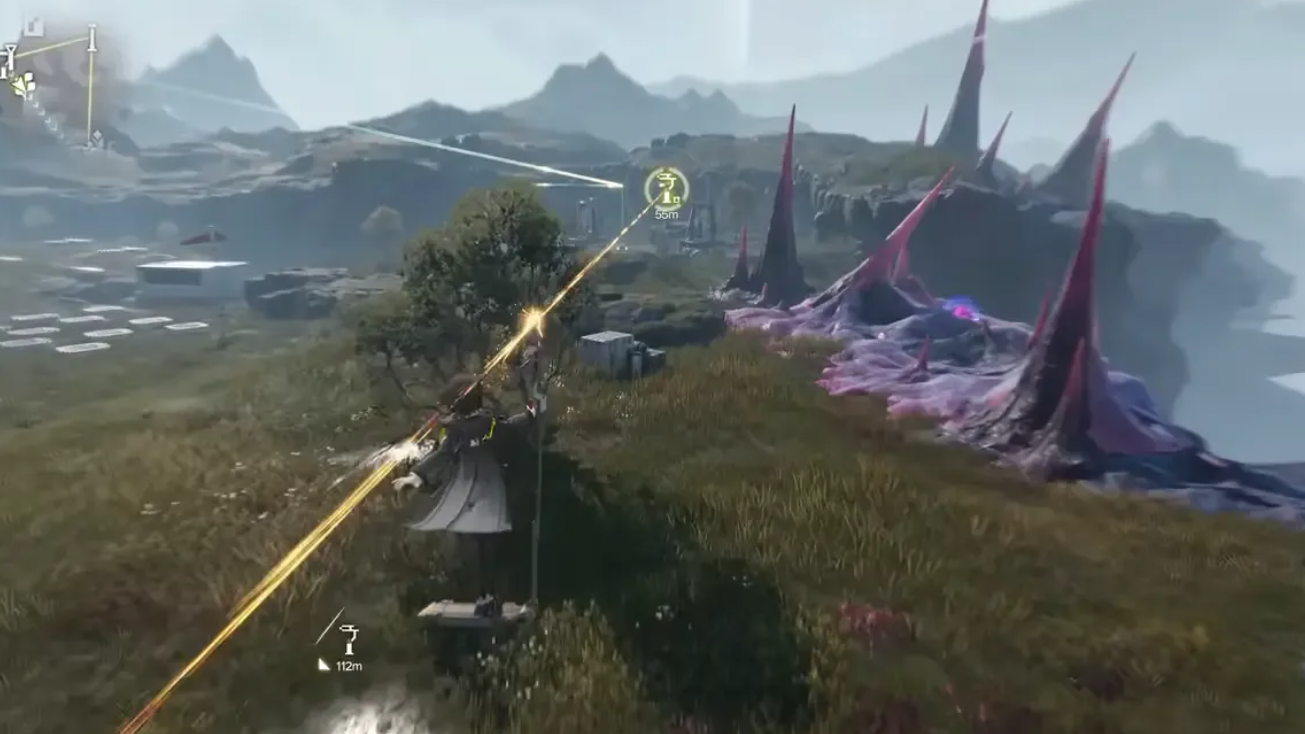
Arknights: Endfield – How To Unlock And Upgrade Stock Redistribution
Learn how to unlock Stock Redistribution, upgrade its terminals, and use Elastic Goods to farm Stock Bills efficiently.
-

Arknights: Endfield – How To Get And Farm Citrome
Learn where to find Citrome, unlock automated farming in the AIC, and turn it into useful products like Citrome Powder and Canned Citrome.
-
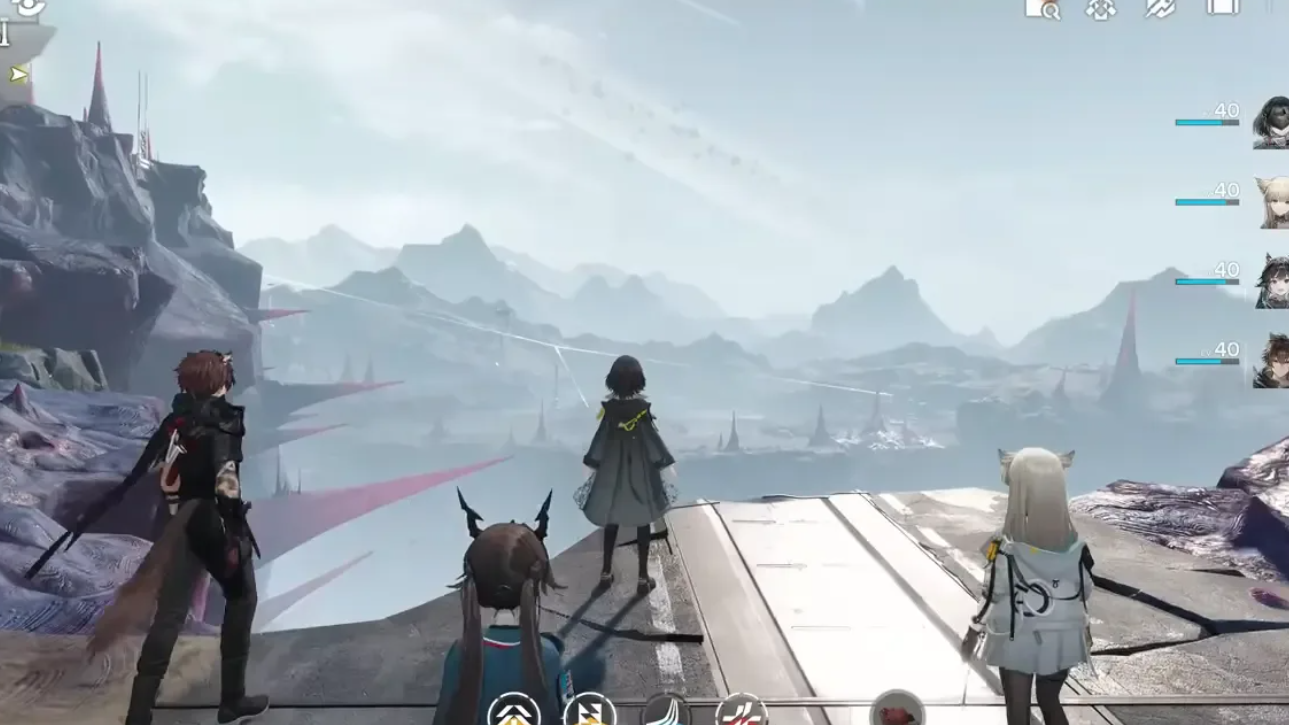
Arknights: Endfield – How To Complete Elevated Rescue (Bridge, Backup Parts, And Supplies)
Learn how to unlock Elevated Rescue, repair the collapsable bridge, gather backup parts, and retrieve UWST supplies in Origin Lodespring.