
Instructional, step-by-step articles.
Content Type: How-To
-

How to unlock Future Stars Paxten Aaronson in EA SPORTS FC 26
All four Ultimate Team objective requirements and every untradeable reward for the Paxten Aaronson Future Stars campaign.
-
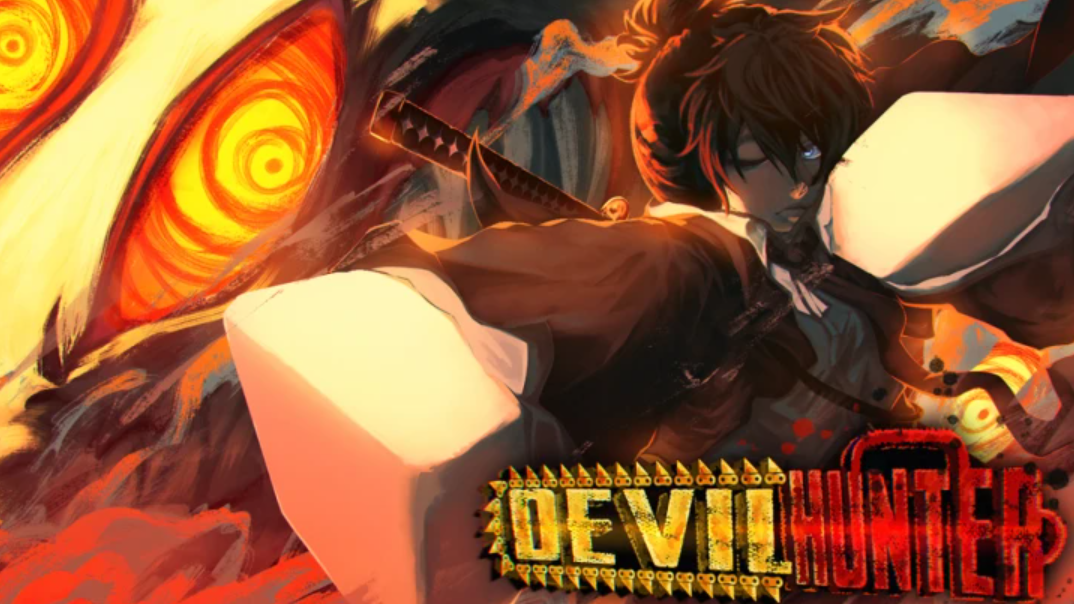
How to Level Up Quickly in Devil Hunter
Complete missions, use boosts, and focus on high-EXP farming routes to level up faster in Devil Hunter.
-
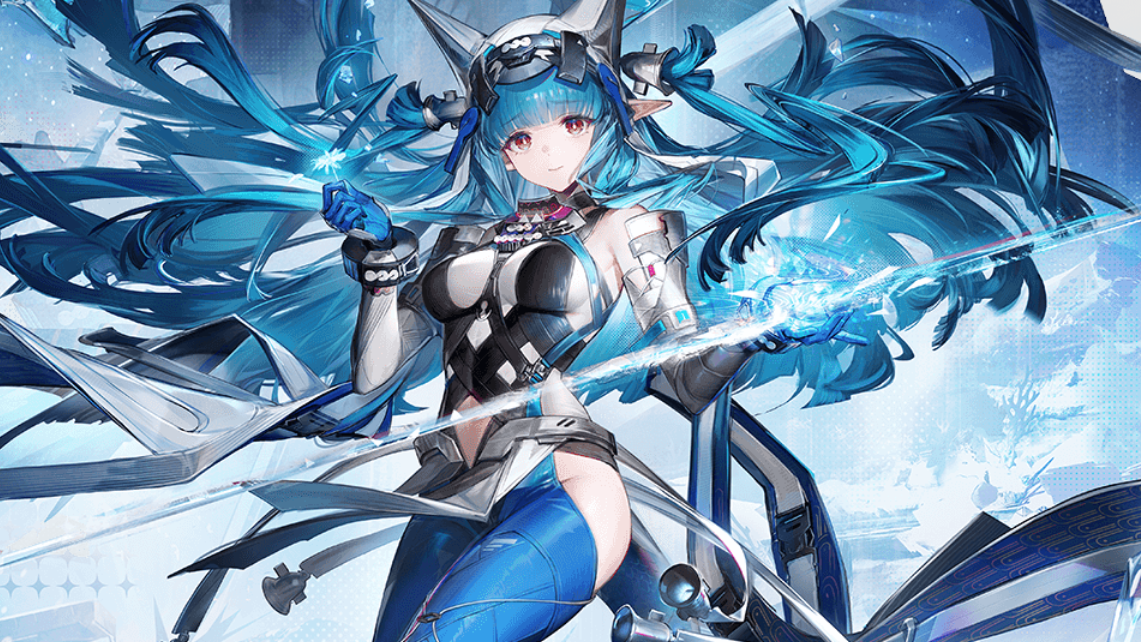
Arknights: Endfield — How to Build Last Rite for Best Performance
Last Rite is a ranged DPS in Arknights: Endfield. This guide covers her stat priorities, skill upgrades, and ideal team support.
-
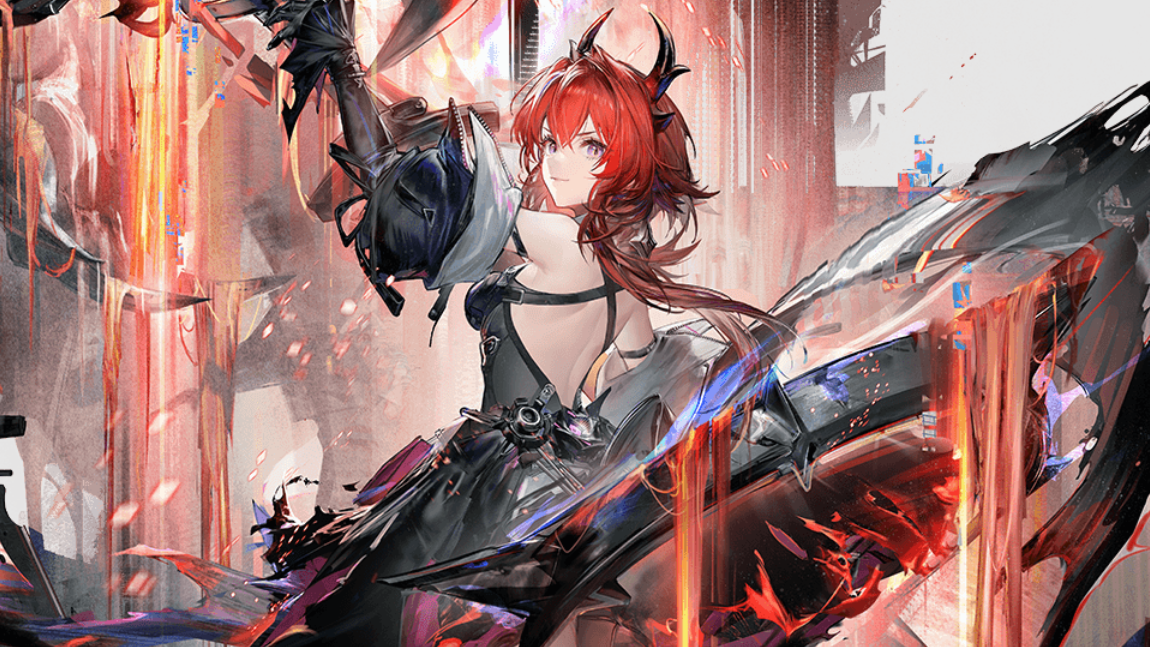
Arknights: Endfield — How to Build Laevatain Effectively
Laevatain is a sustained DPS in Arknights: Endfield. This guide covers her best stat priorities, skill focus, and team synergies.
-
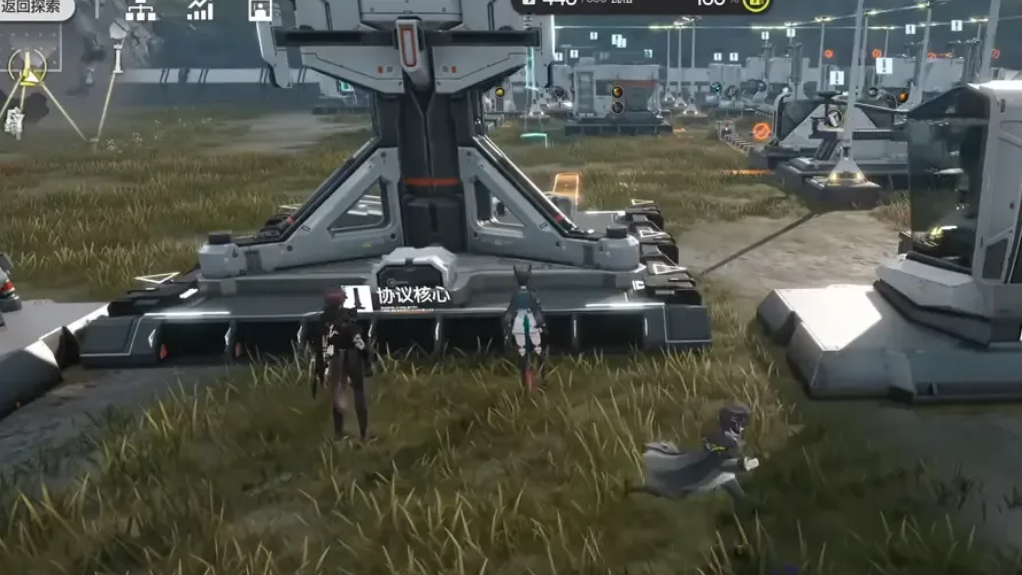
Arknights: Endfield – How Exploration Level Works and How to Raise It
Understand exactly how Exploration Level increases, what each rank changes, and how to lower it when difficulty spikes.
-

How to stop Roblox’s “unexpected error” memory dump crash on Windows
Focus on clean reinstalls, Windows security toggles, virtualization settings, and antivirus conflicts that prevent Roblox from launching.
-
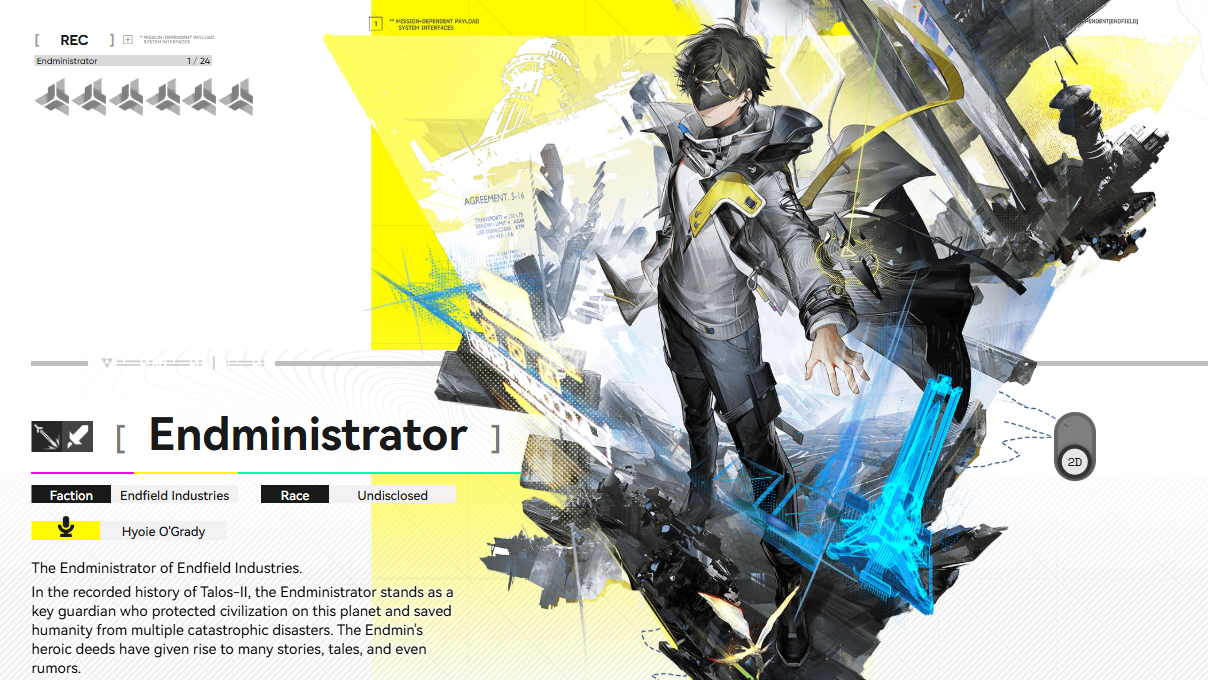
How to Switch the Endministrator’s Form in Arknights: Endfield
Unlock the Stasis Core on OMV Dijiang, then use the 24-hour cooldown feature to swap identities.
-
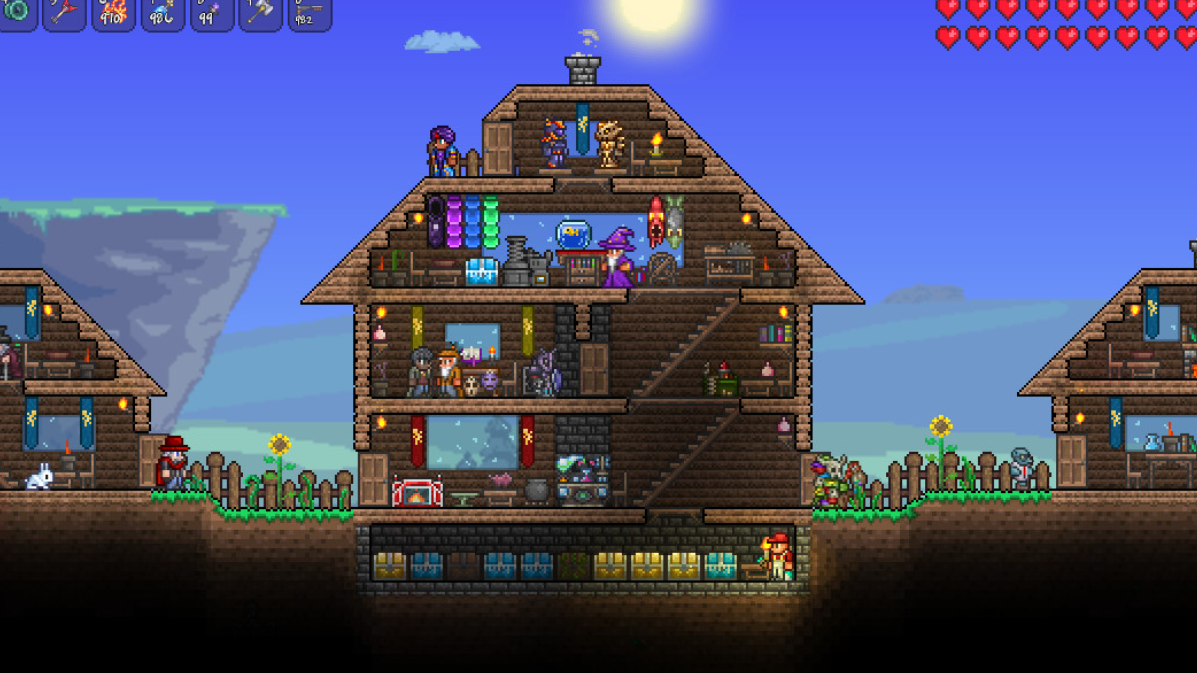
How to Get the Palworld Pals in Terraria 1.4.5 (and What They Do)
A tight reference for where each Pal spawns and how it turns into a usable summon or mount.
-
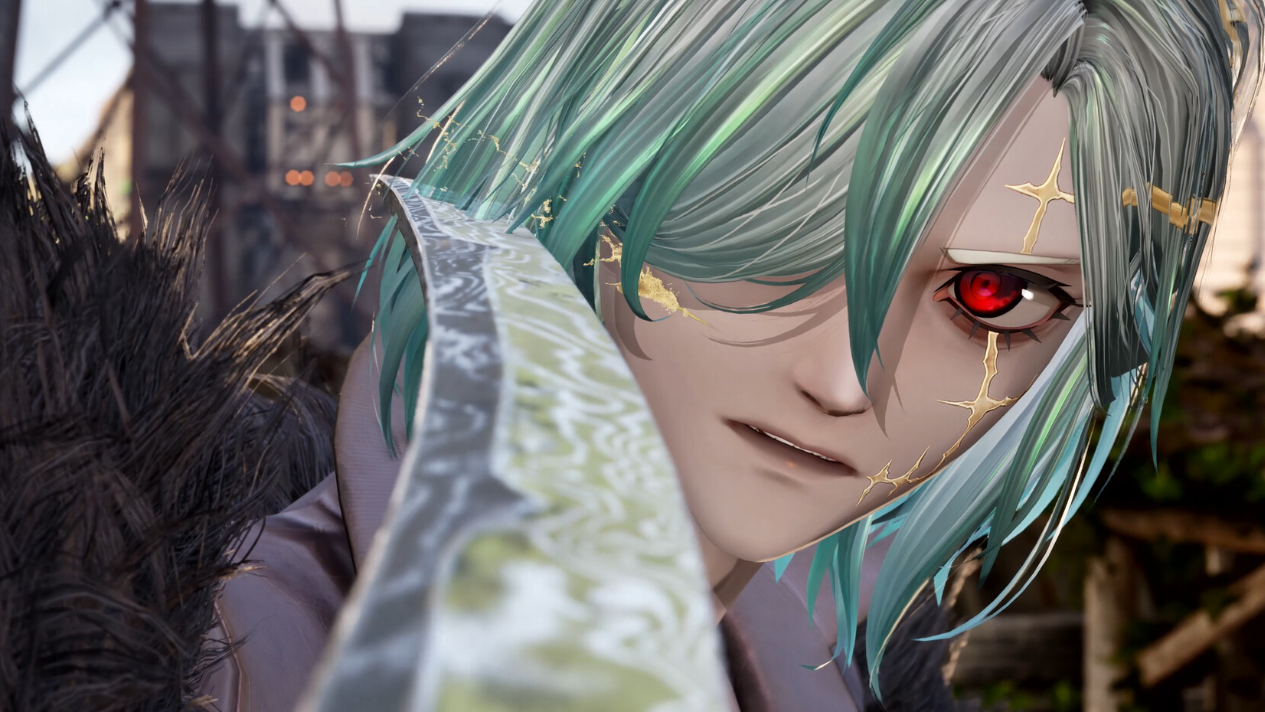
Code Vein 2: How To Skip Memory Sequences
Learn the exact button inputs to skip or fast‑forward memories in Code Vein 2 without affecting the main story.
-
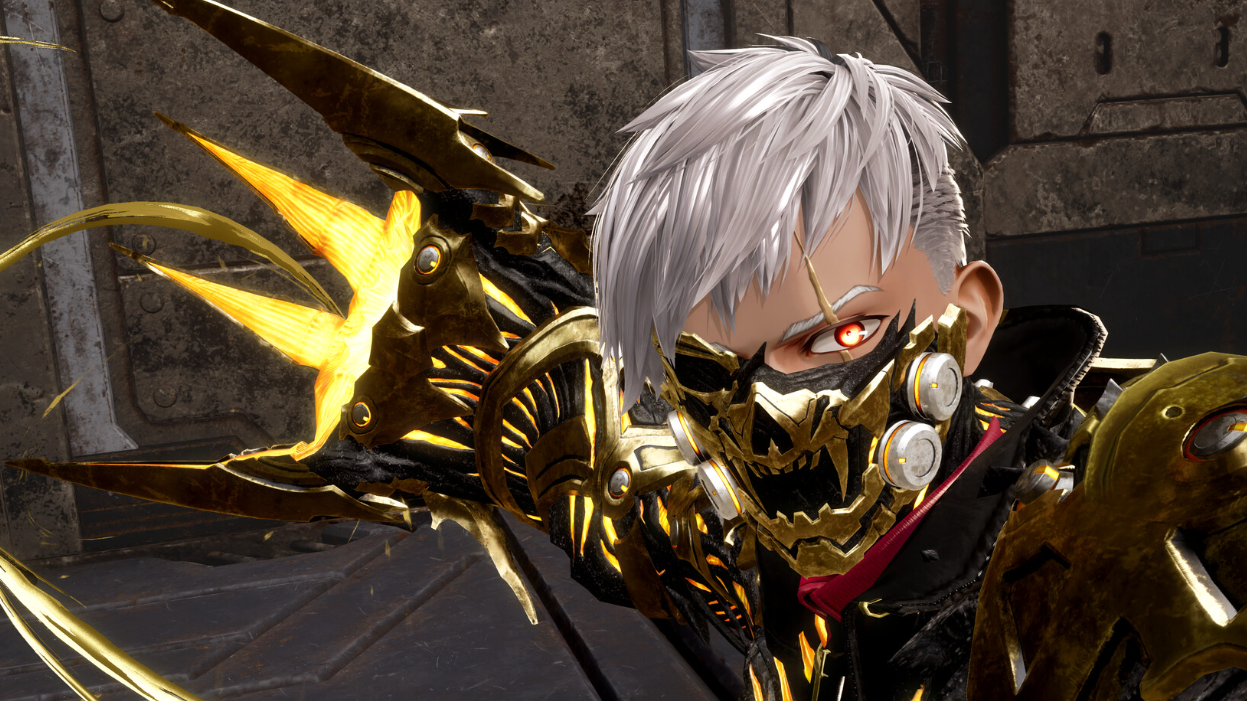
How to Change Your Appearance in Code Vein 2 After Character Creation
Use the MagMell building’s mirror room to switch to saved looks or edit your character once the hub is unlocked.