
Instructional, step-by-step articles.
Content Type: How-To
-

Universal Tower Defense Z: How to Get and Evolve Moonless Sky (Ichigo)
The exact drop spots, evolution materials, and ability effects for the Boundless Moonless Sky unit added in Update 4.0.
-
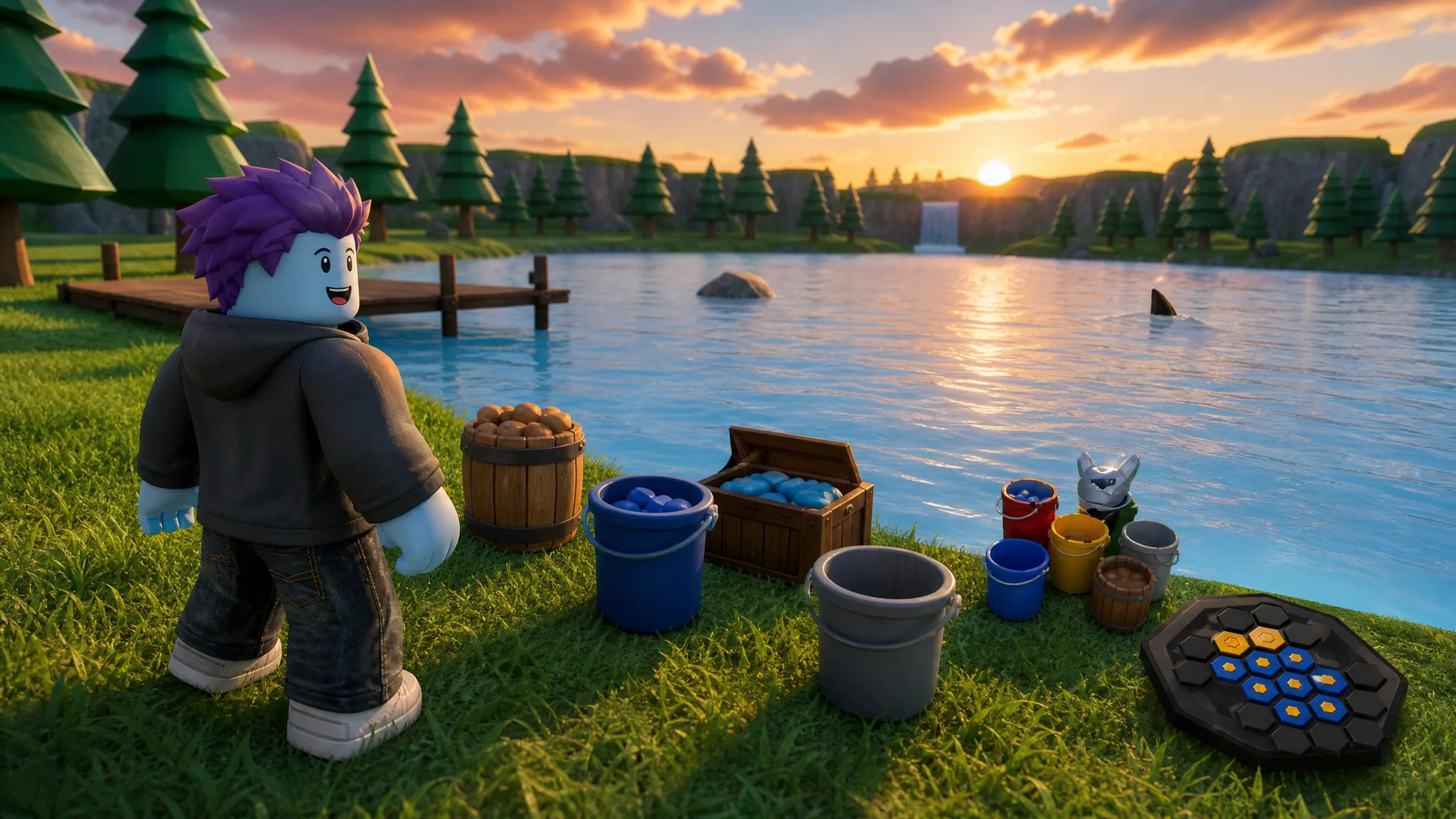
Drain the Lake: How to Get All 18 Badges (Roblox)
Every badge requirement, gem reward, and the fast path to the free Ancient Bucket.
-

How to Make a Palworld Dedicated Server on Windows and Linux
Install and run a 32-player Palworld server with SteamCMD, then open port 8211 so friends can connect.
-

Assassin’s Creed Black Flag Resynced: How to Manage Kenway’s Fleet and Earn Money
Unlock the fleet after Sequence 4, capture the right ships, and run trade and patrol missions for steady coin.
-

Fortnite: How to Travel Distance While Listening to the Radio in a Vehicle
Turn on any vehicle’s radio and drive 500 meters to clear the Chapter 7 Season 3 Week 6 quest for 12,000 XP.
-

Assassin’s Creed Black Flag Resynced: All Trinkets and How to Get Them
Every trinket in the pirate remake, what each one does, and the exact way to add it to your loadout.
-
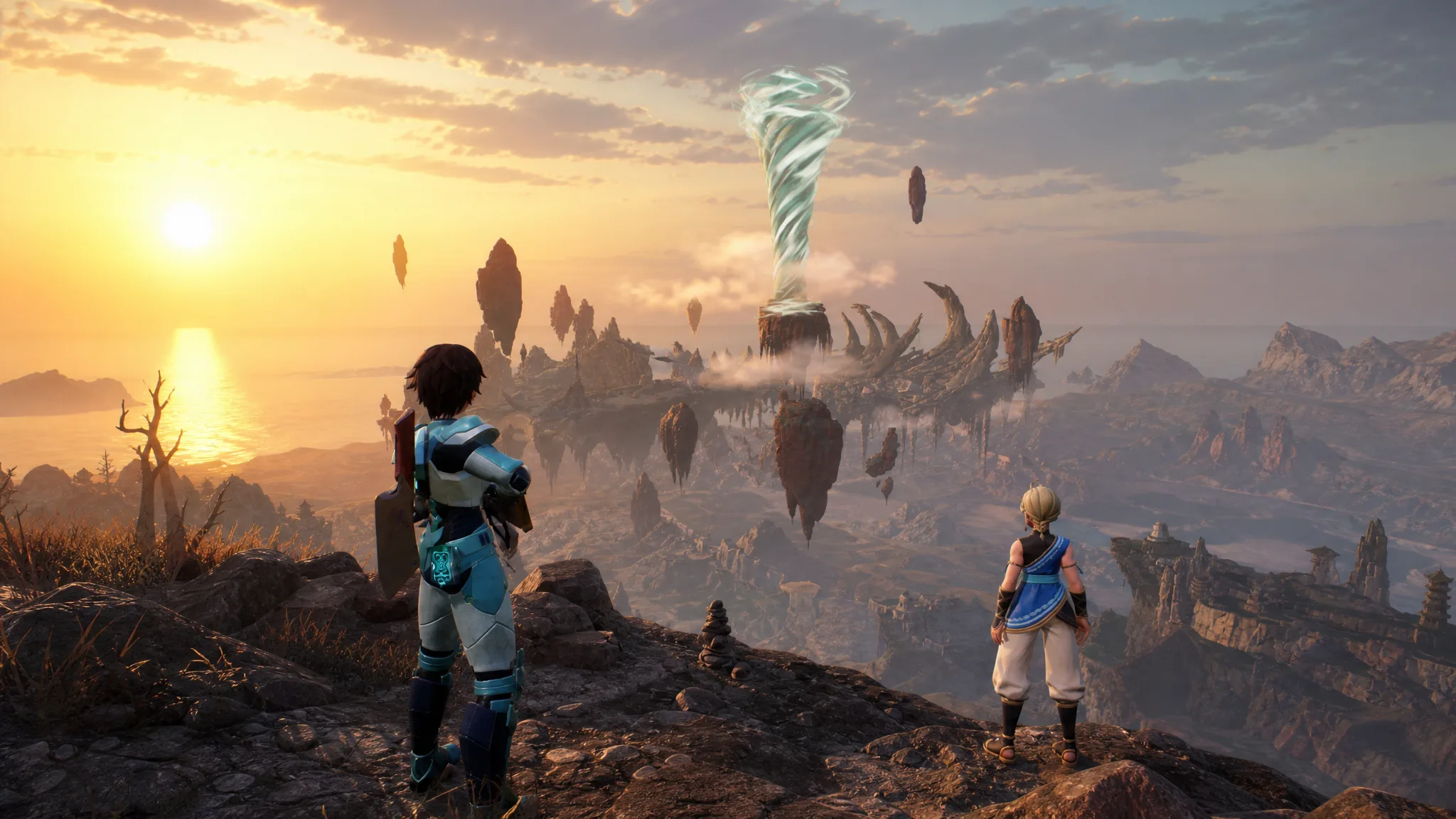
Palworld: How to Craft Paloxite Ingot at the Ancient Furnace
Everything you need to smelt Paloxite Ingots, from the Tech Level 74 unlock to farming Paloxite, Soralite, and World Tree Holy Water.
-
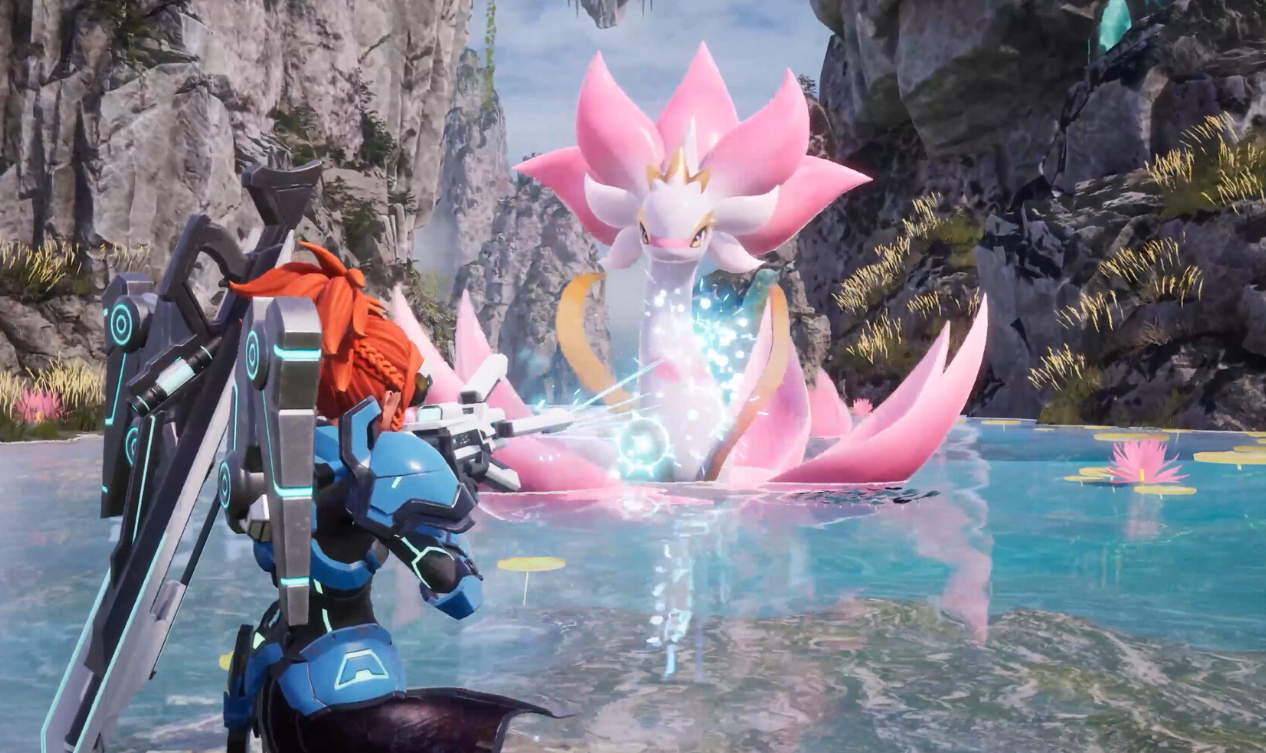
Palworld: How to Join a Dedicated or Community Server
Connect by IP address or server name, then reuse the Recent Servers list every time after that.
-
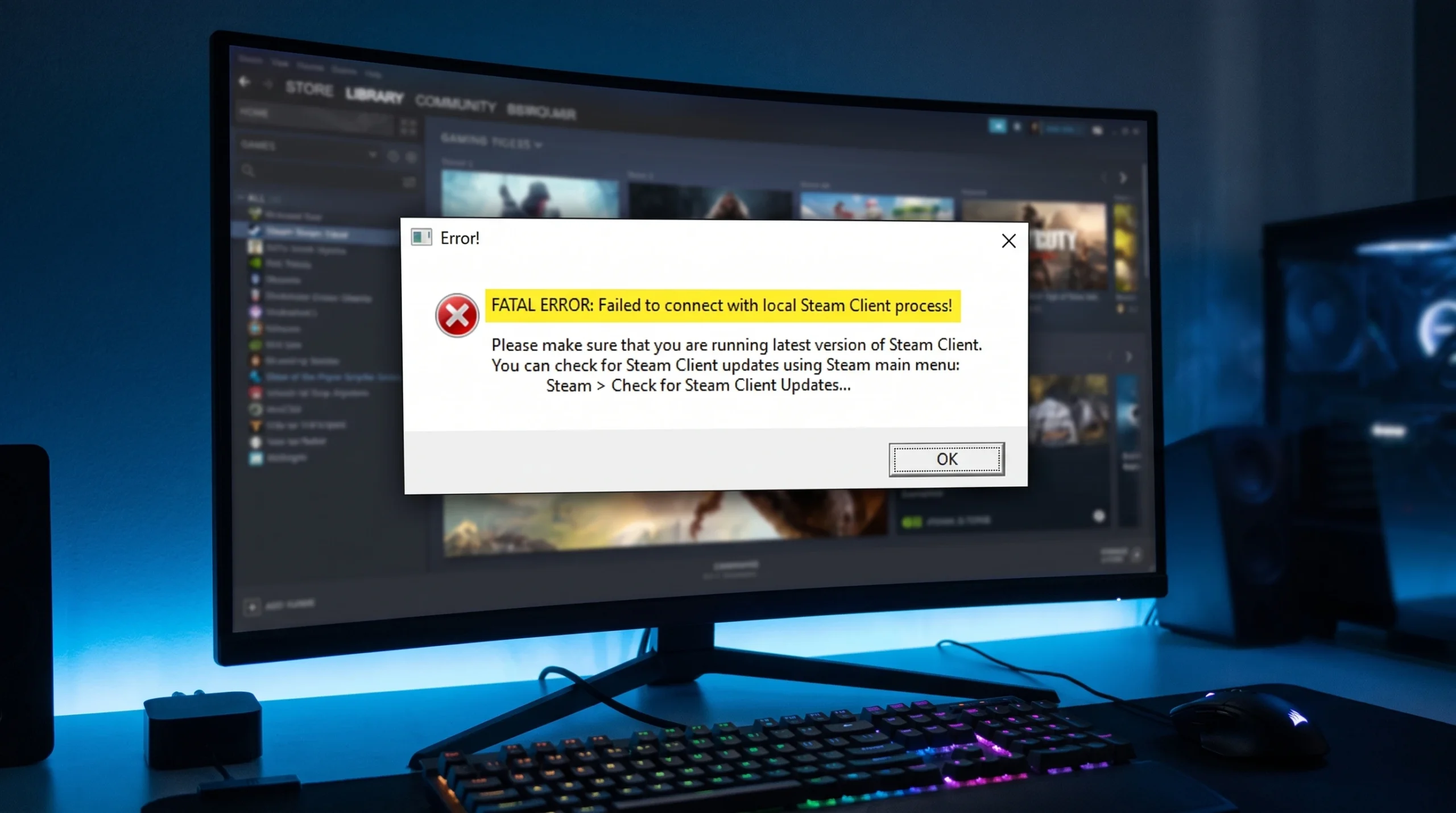
Fix “Failed to connect with local Steam Client process” on CS2 and CS:GO
The permission mismatch behind this Valve game crash, and the fixes that clear it in order of likelihood.
-
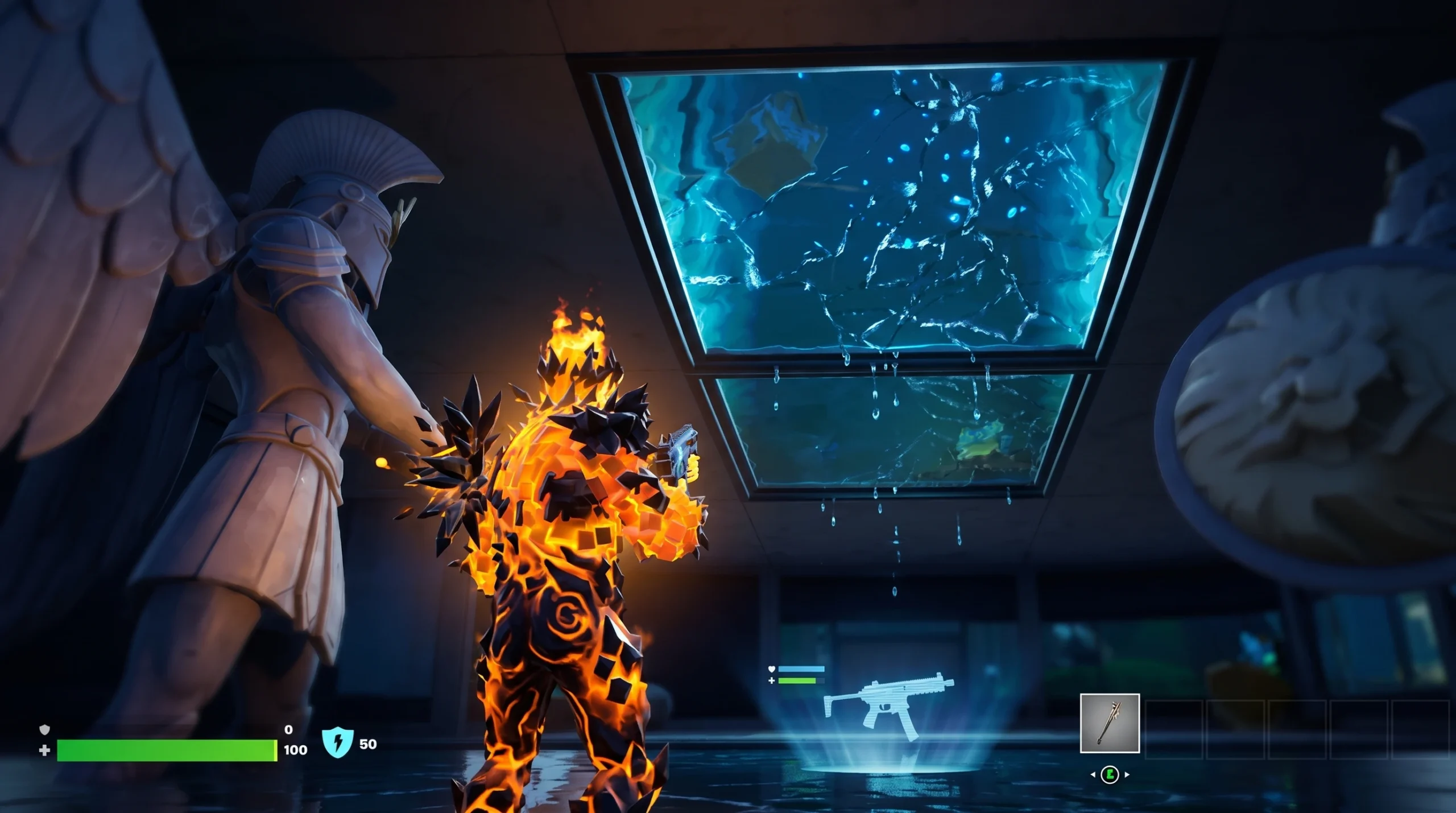
Fortnite Secret Aquarium: How to Break the Glass and Loot It Safely
Crack the hidden penthouse tank near Heatwave Harbor for 1,500 Gold and strong weapons without getting flooded.