
Instructional, step-by-step articles.
Content Type: How-To
-
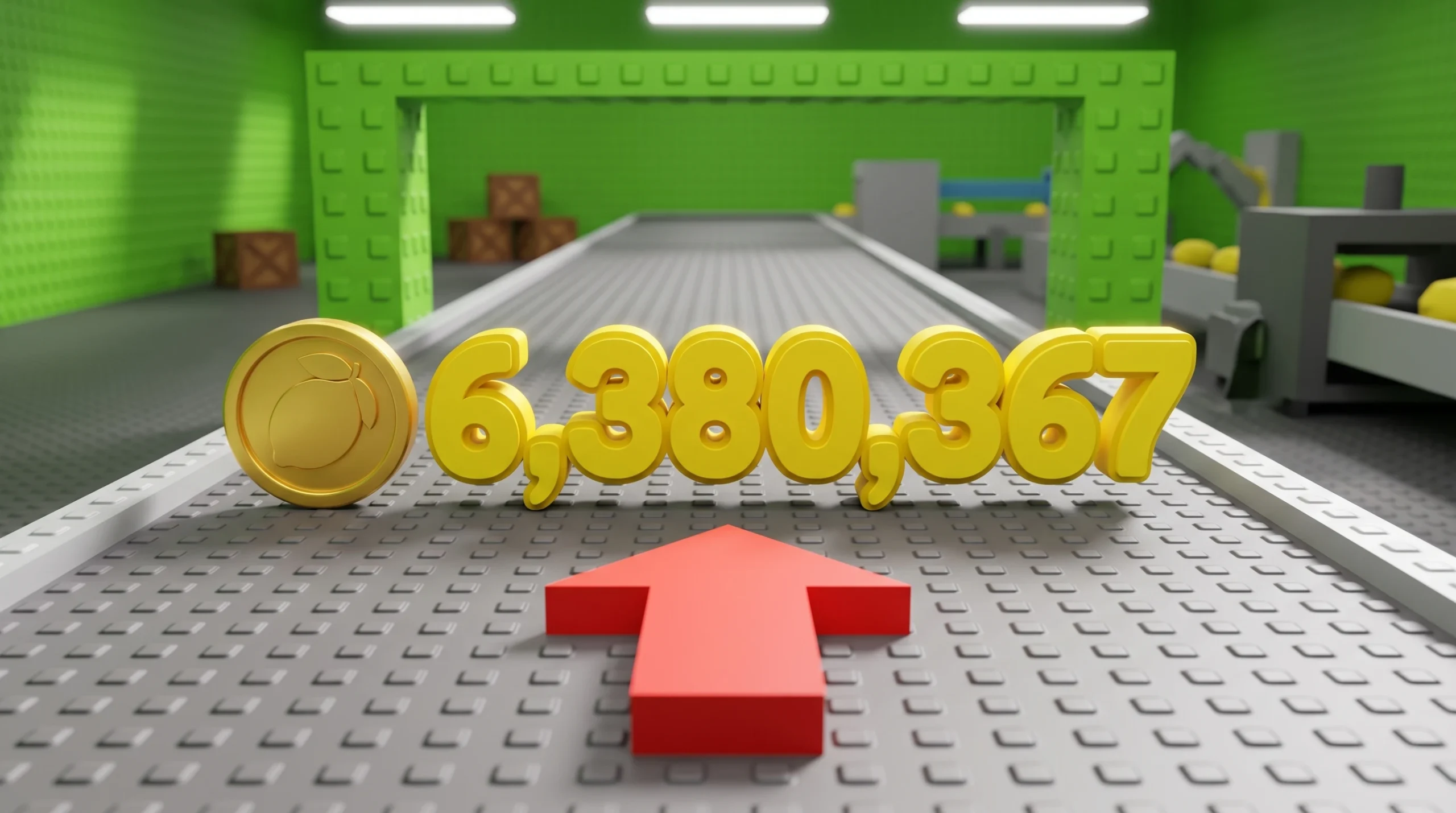
Sell Lemons Roblox: How to Earn Millions of Tokens Free-to-Play
How investors scale your income and which systems to prioritize to hit millions without spending Robux.
-

Get Honeycomb in Minecraft Without Angering the Bees: How to Do It Safely
Harvest three honeycombs from a full bee nest or beehive using shears, and use a campfire to keep the bees calm.
-

Rust Apartment Complex: How to Receive Mail in Your Rented Room
Mailboxes are tied to rented apartments, so holding an active room is what lets other players send messages to you.
-

How to Preload Assassin’s Creed Black Flag Resynced: Start Times and File Sizes (PS5, Xbox, PC)
Xbox preload is already live, while PS5 and PC downloads open on July 7 ahead of the July 9 launch.
-

How to Get the American Dad Skins in Fortnite (Stan and Francine Smith)
The Stan and Francine Smith cosmetics are live in the Item Shop, with a full bundle and individual prices in V-Bucks.
-

How to Get the Foundation Sprite in Fortnite (Chapter 7 Season 3)
The Foundation Sprite appears in the Battle Pass styles but is not obtainable yet, and here is what that means for you.
-

How to Claim Your Free Gilgamesh or Archer in Honkai Star Rail 4.4
The Fate Contract: Renewal event hands every Trailblazer one free 5-star, plus level-up materials, once the second Fate collab goes live.
-
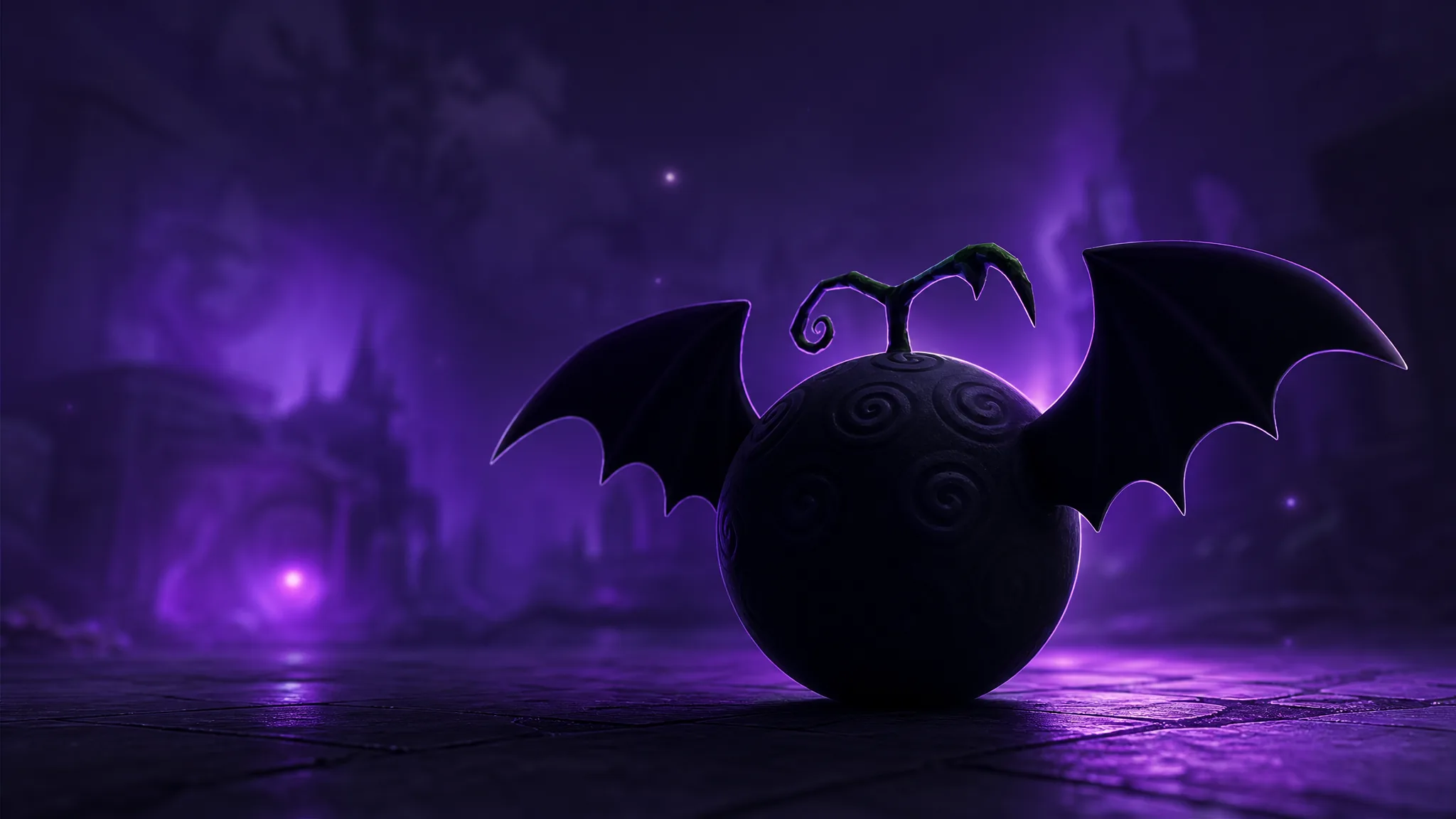
How to Get the Shadow Fruit in Haze Seas (Roblox)
Where to buy this Legendary Paramecia, what it costs, its roll odds, and every move it unlocks.
-
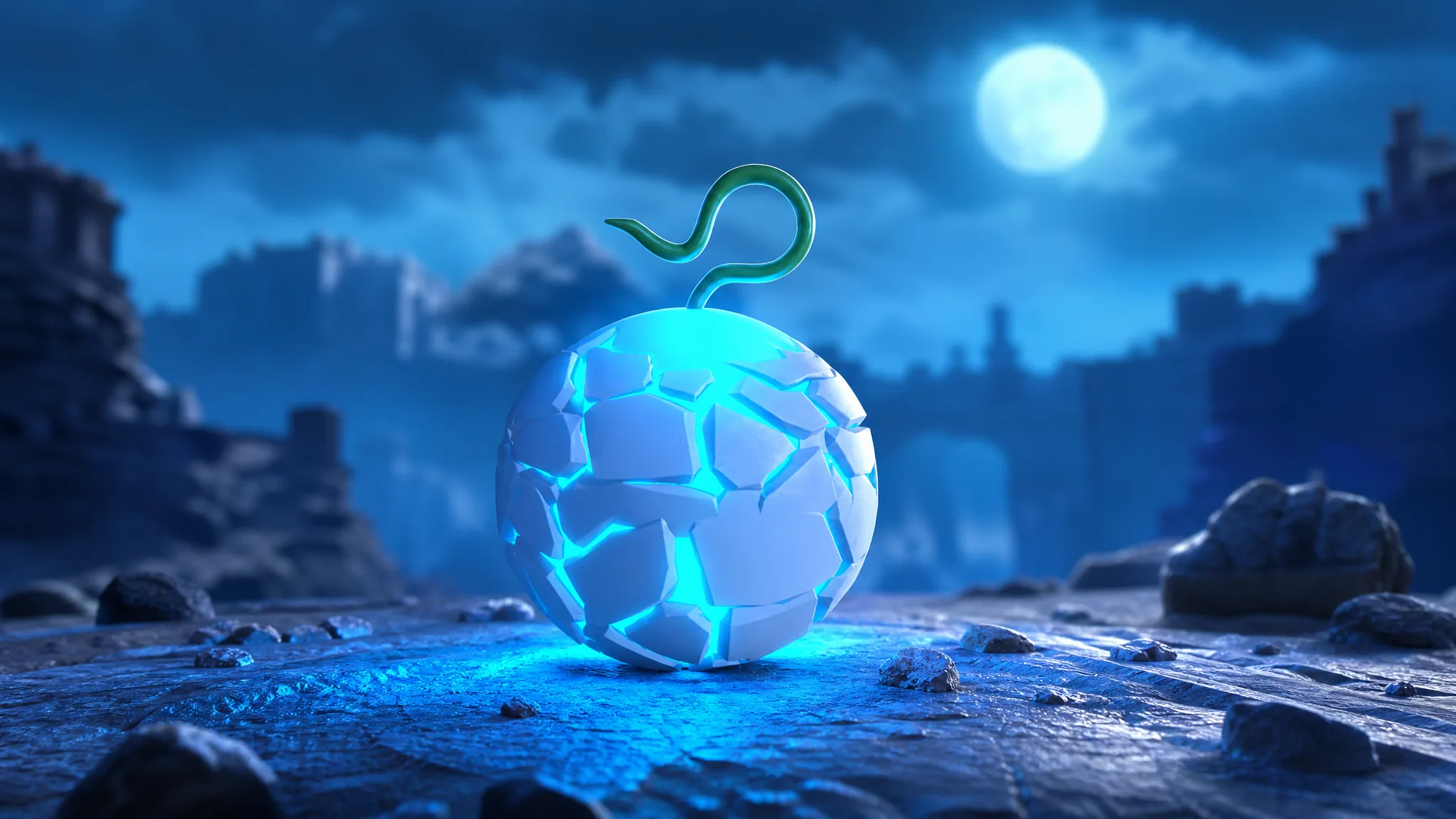
How to Get the Tremor Fruit in Haze Seas (Cost, Roll Chance, and Moveset)
Everything that decides whether you can grab this Legendary Paramecia fruit, plus every move it unlocks.
-

How to Get the Duck Sprite in Fortnite (Chapter 7 Season 3)
Where the Epic shield-regen Sprite spawns, how to extract it, and every variant buff it carries.