
Instructional, step-by-step articles.
Content Type: How-To
-

Stolen Heart in The Forge: How to Spawn It and Why It Matters
Learn where the Stolen Heart comes from, how to force Heart of the Island spawns, and why this ore gates Berserker armor.
-
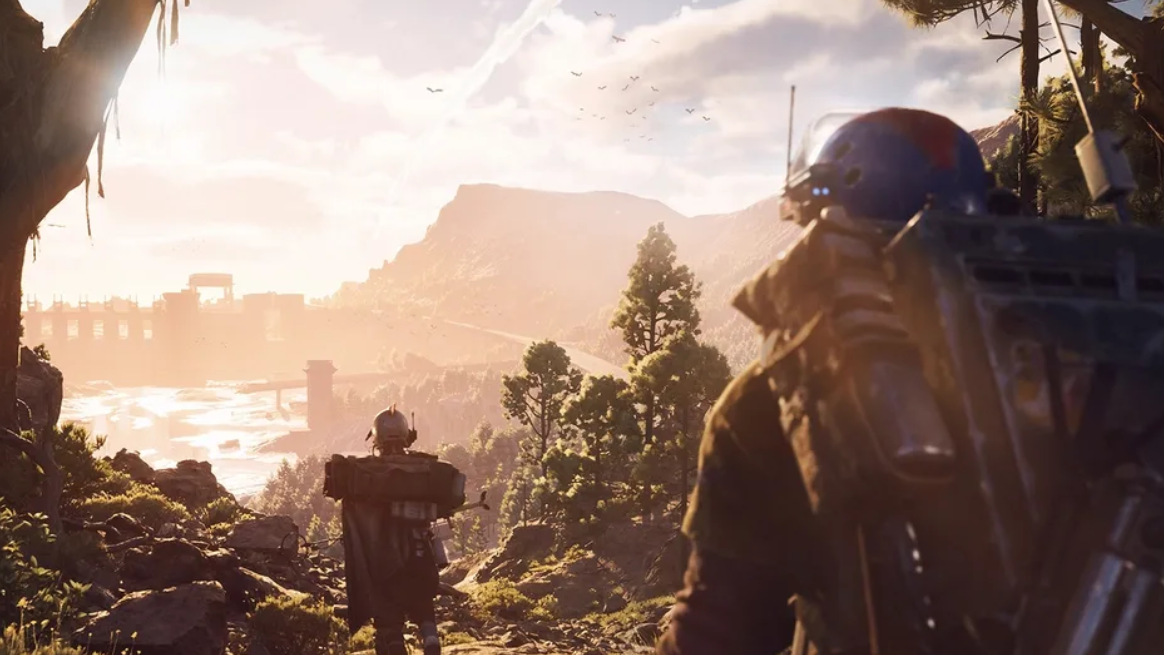
Alarm Clock locations in ARC Raiders and how to use them
Learn where Alarm Clock drops most often, how raid maps affect your odds, and why you should recycle it instead of selling.
-
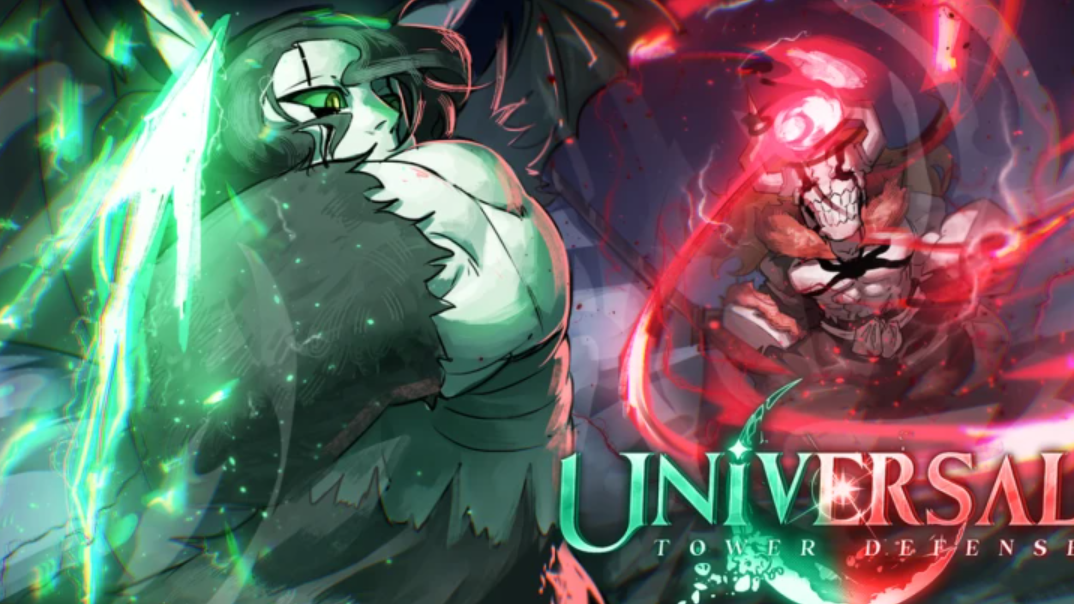
How currency works in Universal Tower Defense (and how to farm it efficiently)
Gems, gold, tokens, and VR coins all matter in Roblox’s Universal Tower Defense—here’s how they fit together and how to earn them faster.
-

Avatar: Frontiers of Pandora – From the Ashes DLC achievements and how to earn them
All 11 From the Ashes achievements, what they track, and the in-game actions required to unlock each one.
-

How to get the Showstopper Blueprint in Arc Raiders
Learn how the Showstopper Blueprint drops, where players most often find it, and what you need to craft the grenade.
-

Echoes of Old Battles: How to Clear the Northern Vow Ruins in Where Winds Meet
A concise walkthrough of the Northern Vow Ruins questline, from lighting the braziers to solving the underground wall puzzle.
-
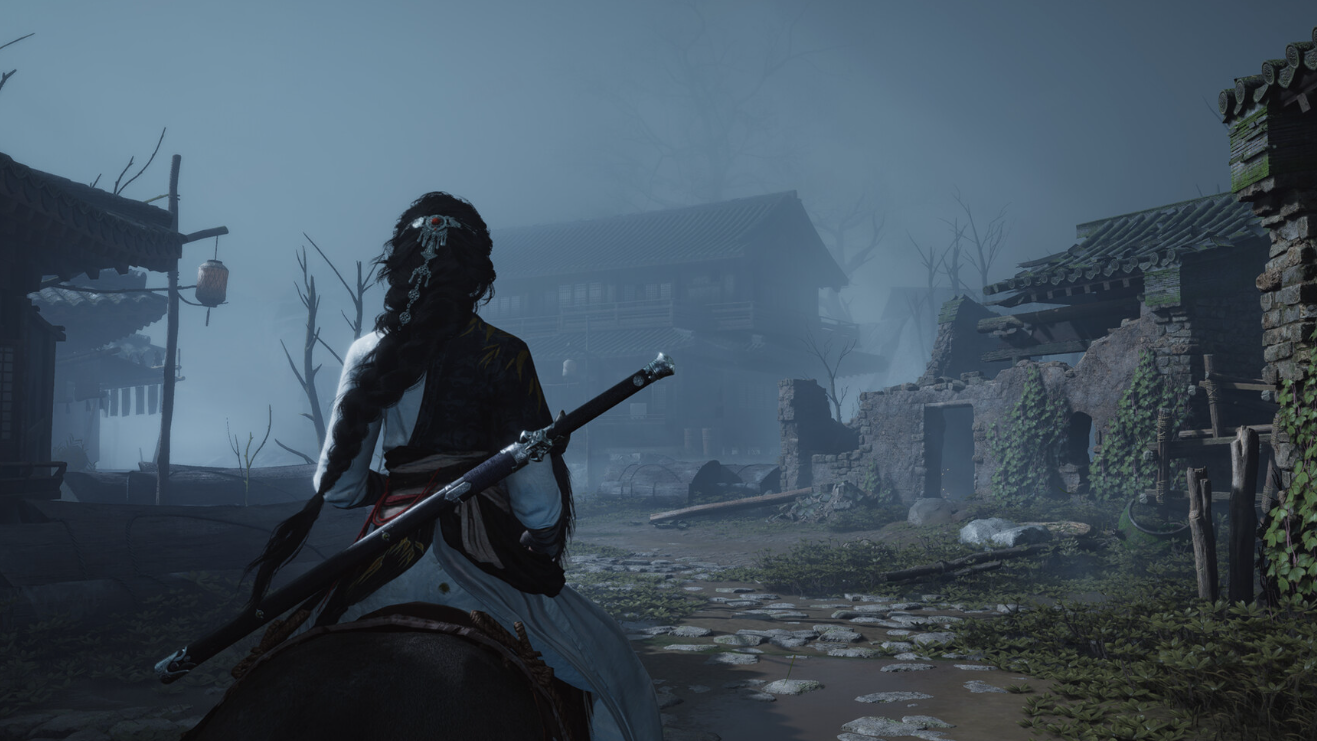
Where Winds Meet Useless Lock: How to Free the Wolf Maiden and Get Silver Fangs
Learn how to reach the Ghost Market, pick up the Useless Lock, and unlock the Wolf Maiden’s Silver Fangs mask.
-
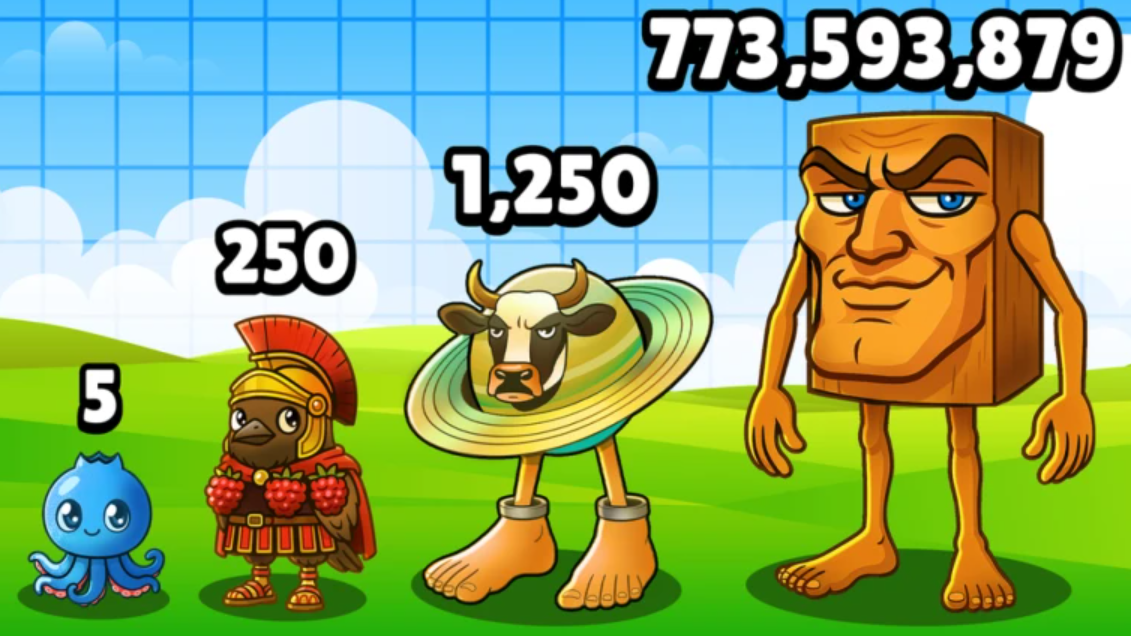
How to Use Private Servers in Brainrot Evolution on Roblox (2026)
Join shared Brainrot Evolution VIP links, create your own 29 Robux server, and decide if the subscription is worth it.
-
How to Use Brookhaven RP Private Servers in 2026
Join active Brookhaven private server links, create your own 100 Robux server, and find communities that roleplay seriously instead of dealing with chaos.
-
How to use Steal A Brainrot private servers in January 2026
Learn which Steal A Brainrot private servers are open now, how they work, and how to create or find your own.