
Instructional, step-by-step articles.
Content Type: How-To
-
How to Change the Default Language Shortcut in Windows 11
Switching or customizing keyboard language shortcuts in Windows 11 streamlines multilingual typing and prevents accidental layout changes.
-
How to Fix “You’ve Entered an Incorrect PIN Too Many Times” Error in Windows 11
Regain access to your Windows 11 device after reaching the PIN entry limit by following these practical recovery methods.
-
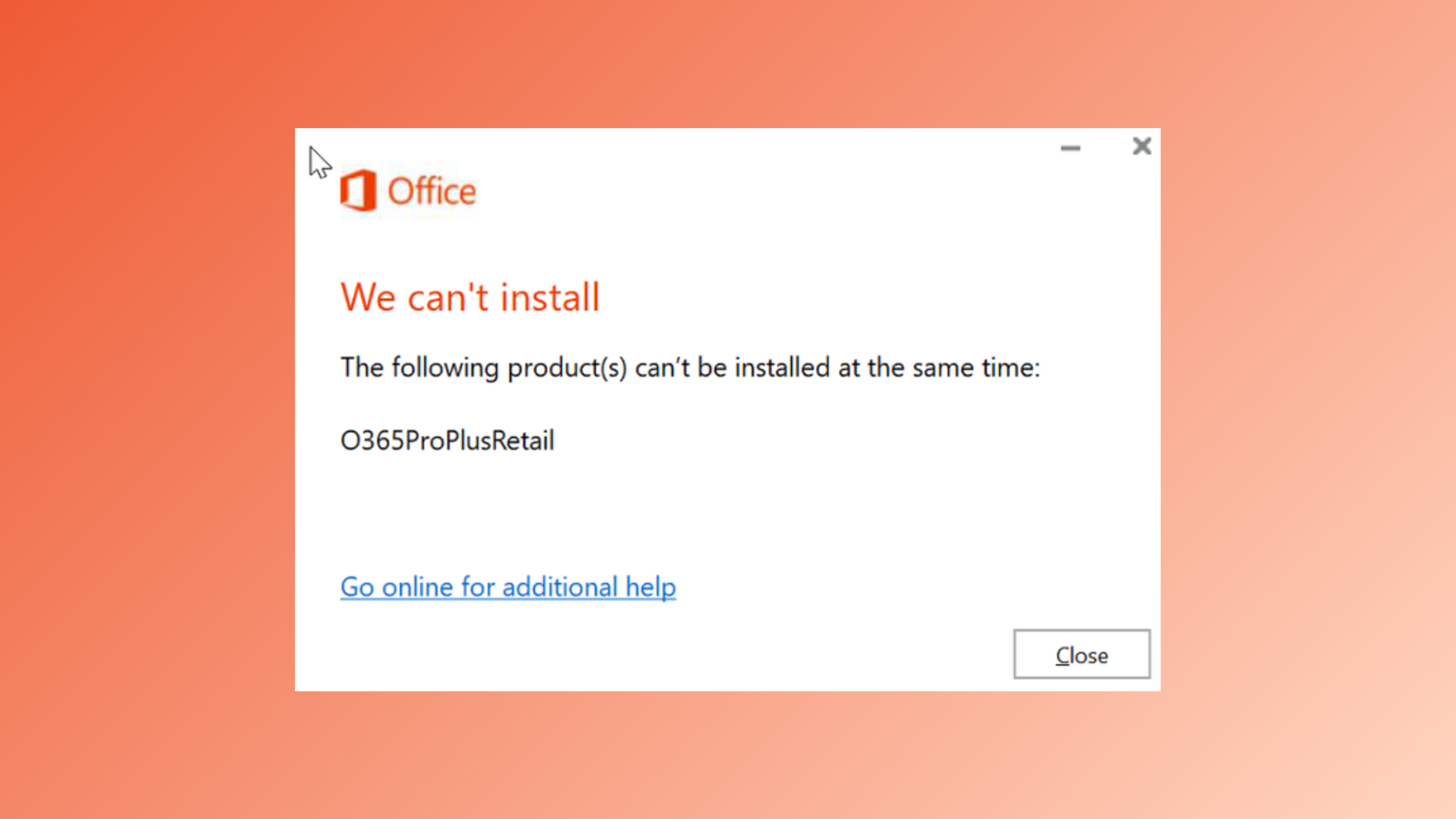
How to Fix “The Following Products Cannot Be Installed at the Same Time” Office 365 Error
Resolve Office 365 installation conflicts by removing incompatible versions and clearing residual files for a successful setup.
-

How to Fix OneDrive Error Code 102: Something Went Wrong
Resolve OneDrive error code 102 by addressing browser session issues, network changes, and permission conflicts using these effective solutions.
-
How to Edit Images in Word with Picture Editing Tools
Learn how to use Microsoft Word’s built-in picture editing tools to adjust, correct, and modify images directly within your documents.
-
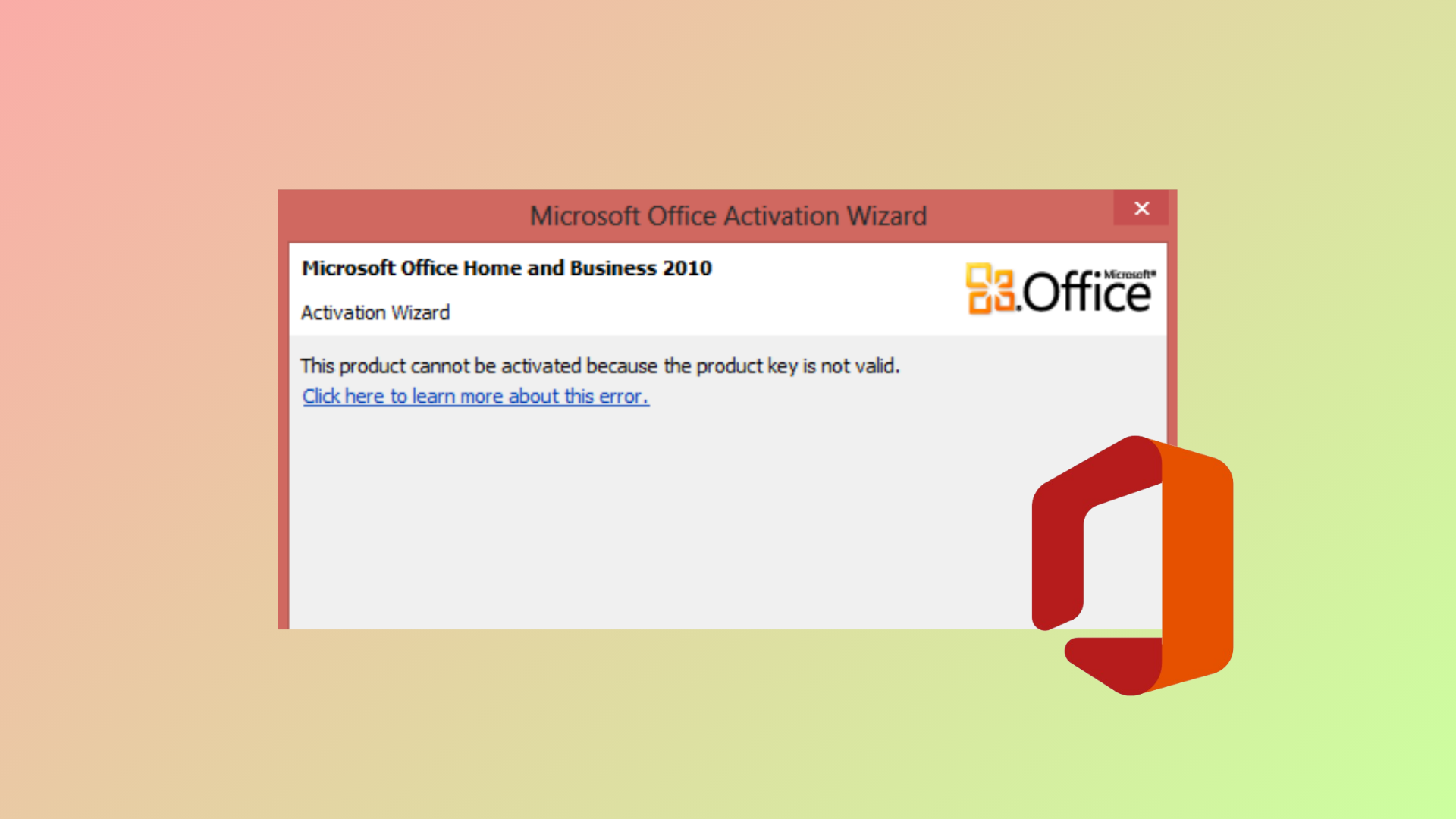
How to Fix “Unable to Activate Microsoft Office: This Is Not a Valid Office Product Key” Error
Resolve invalid Office product key errors and restore full functionality to your Microsoft Office or Microsoft 365 installation with these proven solutions.
-
How to Fix DirectDraw Initialization Failed Error on Windows 11
Resolve DirectDraw initialization errors in Windows 11 to restore compatibility for older games and legacy applications.
-
How to Cancel a Print Job on Brother, Epson, HP, and Other Printers
Clear instructions for stopping unwanted print jobs across major printer brands and operating systems.
-

How to Blur Part of an Image in Microsoft PowerPoint
Learn practical methods to blur specific areas of an image in PowerPoint, whether you need to hide sensitive information or draw attention to key…
-
How to Fix Outlook Signature Not Working on Reply
Resolve issues with Outlook signatures not appearing or displaying incorrectly when replying to emails by adjusting message format, signature settings, and troubleshooting common problems.