
Instructional, step-by-step articles.
Content Type: How-To
-
How to Fix Outlook Error 0x80040154
Resolve the 0x80040154 error in Microsoft Outlook by repairing data files, re-registering DLLs, and correcting configuration issues with detailed solutions.
-
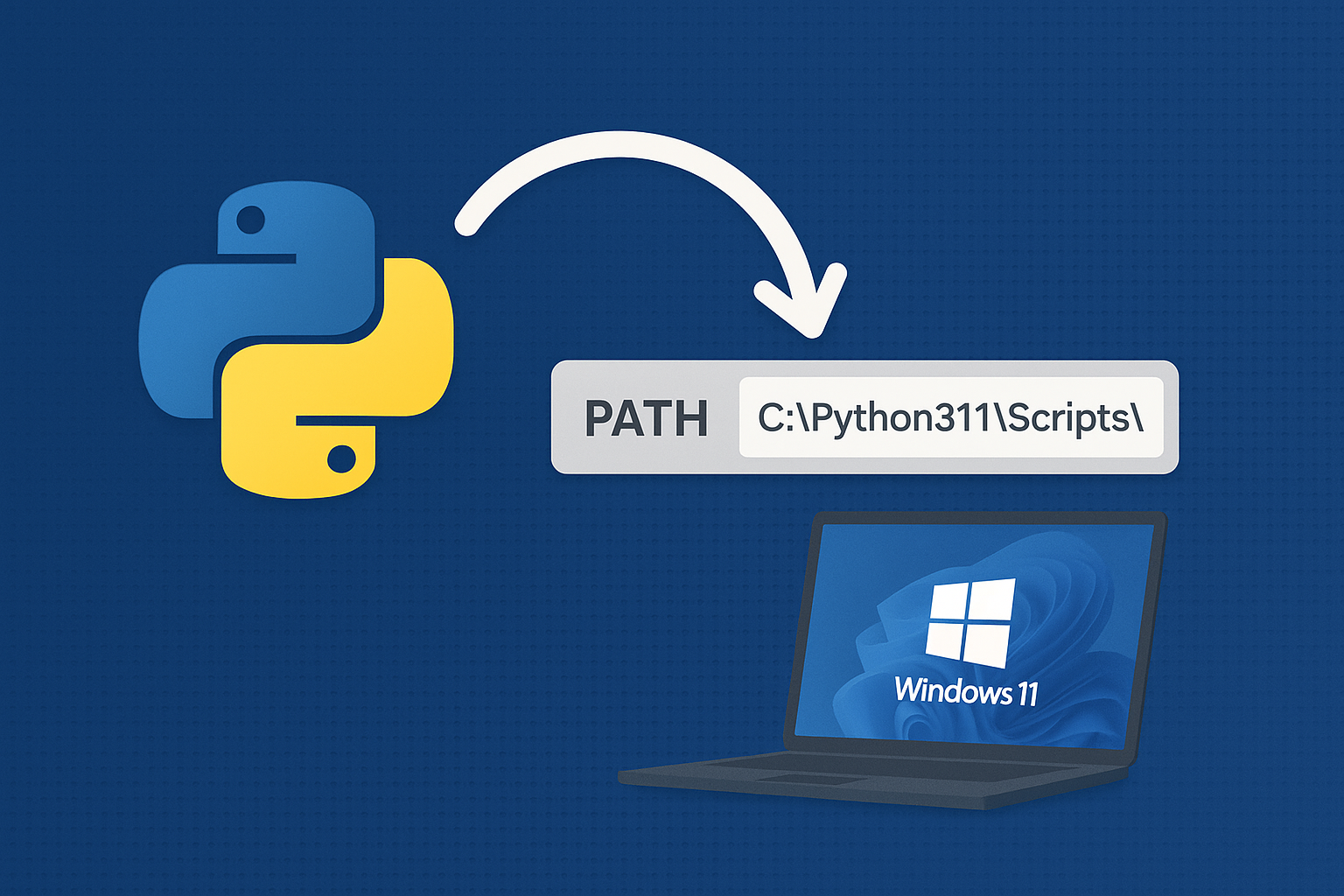
Add Python to PATH on Windows 11
Resolve “python is not recognized” by adding the correct install and Scripts folders to PATH or using the built‑in Python Launcher.
-
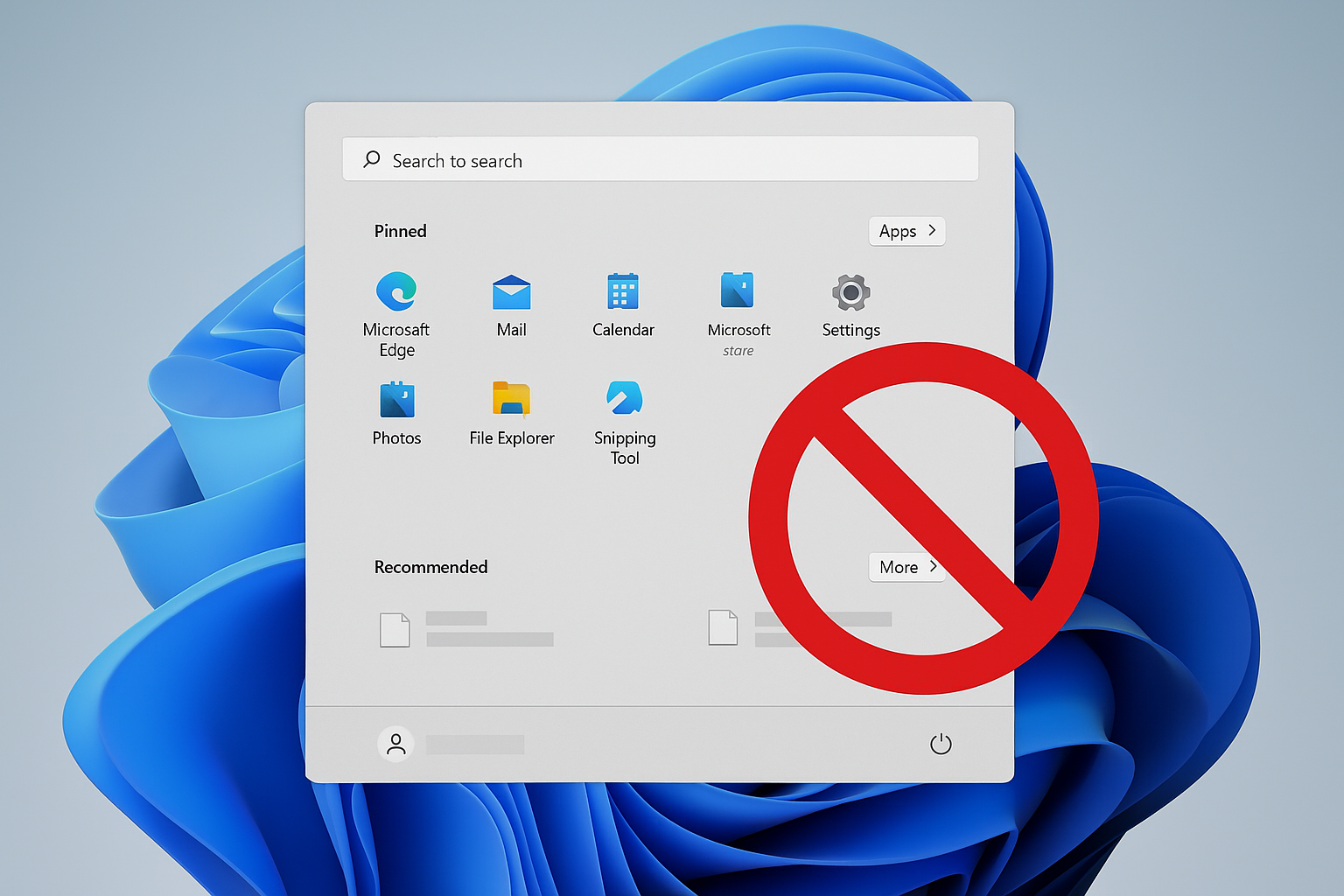
Remove Recommended on Windows 11 Start Menu
Disable or hide the Start menu’s Recommended section using Group Policy, registry, or built‑in settings.
-
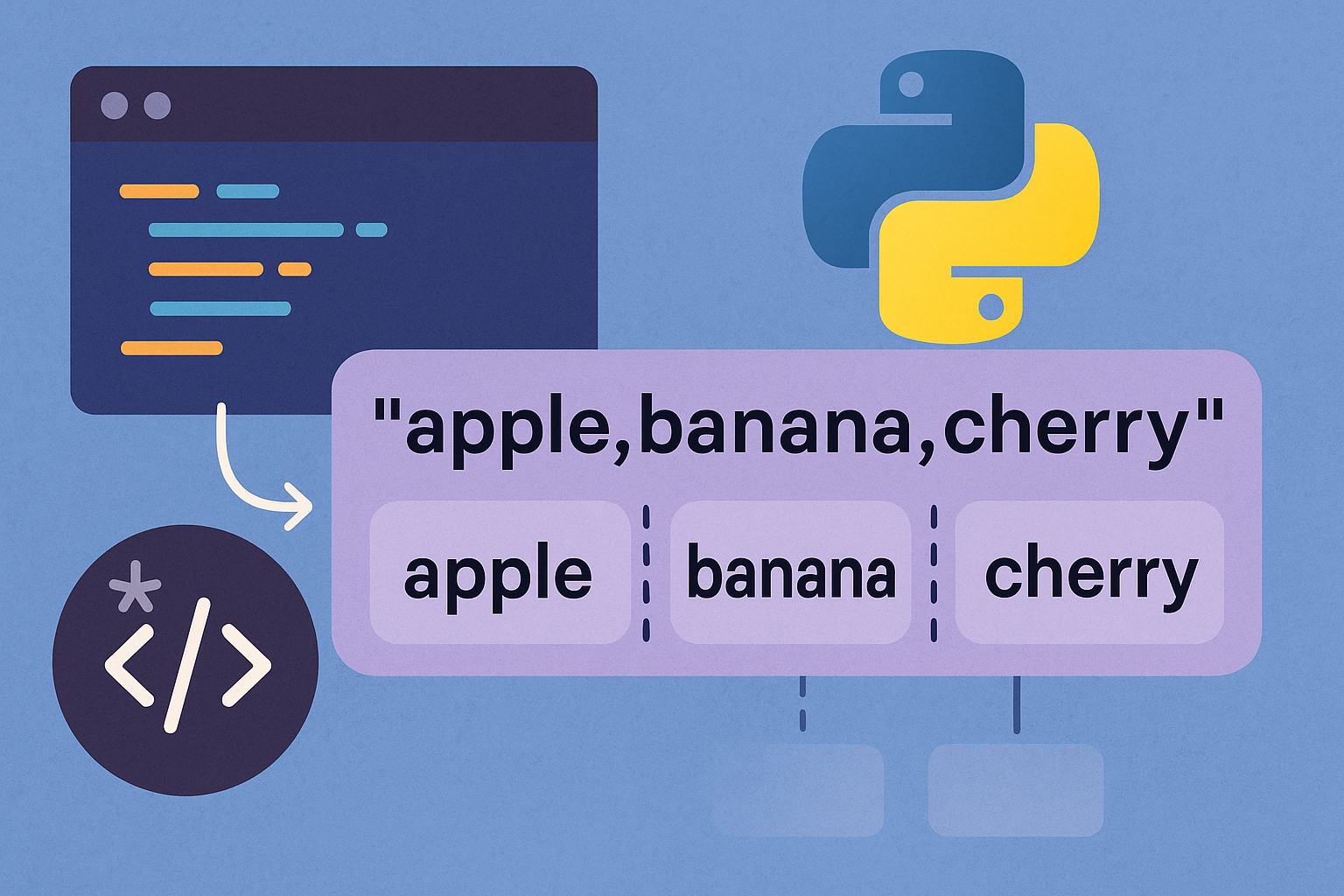
How to Split a String in Python
Use Python’s built-in string methods and regex to split by whitespace, custom delimiters, limits, line breaks, or into characters.
-
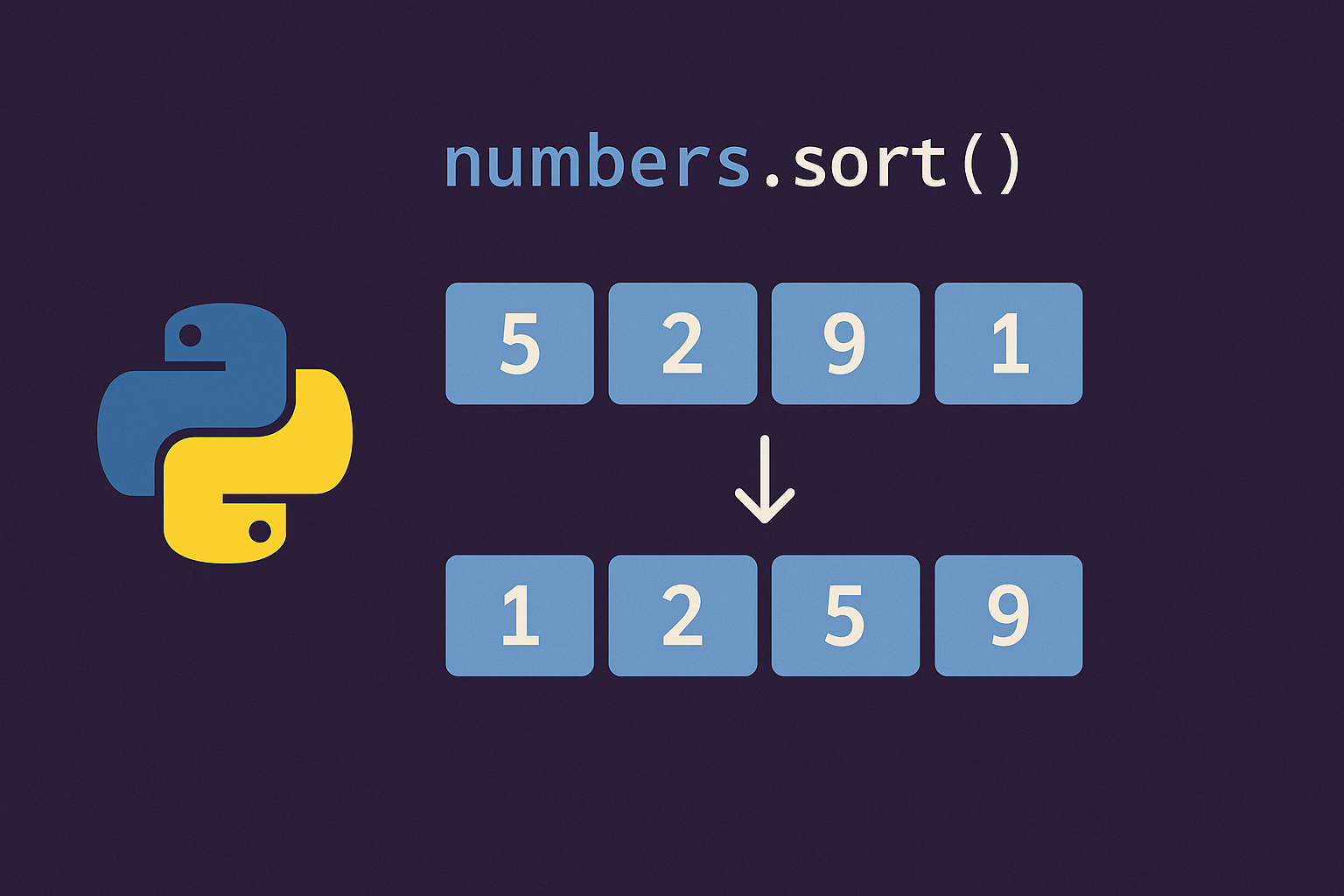
Sort a List in Python
Use sorted() to return a new sorted list or list.sort() to reorder in place; both support key= and reverse= for custom order.
-
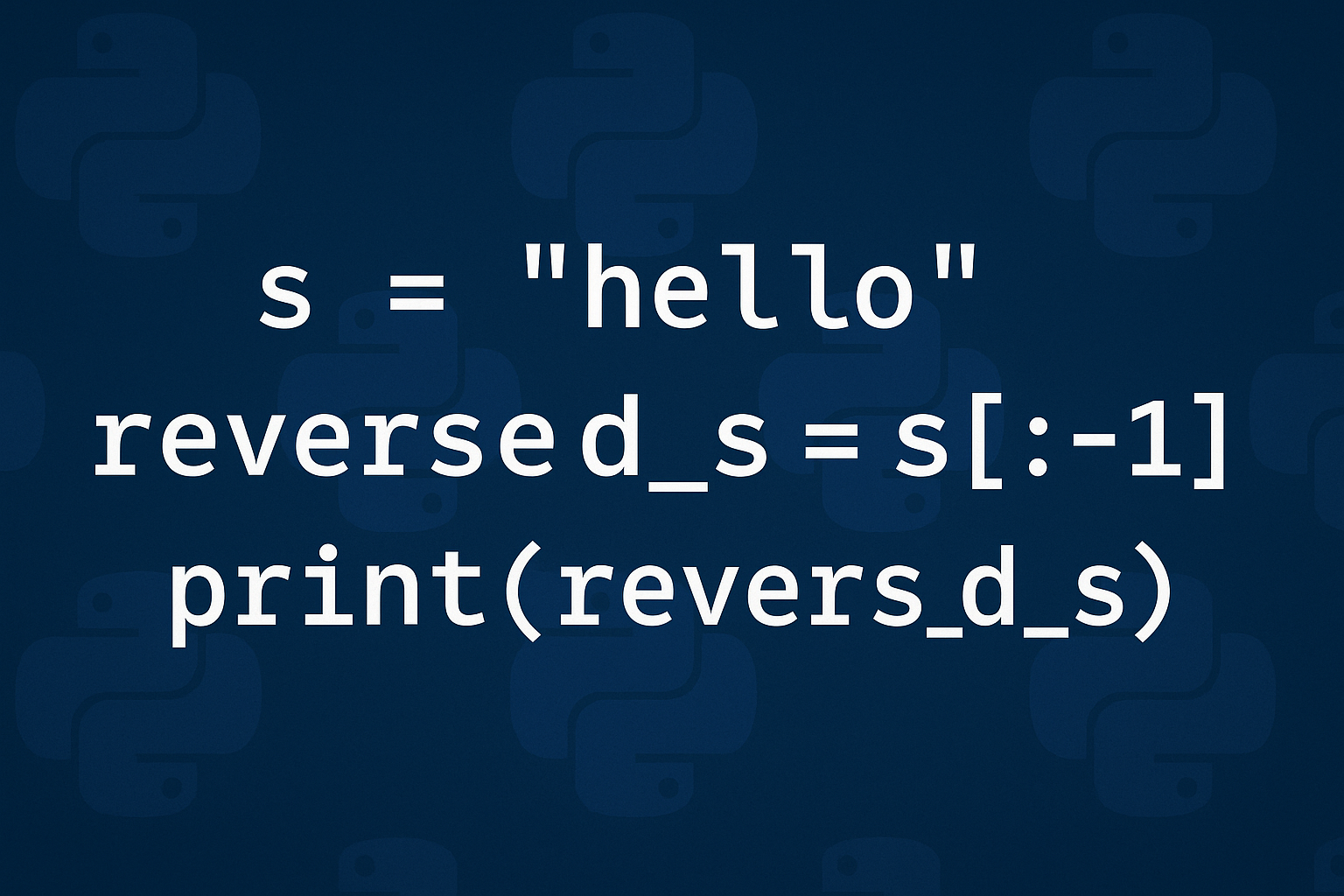
How to Reverse a String in Python
Use slicing for speed, reversed()+join for readability, and grapheme-aware logic for correct emoji and accent handling.
-
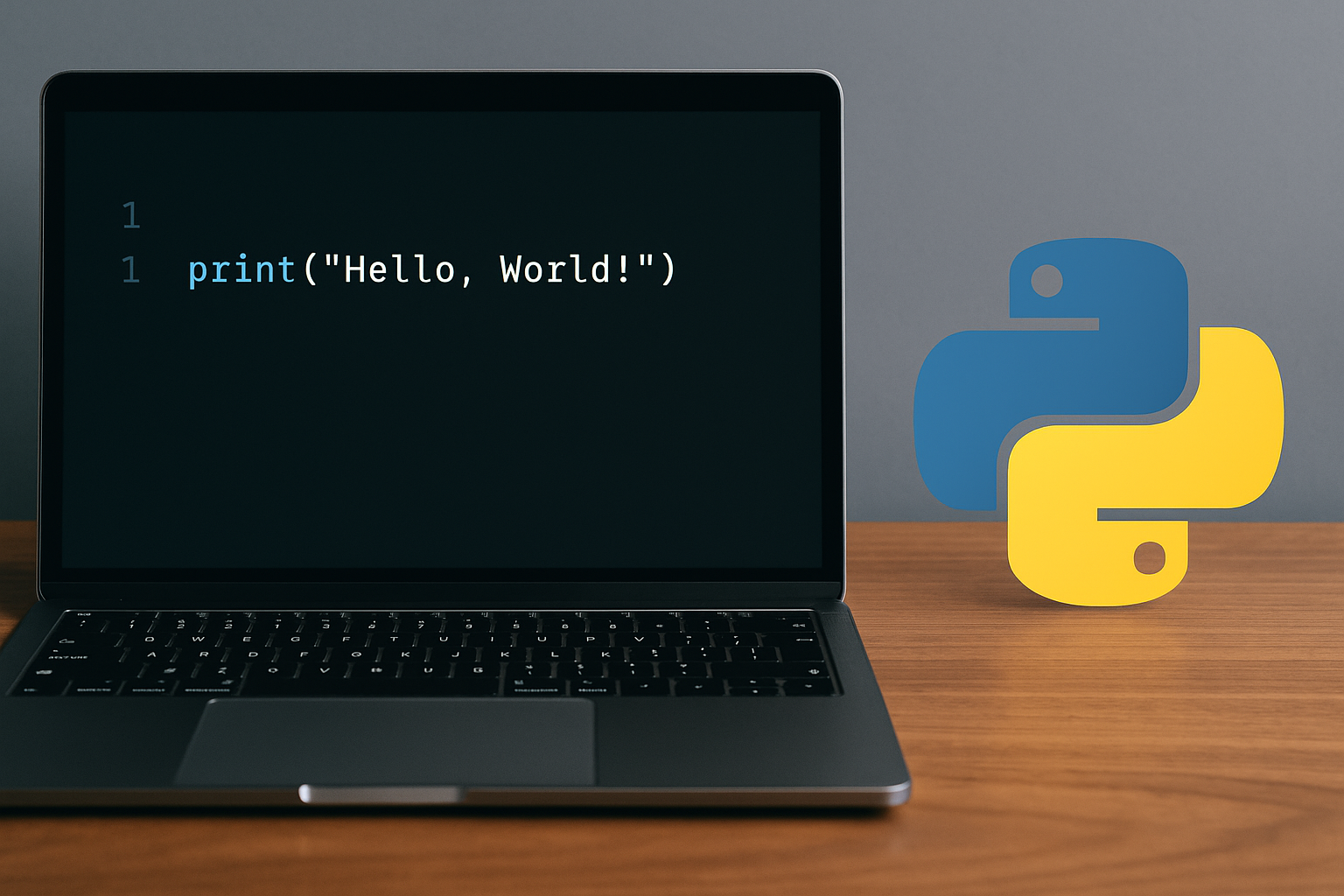
Print Hello World in Python
Use Python 3’s print() function to output text, with quick steps for scripts, the interactive shell, online IDEs, and Windows/macOS/Linux terminals.
-

Get Eternatus in Pokémon GO
Reach Rank 60 on the free GO Pass: Max Finale, then use event perks to accelerate progress and secure your Eternatus encounter.
-
Install Python Packages with pip and Virtual Environments
Set up pip the right way, isolate dependencies with venv, and use reliable commands for versions, extras, and advanced installs.
-
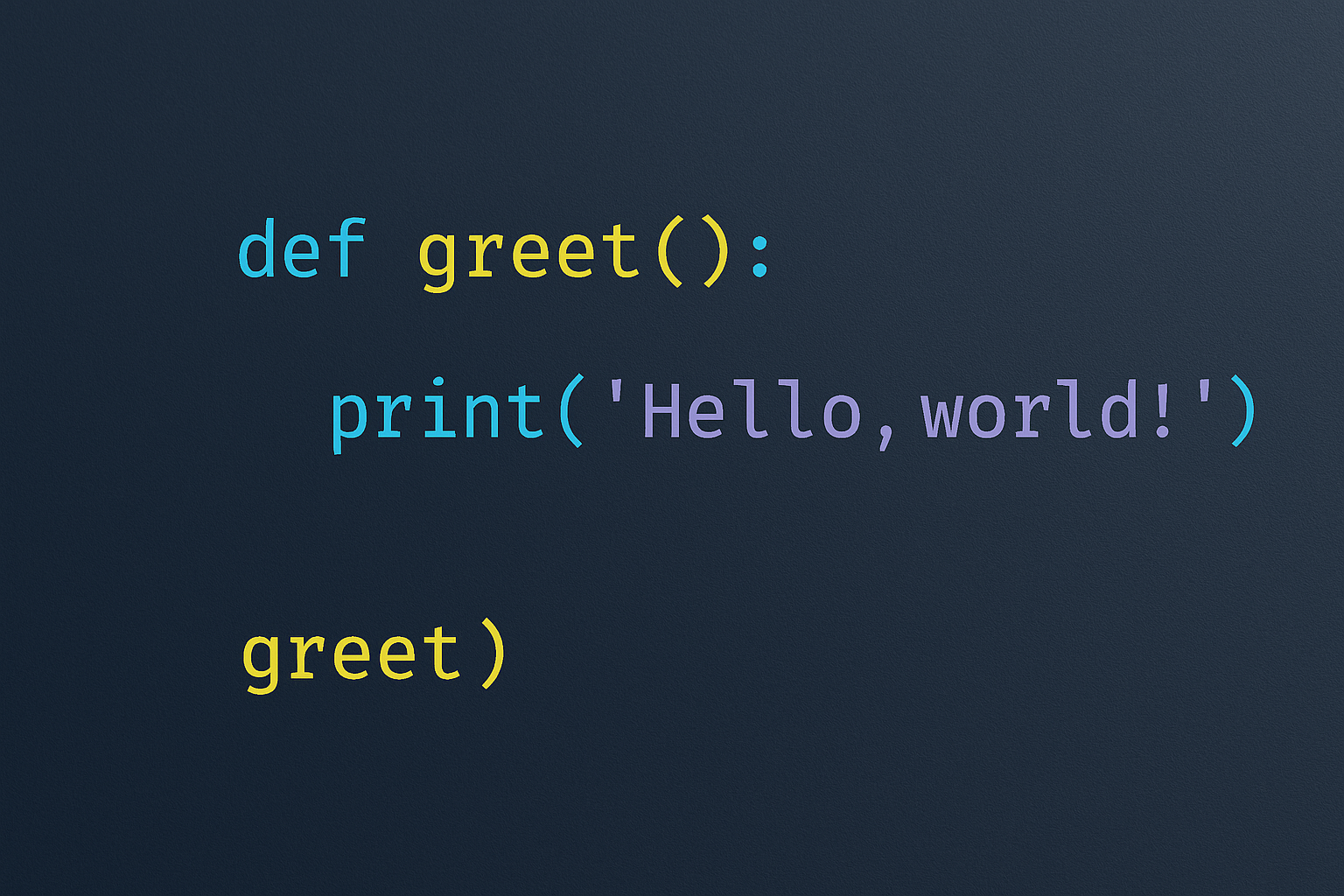
How to Call a Function in Python
Execute functions with parentheses, pass arguments correctly, capture return values, and invoke functions by name when needed.