
Instructional, step-by-step articles.
Content Type: How-To
-
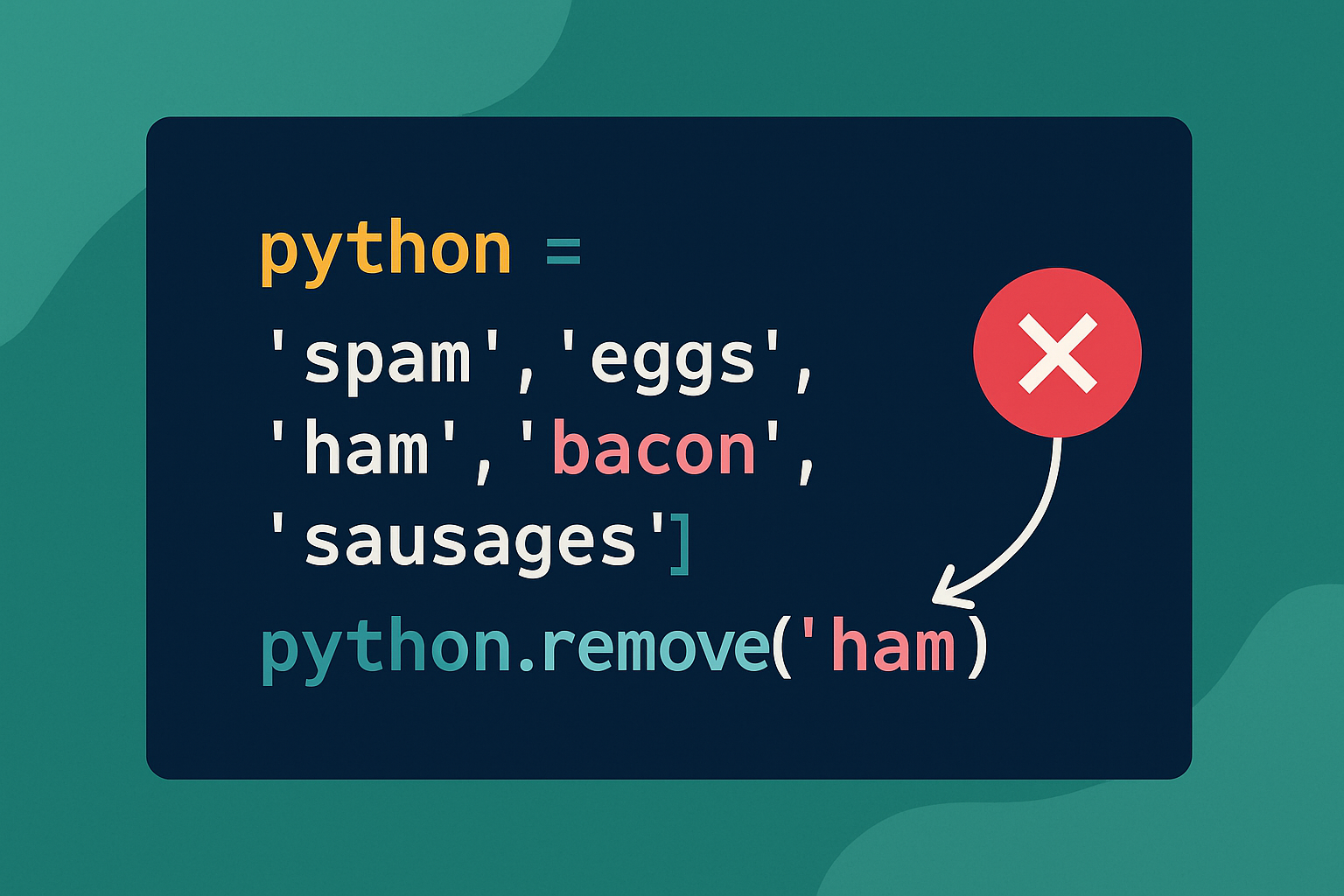
How to Remove an Item From a List in Python
Use the right tool for the job: filter with a list comprehension, remove by index with pop/del, or remove by value with remove.
-
How to Clear Console in Python
Use ANSI escape codes or platform commands to clear the terminal in scripts and REPLs, plus editor-specific tips for PyCharm and IDLE.
-
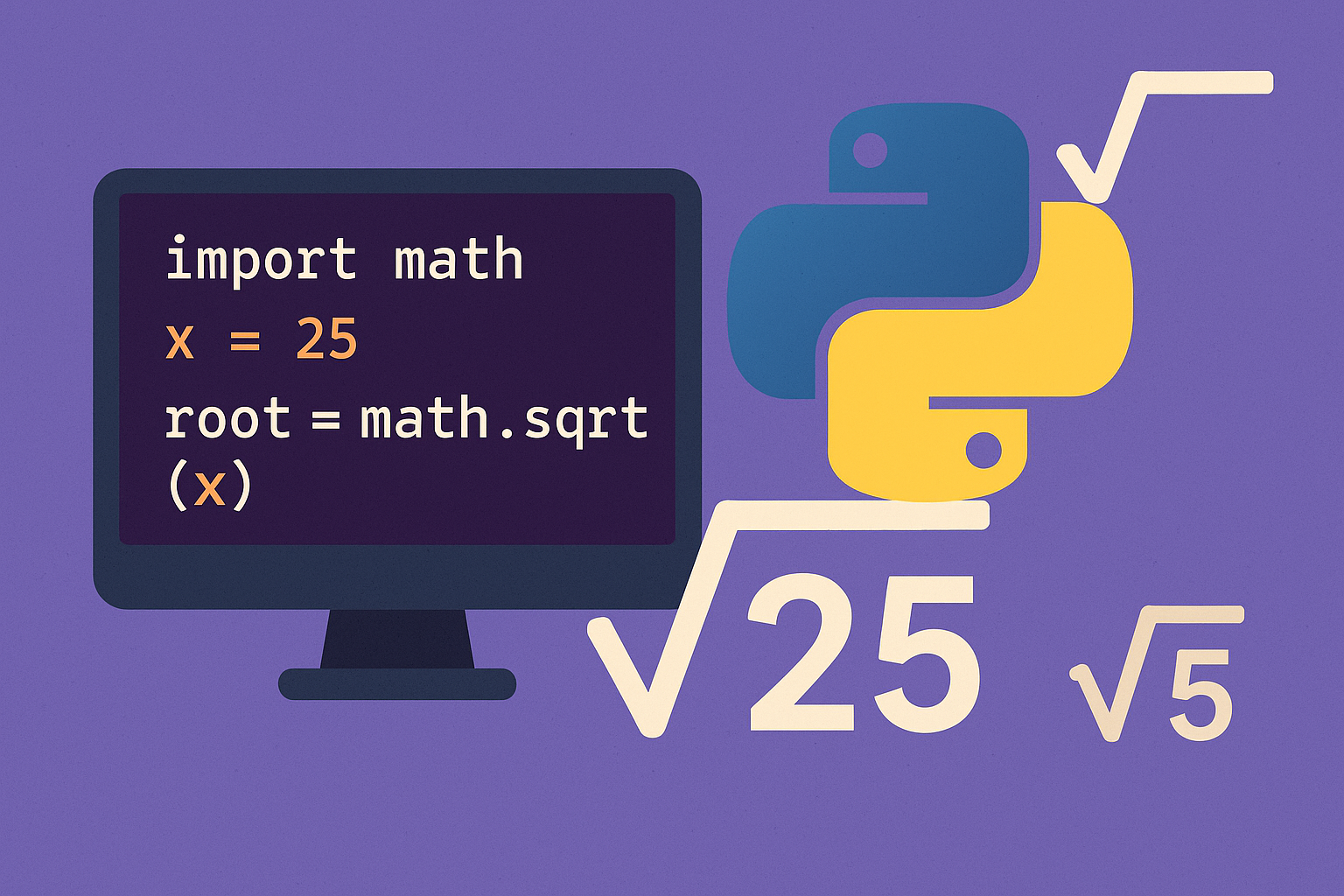
Compute Square Root in Python with math.sqrt(), cmath, and NumPy
Pick the right method for real numbers, negatives or complex inputs, arrays, and integers.
-
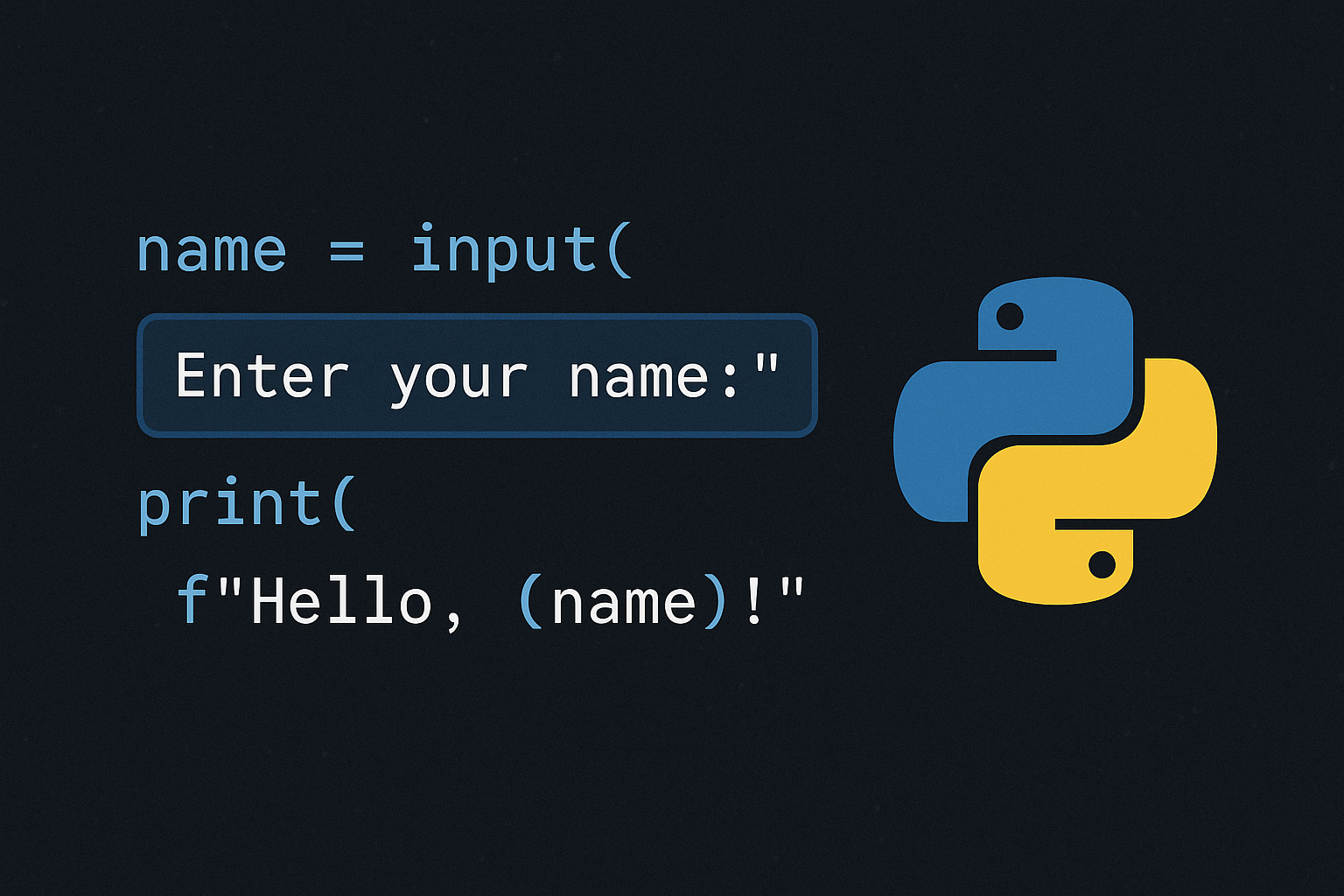
Ask for Input in Python
Use input(), convert types, validate entries, parse multiple values, and consider CLI or GUI options for interactive programs.
-
How to Fix DST.exe Blocked by Windows Defender on Booting Windows 11
Resolve recurring DST.exe block notifications on HP laptops running Windows 11 by configuring Controlled Folder Access and verifying file safety.
-

How to Enable and Use Read Mode in Microsoft Word
Switching to Read Mode in Word creates a distraction-free, full-screen reading environment with options to comment, highlight, translate, and adjust page layout for easier…
-
How to Move a Shared Folder in Google Drive to Another Account
Transferring a shared folder from one Google Drive account to another requires specific steps to maintain folder structure, ownership, and file access across accounts.
-
How to Fix Windows 11 Black Screen Error After Running Memory Diagnostic
Detailed solutions to resolve a black screen on Windows 11 after using the Windows Memory Diagnostic tool, including hardware checks, system recovery, and advanced…
-
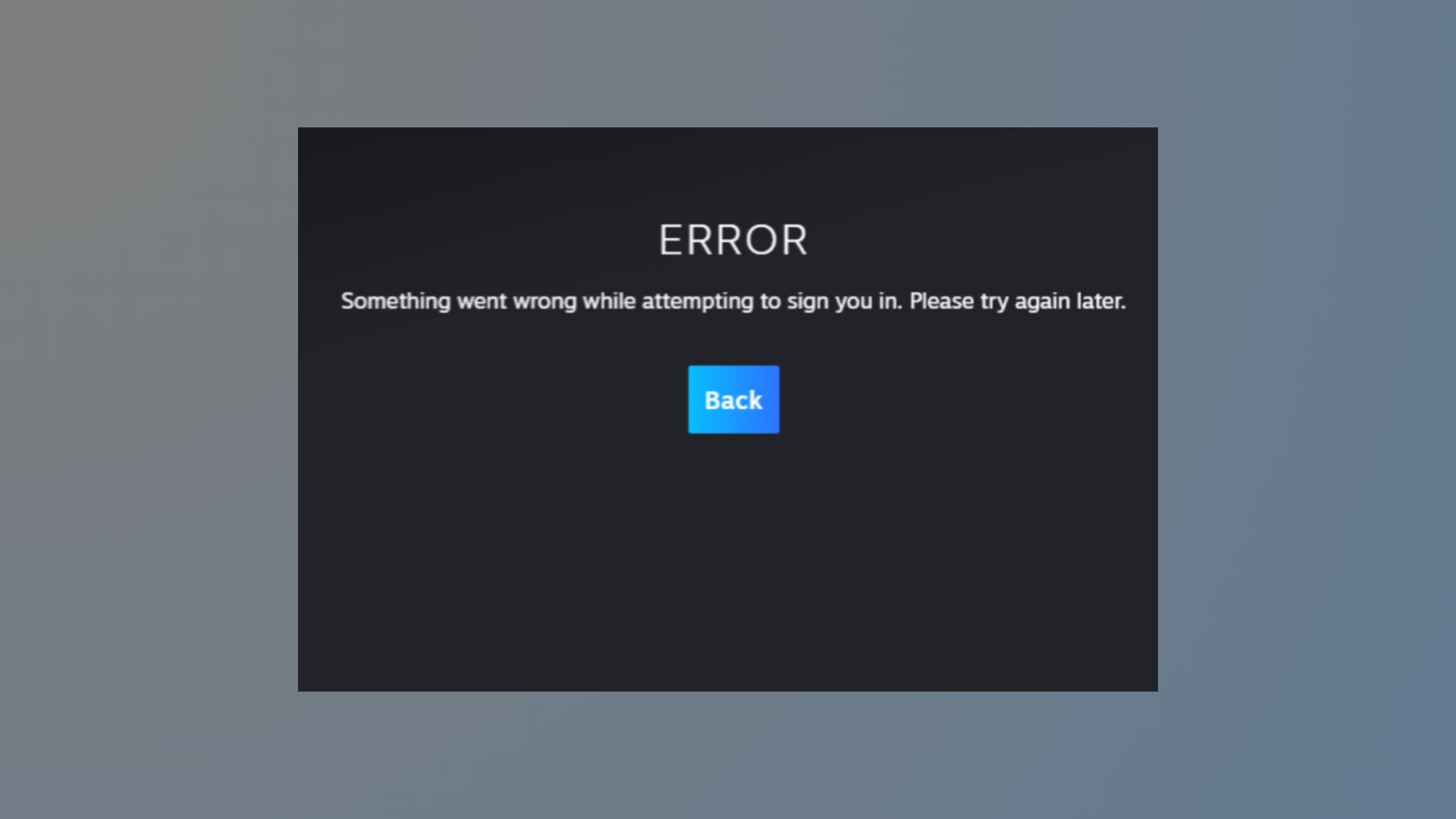
How to Fix Steam Error E502 L3
Resolve Steam Error E502 L3 by identifying server-side issues, using effective troubleshooting steps, and knowing when to wait for Valve to restore service.
-
How to Fix “We Ran Into a Problem Completing Your Request” Error in Excel Online
Resolve the recurring Excel Online error message and restore full access to your shared spreadsheets using proven troubleshooting steps.