
Instructional, step-by-step articles.
Content Type: How-To
-
How to Fix Excel Cannot Create or Add New Cells Error
Learn practical solutions to resolve the “Excel cannot create or add new cells” error and restore full editing capability to your worksheets.
-

How to Disable Access to Profiles in Firefox
Prevent users from creating or switching Firefox profiles by applying system-level restrictions and configuration changes.
-

Download and Install Alienware Command Center on Windows 11
Get the correct Alienware Command Center build and device components on Windows 11 using Dell’s model-specific installer or Microsoft Store.
-
How to Fix Outlook Error 0x8007007a
Resolve Outlook’s 0x8007007a error to restore reliable email sending, especially when attachments fail to upload or send.
-
How to Make Windows Save Documents Locally Instead of in OneDrive
Switching Windows default save location from OneDrive to your PC ensures your files stay local and avoids cloud sync issues.
-
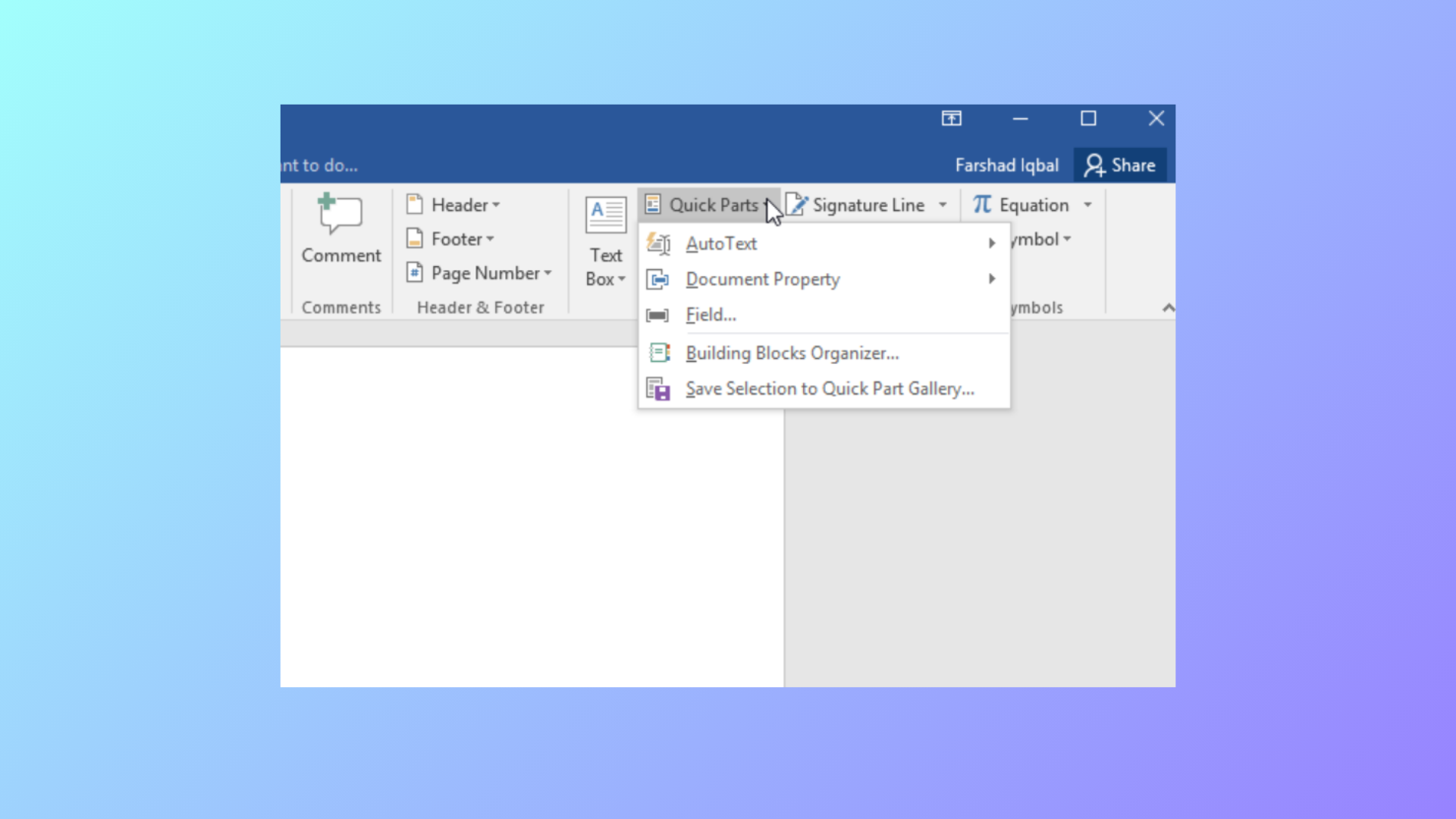
How to Use Document Property Quick Parts in Microsoft Word
Learn how to insert, manage, and update document property Quick Parts in Word to automate repeated information and streamline document editing.
-
How to Fix Windows Update Error 0x8007065e
Clear instructions to resolve Windows update error 0x8007065e, including troubleshooting steps for corrupt update files, system file repairs, and manual update methods.
-
How to Fix PowerPoint Can’t Open This Type of File Error
Effective solutions to resolve the “PowerPoint can’t open this type of file” error and regain access to your presentations.
-
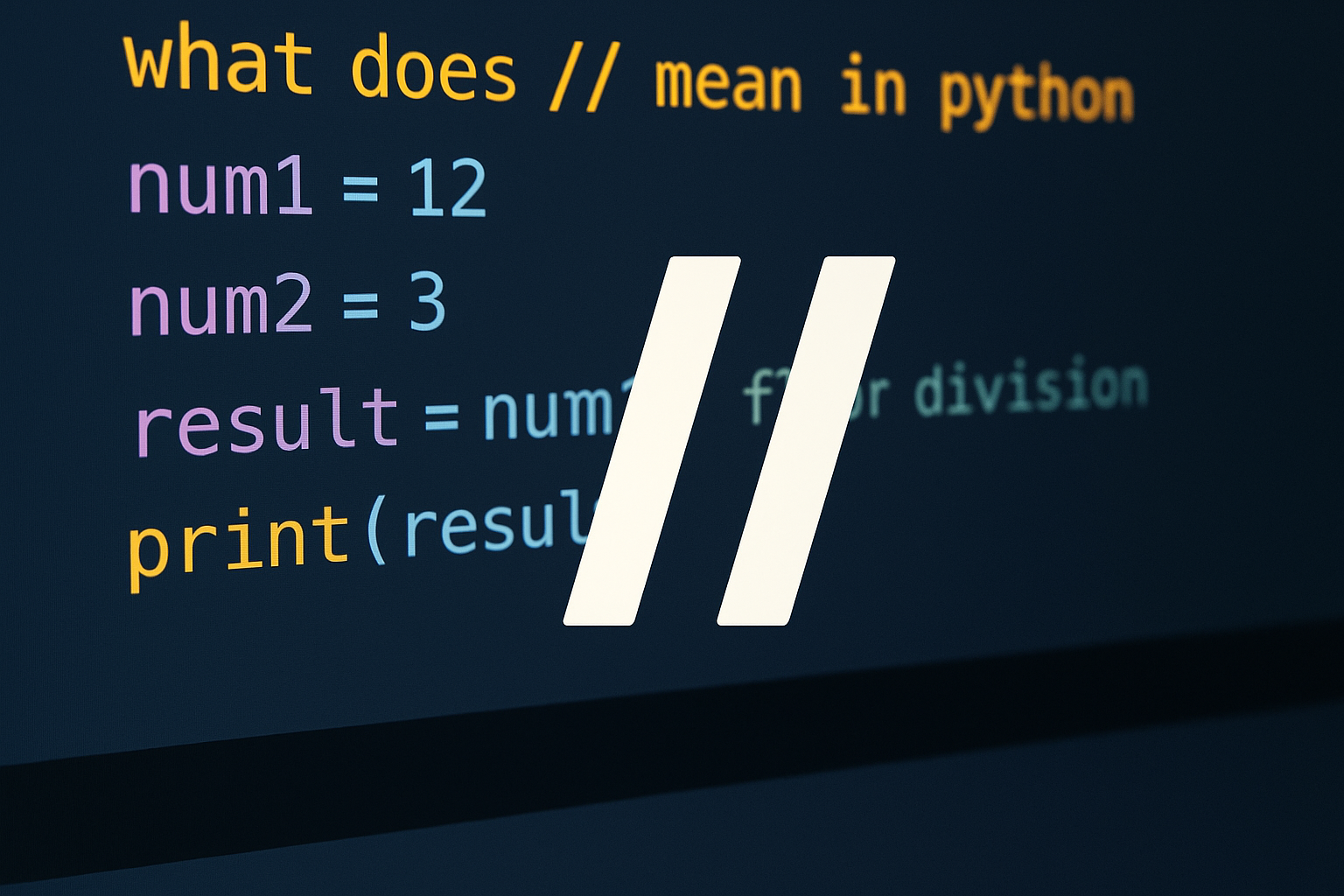
How to Use // in Python for Floor Division
Learn what // does, how it differs from /, and when to use it with ints, floats, and negatives.
-

How to Multiply in Python
Use the * operator for numbers and sequences, cast user input to numbers, and apply NumPy for array and matrix operations.