
Instructional, step-by-step articles.
Content Type: How-To
-
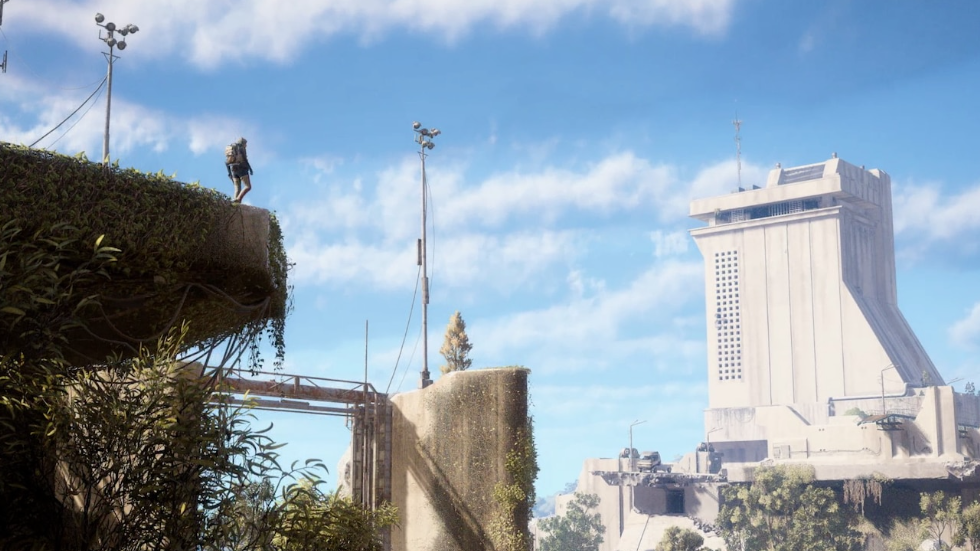
How Trigger ‘Nades Detonate In Arc Raiders (And How To Use Them)
Learn how Trigger ‘Nades arm, trigger, and behave in PvE and extractions so you stop eating invisible grenades at the button.
-
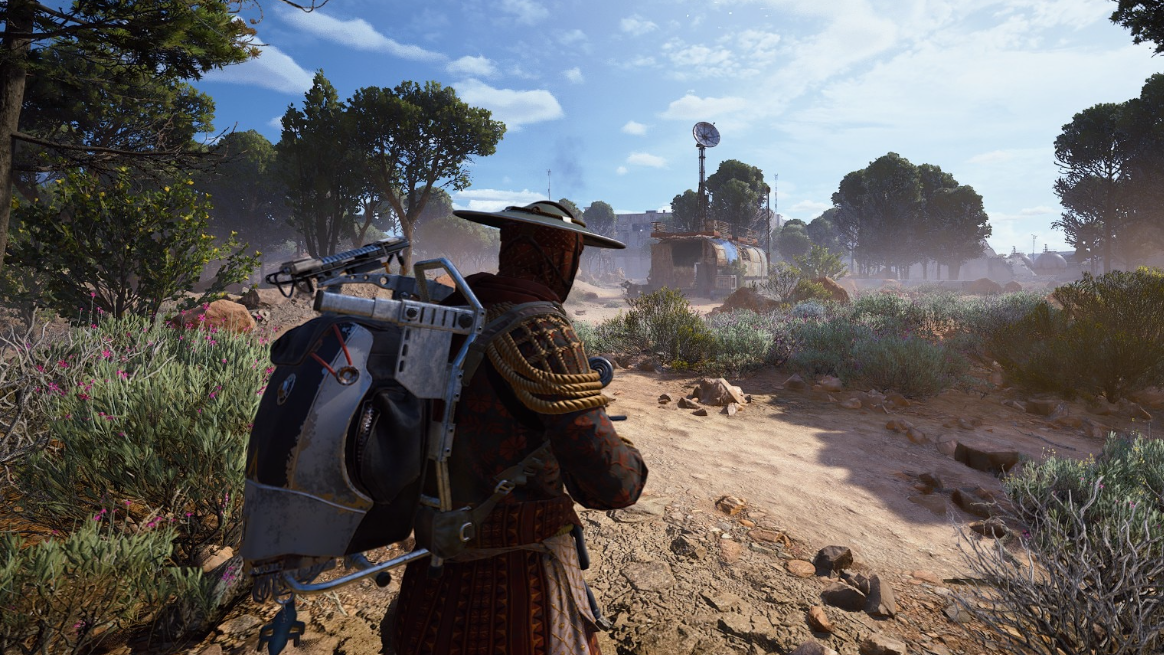
How to get the Vulcano blueprint in ARC Raiders
Where the Vulcano shotgun blueprint drops, how the Hidden Bunker event works, and what to do to increase your odds.
-
How to Get Domain Fragment in Jujutsu Zero
Learn the exact requirements, best farming methods, and how Domain Fragment unlocks Domain Expansion in Jujutsu Zero.
-
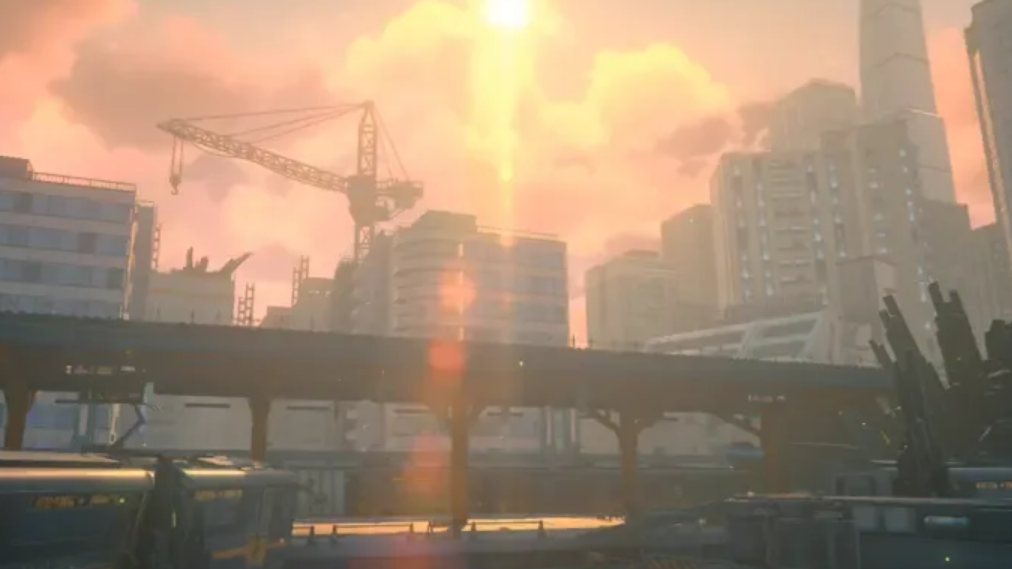
How to claim free Zhao in Zenless Zone Zero (v2.5–2.6)
Learn the event window, account requirements, and in‑game menus you need to navigate to unlock the free S‑Rank agent Zhao.
-

How to complete Route Network Crisis in Wuthering Waves
Unlock both parts of Route Network Crisis in Lahai-Roi, clear the Outcast ambushes, and secure every Supply Chest reward.
-
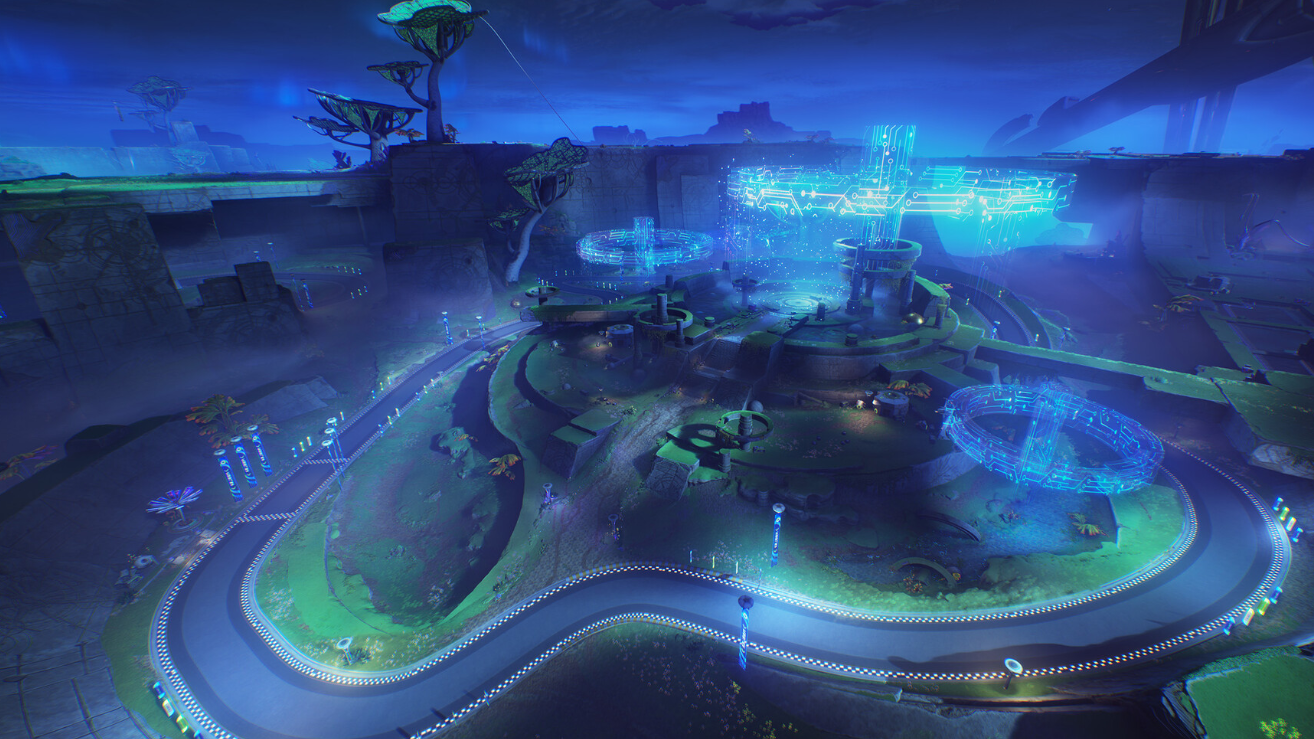
How to unlock and finish the WavesLine Insider quest in Wuthering Waves
Learn every prerequisite, where to go, and what you earn from this hidden Lahai-Roi side quest.
-
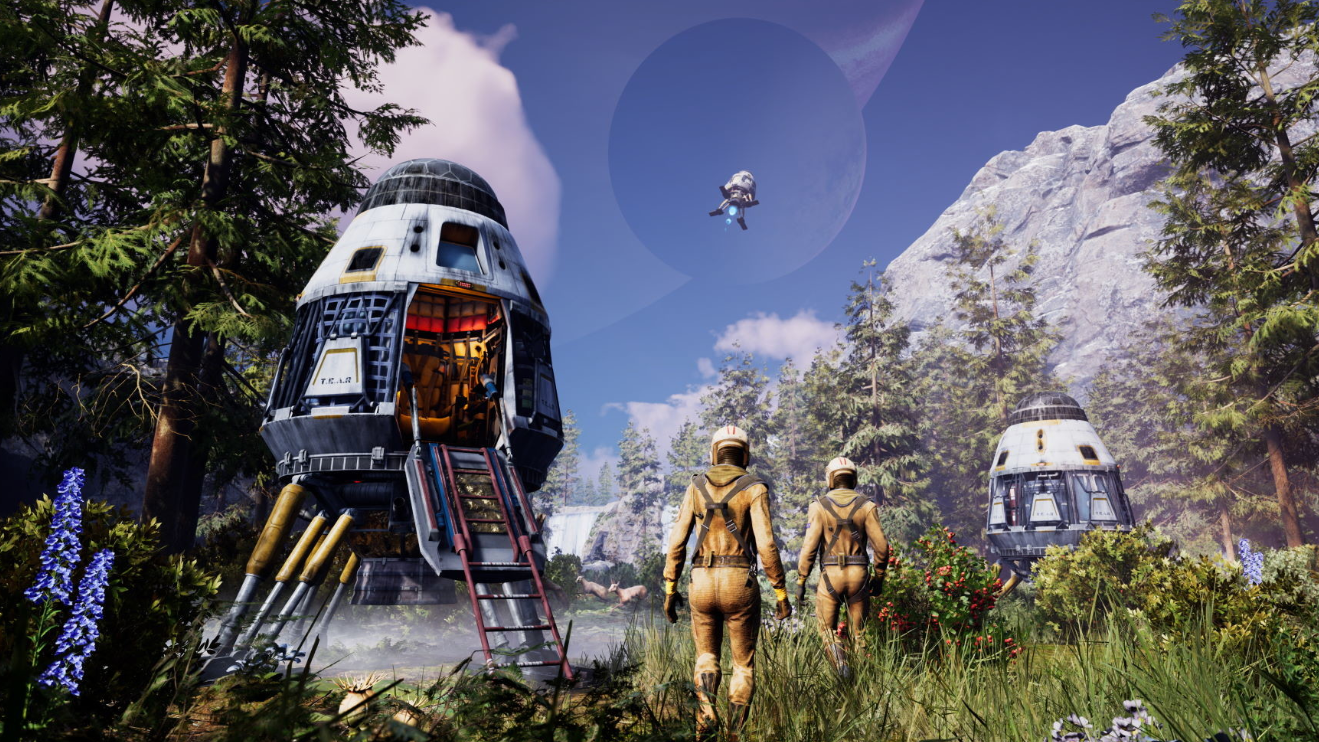
Taming wolves in Icarus (Laika update)
How to set snares, feed carcasses, and manage threat so wild wolves convert into permanent companions.
-
Roblox Slap Battles kill sounds: 50 IDs and how to use them
Customize Slap Battles with 50 kill sound IDs, plus how the Custom Kill Sound pass works and when audio actually plays.
-
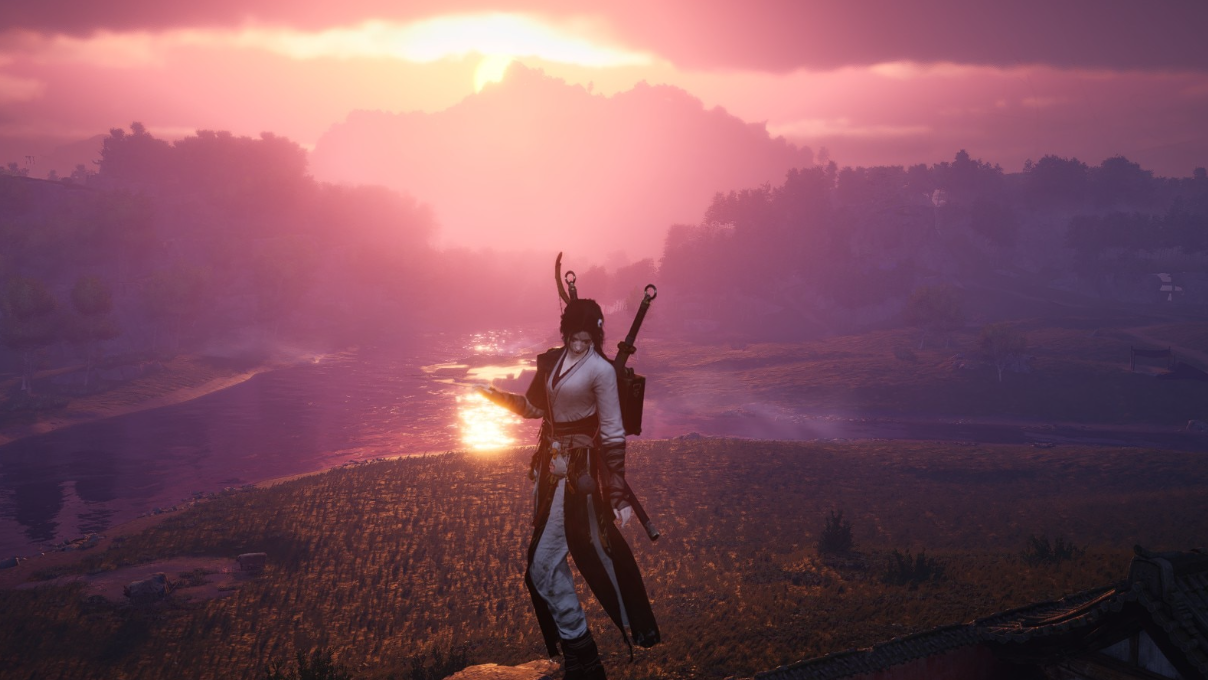
How to steal Martial Arts with Skill Theft in Where Winds Meet
Learn how Skill Theft works, how to unlock it, and how to use it to steal weapon styles and other techniques.
-
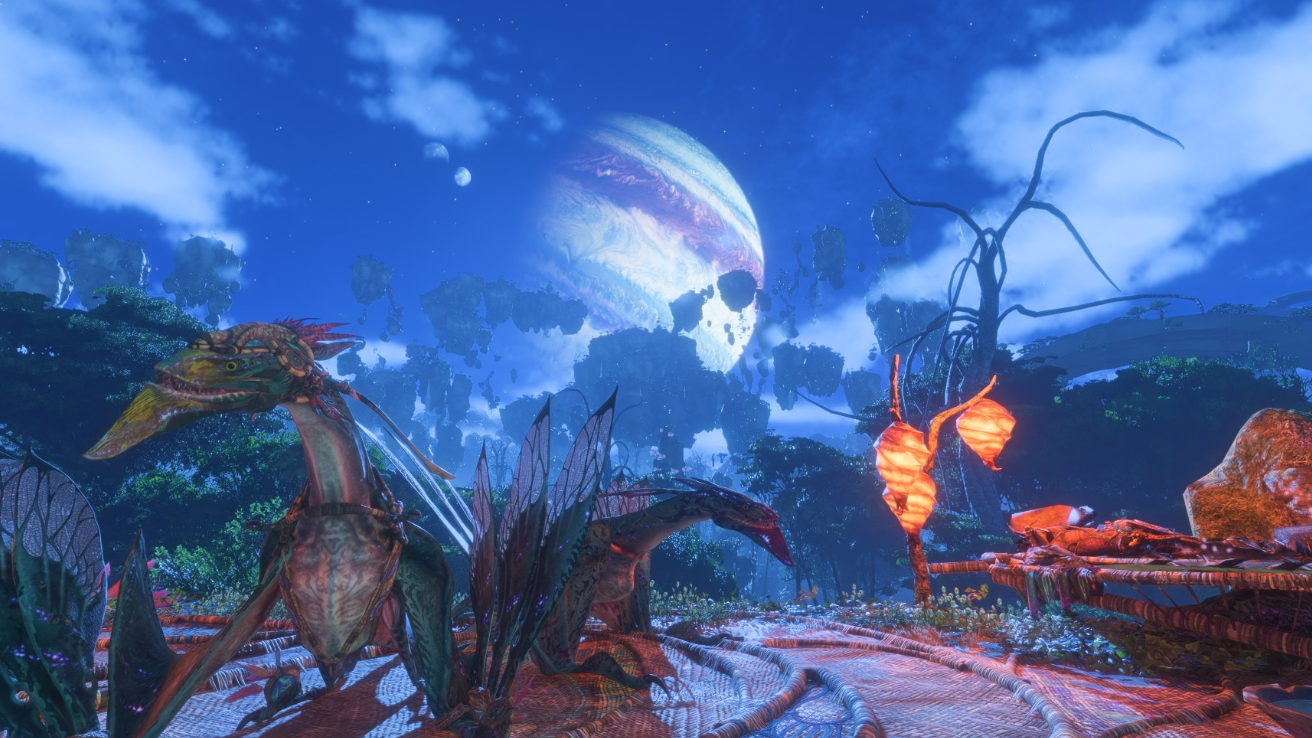
How to finish Communications Group Hermes in Avatar: Frontiers of Pandora – From The Ashes
Shut down the RDA’s relay network by clearing the Hawk posts, crippling Camp Messenger, and bringing down the Dragon at Fort Hermes.