
Instructional, step-by-step articles.
Content Type: How-To
-

How to complete Robbie’s “Bucket List” in Wuthering Waves
Unlock the hidden Sundermere side quest, repair Robbie, clear every wish on the list, and earn the Robbie’s Dream trophy.
-
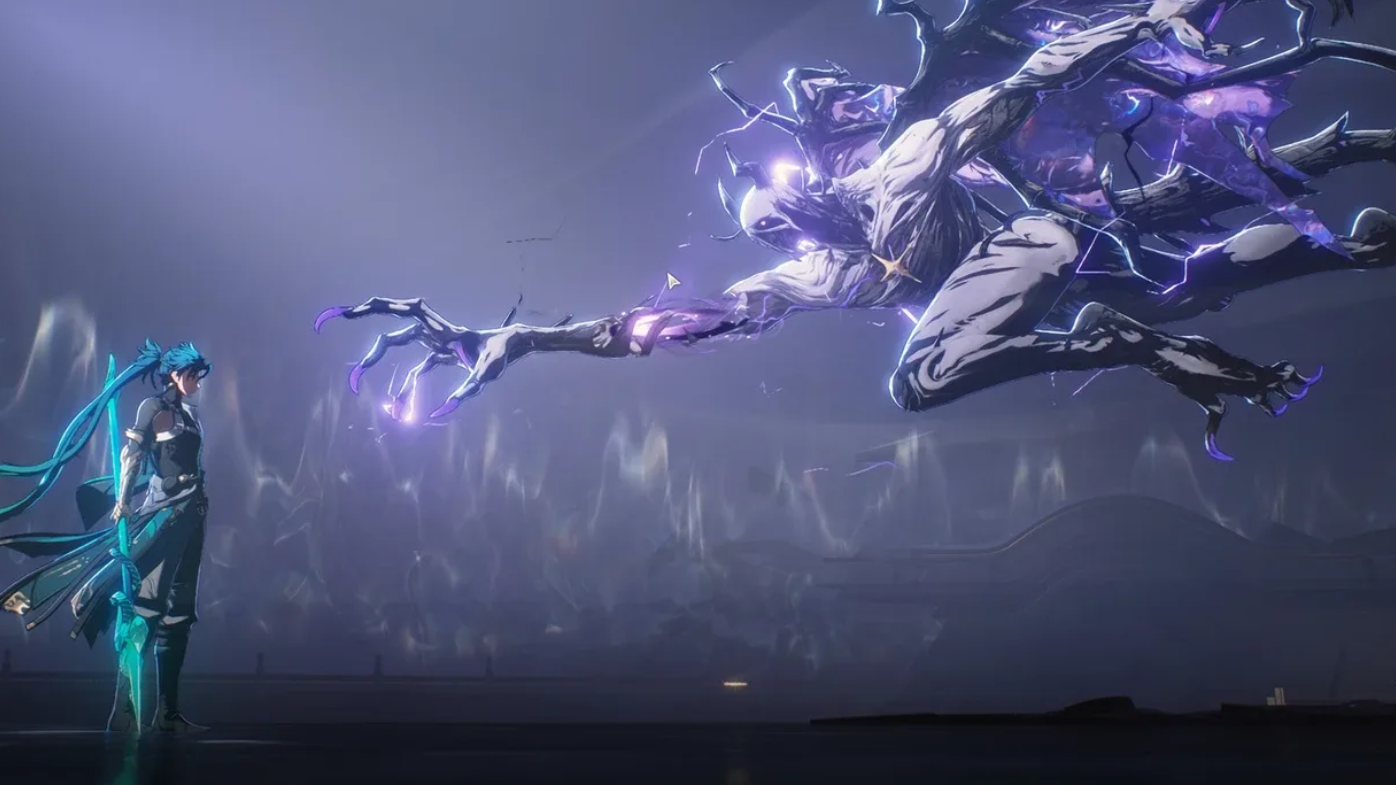
How to complete the Spacetrek Observatory Platform Phase in Wuthering Waves
Unlock the Platform Phase, track down damaged locators with Talkie, and finish the Lahai-Roi Reconstruction Project segment for Astrites and materials.
-
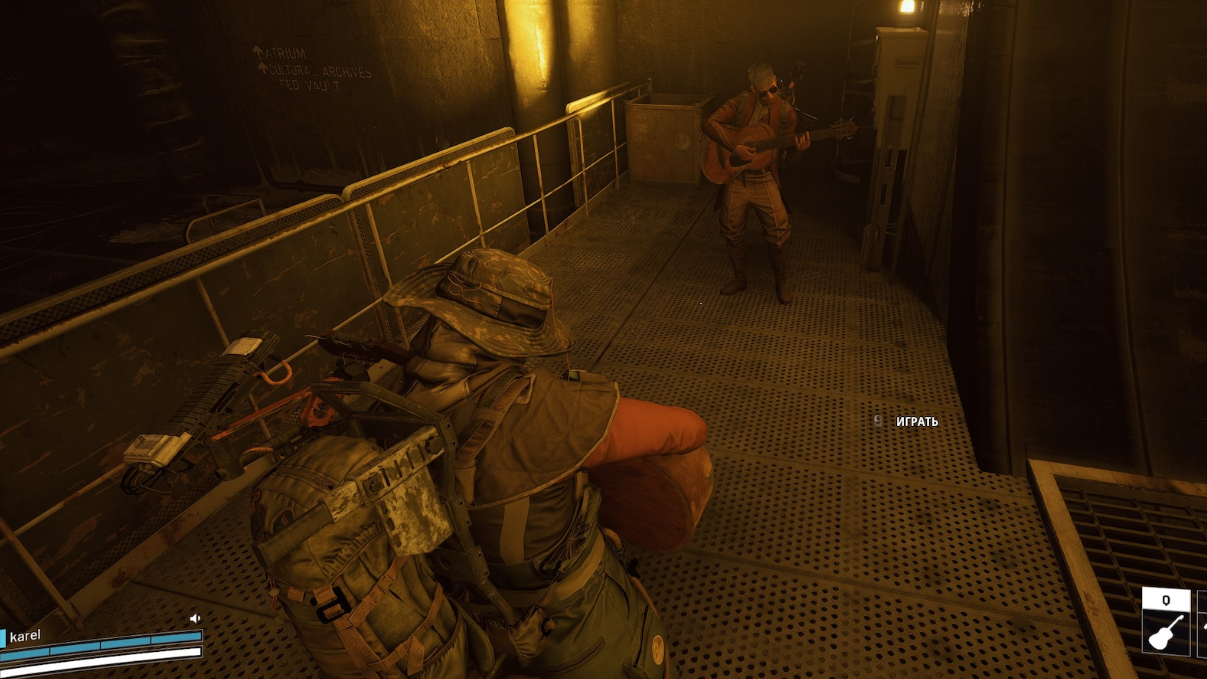
How to farm Spectrum Analyzer in ARC Raiders (and what to do with it)
Spawn locations, best maps, and the crafting payoff for one of ARC Raiders’ most valuable epic items.
-

Fixing Arc Raiders voice chat on PS5 when your mic won’t work
Step through the PS5 and in-game settings that most often silence proximity and party voice chat in Arc Raiders.
-
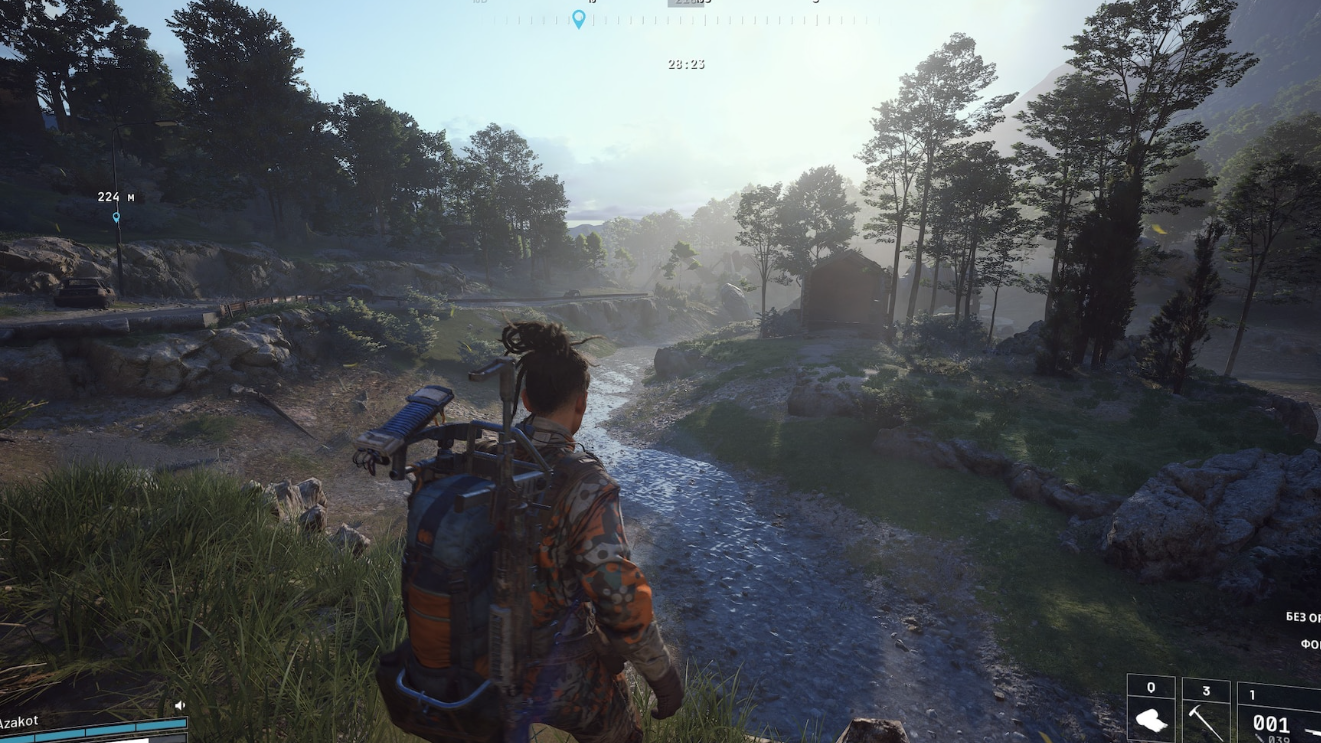
ARC Raiders Vase locations and how to use it efficiently
Learn where Vase can spawn, which points of interest to prioritize, and why this Trinket is worth holding onto.
-
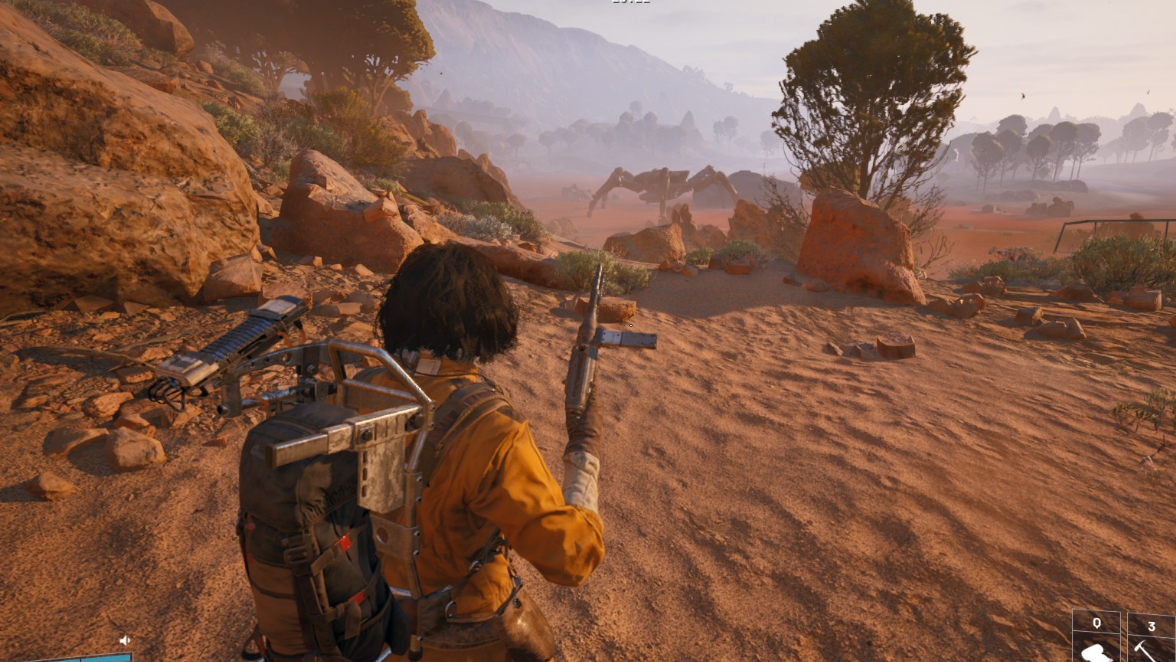
ARC Raiders Expedition 2: Full requirement list and how to clear it efficiently
All five Expedition 2 stages broken down, with practical routes for farming every item before the next departure window.
-
How to Befriend Zhang Jiushu and Unlock His Dark Surge in Where Winds Meet
Learn how Zhang Jiushu’s “lost plummet” AI chat works, how it ties into Heaven’s Pier, and what changed with recent fixes.
-
How to Start All Beauty Fades in Where Winds Meet
Learn the exact prerequisites, item links, and timing quirks that unlock the All Beauty Fades Wandering Tale.
-
Night Flash’s Shadow in Where Winds Meet: How to Trigger and Finish the Quest
How to unlock Night Flash’s Shadow, avoid the hidden trigger pitfalls, and follow the horse’s trail to the end.
-
Where Winds Meet Long Wu quest: How to complete The Silent Assassin
Track down Long Wu, survive his age check, and finish The Silent Assassin Lost Chapter from General’s Shrine to Jadebrook Mountain.