
Instructional, step-by-step articles.
Content Type: How-To
-
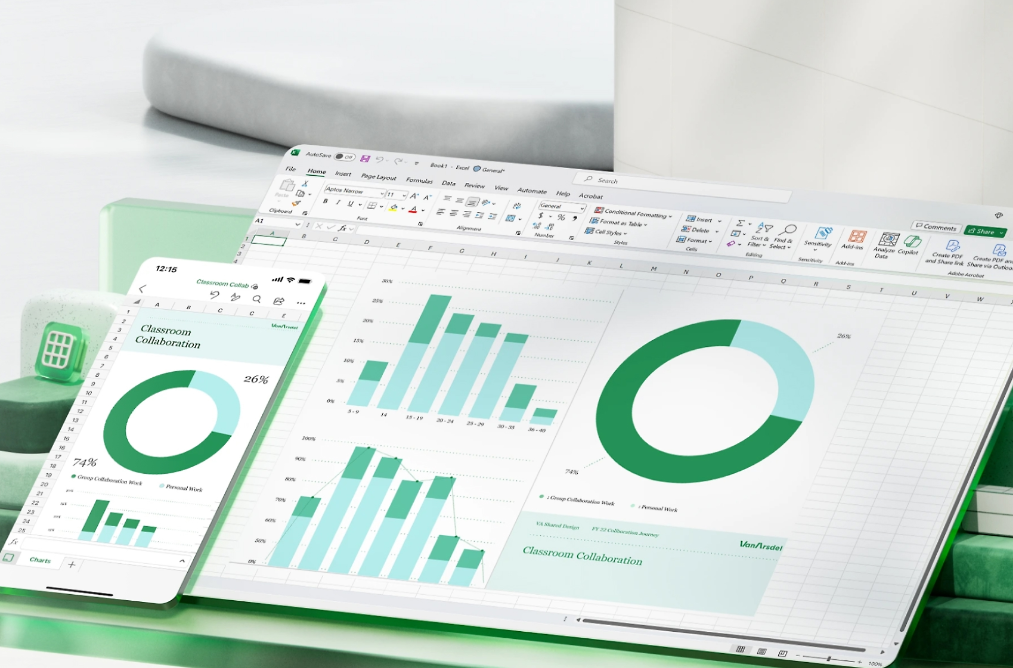
Link Excel checkboxes to multiple cells — fast, reliable methods
Set up hundreds of checkboxes with correct cell links using built‑in tools or quick VBA macros.
-

Fix Outlook opening in a browser instead of the desktop app (Windows)
Clear fixes for New Outlook and Classic Outlook launching the web instead of the desktop client.
-
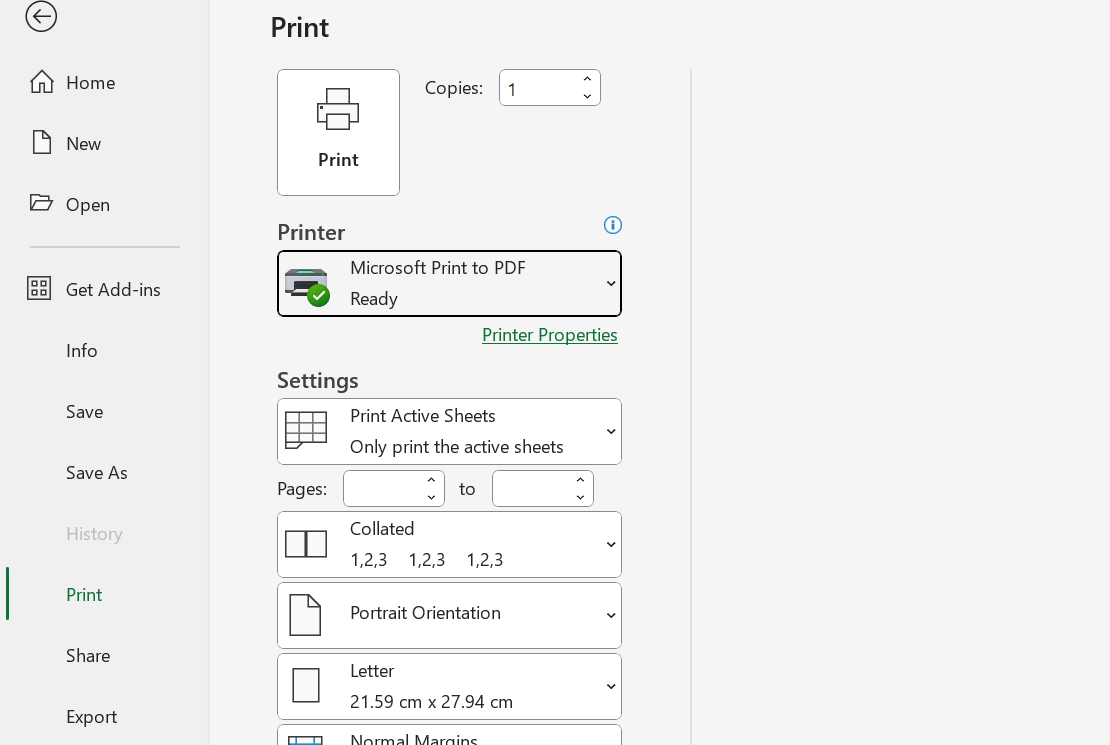
Fix Excel crash or freeze on Print or Print Preview (Windows)
Target printer drivers, add-ins, and UI customizations that commonly lock Excel when opening Print or sending a job.
-

Increase Health and Happiness in Anno 117 – Placement, Buildings, Deities
Use coverage buildings, smart placement, and deities to stabilize mood and reduce disease risk.
-

Where Winds Meet redeem code and how to use it (Nov 2025)
The first global code grants Echo Jade and a Resonating Melody; here’s where to enter it in-game.
-
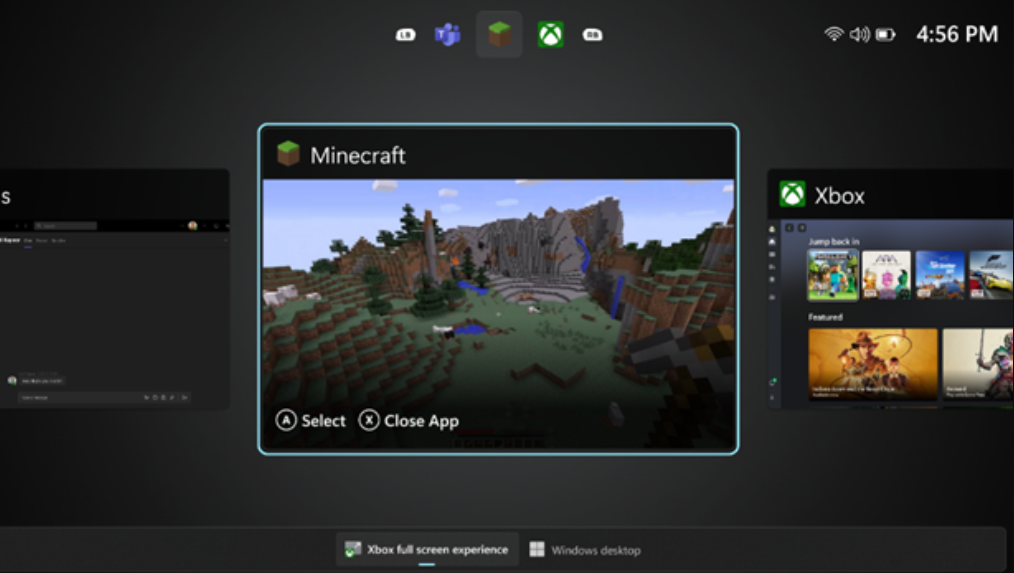
How to Enable Windows 11’s Xbox full‑screen mode on handhelds and PCs
Turn on the new console‑style experience with Windows 11 25H2, a couple of flags, and a small display shim for desktops.
-

Where Winds Meet cross-save and cross‑play: how to link PS5 and PC
Carry your character between PS5 and PC by linking accounts correctly and avoiding common pitfalls.
-
You can’t change your PS5 account to New Zealand—do this instead
Create a New Zealand PSN account, enable console sharing, and watch for DLC and payment limits.
-

Arc Raiders’ Stella Montis: how to unlock the new map and what’s inside
A community event opens the mountain tunnels, with new enemies and gear waiting beyond.
-

2XKO controller not working (PC) — fixes and supported devices
Resolve input bugs, Steam conflicts, and bad mappings using concise steps and official guidance.