
Instructional, step-by-step articles.
Content Type: How-To
-
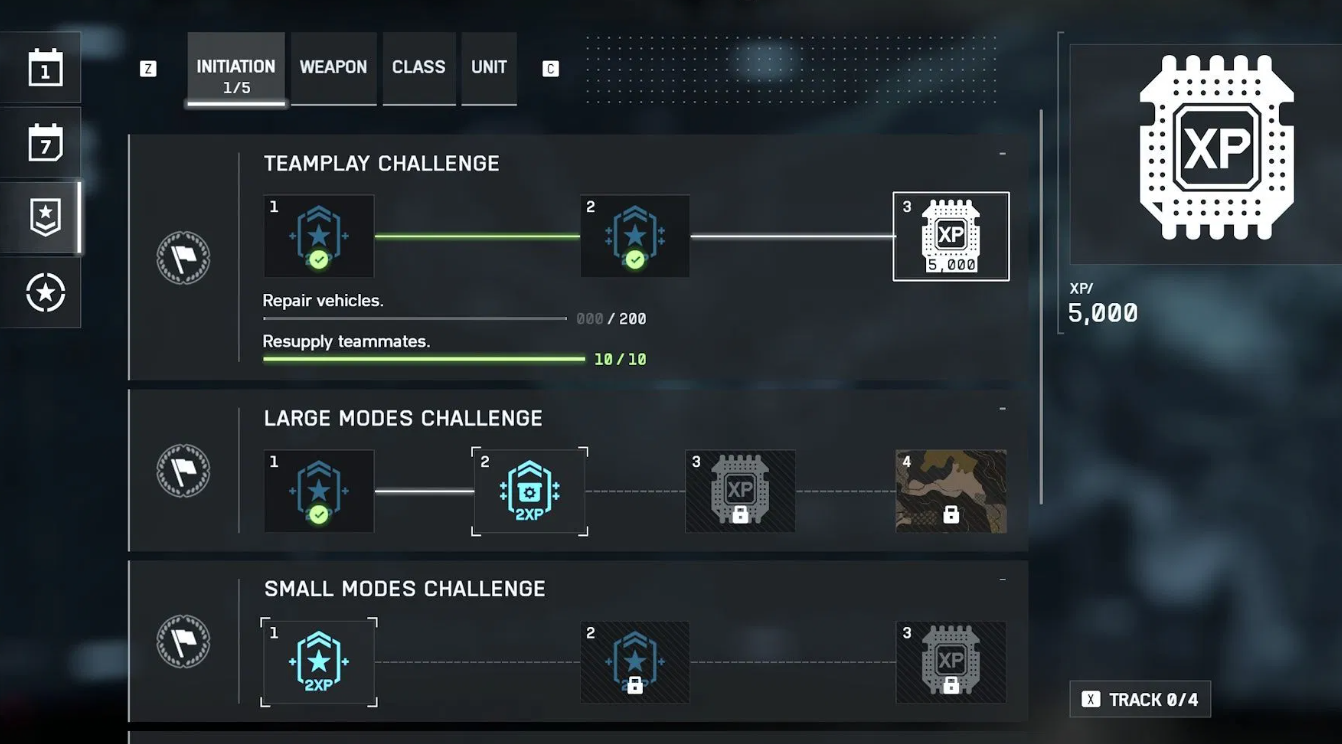
Battlefield 6 challenges not tracking — what’s broken and what to try
A clear list of the bugged objectives, how they miscount, and practical steps you can take until patches arrive.
-
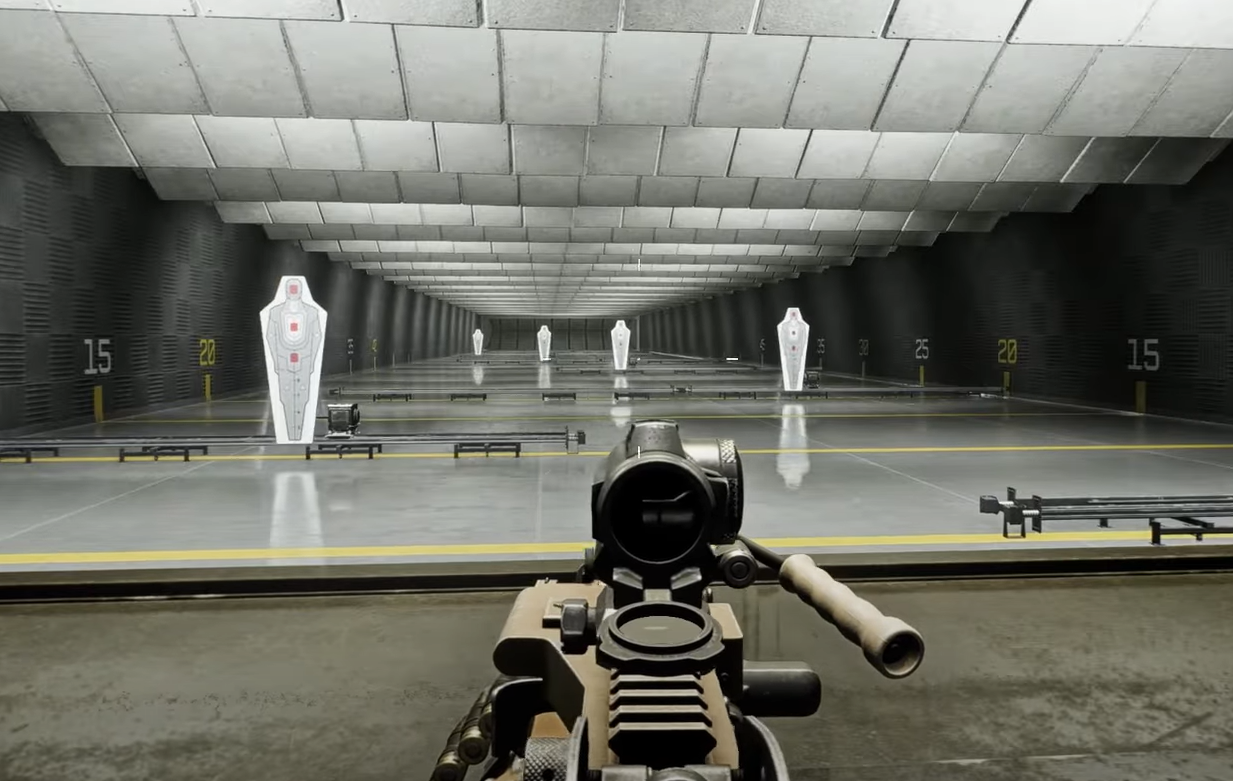
Battlefield 6 — How to deploy the bipod and mount weapons
Aim near cover, wait for the on‑screen prompt, then press the default deploy key on PC or console.
-
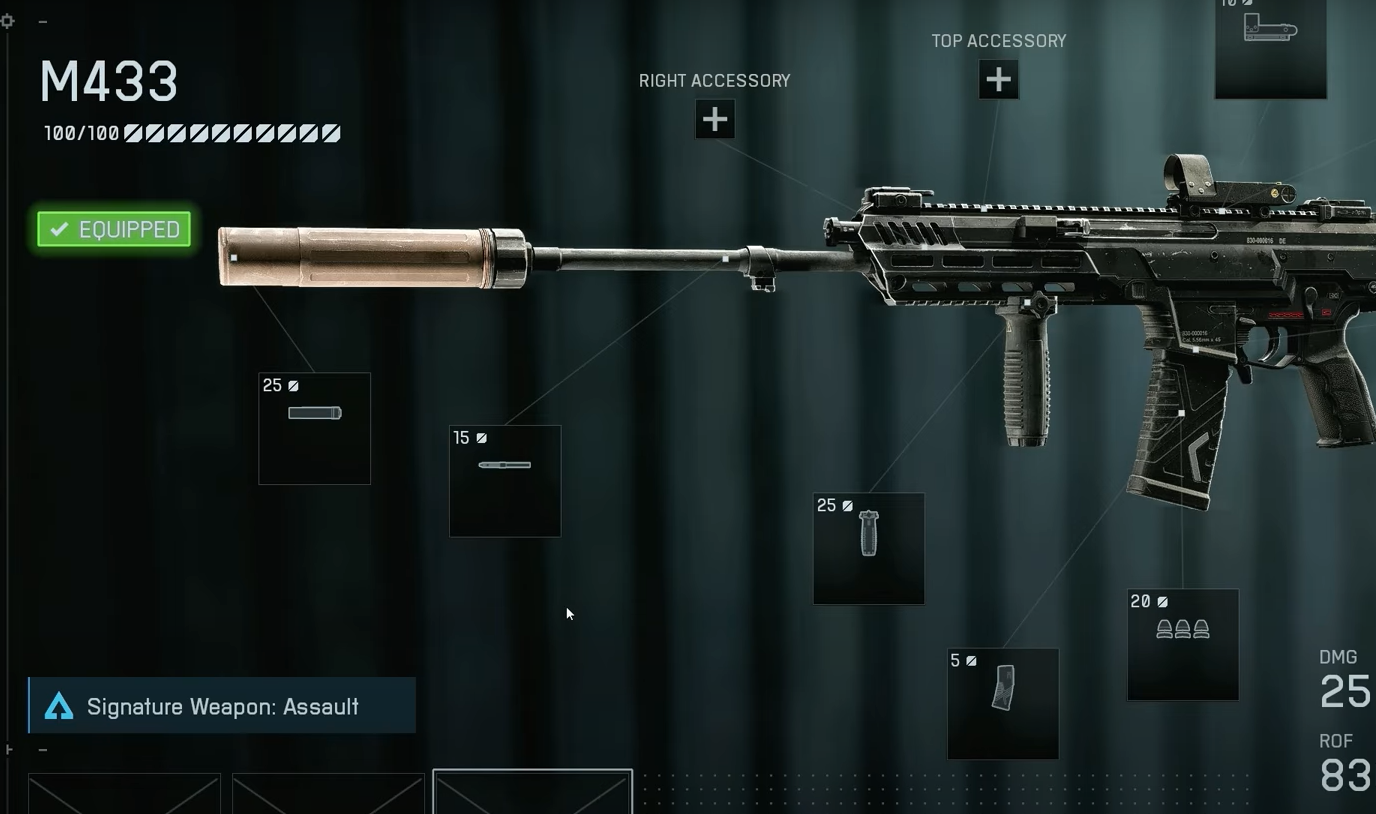
Battlefield 6 attachments won’t equip — causes and reliable fixes
How blueprint variants, progression delays, and session sync bugs block customization, and the workarounds that actually work.
-
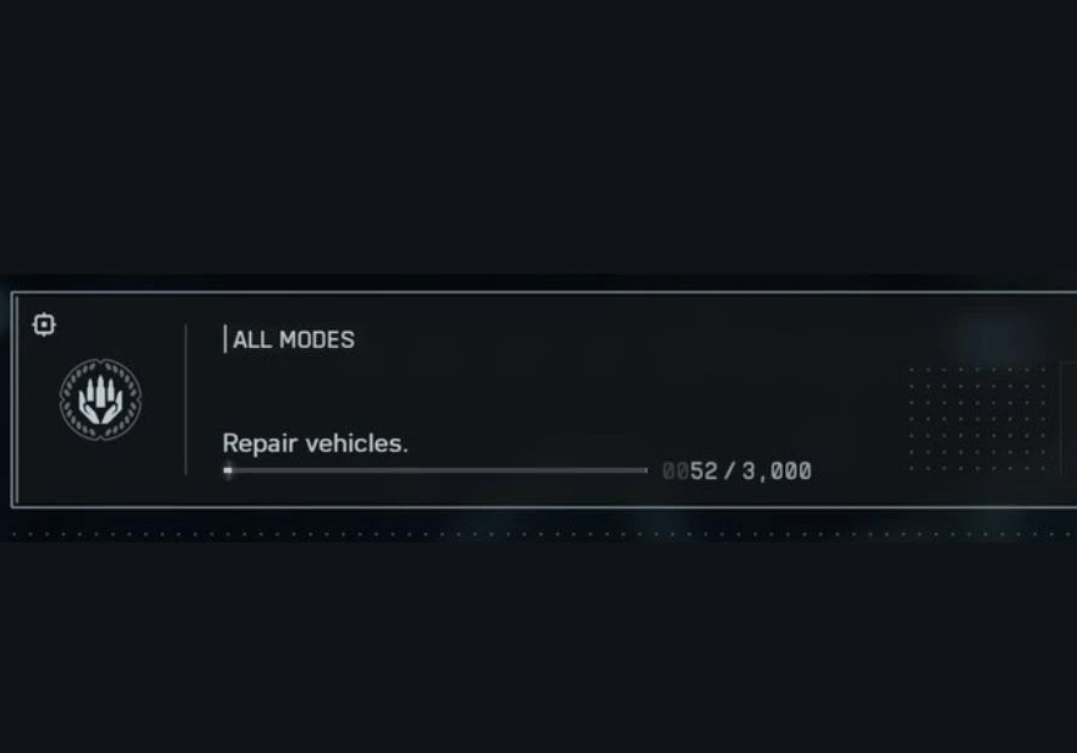
Battlefield 6 repair challenges aren’t tracking — what you can do
A known progression issue can freeze Repair Vehicles progress; here’s what to try until an update fixes it.
-
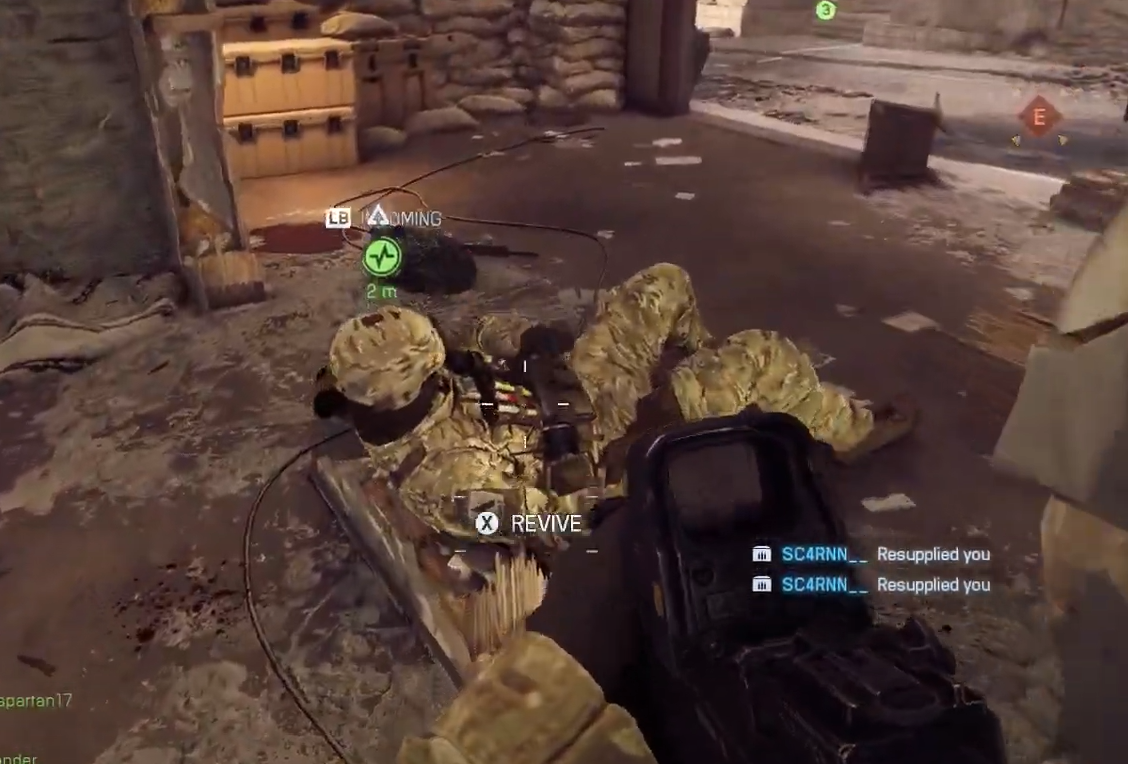
Battlefield 6: how to heal and revive teammates effectively
Drag revives, defibrillators, and Support tools explained, plus the challenges that track your healing.
-

Savior kills in Battlefield 6 — what they are and how to get them
Clear definition, how the game registers them, and practical ways to farm the count fast.
-
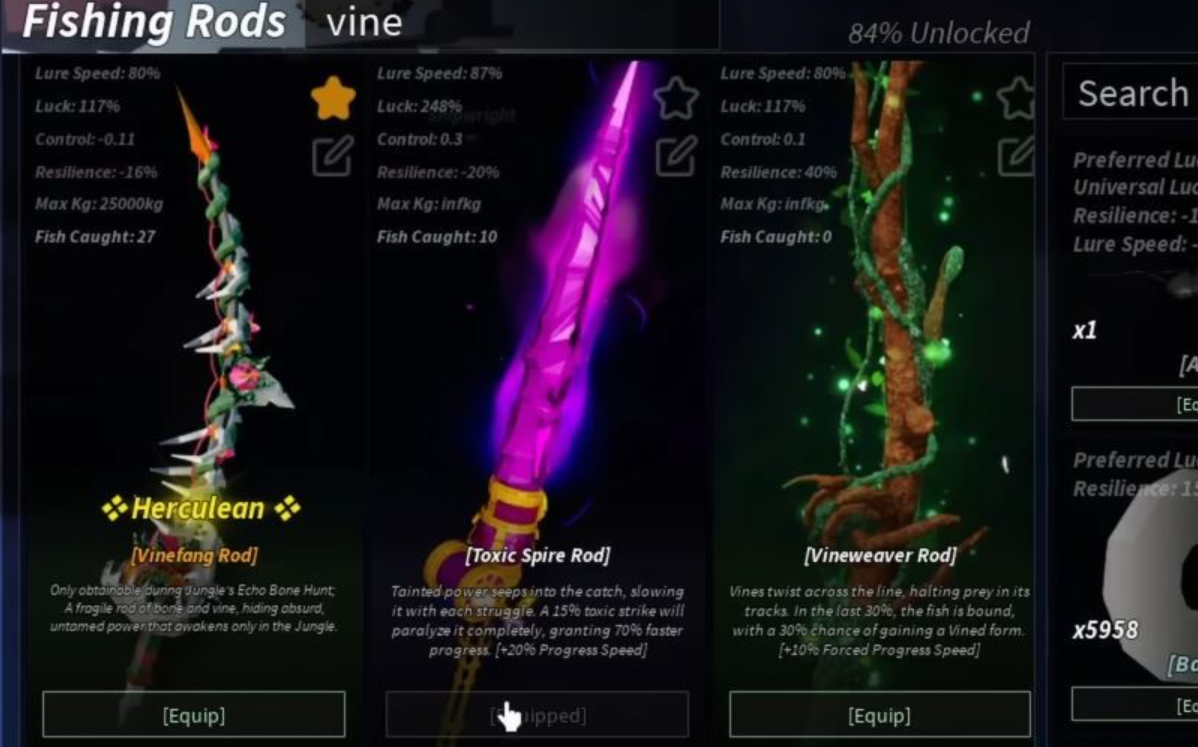
How to get the Toxic Spire Rod in Fisch — recipe and enchants
Craft it in Ancient Archives with three Lost Jungle items and 170,000 C$.
-
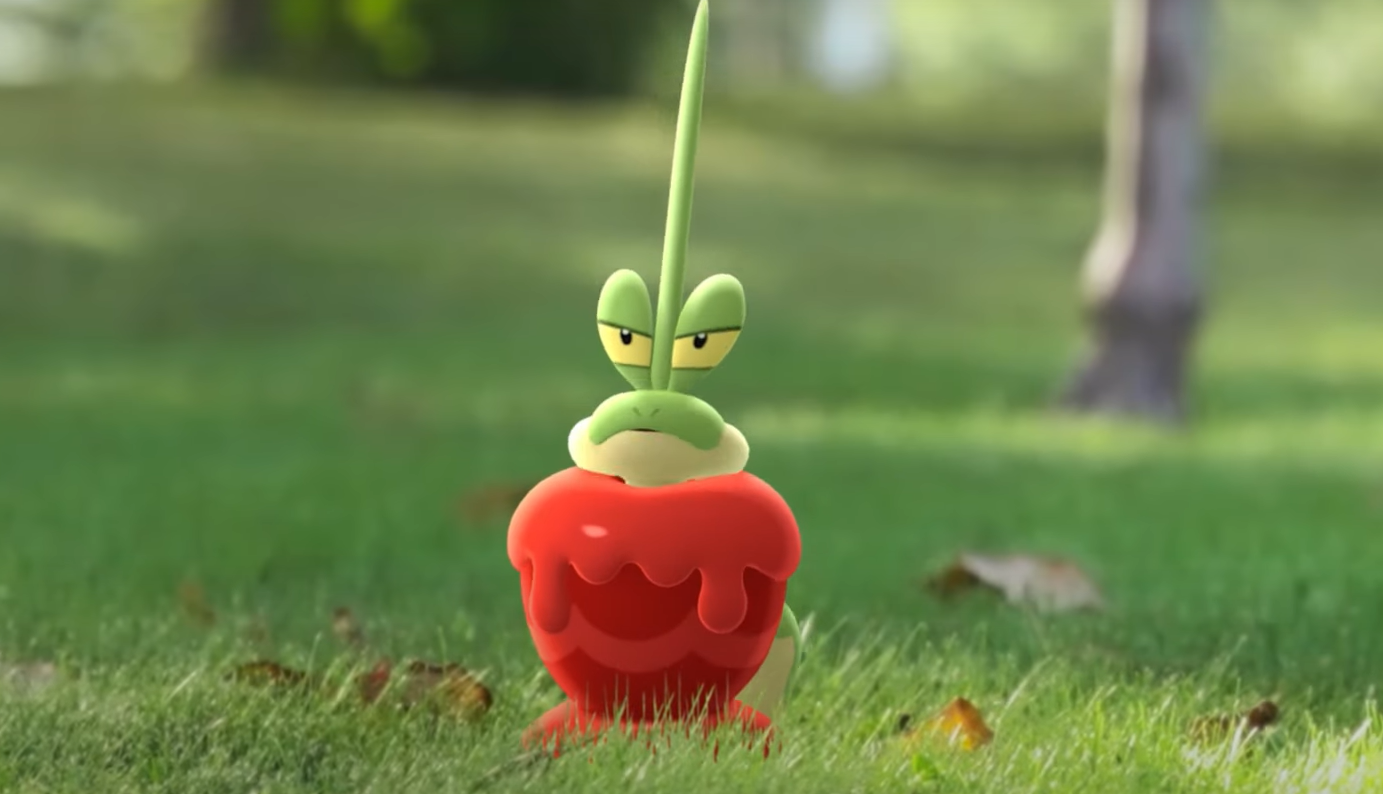
How to get Dipplin and Hydrapple in Pokémon Go — all requirements
You’ll need 20 Syrupy Apples, 600 Applin Candy, and seven Dragon‑type catches.
-
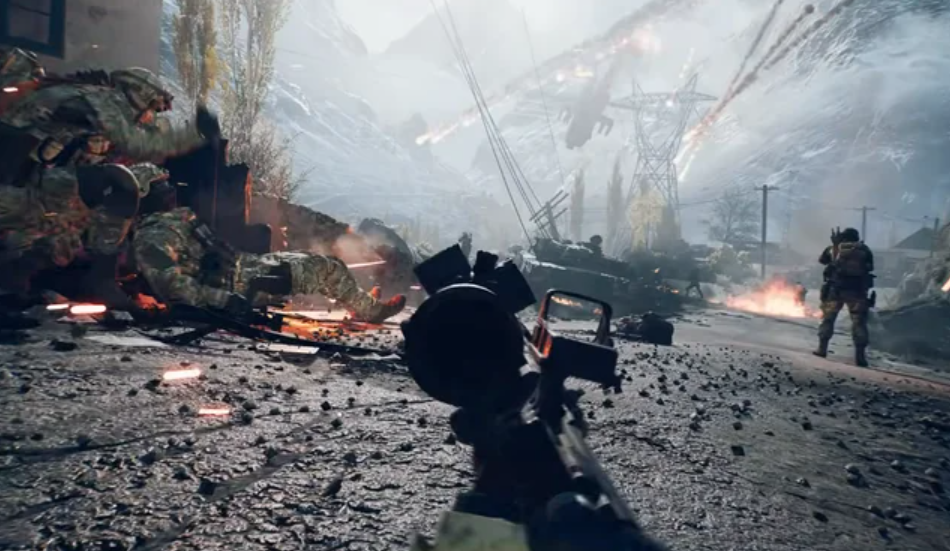
Battlefield 6 prone controls and how to remap them (PC, console)
Find the default prone inputs, avoid the slide‑dive mixup, and change the keybind quickly.
-
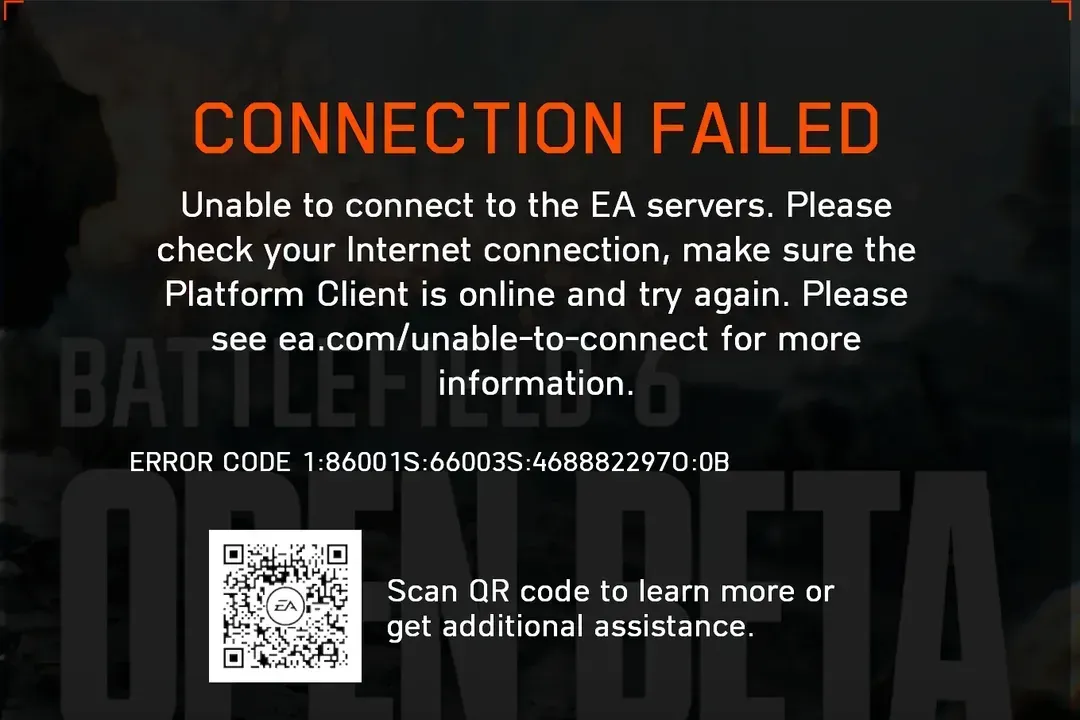
Battlefield 6 Connection Failed (PC) — fixes
Track server status, rule out account issues, and stabilize your network with simple, repeatable steps.