
Instructional, step-by-step articles.
Content Type: How-To
-
Battlefield 6 stutter and input lag — fixes on PC and console
Common symptoms, likely causes, and the most reliable settings to try before blaming your hardware.
-
Battlefield 6 XP boosters: how to activate, stack, and not waste them
Where to find the button, what each booster does, real-time timers, and how to earn more in-game.
-
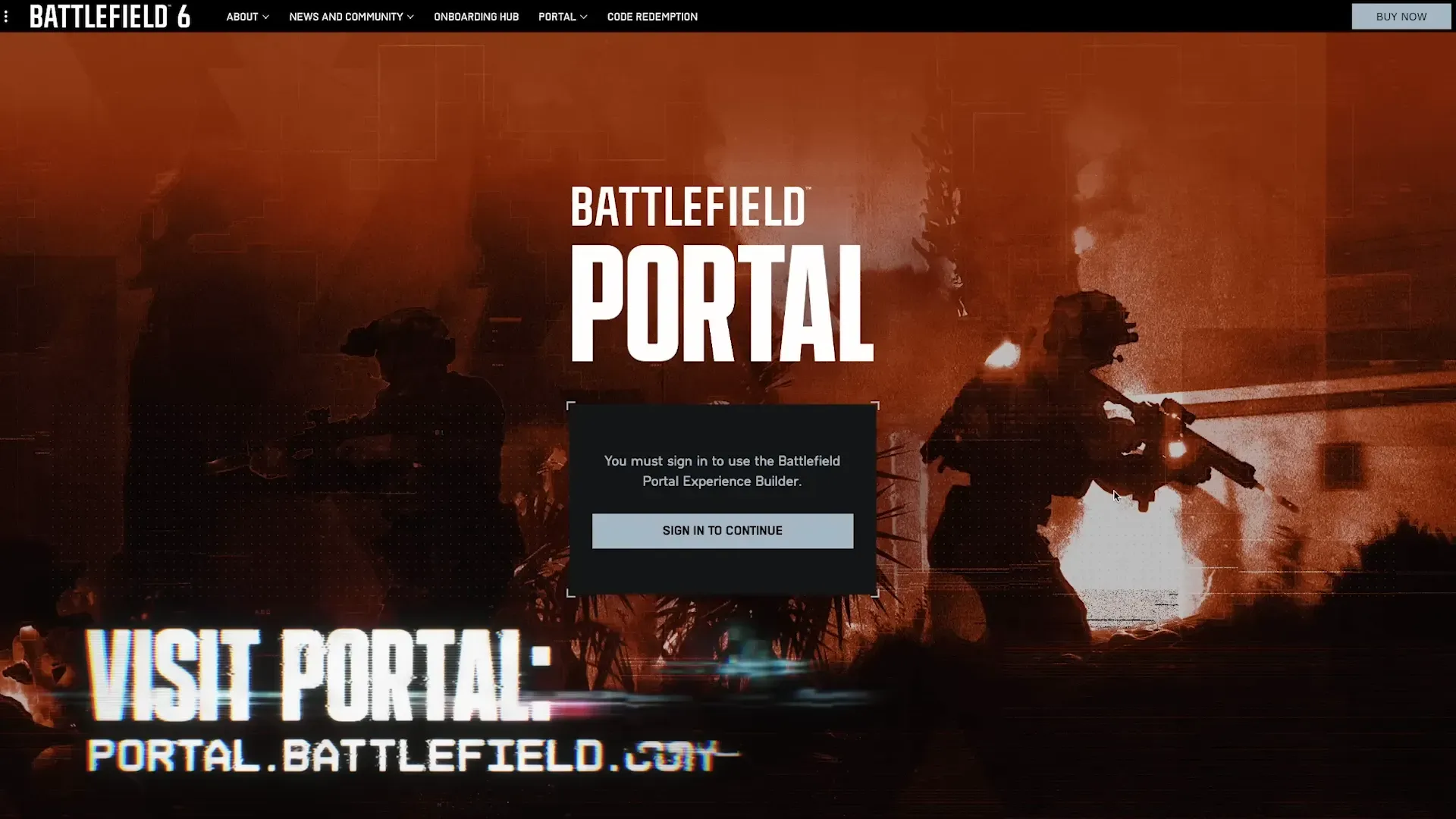
Battlefield 6 Portal ‘Global Game Quota Exceeded’ — what you can do
Players report being unable to publish Portal servers during peak demand; here’s what the message actually signals.
-
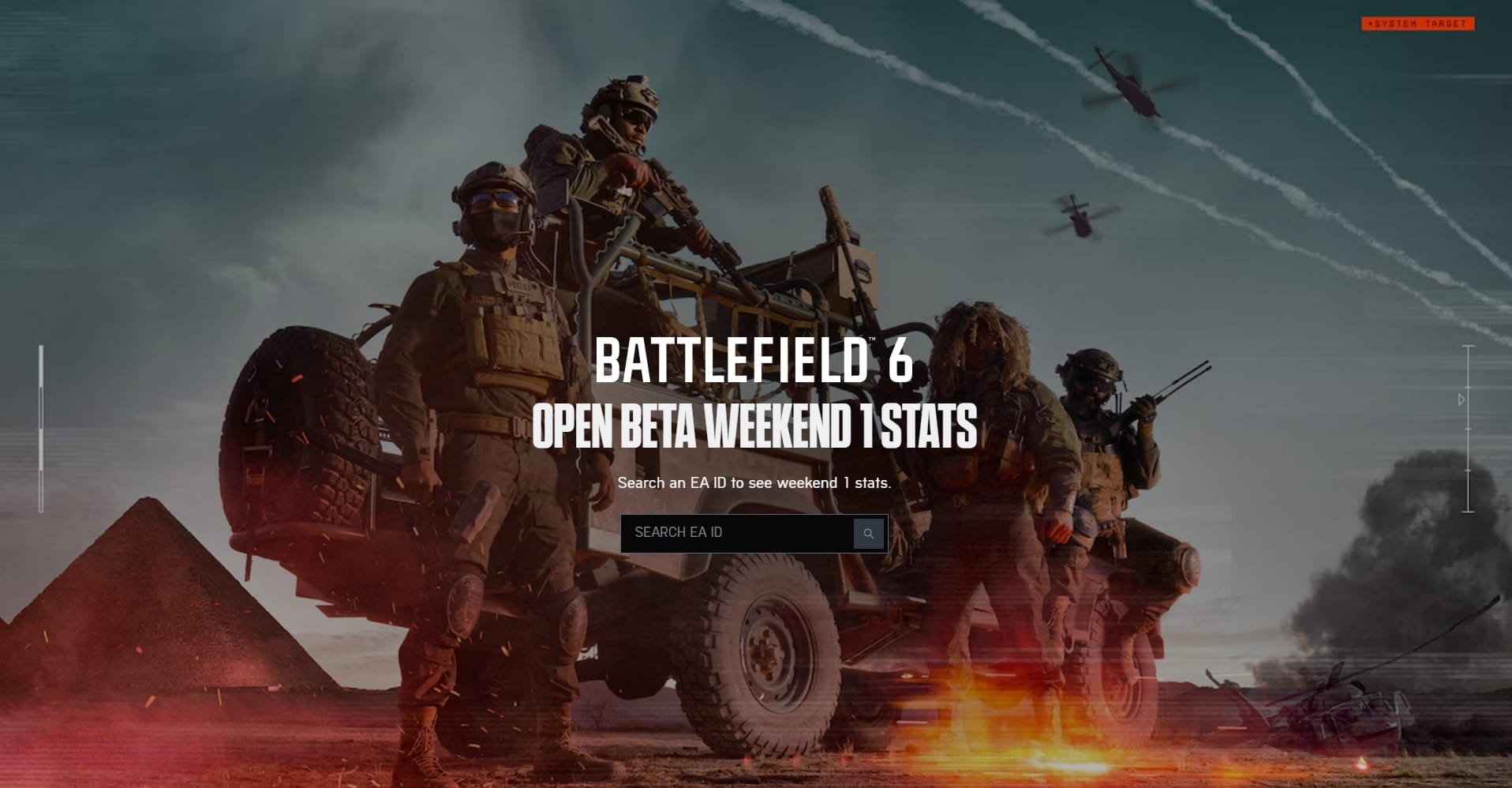
How to track your Battlefield 6 stats — EA page and community tools
View core stats on EA’s player page and dig deeper with leaderboards, session history, and per‑weapon breakdowns.
-
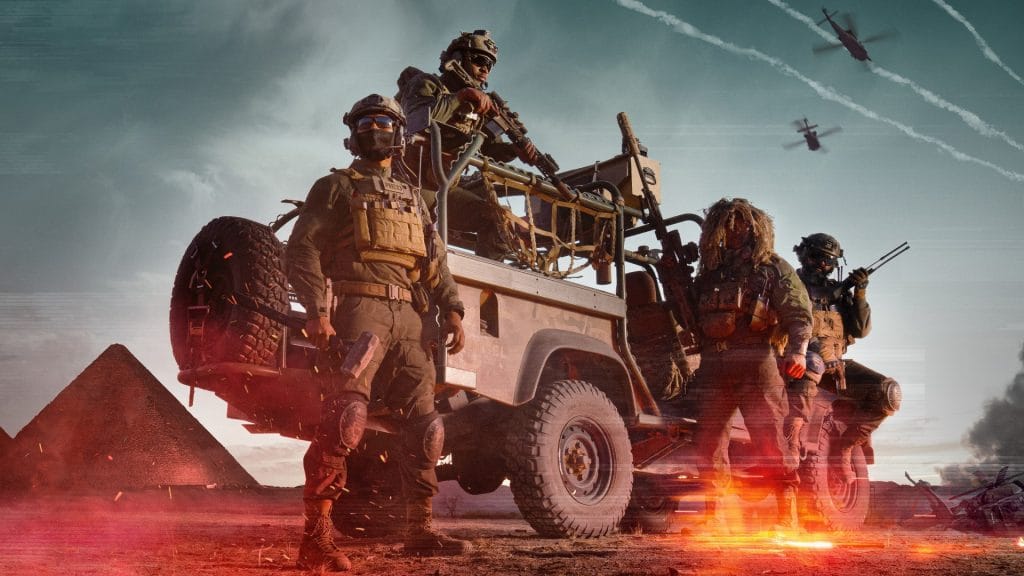
Battlefield 6 packet loss — practical causes and reliable fixes
Rubberbanding, teleporting, and the Wi‑Fi warning icon usually trace back to a few fixable network and system settings.
-
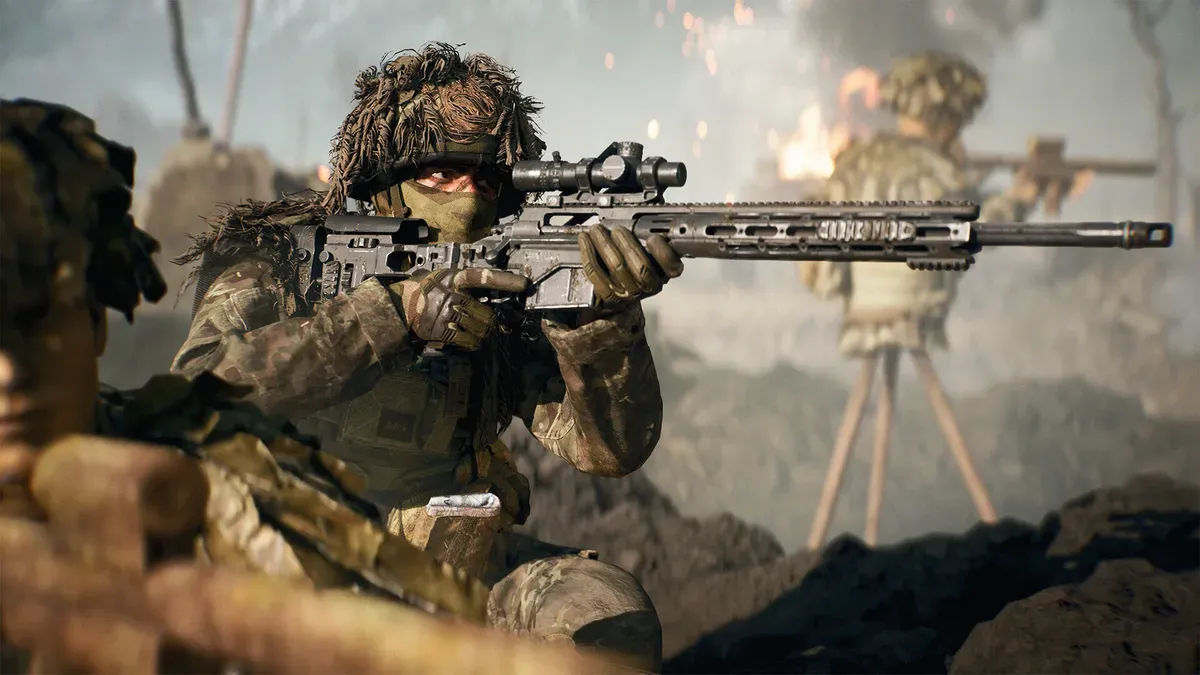
Battlefield 6 spotting — how to tag enemies and use Recon tools
The inputs, cooldowns, and Recon gadgets that turn orange diamonds into team wins.
-

How to turn off crossplay in Battlefield 6 (PS5, Xbox, PC)
Crossplay is on by default; here’s how to disable it and what each setting actually changes.
-
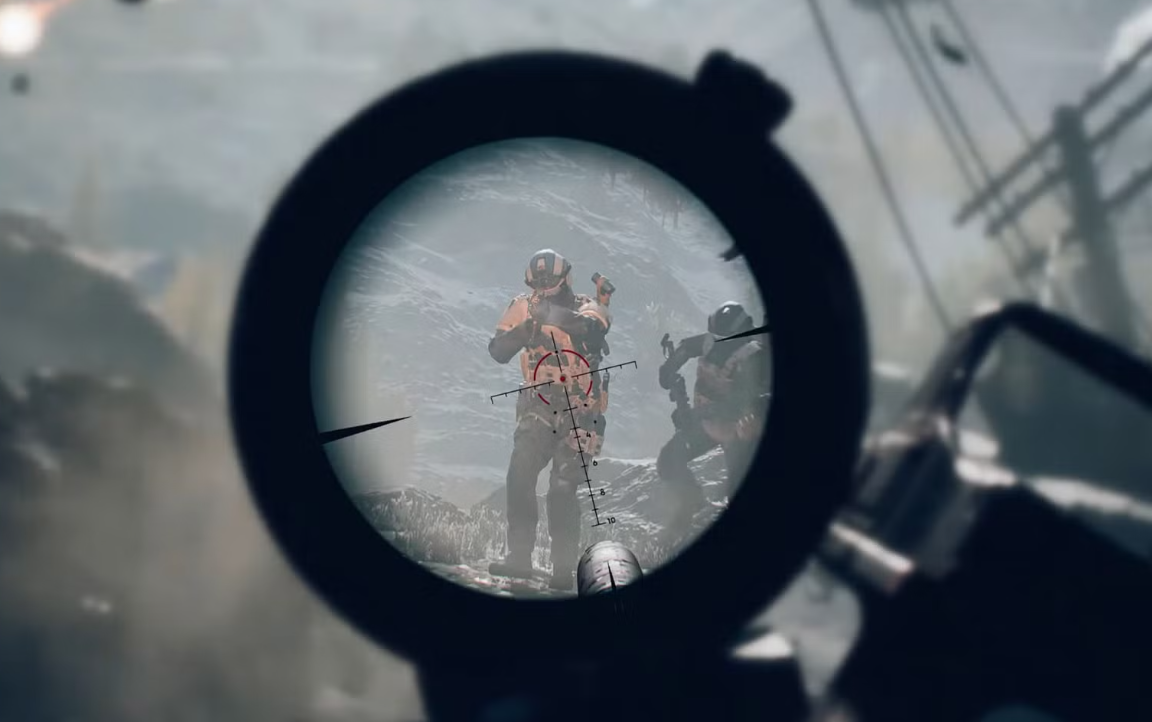
Battlefield 6 controller button layout: how to switch and customize
Change presets fast, remap individual actions, and apply smarter layouts for infantry, vehicles, and aircraft.
-
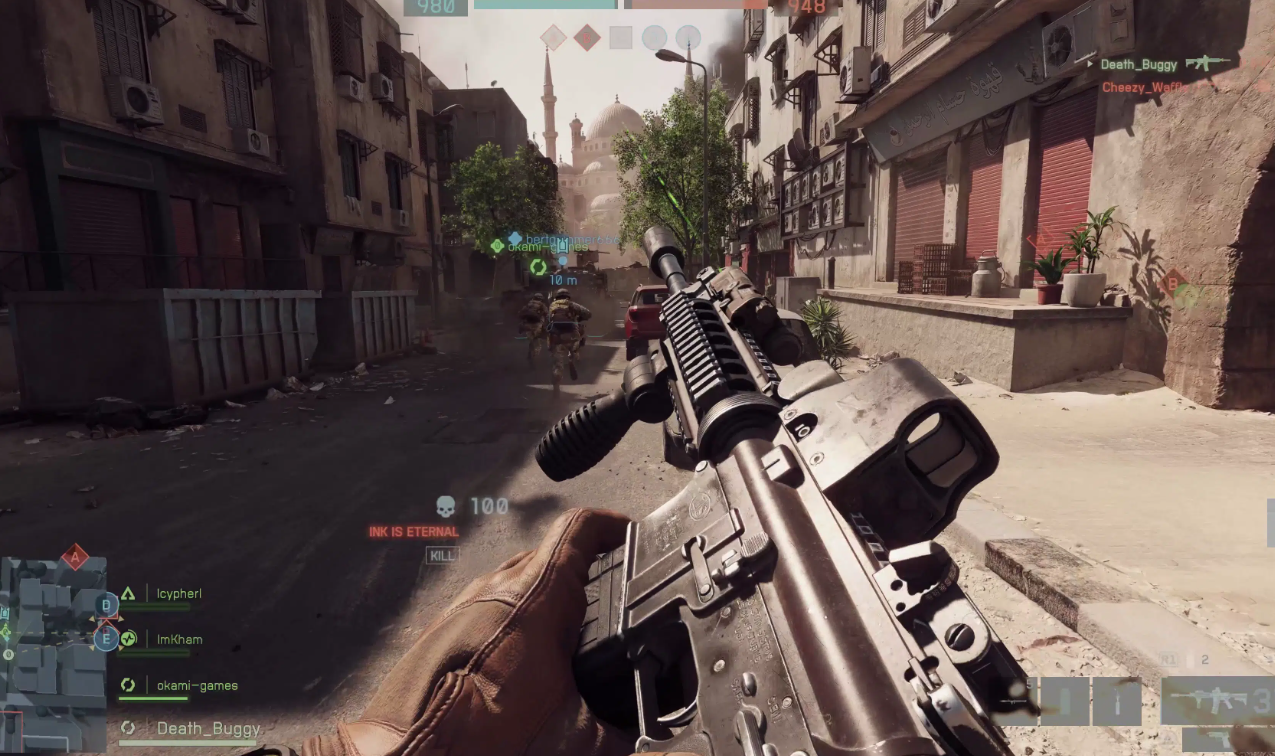
Battlefield 6 — turn off DualSense adaptive triggers on PS5 and PC
No in‑game toggle yet; use system settings on PS5 or Steam Input on PC.
-

Battlefield 6 (PC) — Show FPS counter, ping, and performance data
Use the in‑game Performance Overlay, the Frostbite console command, or overlays like Steam and Xbox Game Bar.