
Instructional, step-by-step articles.
Content Type: How-To
-
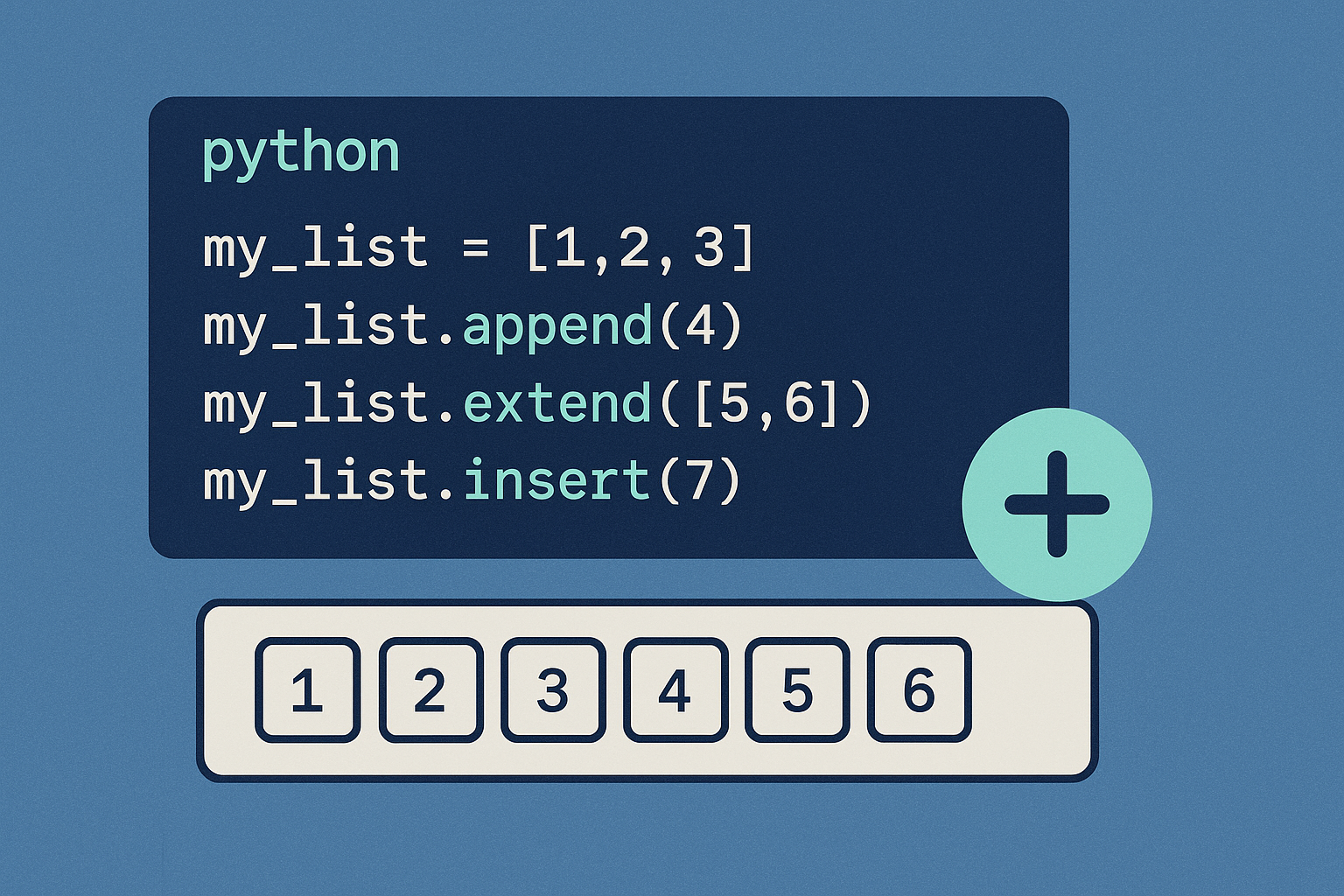
How to Add Elements to a List in Python
Append to the end, insert at a position, extend from any iterable, or create a new list without mutating the original.
-

How to Get Rewards by Playing Games on Game Pass
Earn Microsoft Rewards points, exclusive perks, and in-game benefits simply by playing titles from the Game Pass catalog on your Xbox, PC, or mobile…
-

How to Convert a Set to a List in Python
The essential methods, trade-offs, and examples—plus tips for ordering, performance, and common pitfalls.
-
How to Fix Gears of War: Reloaded Performance Issues
Effective solutions to resolve lag, stuttering, and frame drops in Gears of War: Reloaded on PC.
-

How to Fix Metal Gear Solid Delta: Snake Eater Lagging and Crashing
Resolve persistent lag, crashes, and performance issues in Metal Gear Solid Delta: Snake Eater on PC using targeted troubleshooting steps and recent patch updates.
-

How to Group and Animate Objects in Microsoft PowerPoint
Learn how to organize multiple objects into a group and apply animations efficiently in Microsoft PowerPoint for streamlined presentations.
-
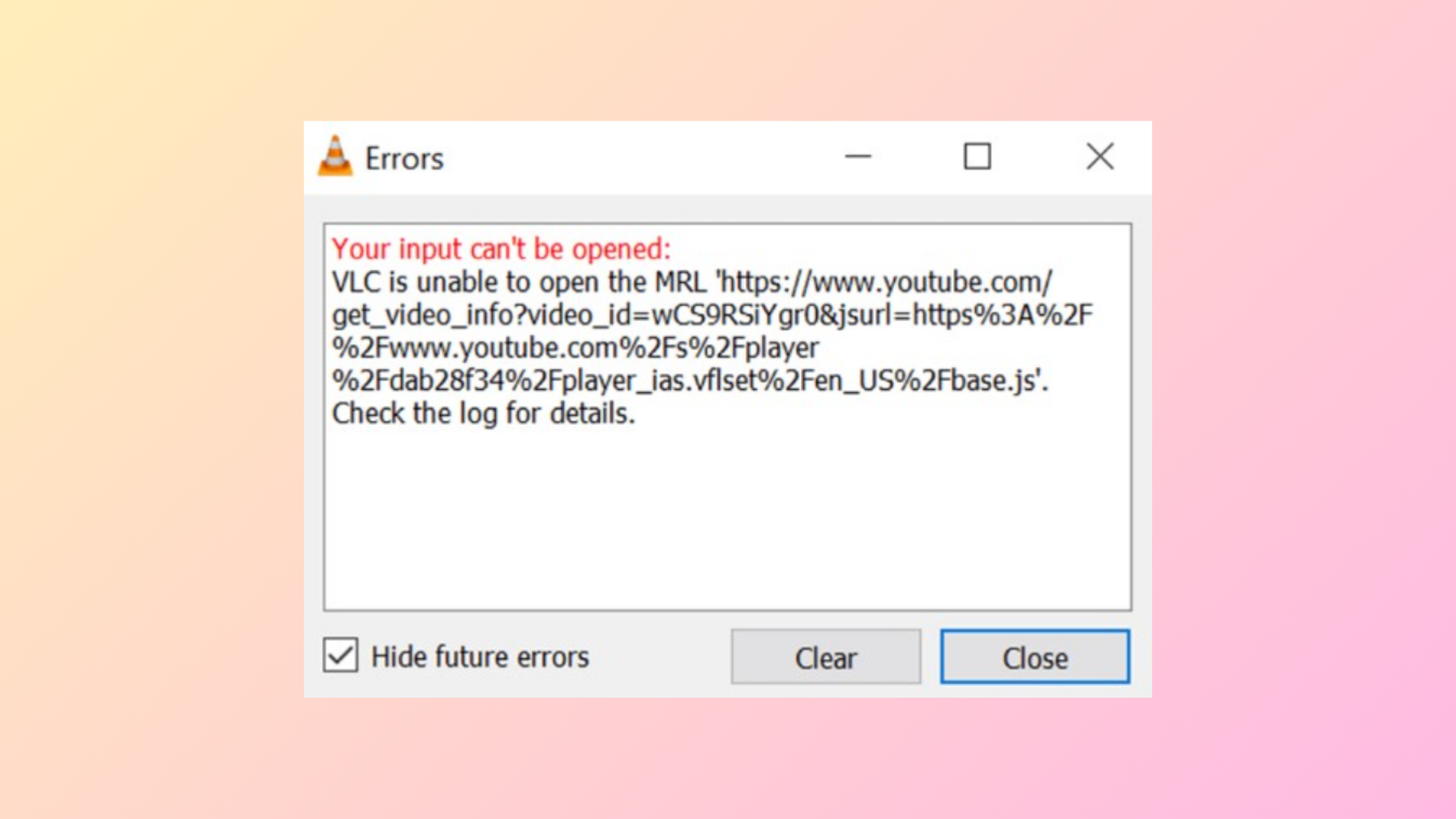
How to Fix “Your Input Can’t Be Opened: VLC Is Unable to Open the MRL” Error
Resolve VLC’s “unable to open the MRL” error with proven solutions for local files, network streams, YouTube links, and DVDs, including clear instructions for…
-
How to Extract Media Files from PowerPoint Presentations
Learn multiple methods to save videos, audio, and images from PowerPoint files for reuse, archiving, or troubleshooting large file sizes.
-

How to Fix Outlook Not Responding, Crashing, Freezing, or Hanging
Detailed steps to resolve Outlook issues such as freezing, not responding, crashing, or hanging, with proven fixes and troubleshooting methods for all recent versions.
-

How to Copy List of File and Folder Names to Clipboard in Windows 11
Copying file and folder names to the clipboard in Windows 11 can be done quickly using built-in features, command-line tools, or custom context menu…