
Instructional, step-by-step articles.
Content Type: How-To
-
How to Print Outlook Email, Calendar, and Contacts
Detailed steps for printing emails, calendars, and contacts in Outlook, covering both desktop and web versions.
-
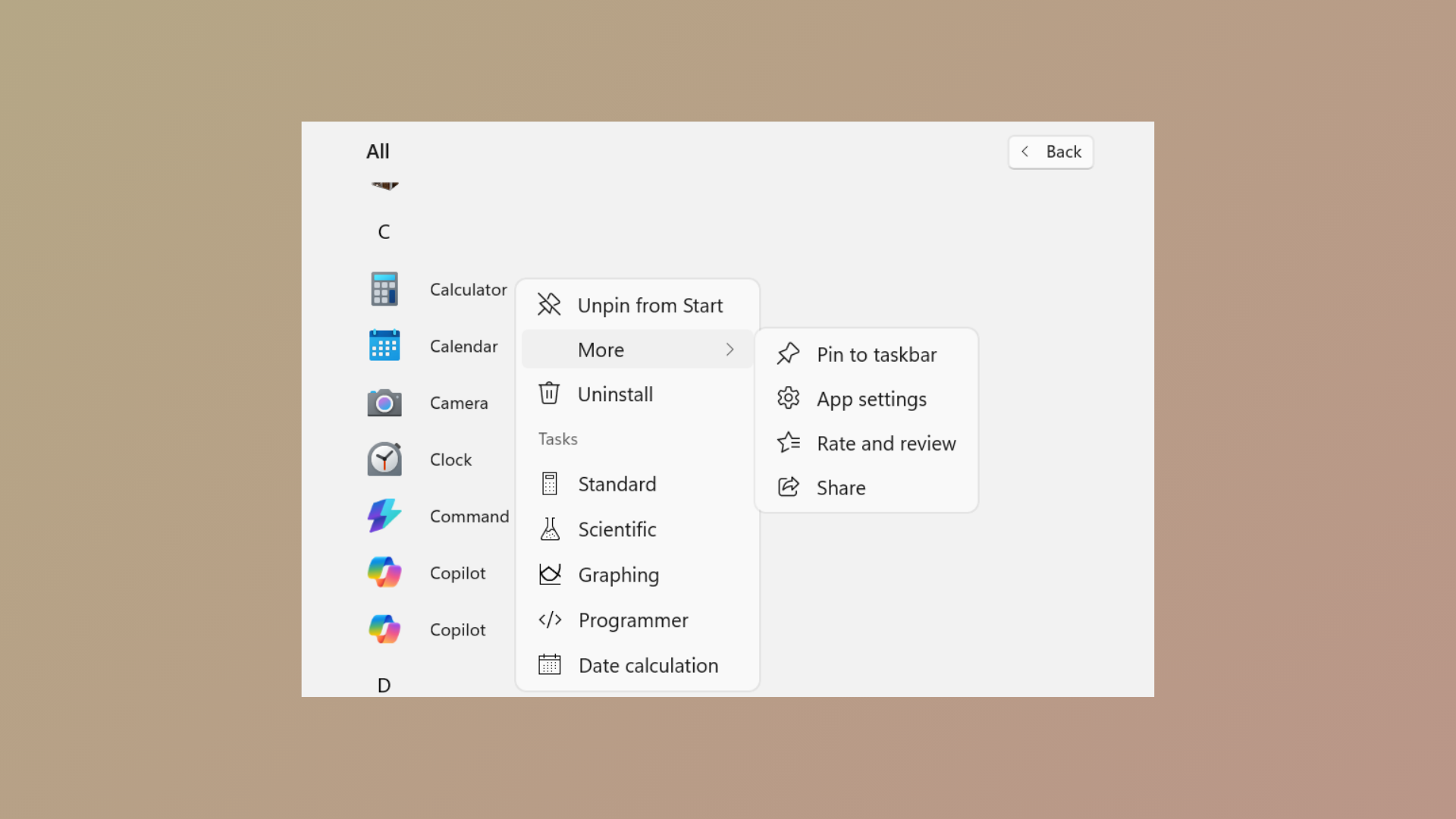
How to Prevent Pinning or Unpinning of Programs to Taskbar in Windows 11
Learn how to use Group Policy and XML configuration to control which programs users can pin or unpin from the Windows 11 taskbar.
-
How to Convert a Picture to SmartArt in Microsoft Word
Learn how to transform images into visually organized SmartArt graphics in Word for clearer, more impactful documents.
-

How to Fix OneDrive Error 0x80049d61
Resolve the OneDrive 0x80049d61 error by switching to the desktop app or accessing files online, and learn effective troubleshooting and reset methods for persistent…
-
How to Remove Extensions Menu Button from Microsoft Edge
Easy-to-follow instructions for hiding or removing the Extensions menu button from the Microsoft Edge toolbar, including solutions for stubborn or policy-managed extensions.
-
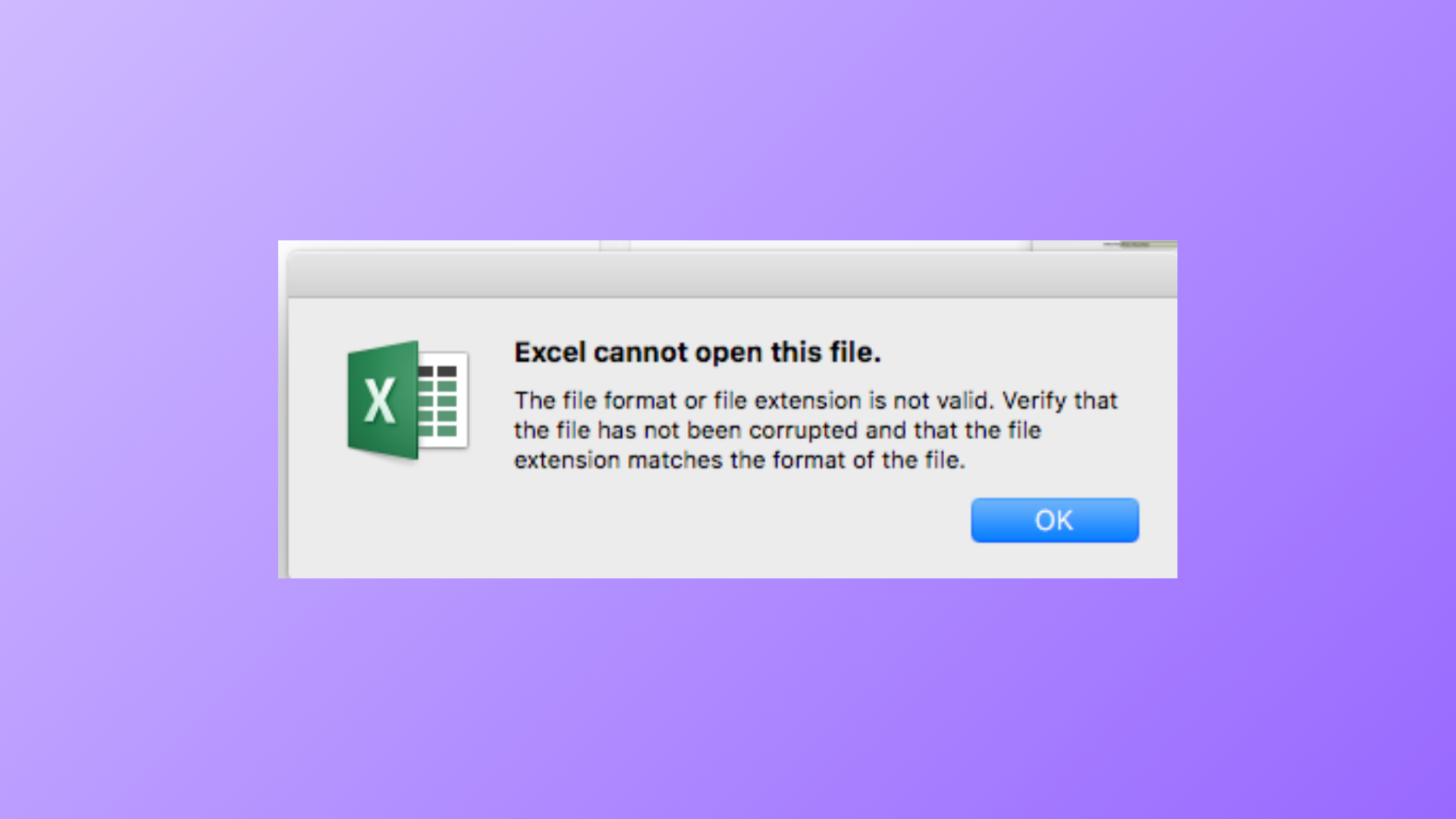
How to Fix Excel Cannot Open the File Because the File Format or Extension Is Not Valid Error
Resolve the Excel file format or extension error and recover access to your spreadsheets with clear repair and recovery methods.
-
How to Fix Google Maps Loading Slowly in Chrome, Edge, and Firefox
Targeted solutions to resolve slow Google Maps performance in major browsers and improve map loading speed on your computer.
-
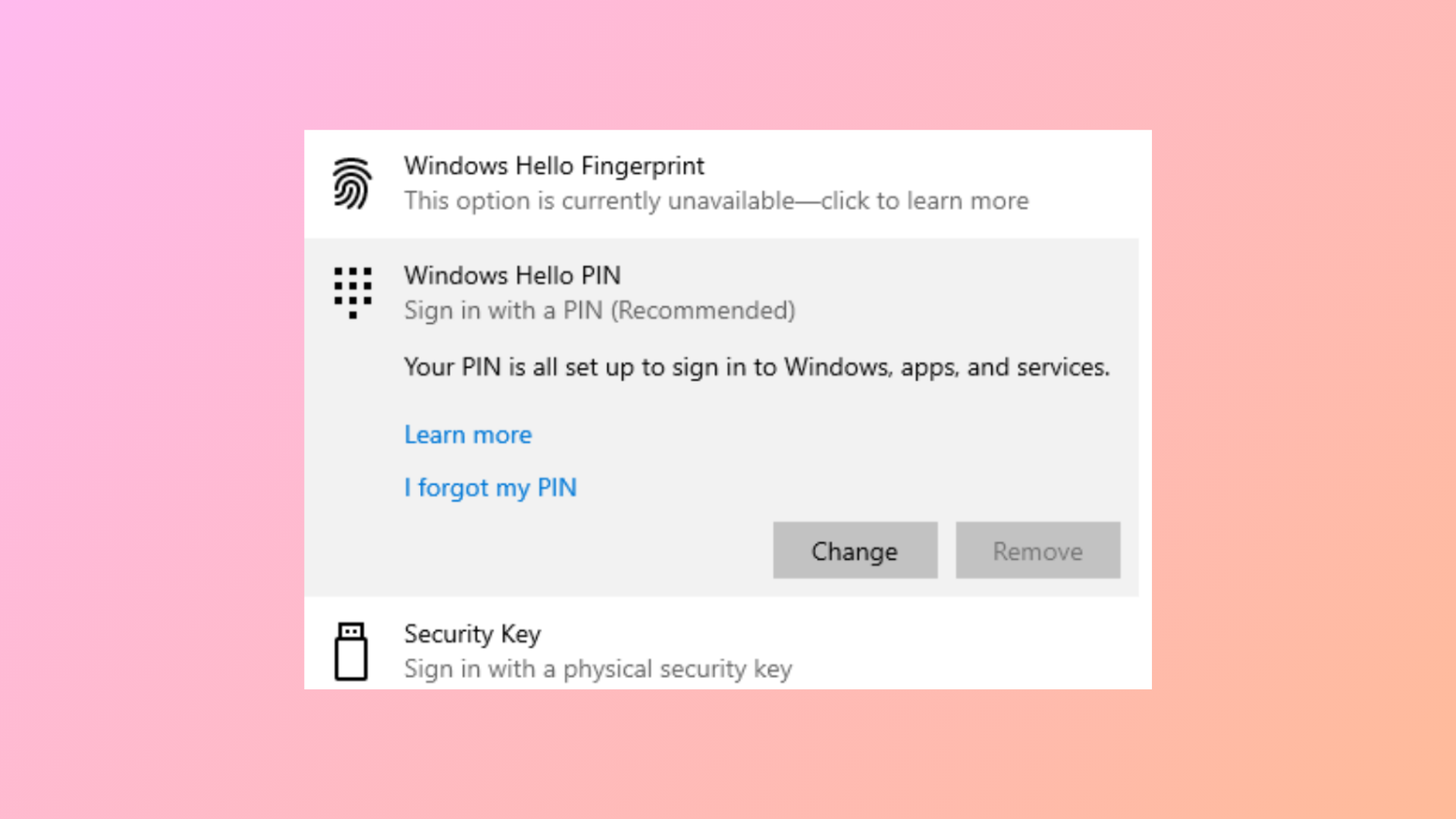
How to Fix Remove Hello PIN Greyed Out in Windows 11
Learn clear solutions to enable the “Remove” option for Windows Hello PIN when it’s unavailable in Windows 11.
-
How to Create a Calendar in Microsoft Excel
Learn effective methods to build, customize, and manage calendars using Microsoft Excel for efficient scheduling and organization.
-
How to Fix Google Chrome Downloads Getting Stuck at 100%
Resolve stalled Chrome downloads stuck at 100% by addressing antivirus scanning, browser extensions, cache issues, and other common causes.