
Instructional, step-by-step articles.
Content Type: How-To
-
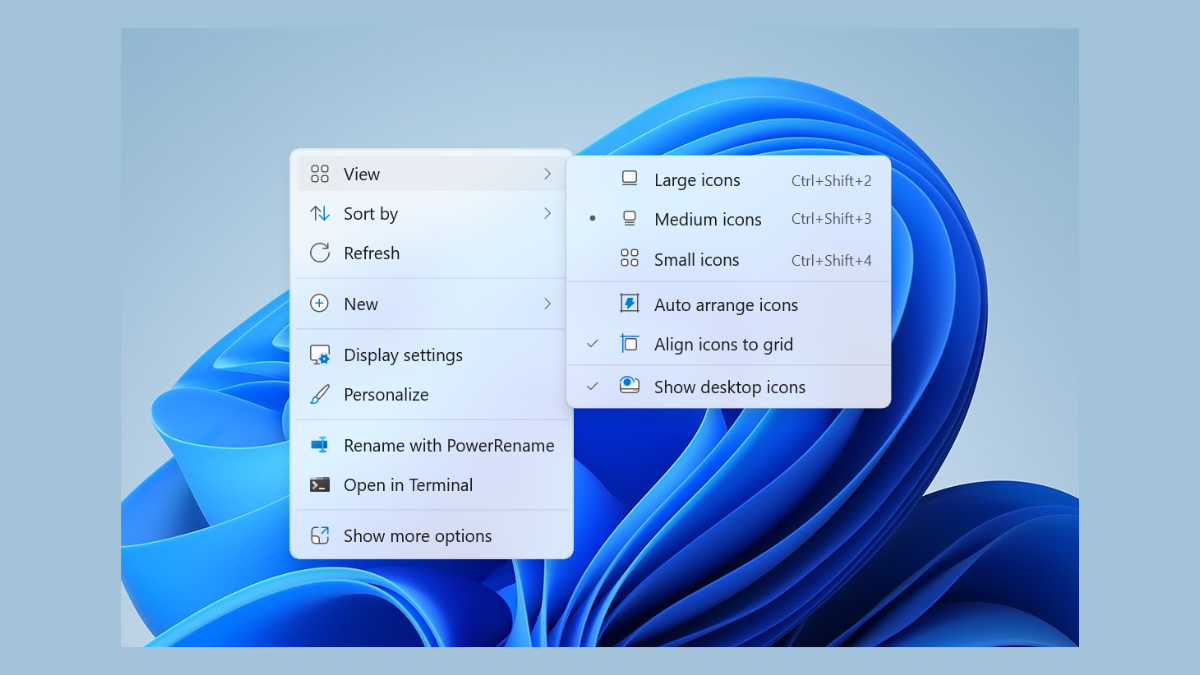
Fix Right-Click Context Menu Showing Up on Other Screen in Windows 11
Resolve the issue where the right-click context menu appears on the wrong monitor in Windows 11 multi-display setups.
-
Install Google ADK to Build Multi Agents on Windows 11
Set up the Google Android Development Kit (ADK) on Windows 11 to create and manage multi-agent systems efficiently.
-
Fix Windows Resource Protection Could Not Start the Repair Service
Resolve the “Windows Resource Protection could not start the repair service” error to successfully run system file checks and repair Windows issues.
-
Remove OneDrive from File Explorer Sidebar
Learn multiple ways to stop OneDrive from appearing in the File Explorer sidebar on Windows systems.
-
Add a Network Drive to the PC Drive Section
Map a network drive so it appears alongside your local drives in File Explorer for easier access and organization.
-
Use Zram for Better RAM Compression on Low-Memory Systems
Allocate compressed swap space in RAM with Zram to improve Linux system responsiveness and reduce reliance on slow disk swap, especially on devices with…
-
Turn Off Settings Access in Windows 11
Block access to the Settings app and Control Panel in Windows 11 to prevent unwanted system changes by non-admin users.
-
Pause Screen on Chromecast When Streaming to a TV
Quickly stop playback on your Chromecast-connected TV using your phone, computer, or remote controls.
-
Restore Missing Power Modes in Windows 11
Quickly bring back the Power Modes option in Windows 11 to manage your device’s performance and battery life.
-
How to Set Up a Program to Run with Admin Rights for Regular Users
Configure applications to automatically launch with administrator privileges without granting users full admin access.