Changing how your character looks in Star Wars: Zero Company happens in one place, not on the battlefield. You reshape Hawks and adjust your operators at a dedicated terminal inside The Den, the hub where your squad regroups between missions. Nothing about the initial appearance you picked is locked, so you can revisit the choice whenever you want.
Quick answer: Go to The Den, walk to the Customization Facility terminal next to the holographic clone trooper, press the interact key (default E), open the Appearance or Outfits tab, equip the pieces and colors you want, then exit the menu to save.
Where to change your appearance: the Customization Facility in The Den
All appearance edits run through the Customization Facility, and it only exists inside The Den. You cannot alter your look while deployed on a mission or from the Galaxy Map. The facility sits near the Command Center, and its terminal is marked on the hub map so you can jump straight to it.
At the terminal you can edit three things for a selected operator. The Profile tab covers identity details, the Appearance tab handles the character’s physical look, and the Outfits tab holds wearable gear such as clone armor tops and lower-body pieces.
Steps to change your character appearance
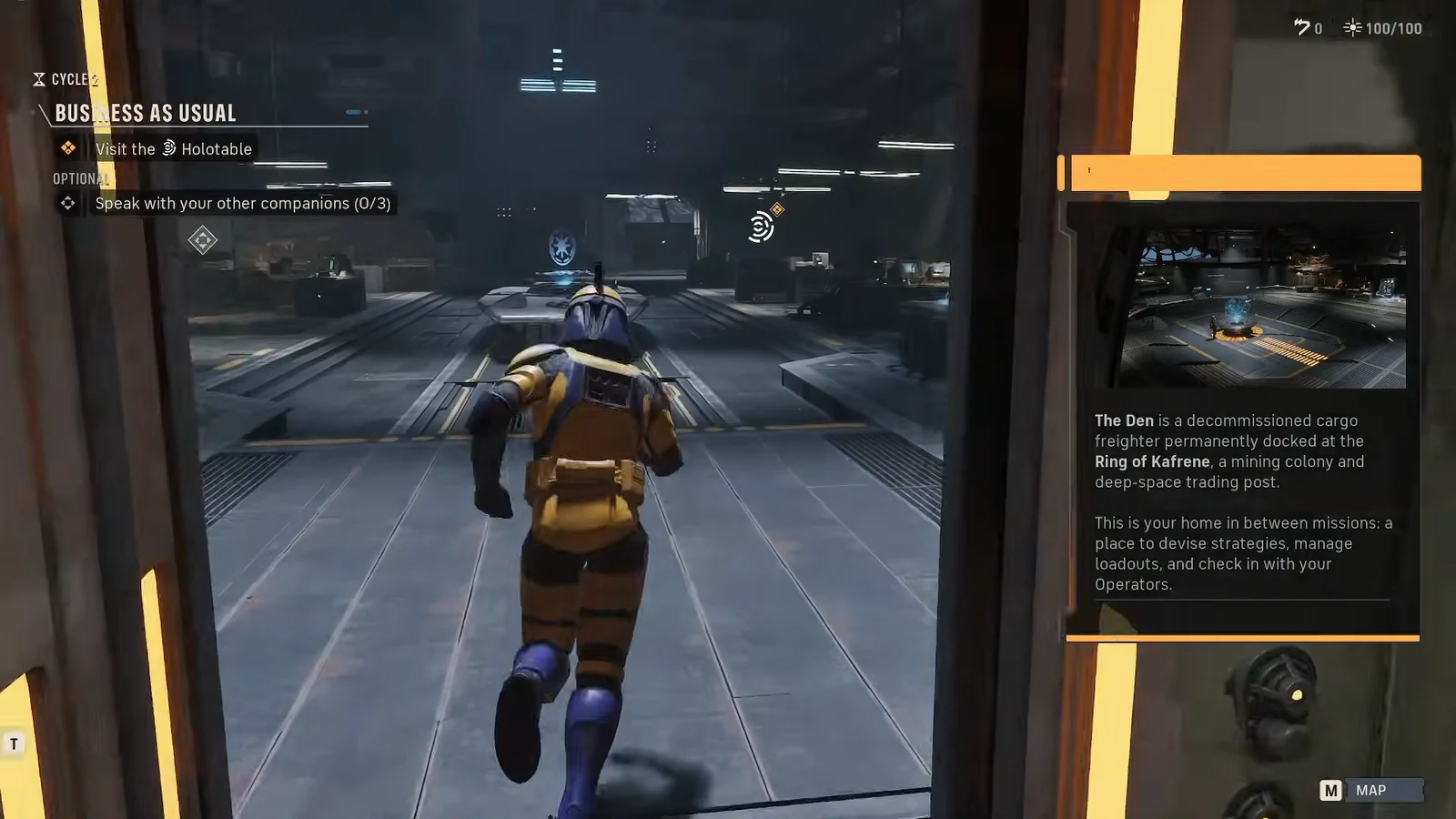
E, and the on-screen prompt reads E CUSTOMIZATION when you are close enough to activate it.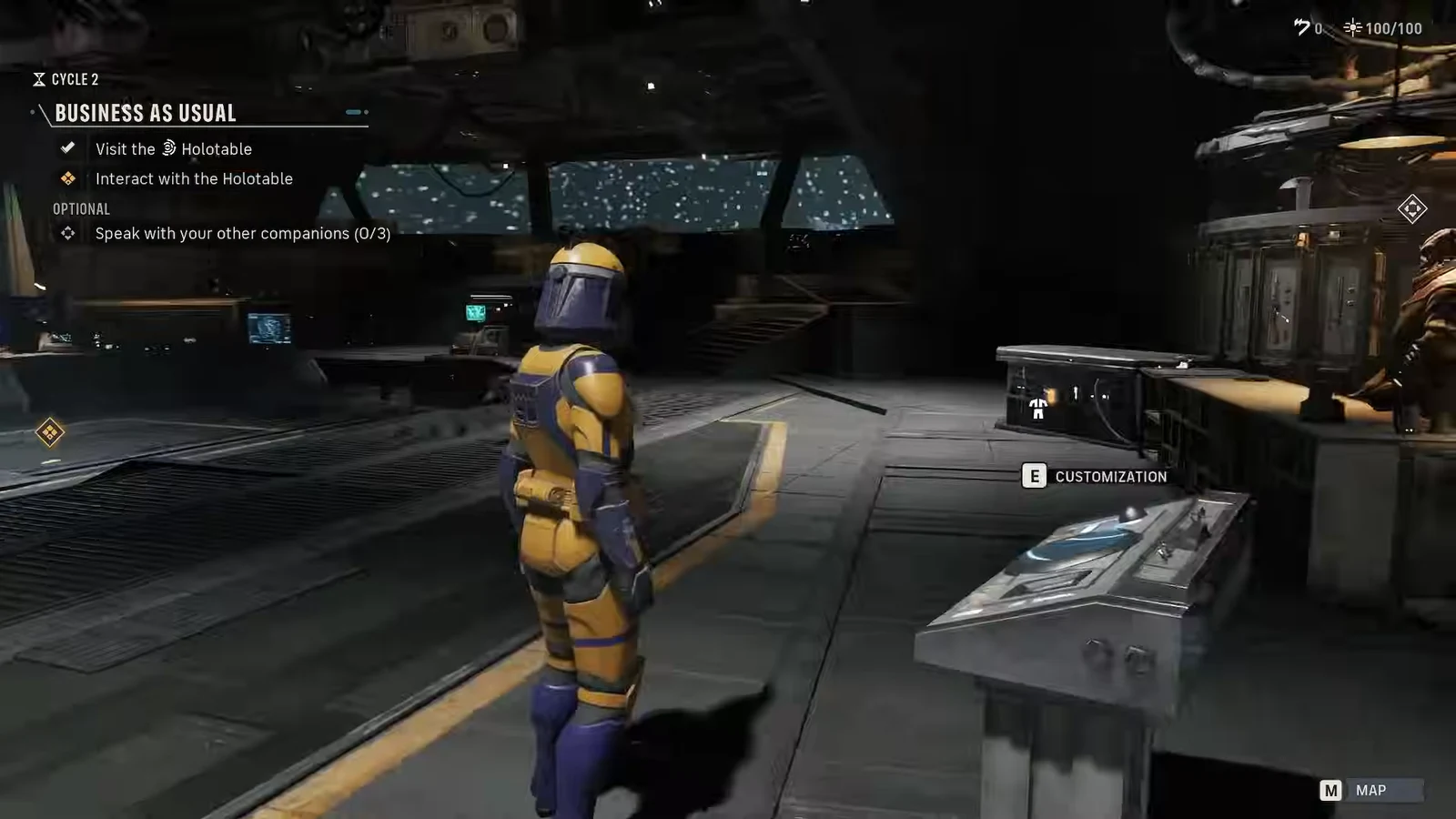
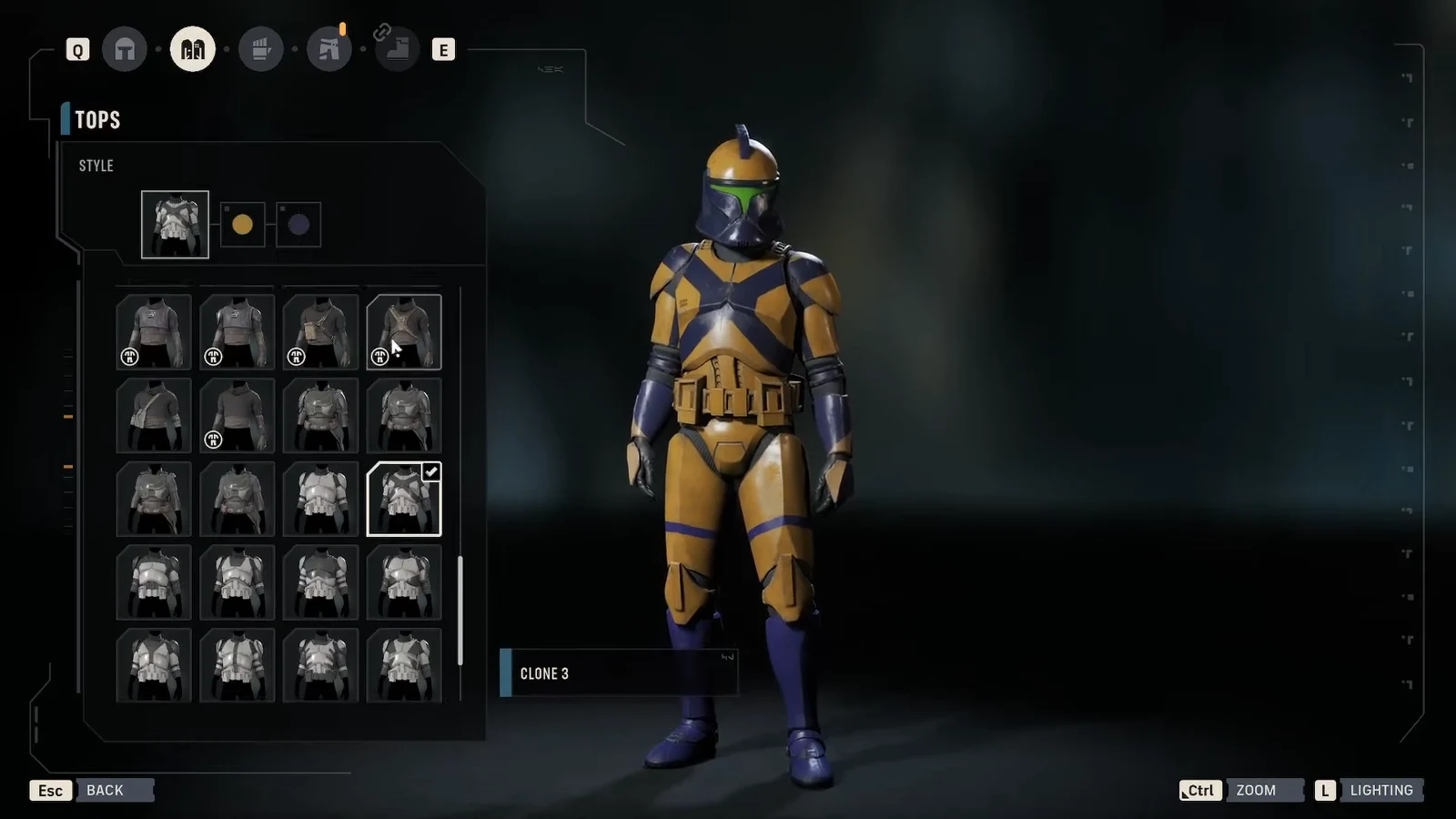
You know the change took effect when the operator model in the hub matches your selection and the menu closes without reverting. There is no separate confirmation prompt to press.
What you can edit at the terminal
| Tab | What it controls |
|---|---|
| Profile | Identity details for the selected operator |
| Appearance | Physical look, including species, features, markings, and coloring |
| Outfits | Wearable gear such as Tops (clone armor), Lower Body, and their colors |
For Hawks specifically, species, gender, voice, appearance, and outfit can all be re-customized at this same terminal. Species is purely cosmetic and has no effect on combat, so switching between Human, Twi’lek, Togruta, Zabrak, Mirialan, or Devaronian only changes the look. Visual options scale with the species you choose, since different species carry different head shapes, markings, and coloring.
Note: Clone Trooper helmets apply a voice modulation effect when worn, which is worth keeping in mind if you like a specific voice for Hawks.
Editing companions and custom operators
Custom operators you build can have their appearance, name, and gear set from the character terminal, so their look is fully in your hands. Authored story companions like Trick, Tel-Rea Vokoss, Cly Kullervo, Luco Bronc, Jae Mordant, and Kabb Uppercut ship with fixed appearances, but you can still re-customize them between missions.
A couple of restrictions apply to gear. Mandalorian armor is exclusive to Cly Kullervo and cannot be equipped on any other operator. Clone Trooper cosmetics, including paint jobs and armor patterns for helmets and body armor, are shared across eligible operators.
Because everything runs through the same facility in The Den, none of these visual choices are permanent. If a look no longer fits your squad, return to the terminal, swap the pieces, and exit to lock in the new appearance.