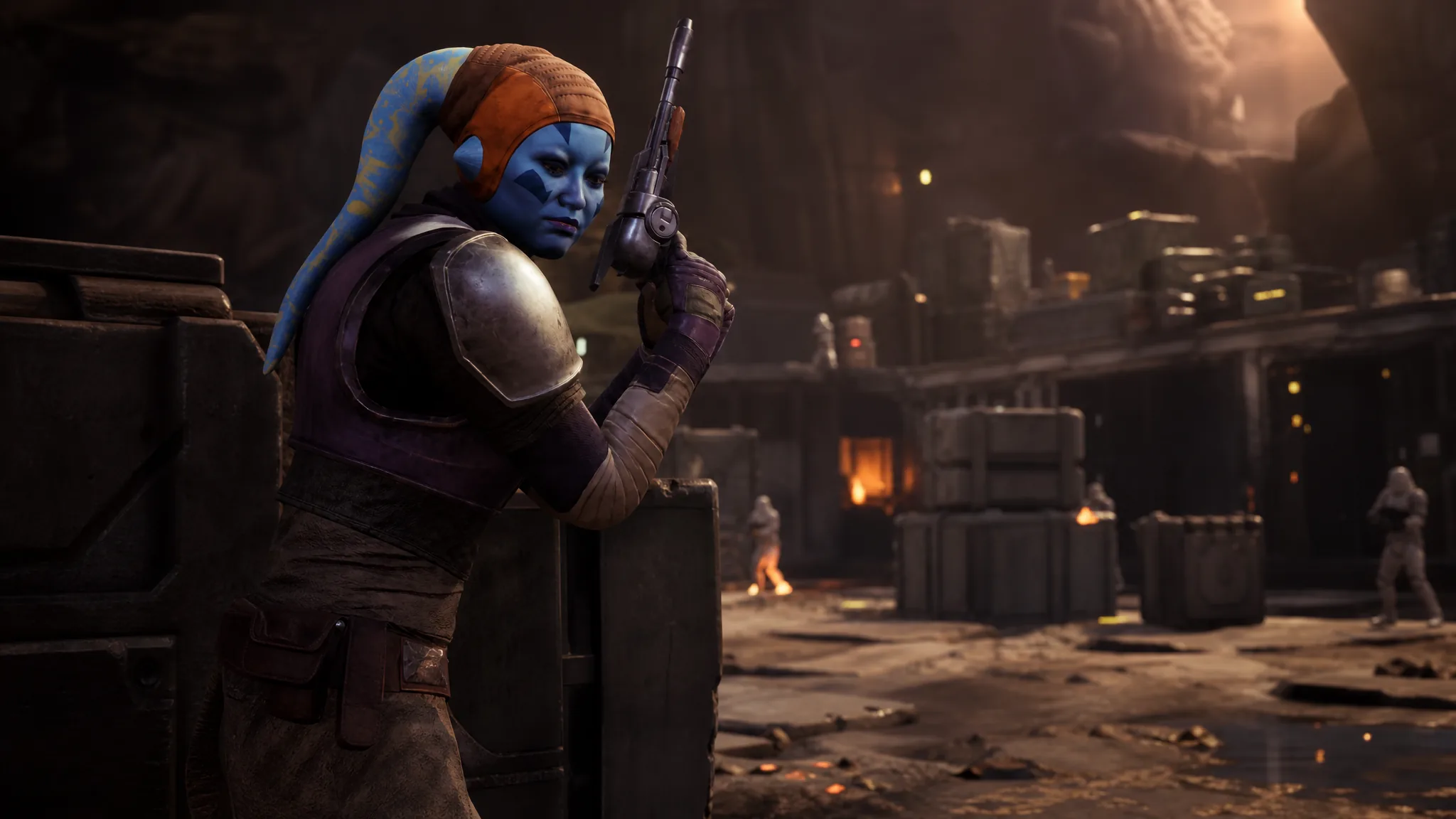
Operators are the characters you deploy on missions and assign during operations in Star Wars Zero Company, and you are not limited to the premade roster. You can design your own humans, aliens, and astromechs, save them, and then recruit them into your company alongside authored heroes like Trick and Kabb Uppercut.
Quick answer: Open Character Database from the main menu, build a custom character or astromech, mark them active by clicking the circle next to their name, then load a save and hire them for Credits at the recruitment terminal behind the holotable at The Den. Refresh the pool if they do not appear at first.
What counts as an Operator
An Operator is any character you can bring into a mission or task during an operation. Hawks, the player character, is an Operator, and so are the authored squad members who join through the story. Your company can grow to a maximum of 20 Operators, though you only deploy four at a time during a Tactical Mission.
Every Operator carries one of eight standard specializations. These define their combat role and abilities.
| Specialization | Role |
|---|---|
| Assault | Frontline fighter for medium to close-range kills against enemies in cover |
| Gunslinger | Multi-target blaster attacks and fast strikes across several enemies |
| Heavy | Armored combatant built to soak damage in the open |
| Medic | Healing and injury prevention, plus teammate boosts |
| Soldier | Close to medium-range offense with melee, grenades, and a rocket launcher |
| Sharpshooter | Long-range marksman focused on single targets |
| Scout | Reconnaissance and timing that creates openings for the team |
| Scoundrel | Wildcard that capitalizes on opportunities in combat |
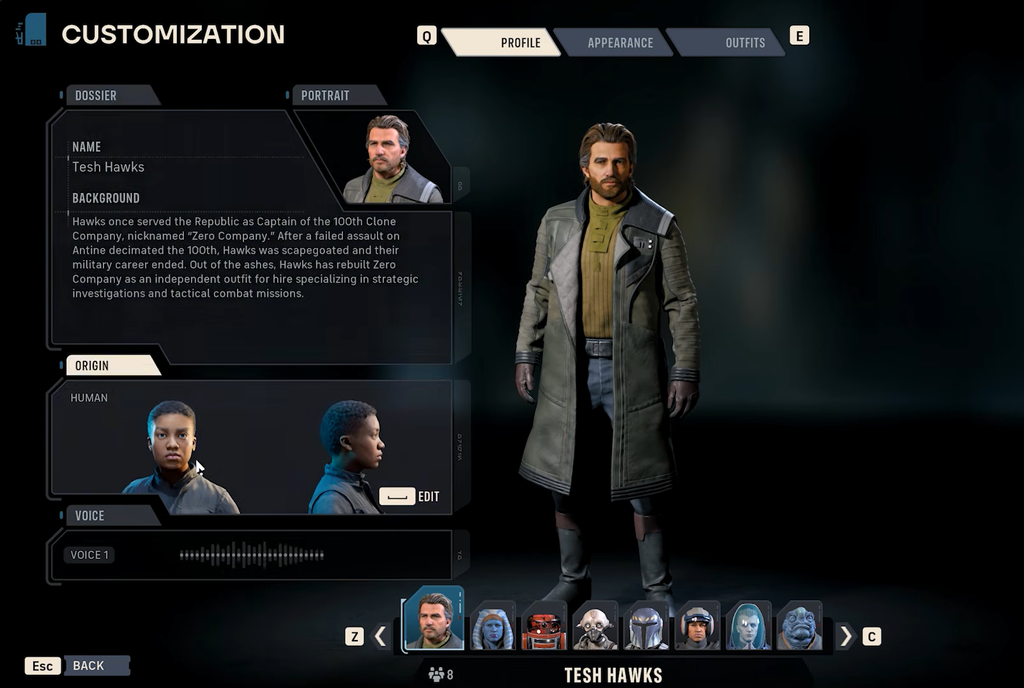
Unlock requirements before you can recruit your creations
You can design custom Operators at any point, but two conditions decide when they can actually enter your company. Building them early so they are ready is fine.
| Custom Operator type | Requirement to recruit |
|---|---|
| Custom human or alien | Pay off the Hutt debt |
| Astromech | Build the droid repair bay (Droid Bay) at The Den |
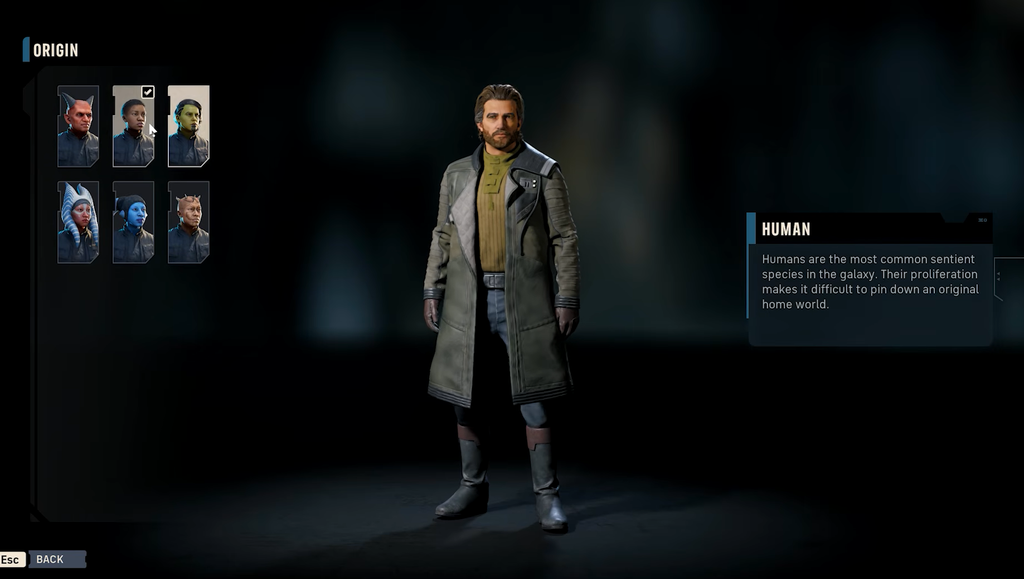
Create a custom Operator from Character Database
| Available species for custom characters |
|---|
| Clone |
| Devaronian |
| Human |
| Ovissian |
| Neimoidian |
| Mirialan |
| Rodian |
| Togruta |
| Twi’lek |
| Zabrak |
| Weequay |
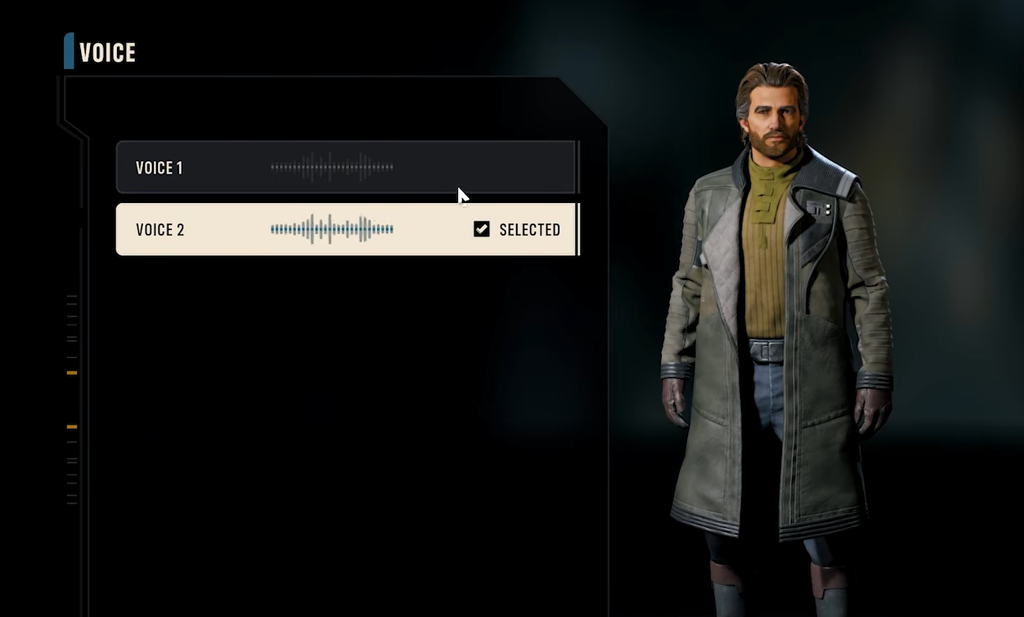
Recruit your Operator at The Den
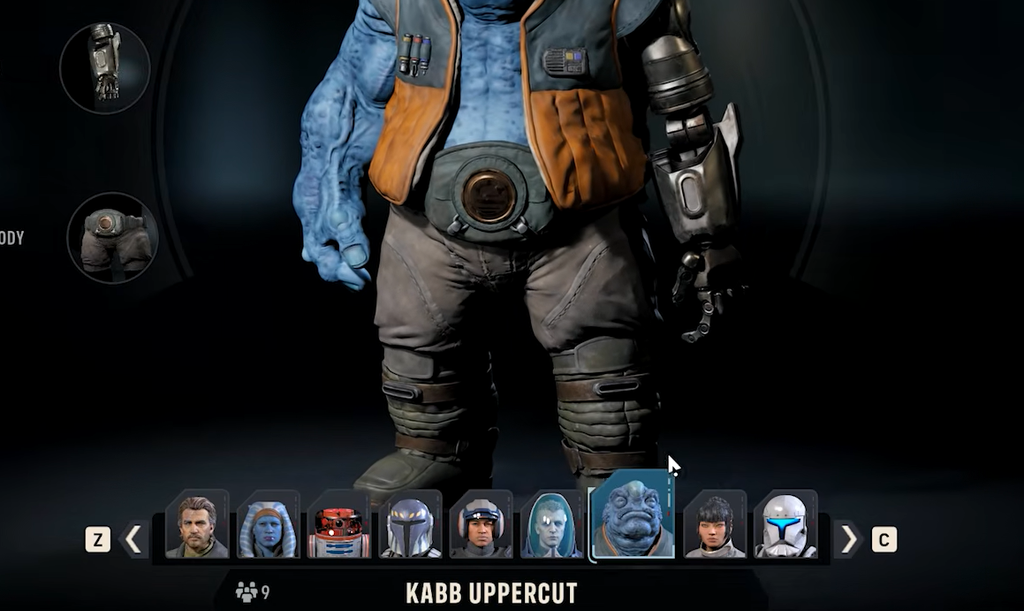
You know it worked when the Operator moves out of the recruitment list and into your company roster, ready to assign to missions and operations.
Manage roster capacity and free up slots
You can only hold a limited number of Operators at once, and the current cap is shown at the top of the recruitment screen. To raise it, upgrade the crew quarters at the terminal to the left of the recruitment terminal.
To open a slot, fire an Operator from the terminal to your right at any time. A slot also frees up if an Operator dies. Because recruits cost Credits and take up limited space, adding new members is a resource decision as much as a roster one.
Adjusting an Operator after recruitment
Once hired, custom Operators are far from fixed. You can change their name, appearance, clothing, voice, species, and other cosmetic details, and their starting specialization is not permanent. Most Operators can switch specialization through the Personnel Facility, and later progression unlocks a secondary specialization for more build combinations.
Custom Operators also join the Bond system. Sending them on missions and operations together, and using actions like Call for Backup, builds relationships that unlock Cross Training bonuses and Focus Points, exactly as authored characters do. That means a squad built entirely from your own creations develops the same synergies as one led by the story cast.
If a recruit does not fit your plans, you are never locked in. Refresh the recruitment pool, wait for the next Cycle to bring new options, keep building custom characters in advance, or expand your roster capacity when you want the company to grow.