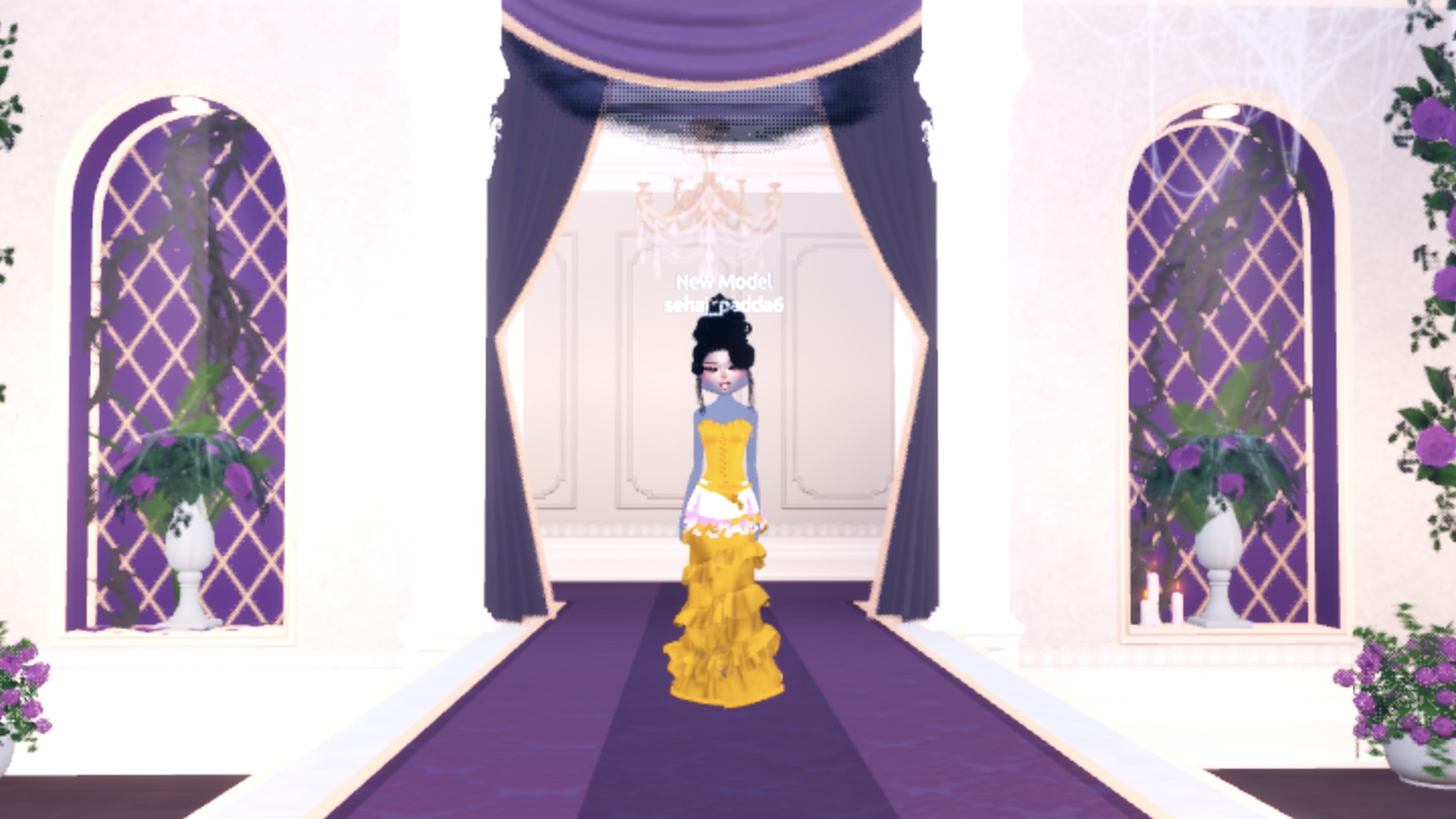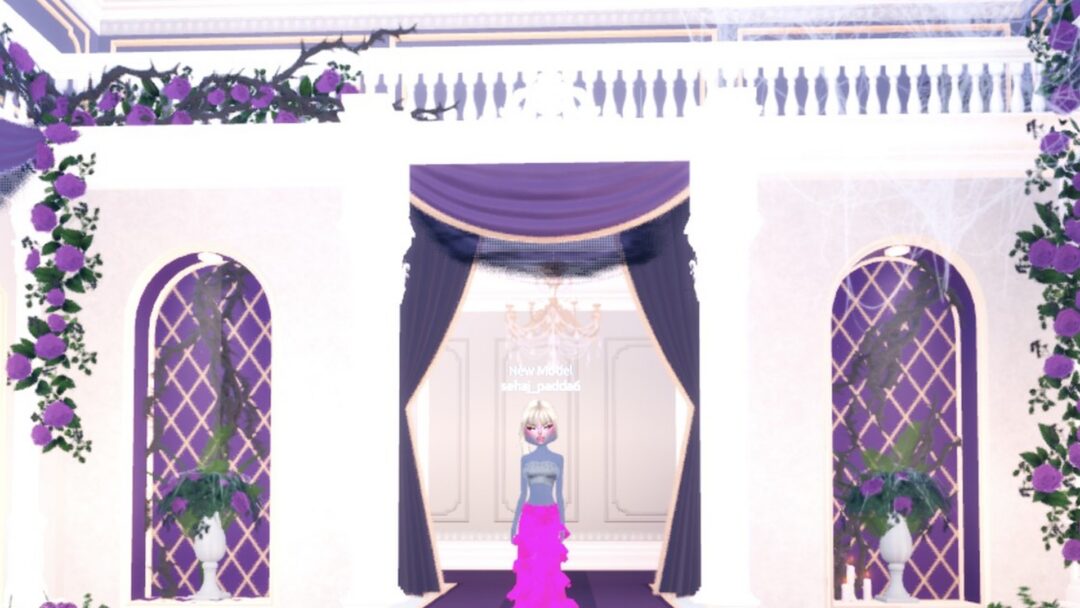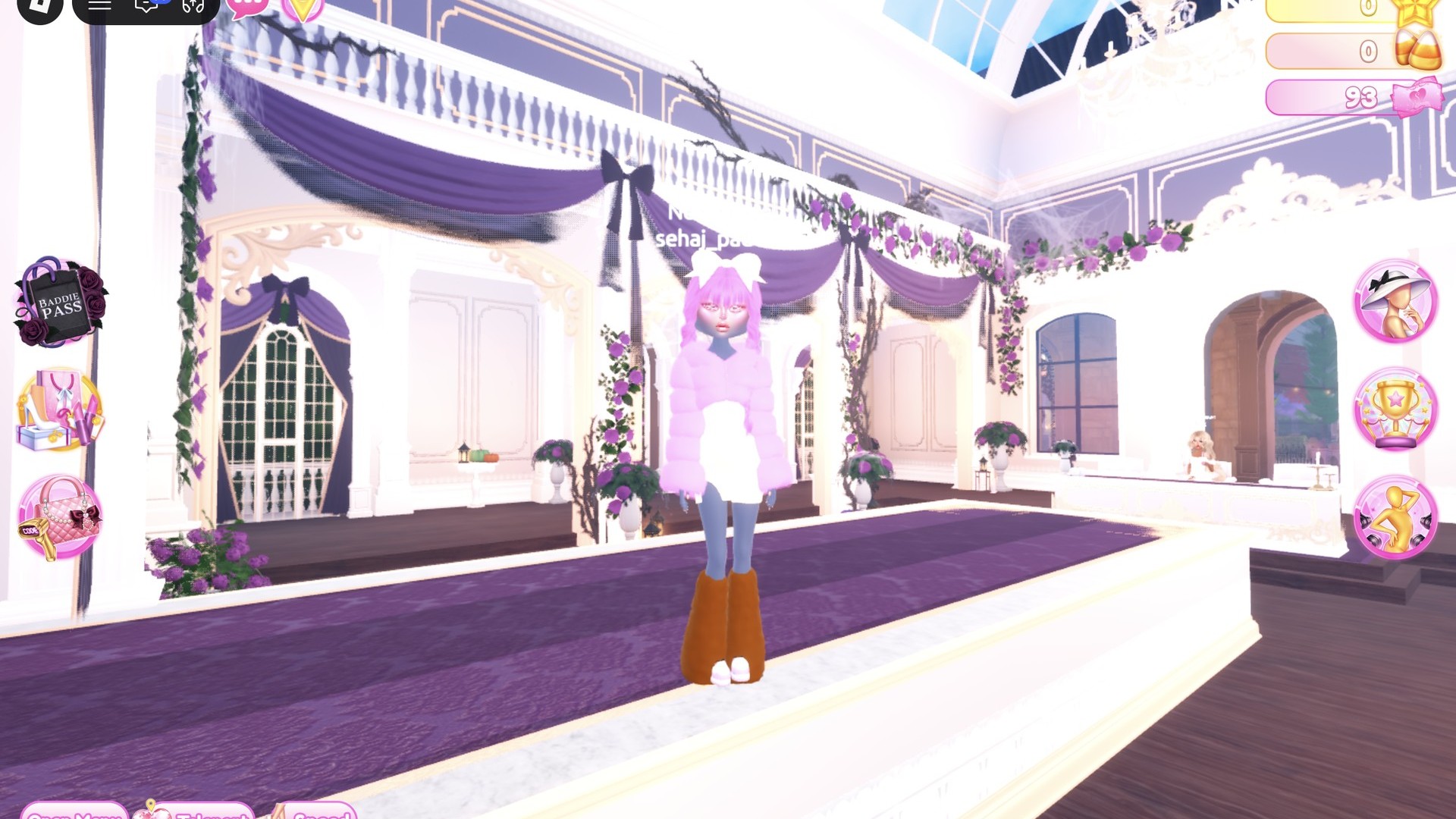
Neapolitan is the three-flavor ice cream theme in Dress To Impress, the Roblox fashion game, so the outfit needs strawberry pink, vanilla cream and chocolate brown worn together in blocks or layers. Both neapolitan dti looks below use free pieces, free colors and the free Silk material. Nothing has to be bought, with Robux or with in-game cash. More themes are in the Dress To Impress themes guide.
Quick answer: Put the three Neapolitan shades into one look. One option pairs a brown corset with a layered skirt in pink, cream and brown, plus fuzzy pink shoes; another combines a cream mini, a fluffy pink jacket and brown leg warmers.
Neapolitan colors in the Dress To Impress palette
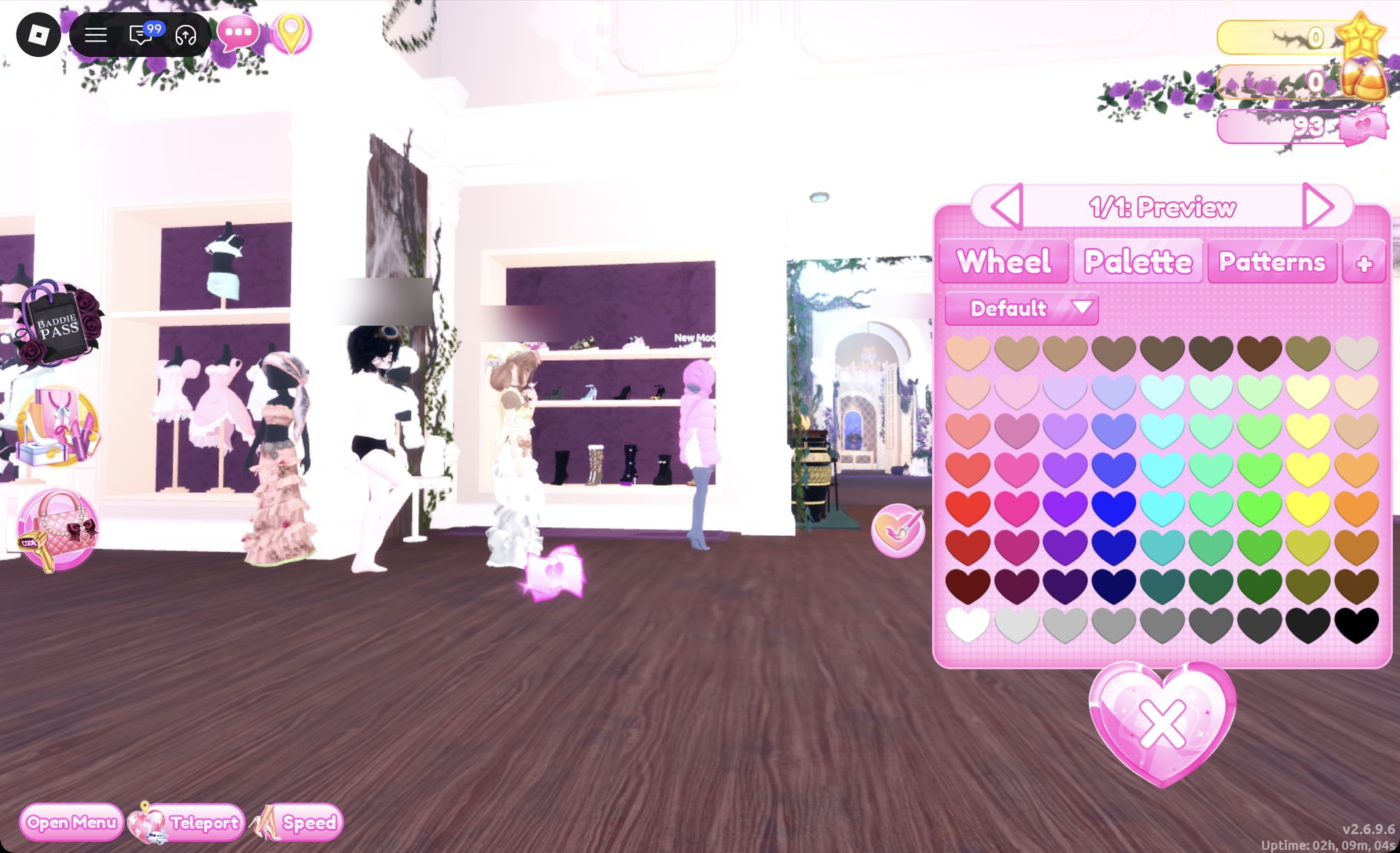
Dress To Impress doesn’t name its items or its colors. Every color below is a spot on the Default palette in the Palette tab. Columns are counted from the left and rows from the top.
| Flavor | Color | Palette position |
|---|---|---|
| Strawberry | Light pink | Column 2, row 3 |
| Vanilla | Cream | Column 9, row 2 |
| Chocolate | Dark brown | Column 9, row 7 |
Row 1 runs through browns from light on the left to dark on the right, and row 8 goes from white to black. On the runway, the column 9, row 7 brown shows up as a warm caramel-chocolate rather than something close to black, which suits the chocolate stripe.
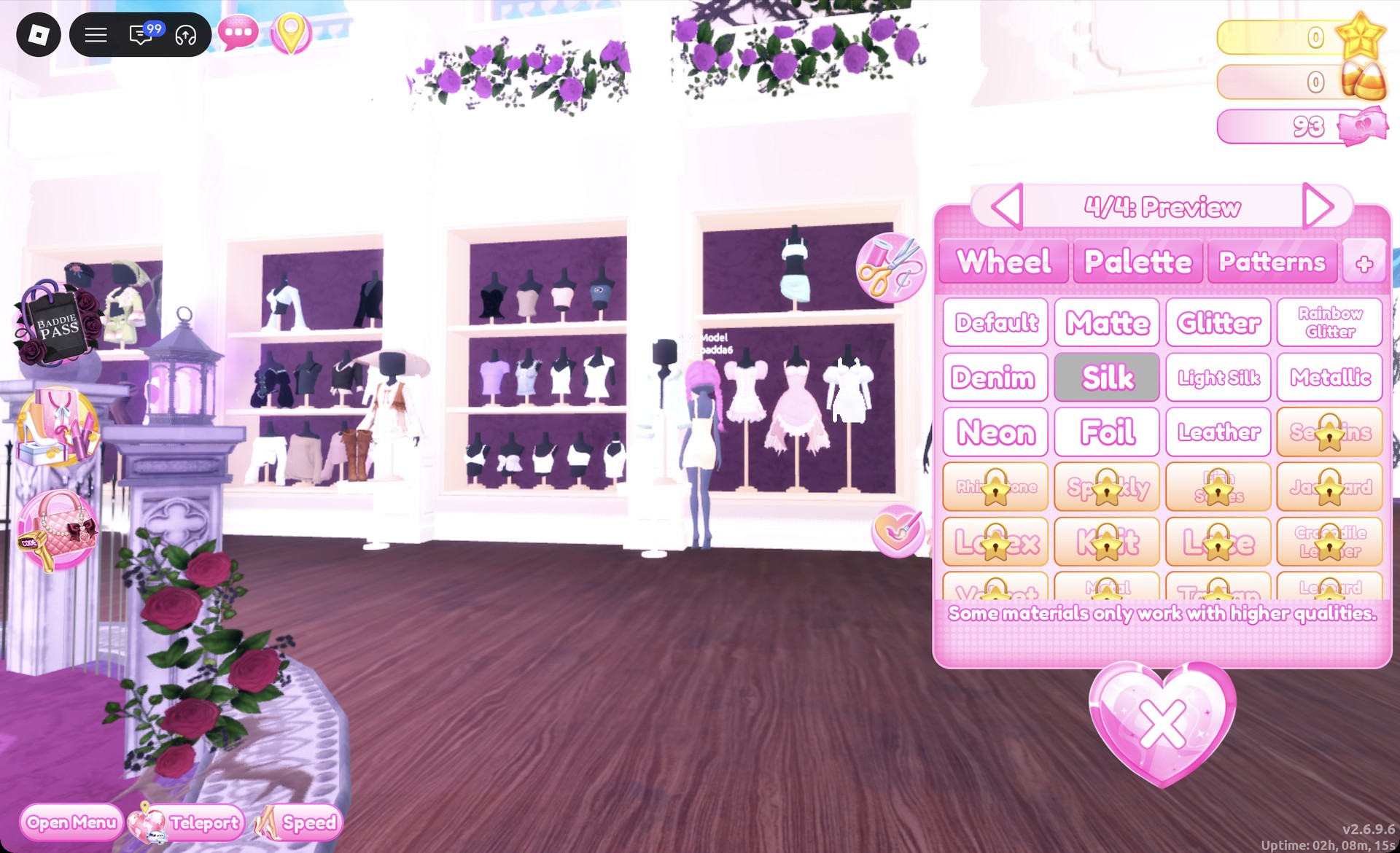
Open Materials with the “+” tab beside Patterns. Silk costs nothing. Leave out any tile marked with a star lock.
Where the Neapolitan pieces are in Dress To Impress
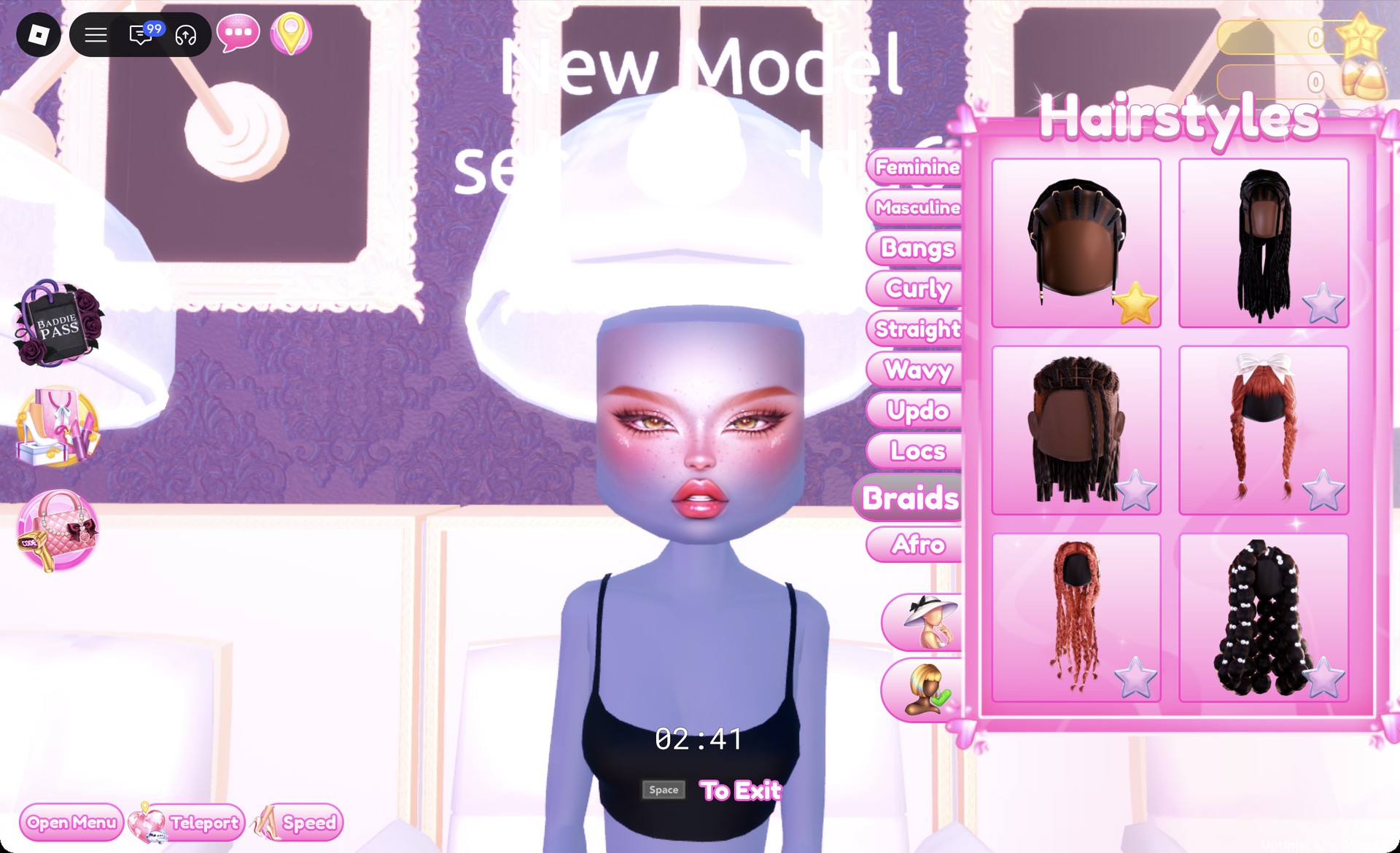
Clothes and shoes are in the “Dressing Room”. To get there, open the Teleport pin in the top left and pick it. Hair and faces are in Lana’s Salon.
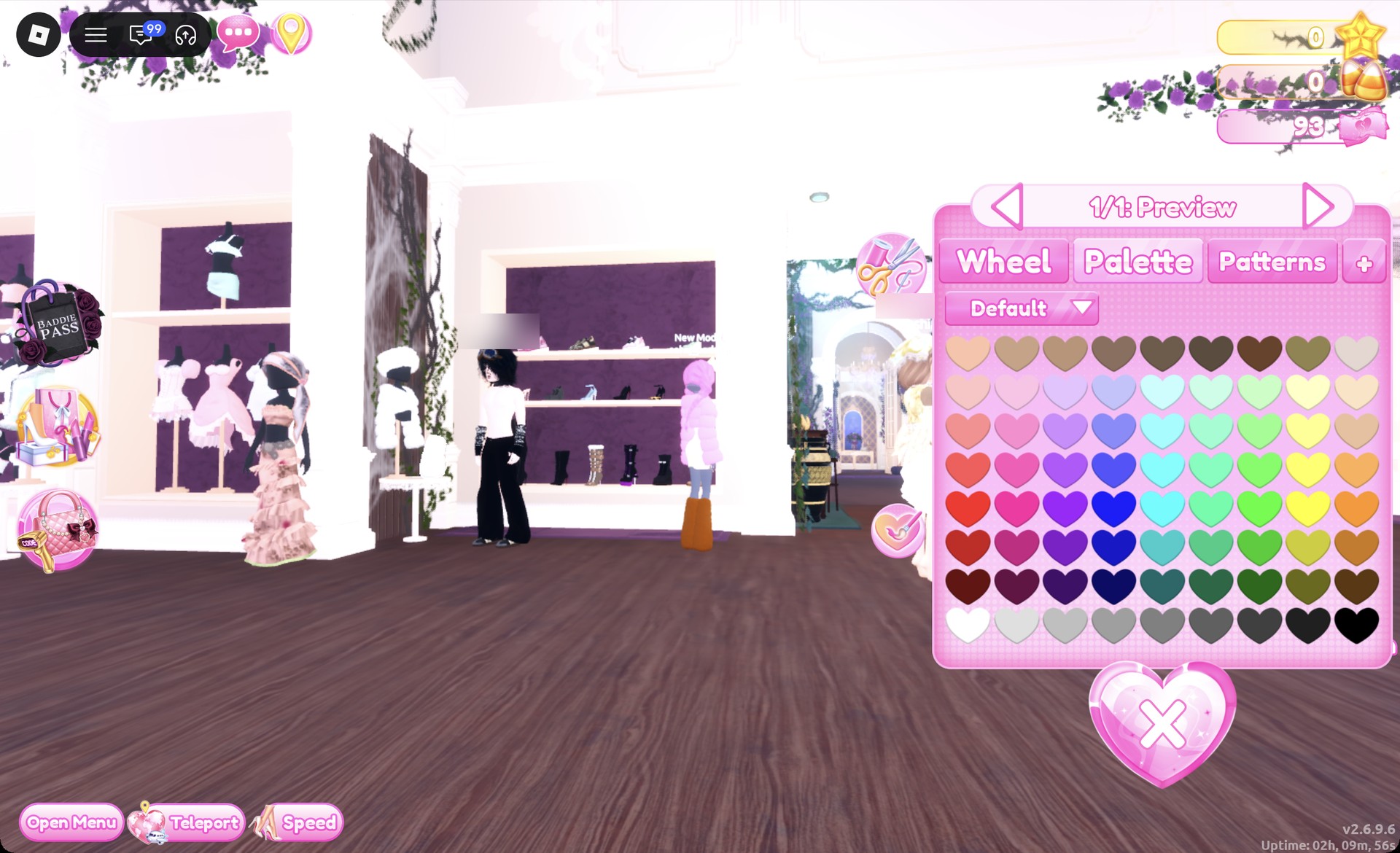
- On the lower shelf of the party-dress unit, the corset puff dress is on the left mannequin beside the shoe shelf
- White fitted mini: right mannequin on that same lower shelf
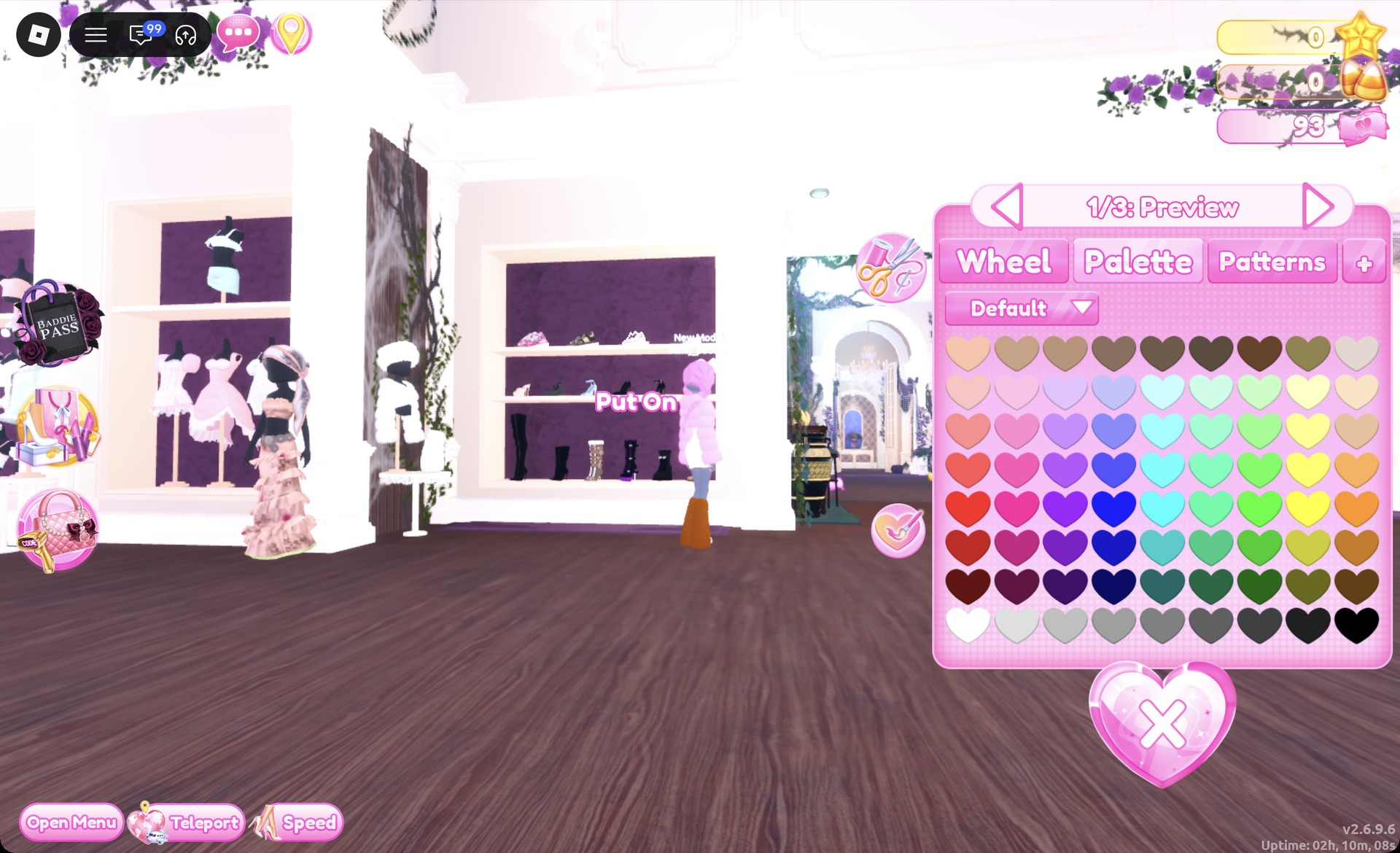
- Fluffy cropped fur jacket: on a stand beside the shoe shelf
- The fluffy leg warmers are on the small round table immediately beside that stand
- Hair: the hair chairs in Lana’s Salon (press E)
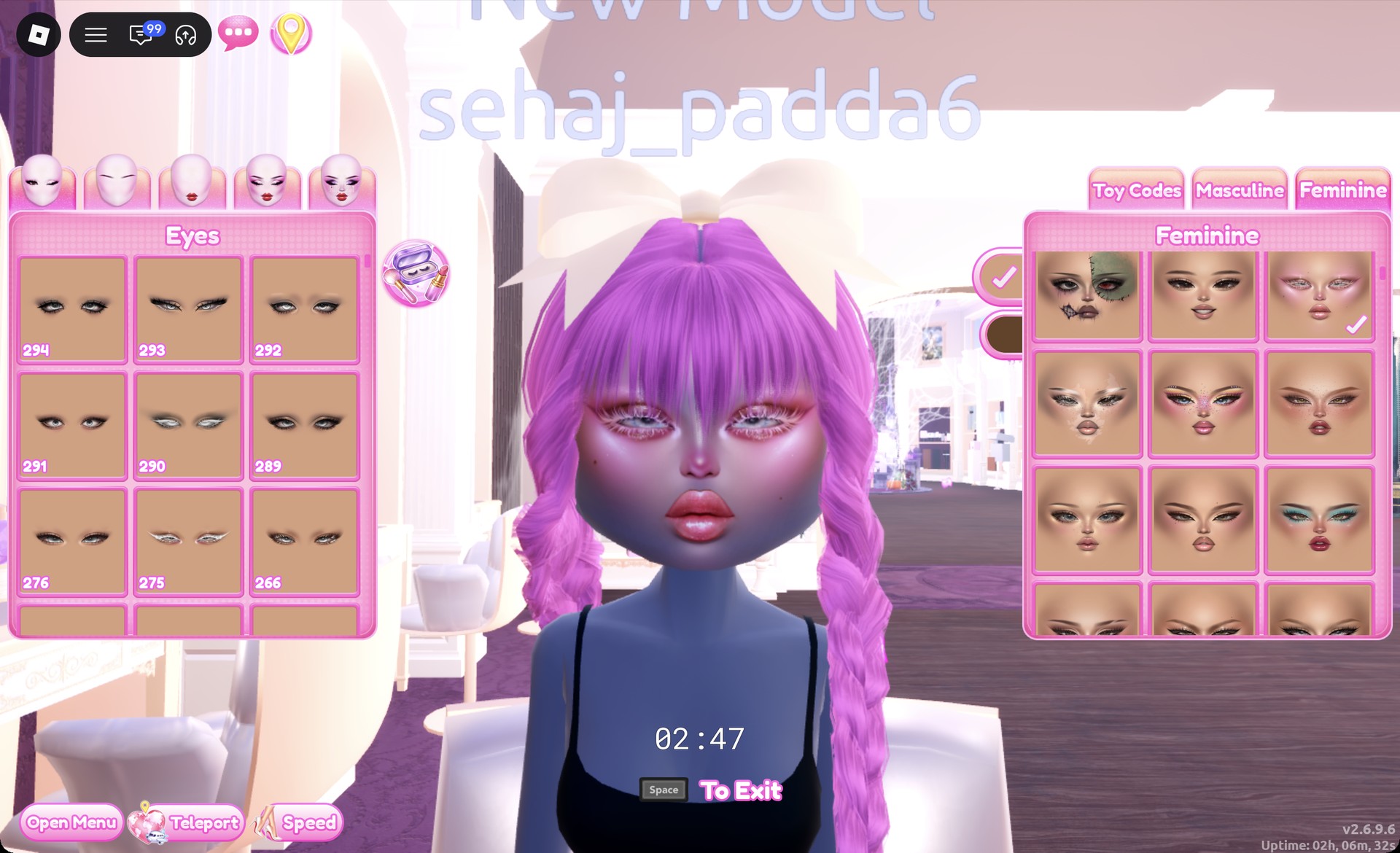
- For the face, use the vanity mirrors at Lana’s Salon: press E and choose the Feminine tab
- Use the Teleport pin and select “Freeplay Runway”
How recoloring works in Dress To Impress
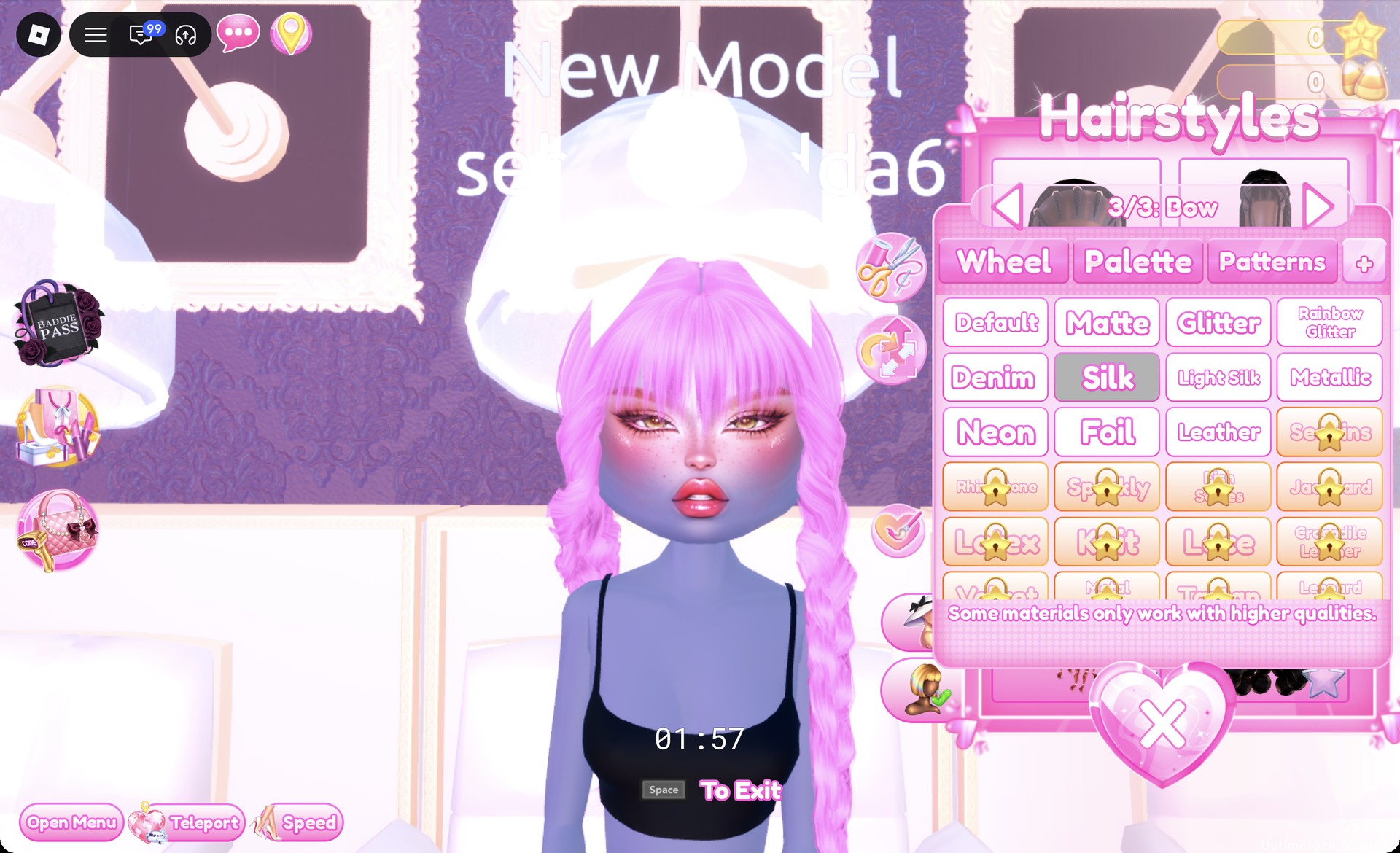
Click a piece and it opens in preview, with a panel showing which part you’re editing, like “1/5: Preview”. Pick a Palette color and a material on the “+” tab for that part. Then use the arrows to move to the next part and repeat. When every part is done, hit Put On. That’s the heart-and-tick button beside the panel.
You can also recolor something you’re already wearing, like hair. Open the Wearing panel with the hanger button and click the item’s picture.
Look 1: Pink, cream and brown corset dress
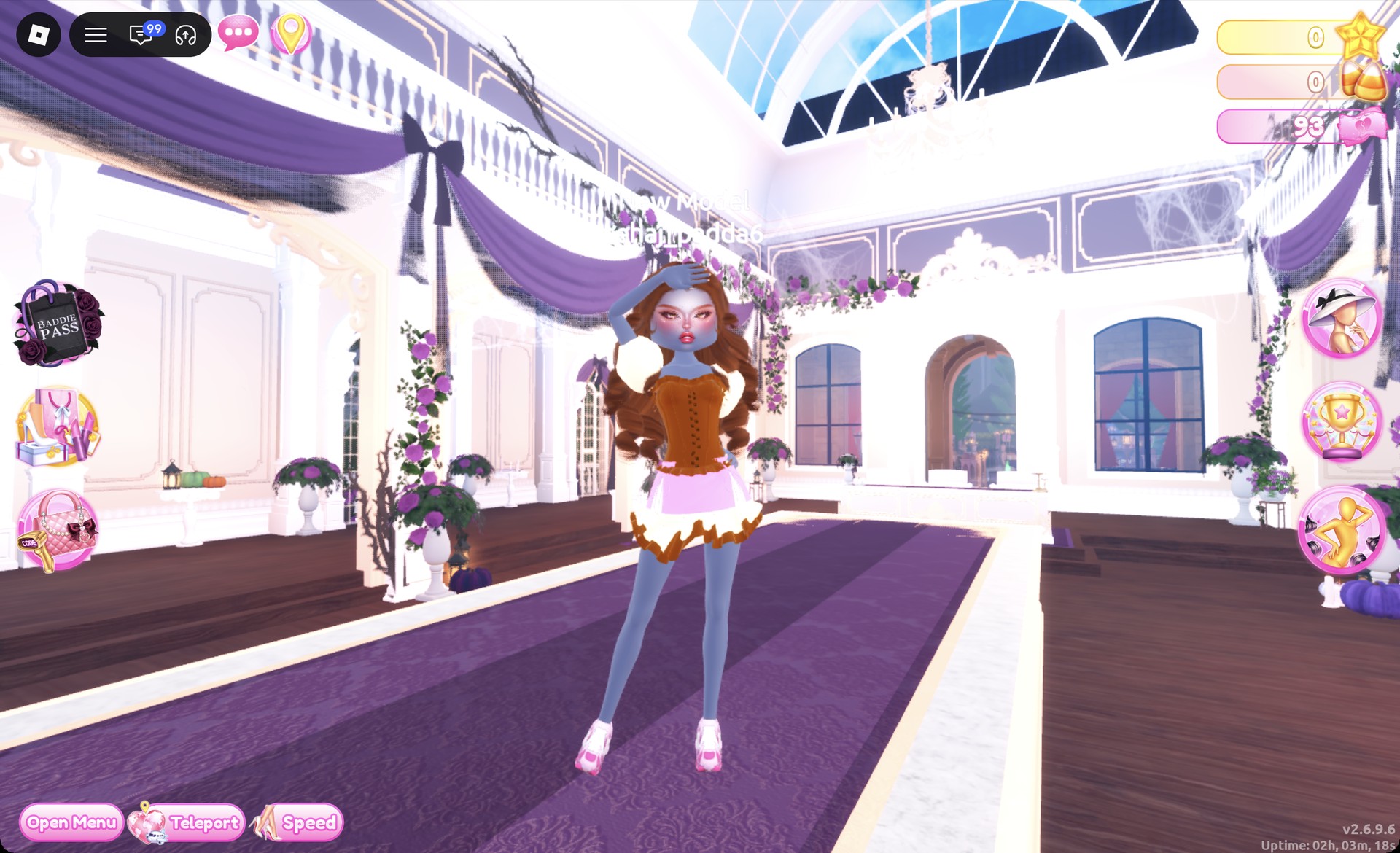
This look puts the flavors in stripes. You get a chocolate corset, a three-tier skirt with one layer per flavor, cream sleeves and pink shoes. The corset puff dress is pink by default and splits into puff sleeves, a corset and a skirt.
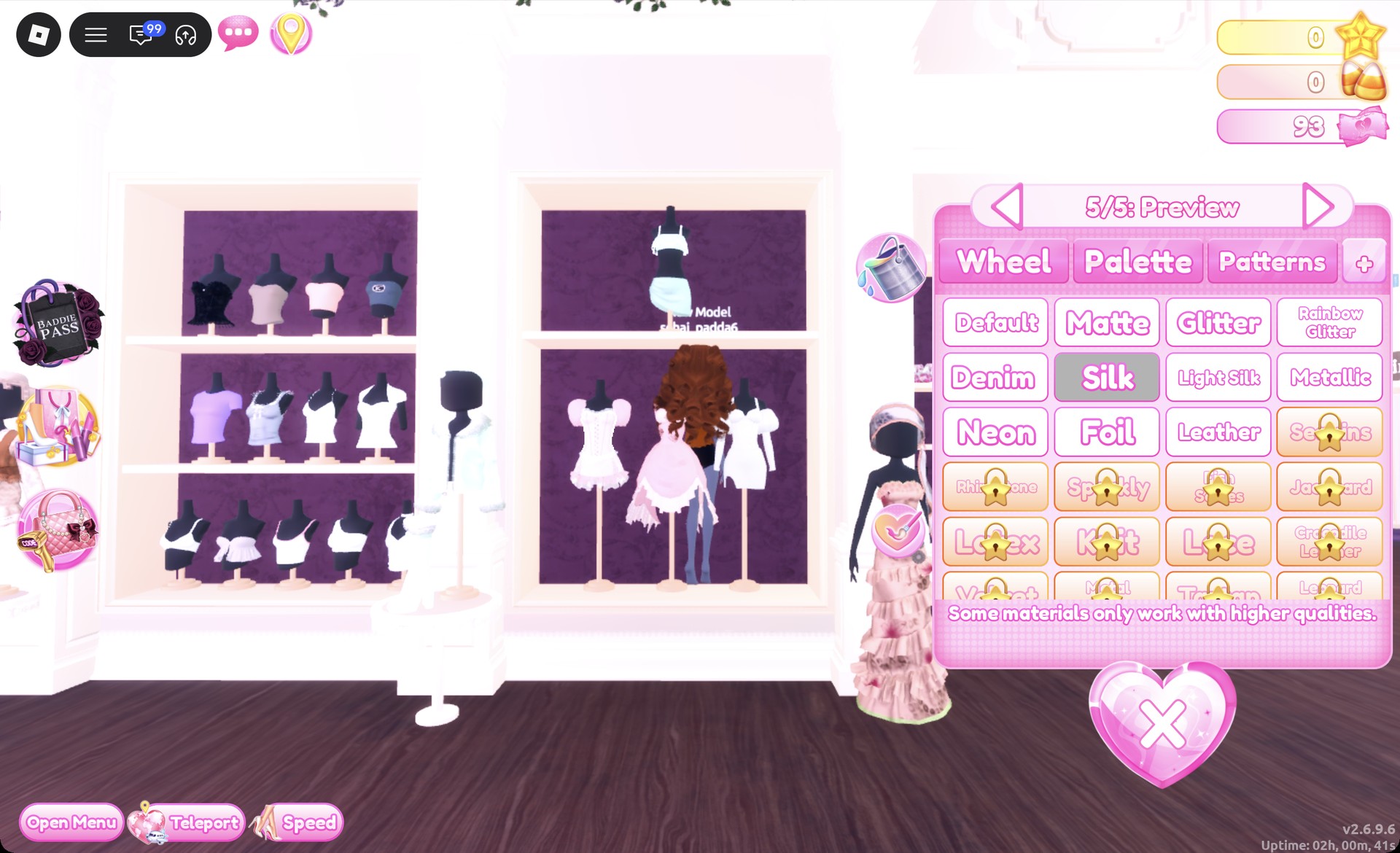
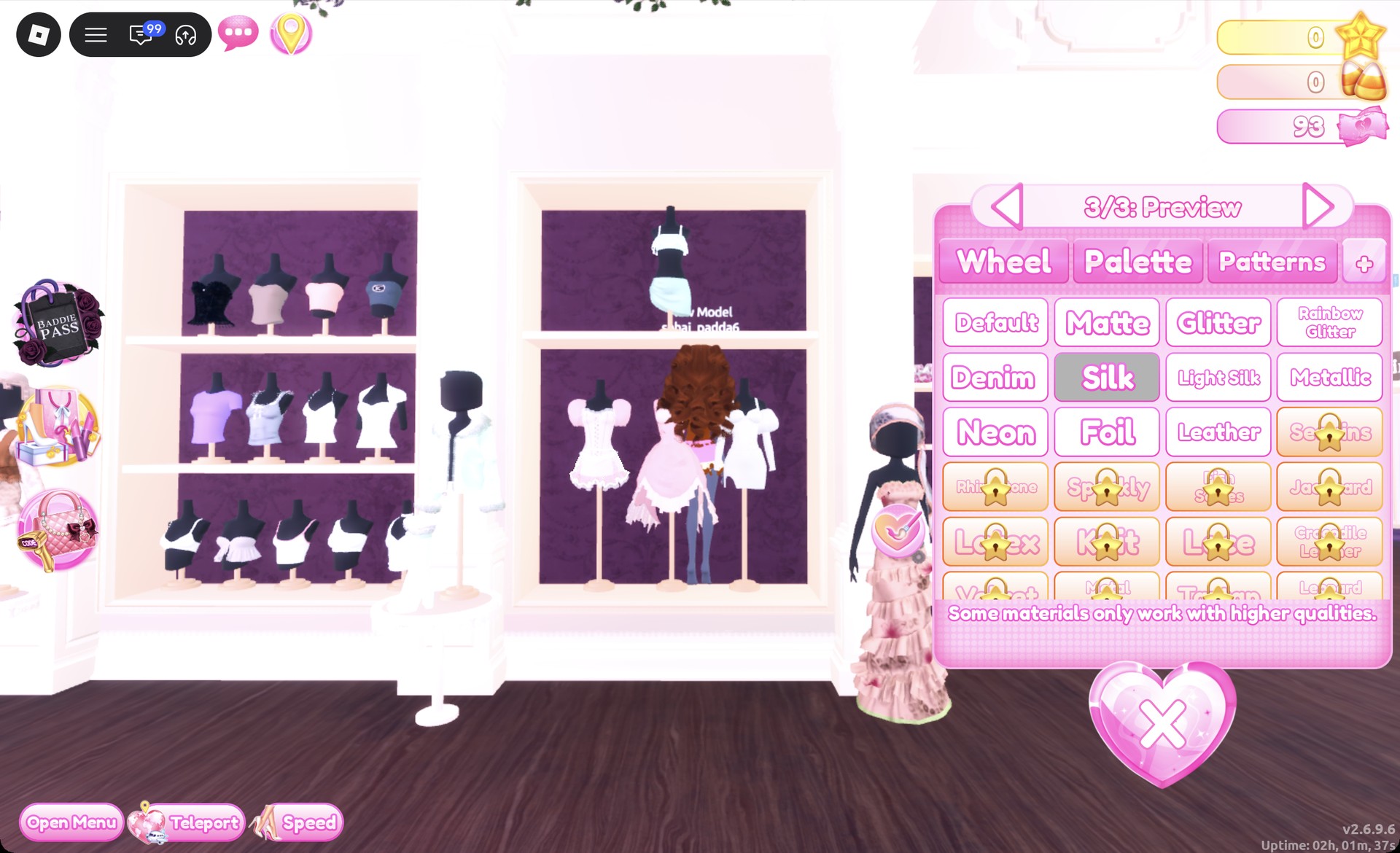
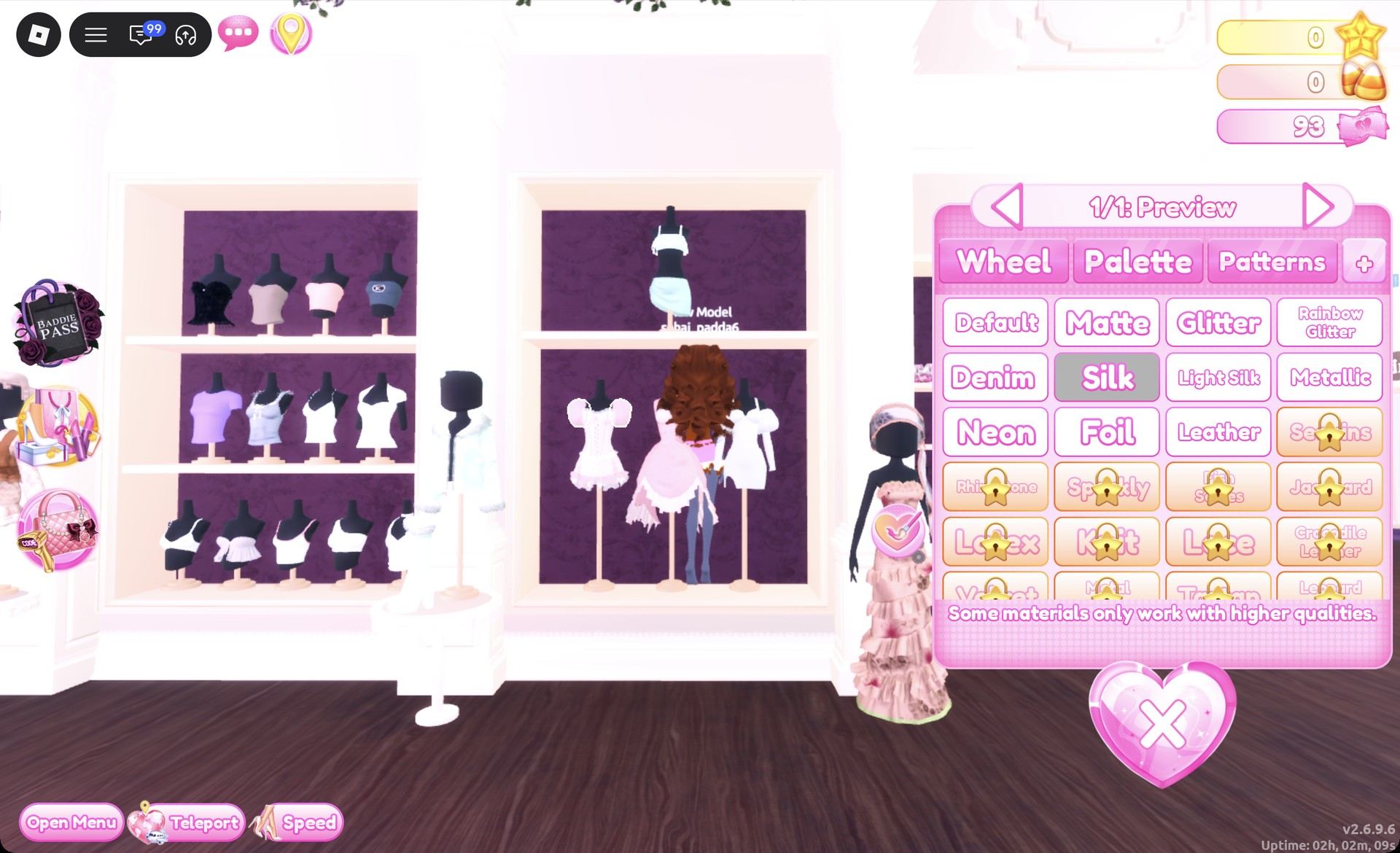
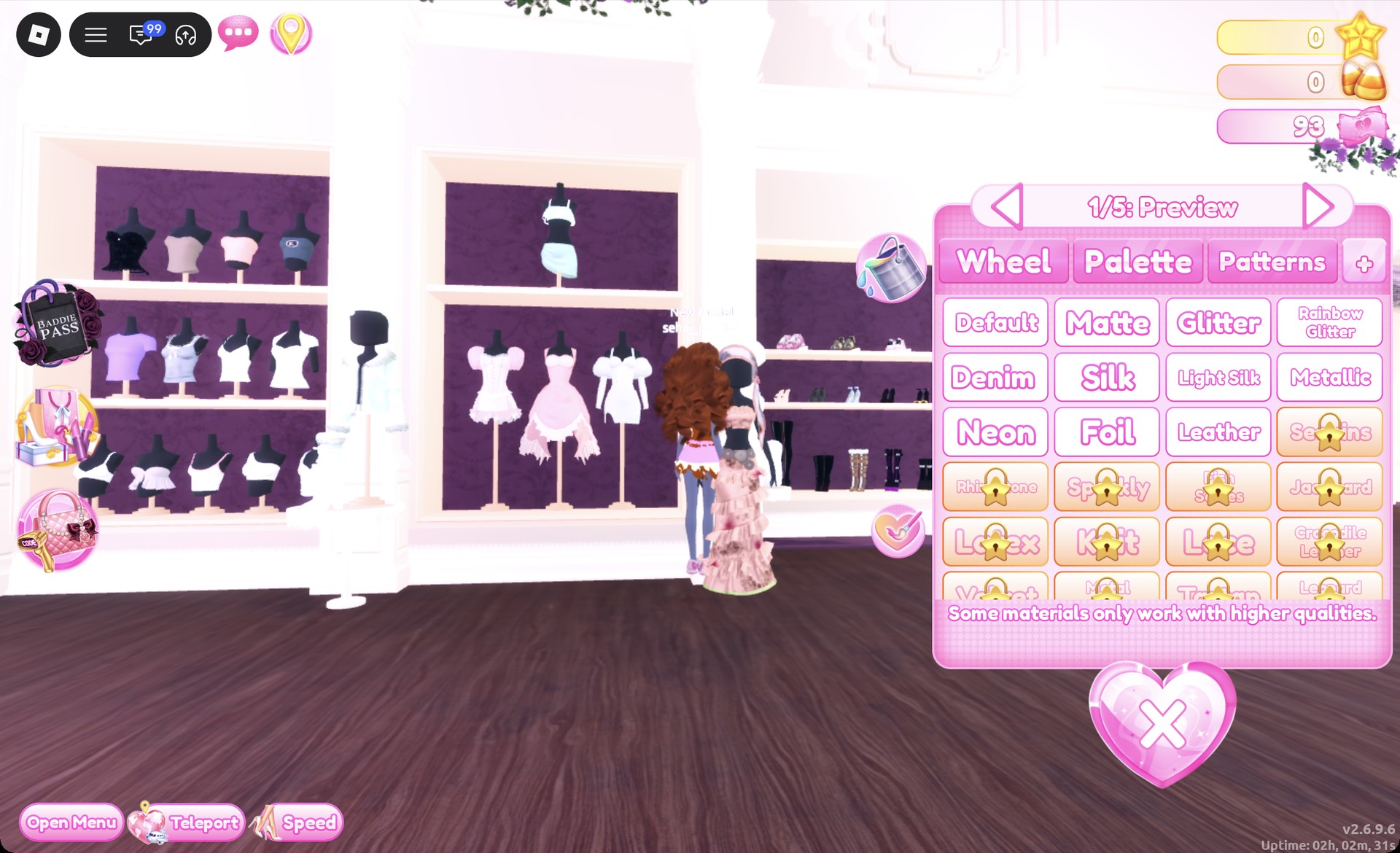
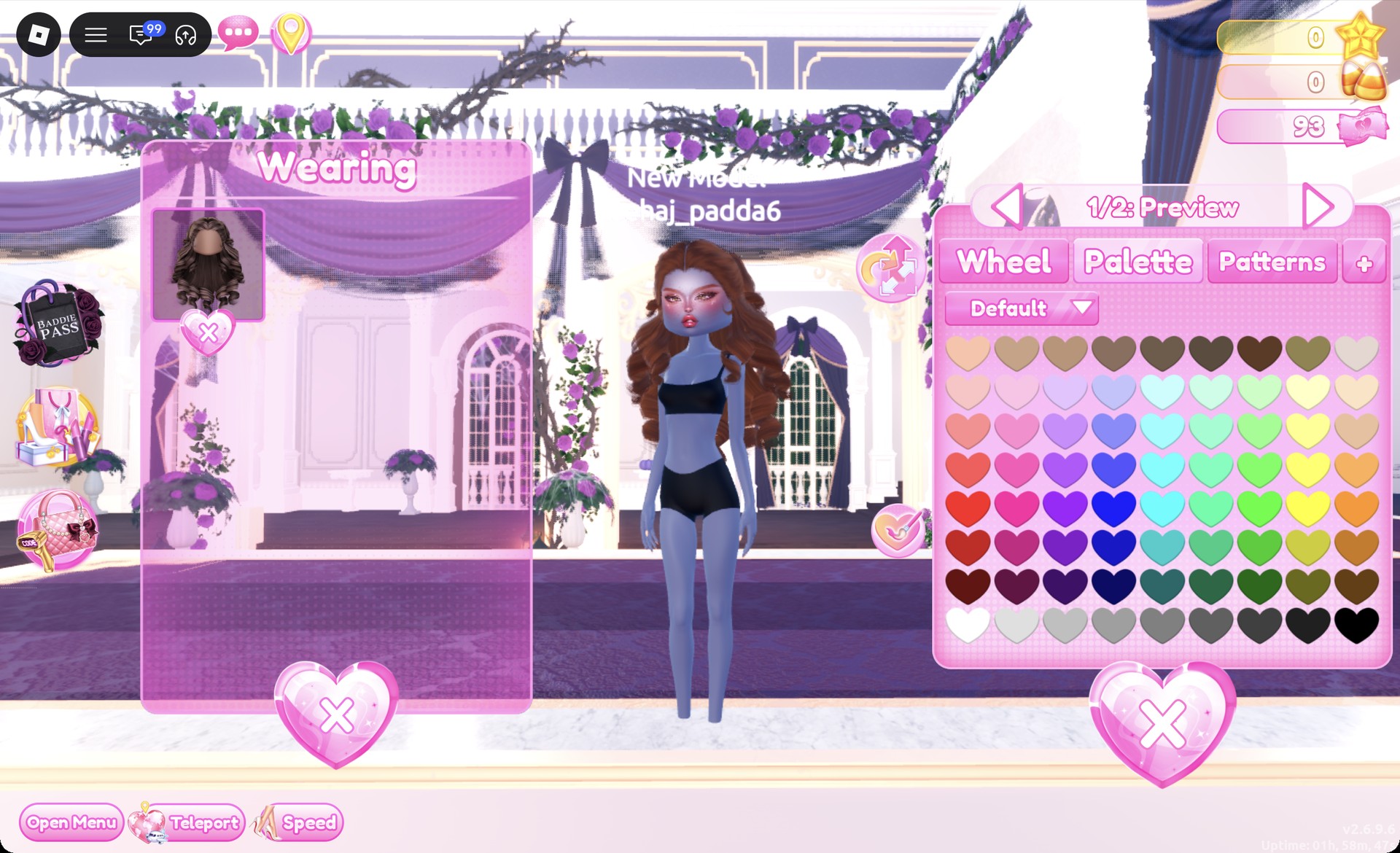
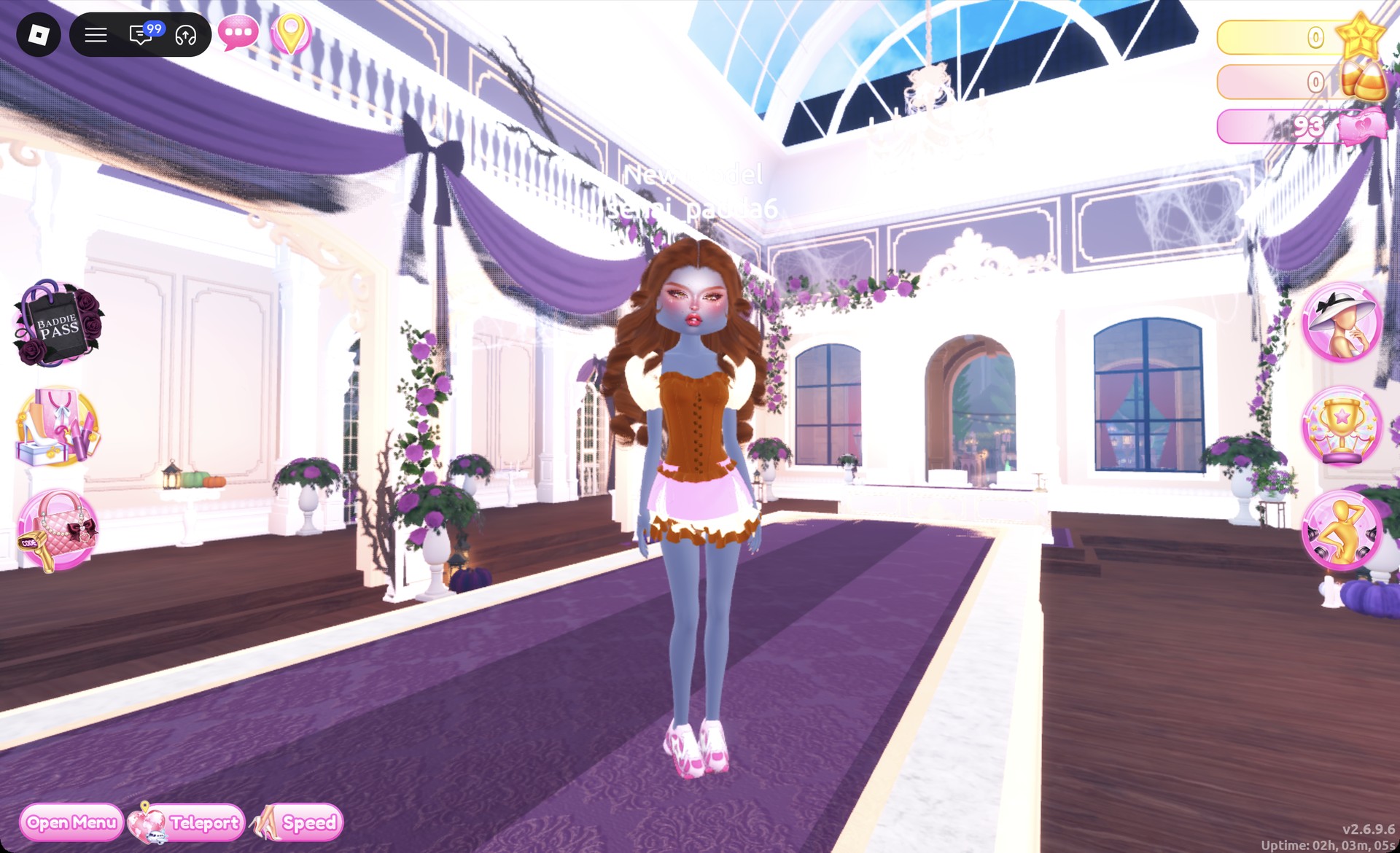
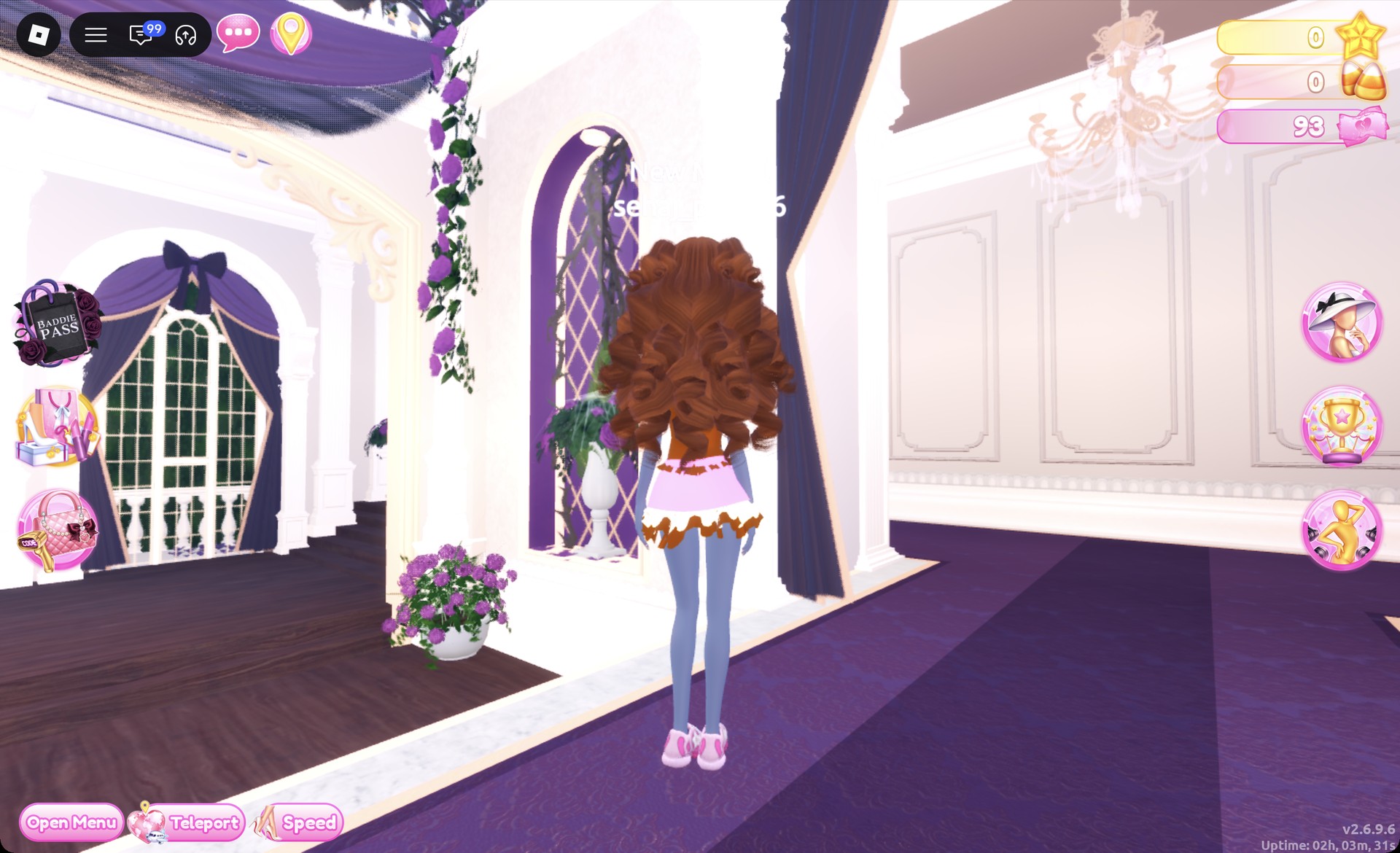
From behind, the auburn curls cover most of the corset, and the pink skirt with its brown hem shows below them.
The Pearly pose, with one hand raised to the forehead, works well for this look.
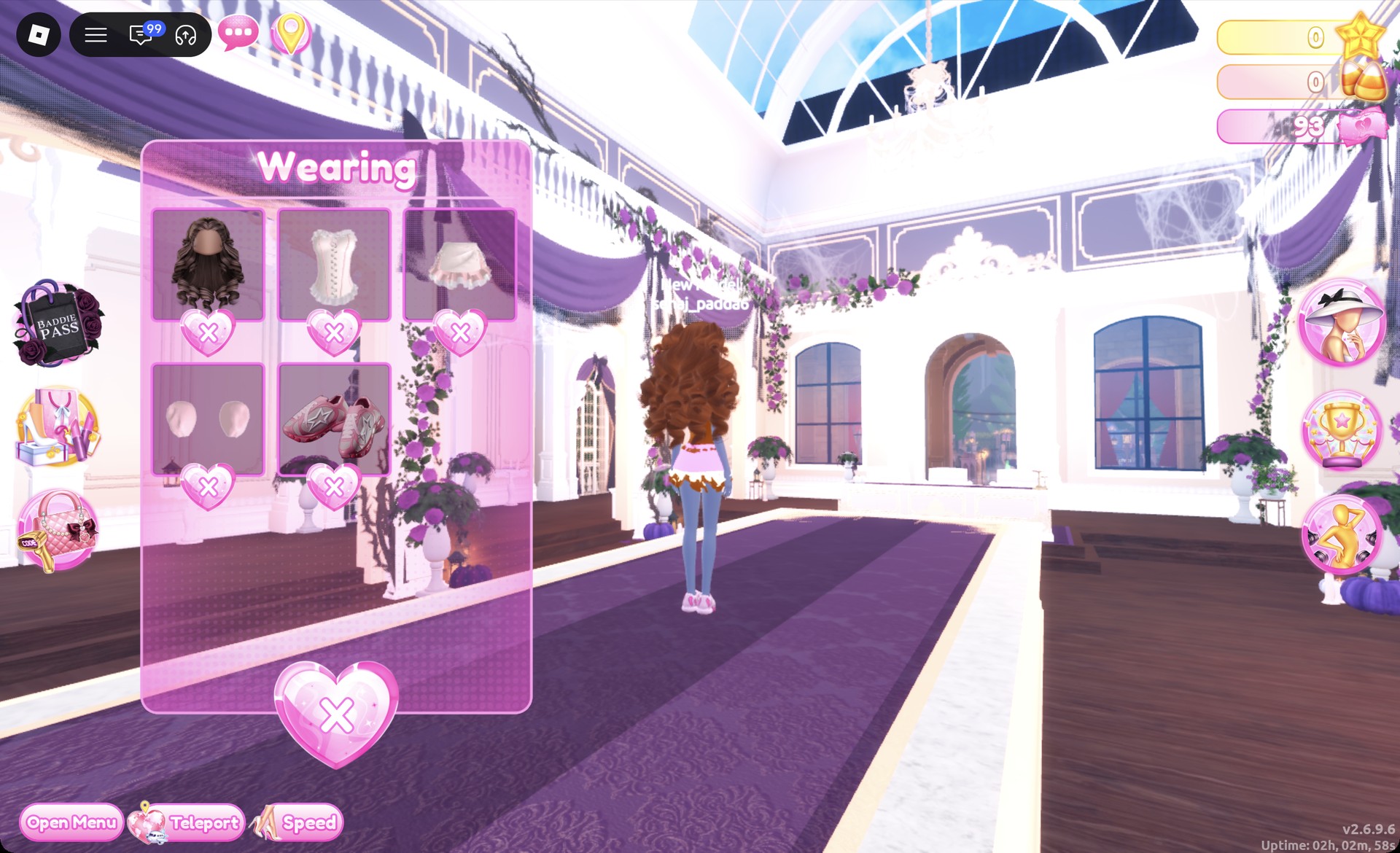
You’ll know it worked when the Wearing panel lists the curls, corset, skirt, sleeves and fuzzy shoes.
Look 2: Pink fur jacket with a cream mini and brown leg warmers
The second look starts from a different piece, the white fitted mini, and splits the flavors into blocks instead of stripes. If you’re switching over from Look 1, take off the corset, skirt, sleeves and shoes in the Wearing panel first.
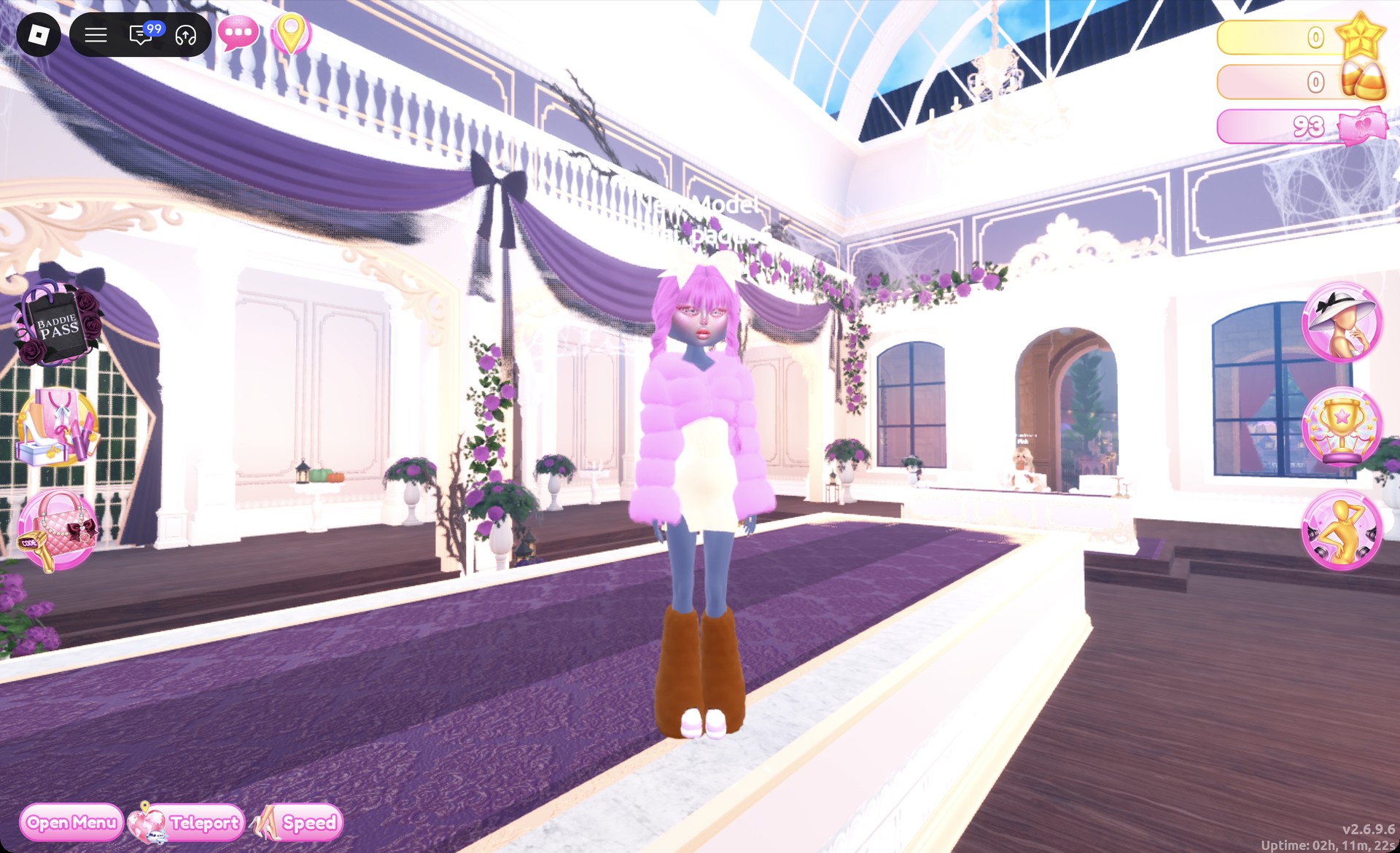
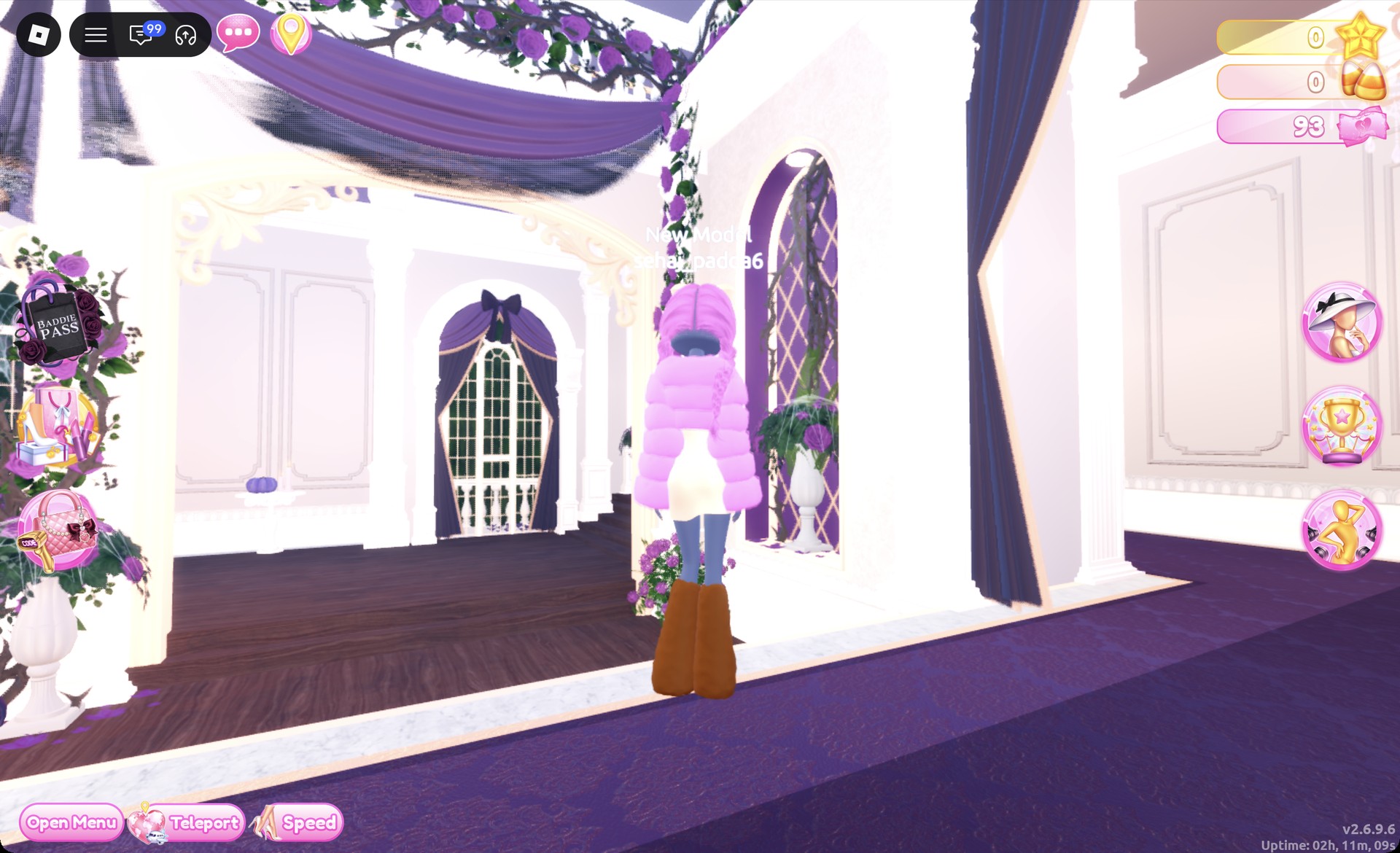
From behind, the pink jacket covers the top half, with the brown leg warmers below.
The Crystal pose shows the whole outfit off.
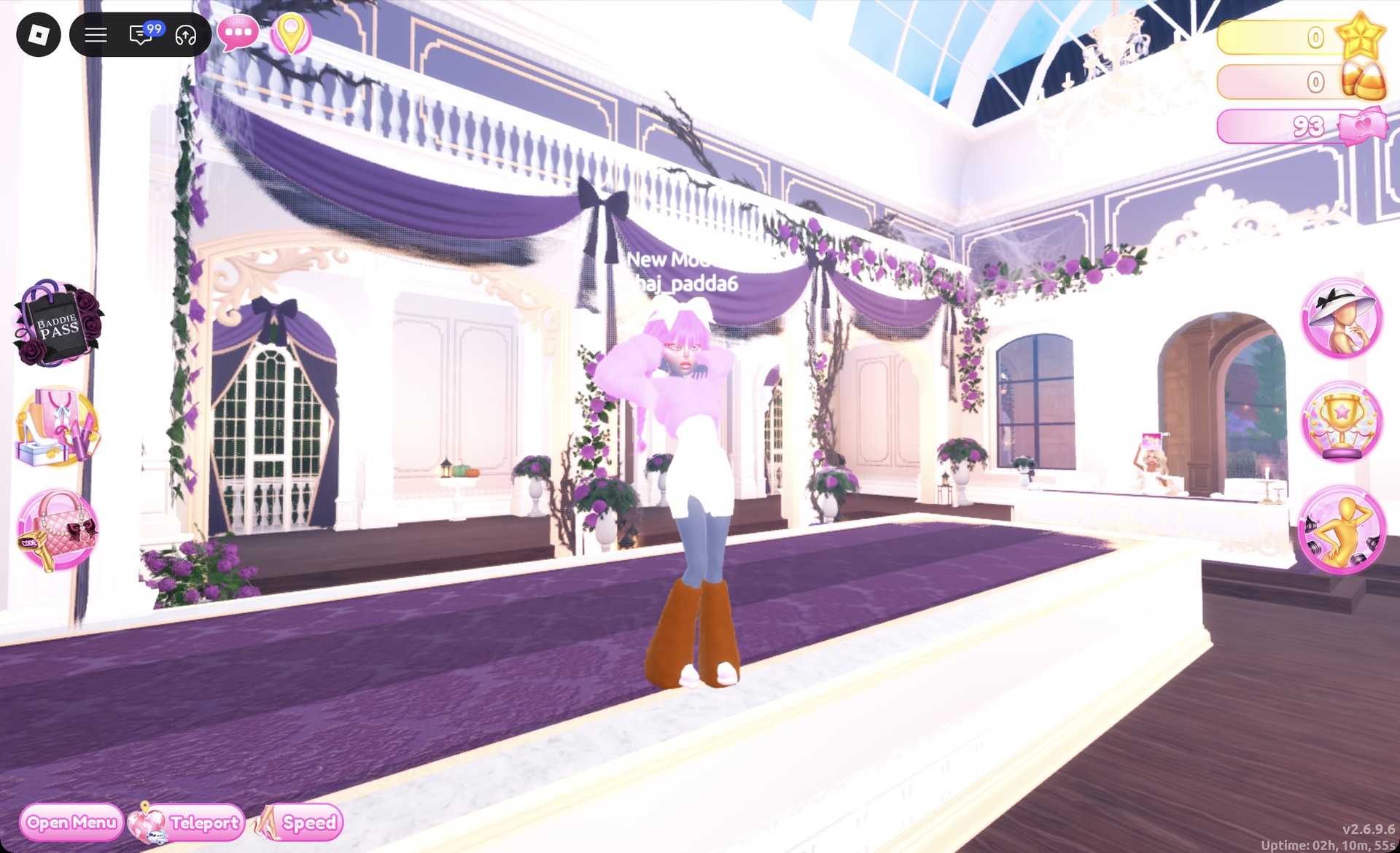
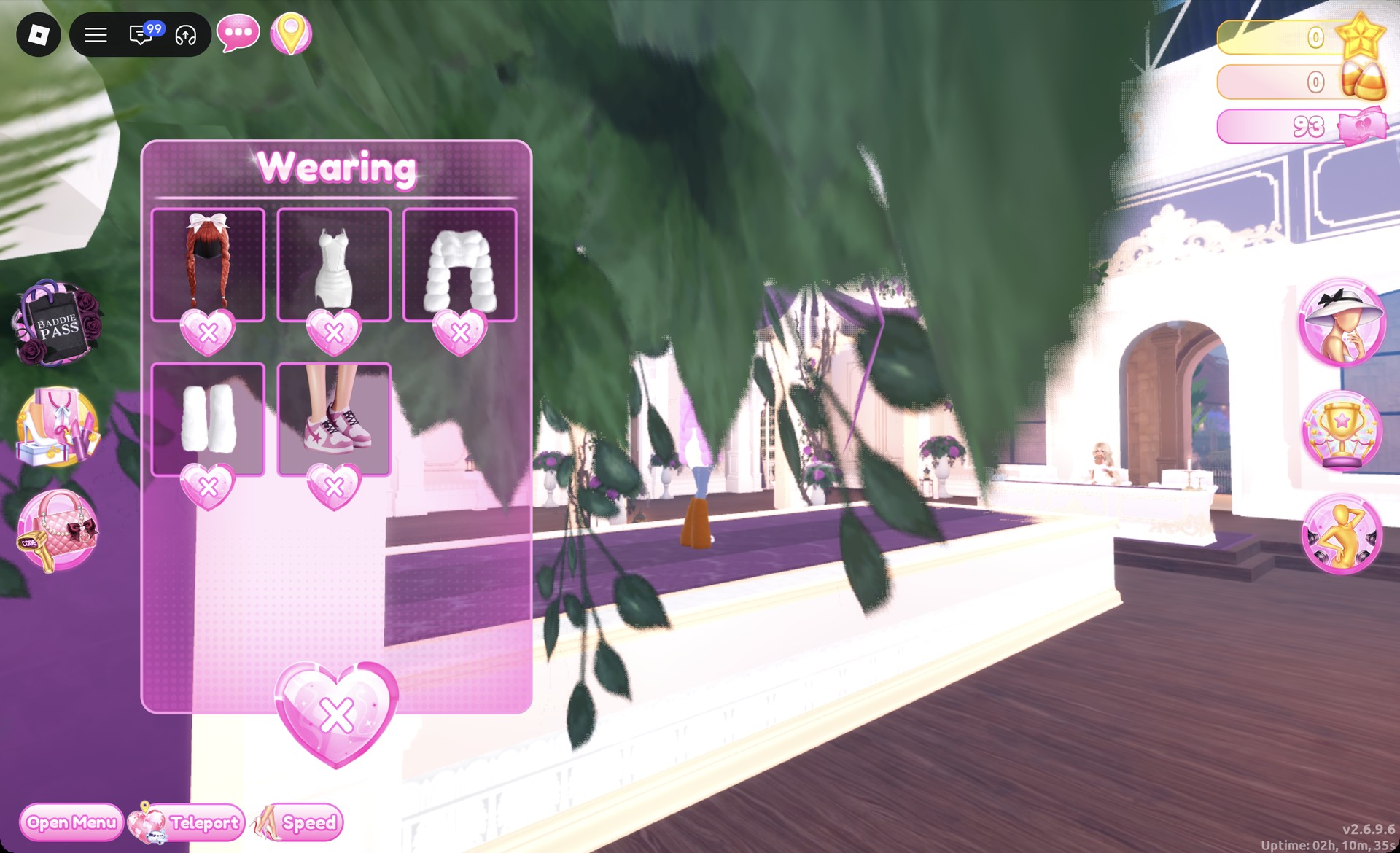
The Wearing panel should now show the braids, mini, jacket, leg warmers and sneakers.
More sweet and pastel theme ideas
- Cotton Candy Couture
- Sugar and Spice
- Plushcore
- Pop Art Princess
- Neopets
- Malibu Dream
- Every Dress To Impress theme and every free pose
Neapolitan DTI questions
What is the Neapolitan theme in Dress To Impress?
It’s three-flavor ice cream. That means strawberry pink, vanilla cream and chocolate brown all together in one outfit.
How do I do Neapolitan in DTI without VIP?
Both looks above work without VIP. Every piece, color and material in them is free, including the Silk material. Just stay away from the star-locked material tiles.
Where are the fluffy jacket and leg warmers in DTI?
Both items are in the “Dressing Room”, near the shoe shelf: the fluffy cropped fur jacket hangs from a stand, while the leg warmers are on the small round table immediately beside it.
How do I change hair color in DTI?
You can recolor hair in the recolor panel at the hair chair before you put it on. If you’re already wearing it, open the Wearing panel with the hanger button, click the hair’s picture and pick new colors for each part.