Techbits are a crafting resource in Breathedge 2 that you pull from deactivated maintenance robots and broken signs scattered around the Outskirts. You cannot pick them up by hand or with your basic starter tools. The material is gated behind one specific piece of equipment and a bit of story progress before the nodes become reachable.
Quick answer: Equip the Twister tool, find a deactivated robot or broken sign, aim at it, and select the “Dismantle” prompt. The Techbits drop straight into your inventory.
What you need before harvesting Techbits
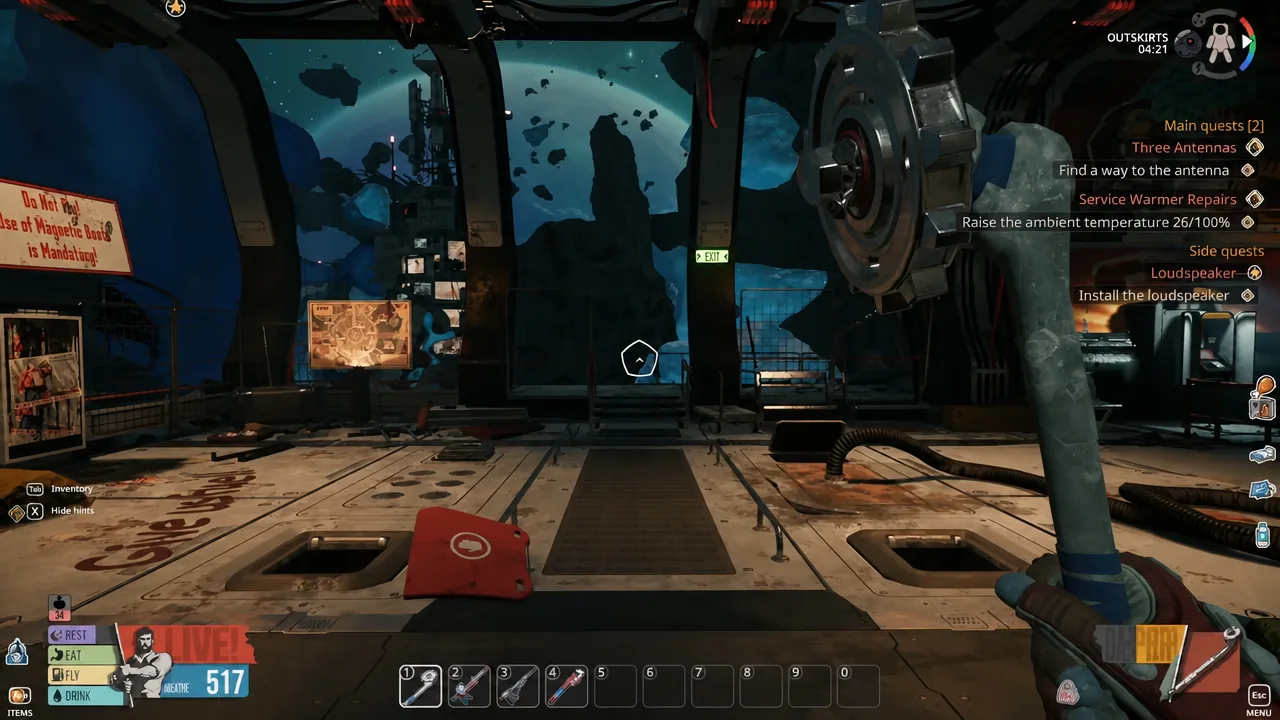
Two requirements block most players from collecting Techbits early on. The first is the Twister tool. The second is warmth, because the main Techbit nodes sit in a cold zone west of the train station that will damage you if you linger without cold protection.
| Requirement | How to get it |
|---|---|
| Twister tool | Finish the Three Antennas quest, then craft it with 4x Aluminum, 2x Wires, 3x Duct Tape, 2x Plastic |
| Cold protection | Upgrade your cold resistance and repair heaters during the “Service Warmer Repairs” quest |
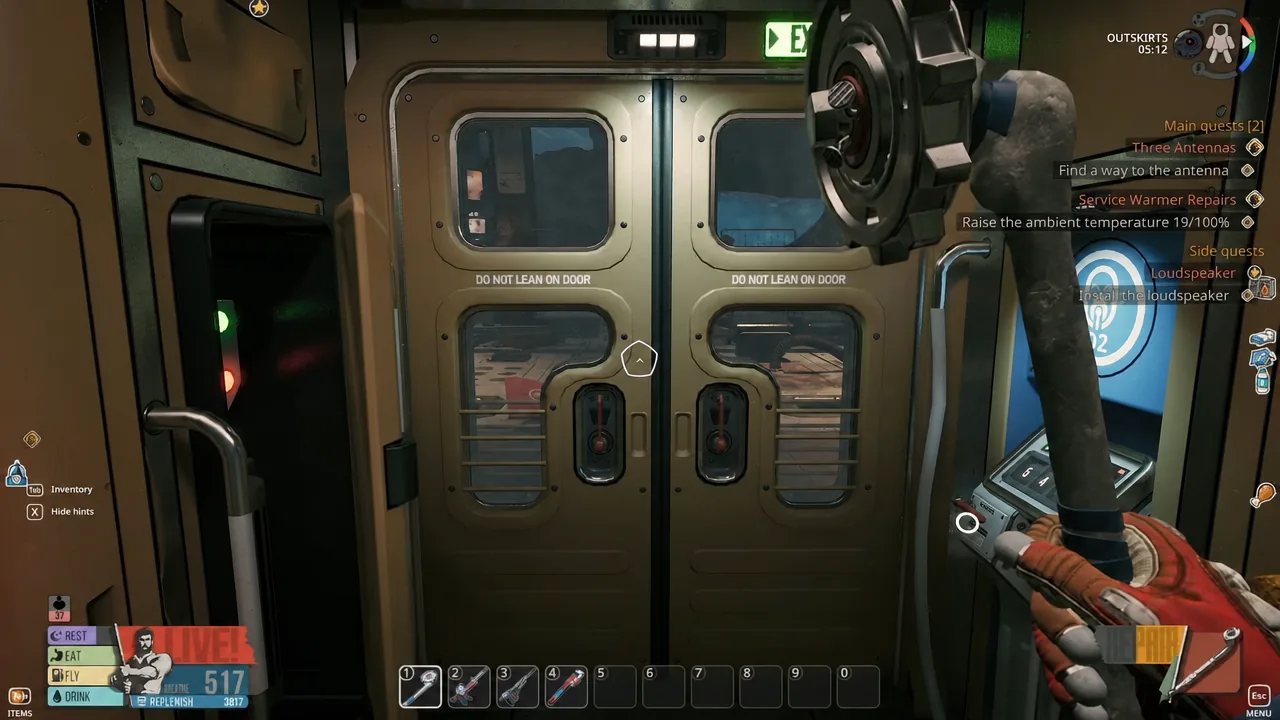
The Twister is the only tool that opens robot and sign nodes for Techbits. It is the same tool used for Light Bulb fixtures, so if you have already been pulling bulbs from the train tunnel, you are ready to harvest Techbits too.
Where to find Techbits in the Outskirts
Techbits come from broken robots and signs. The most reliable cluster sits roughly 6 grid squares west of the train station platform, around the Leader Statue near grid BE 30. This is the same general area where Rubber appears, so you can gather both on the same trip.
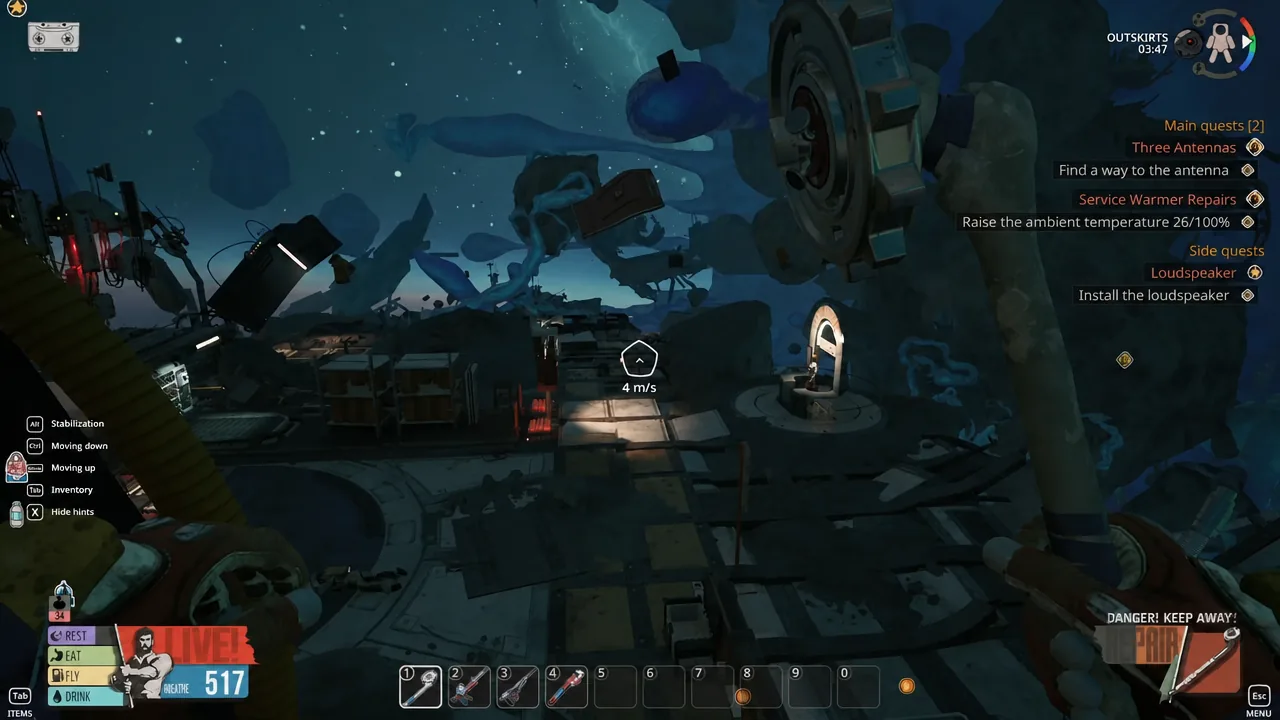
You can also pick up Techbits as random loot from chests and destroyed objects, but those drops are inconsistent. For a guaranteed supply, target the deactivated robots directly. A specific stash of Techbit parts also sits north-west of the antenna, inside a panel marked with a “P” icon on the metal ring of a yellow tube.
How to dismantle a robot for Techbits
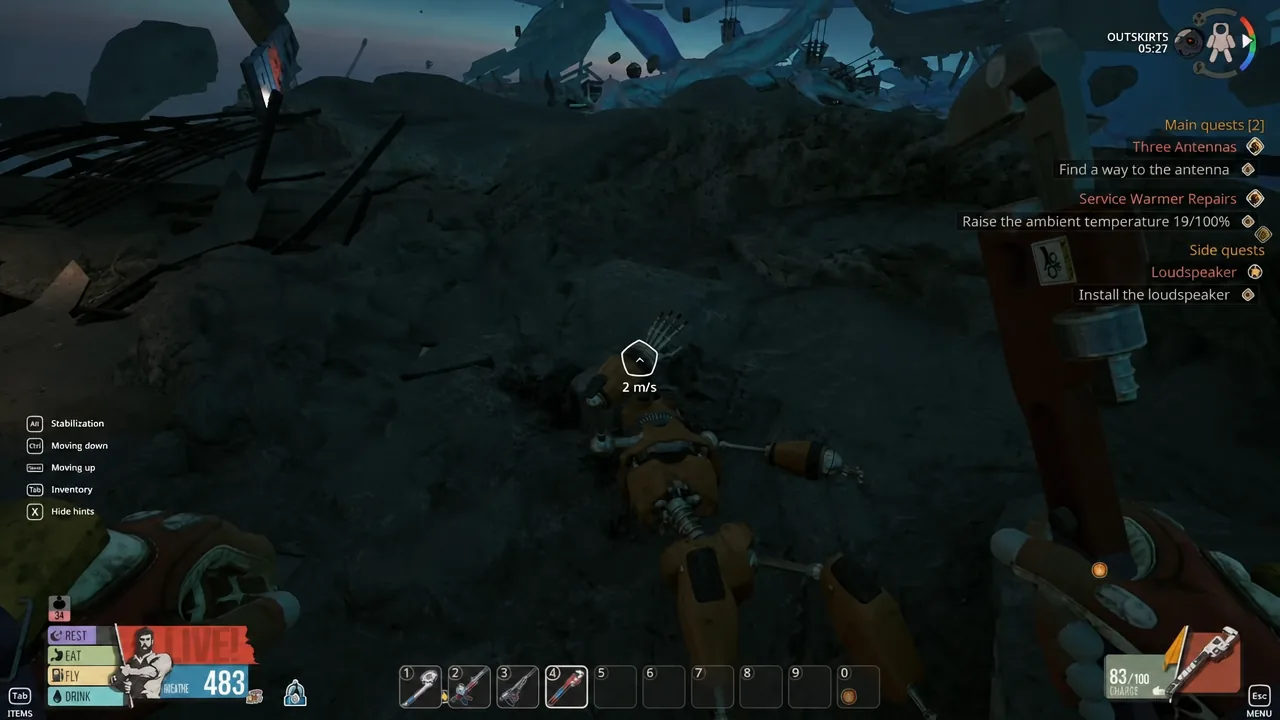
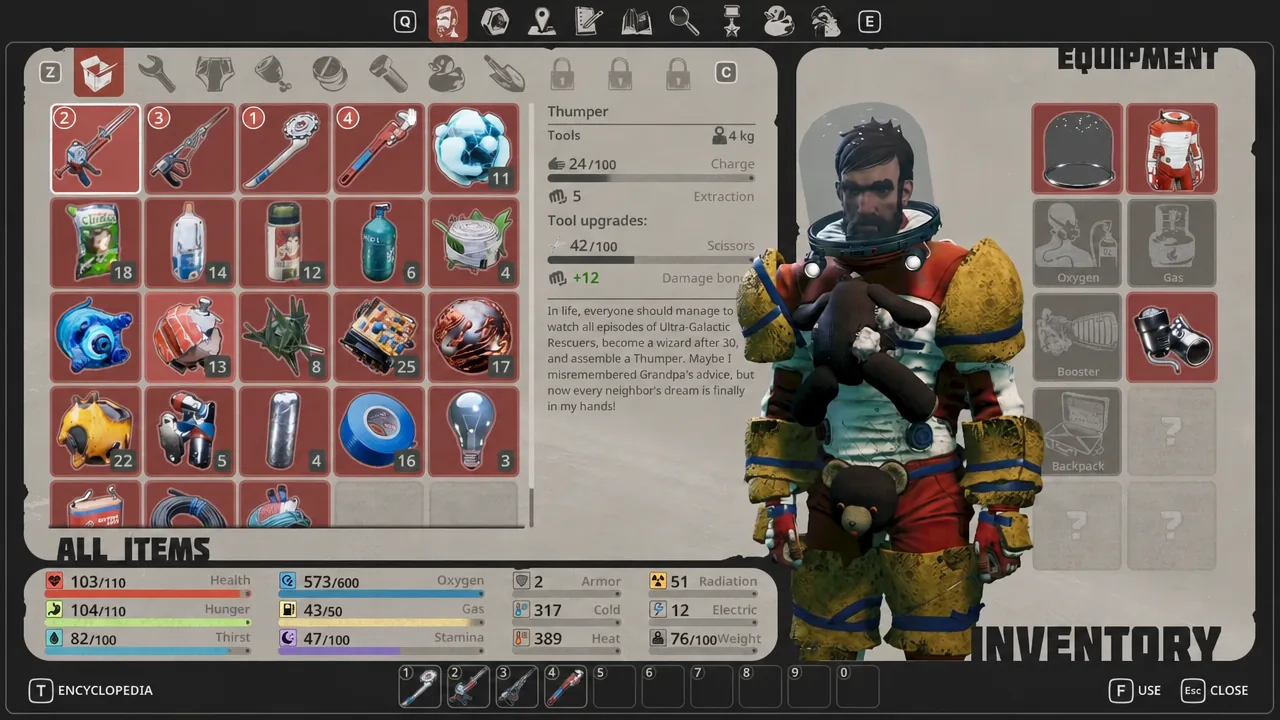
You know it worked when the “Dismantle” animation finishes and the Techbits count ticks up in your inventory. If the prompt never appears, the most common cause is having the wrong tool equipped. Swap to the Twister and try again.
Why you need Techbits
Techbits are a progression material, not just filler junk. Repairing the antenna requires Techbit parts alongside a new battery and Refined Metal, and finishing that repair unlocks access to a second base beyond the train station. Because the antenna repair is a hard gate, keeping a small stock of Techbits on hand saves a return trip across the cold zone later.
Note: If you reach the Techbit area but keep taking cold damage before you can dismantle anything, back off and finish the “Service Warmer Repairs” quest first. Turning on the heaters, including the ones near the train station that are not along the yellow tube, extends how long you can stay out and work.
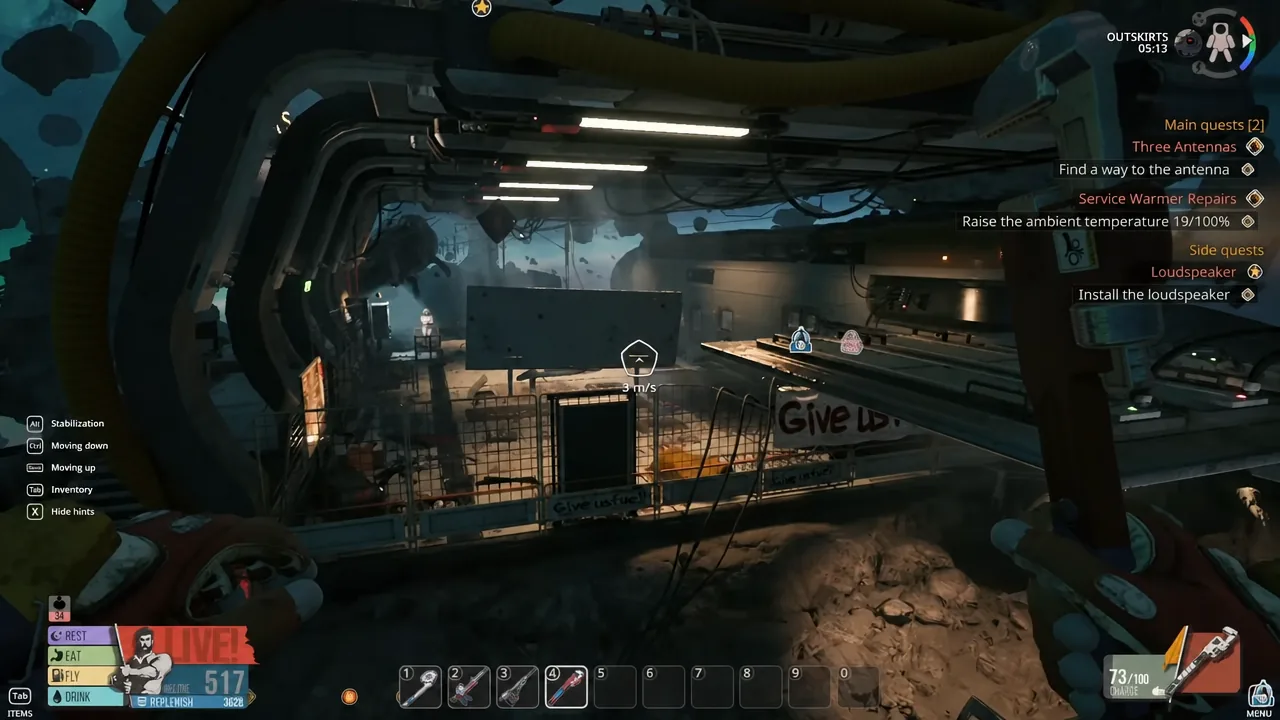
Once you have the Twister and enough warmth to survive the western Outskirts, Techbits become a routine grab. Dismantle every robot and sign you pass, and you will rarely run short when a quest or crafting recipe calls for them.