
Category
Google Workspace, Gmail, Google Docs, Meet.
-
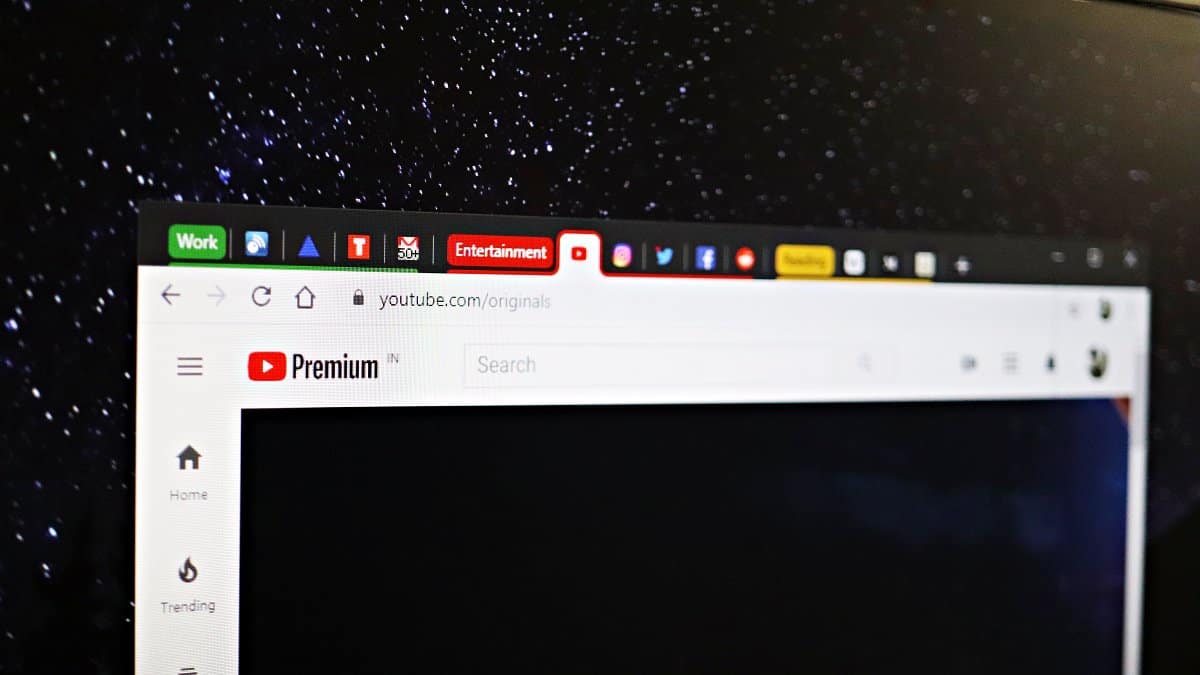
How to Enable and Use Tab Groups in Chrome and Microsoft Edge
Managing multiple tabs in your web browser can be overwhelming and inefficient. Thankfully, browsers like Google Chrome and Microsoft Edge offer an experimental feature…
-

How to Block a Website from Appearing in Google Search on Chrome and Edge Browsers
Encountering unwanted websites in your Google Search results can be both distracting and potentially harmful. Whether it’s sites that tempt you away from work,…
-

How to Block an Email Address in Gmail App
Unwanted emails can clutter your inbox and make it challenging to focus on important messages. If you’re receiving emails from a sender you’d prefer…
-
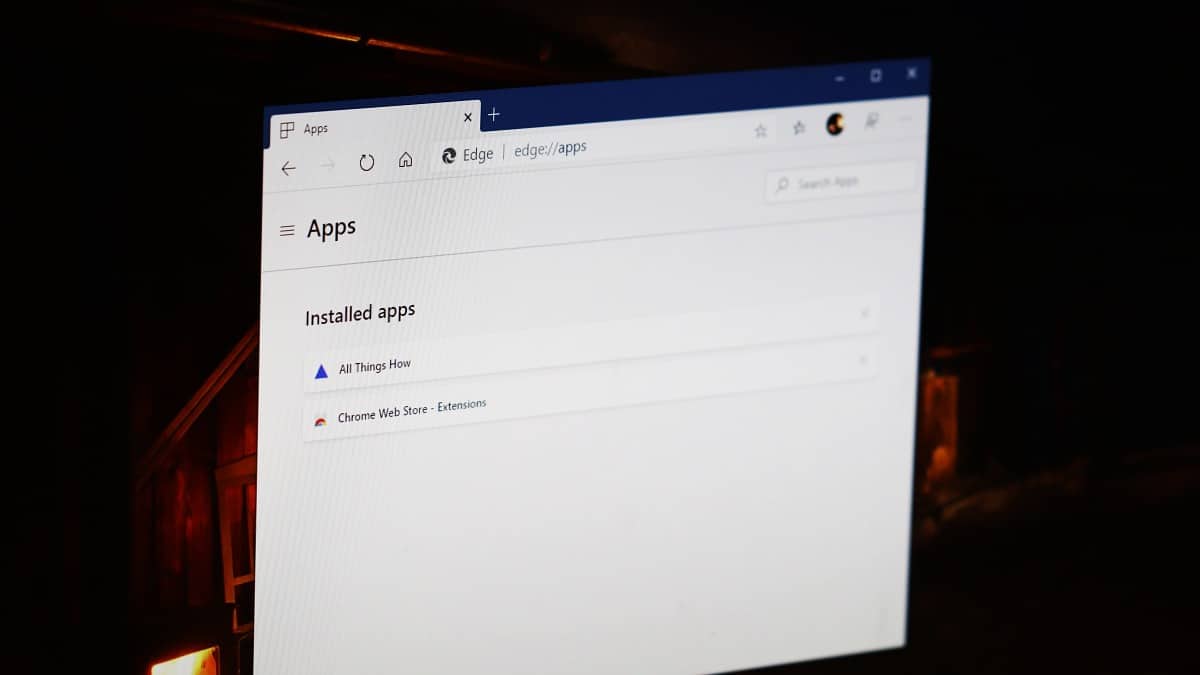
How to Install any Website as an App using Edge or Chrome browser on Windows 10
Installing your frequently visited websites as desktop applications can streamline your workflow by allowing quick access without opening a browser first. Modern browsers like…
-
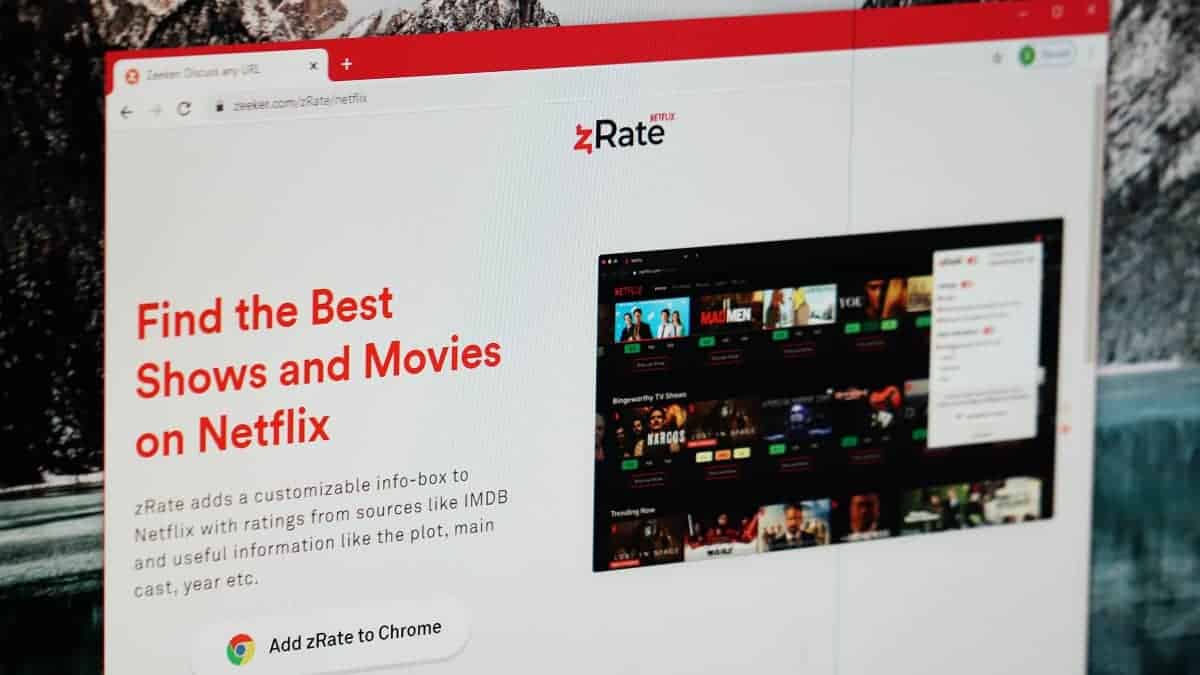
Get IMDB ratings on Netflix for Movies and TV Shows using zRate Chrome Extension
All movies and TV shows look great in posters. But that is no way to decide whether you should watch it or not. The…
-
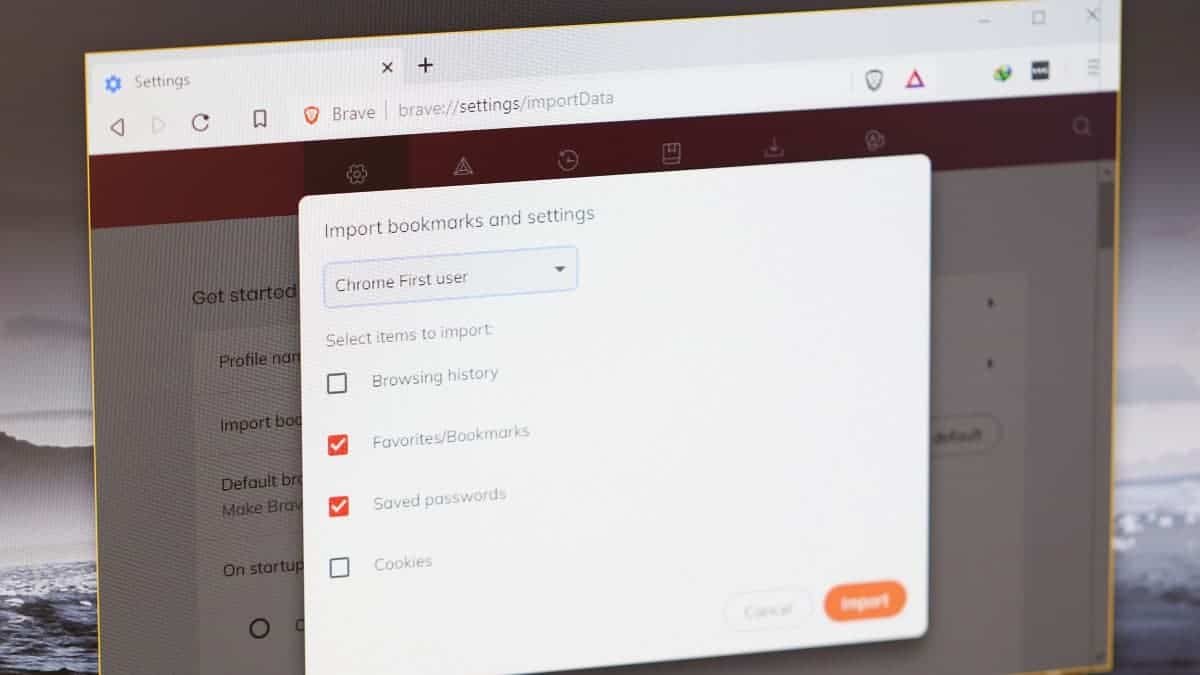
How to Import Chrome Bookmarks and Passwords into Brave Browser
Looking to move from Google Chrome to Brave browser? Well, it’s a challenging task. But you’re probably making a good call. Brave will protect…
-
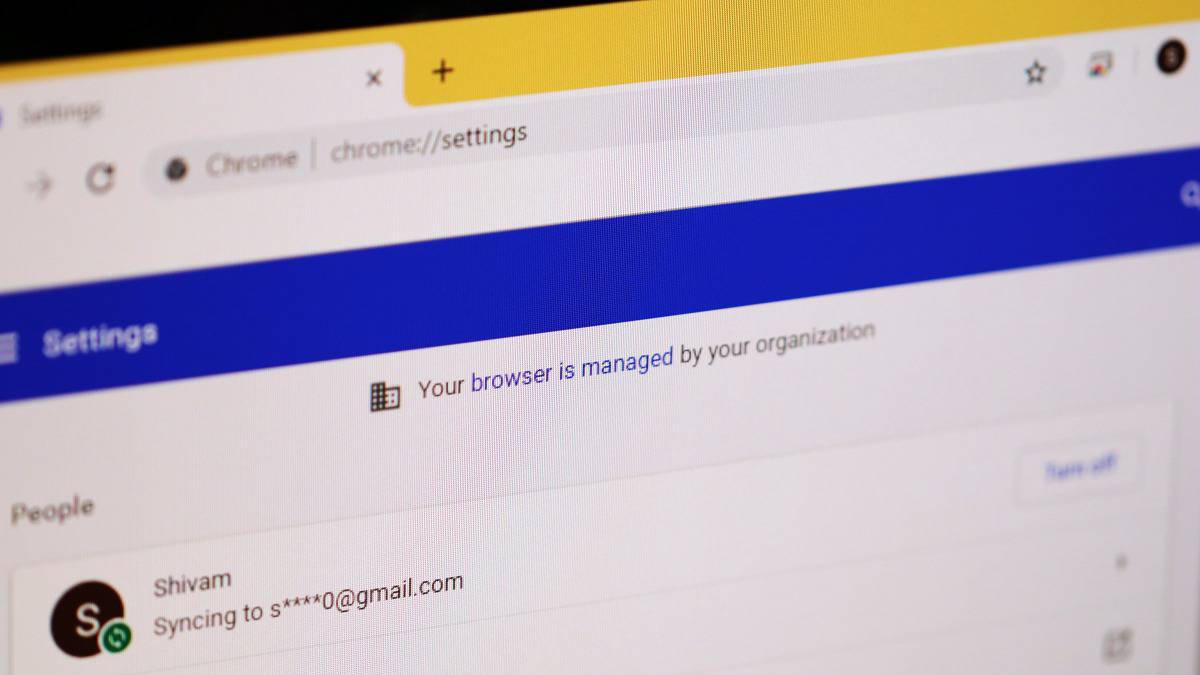
How to remove “Managed by your organization” in Chrome on Windows 10
Do you see a disclaimer in Chrome settings that says “Your browser is managed by your organization” even when you are the admin of…
-
How to Take Scrolling Screenshot of Selected Area in Chrome and Firefox
Ever wanted to take a scrolling screenshot of a selected area on a webpage? It’s not possible by the default means in Windows 10,…
-
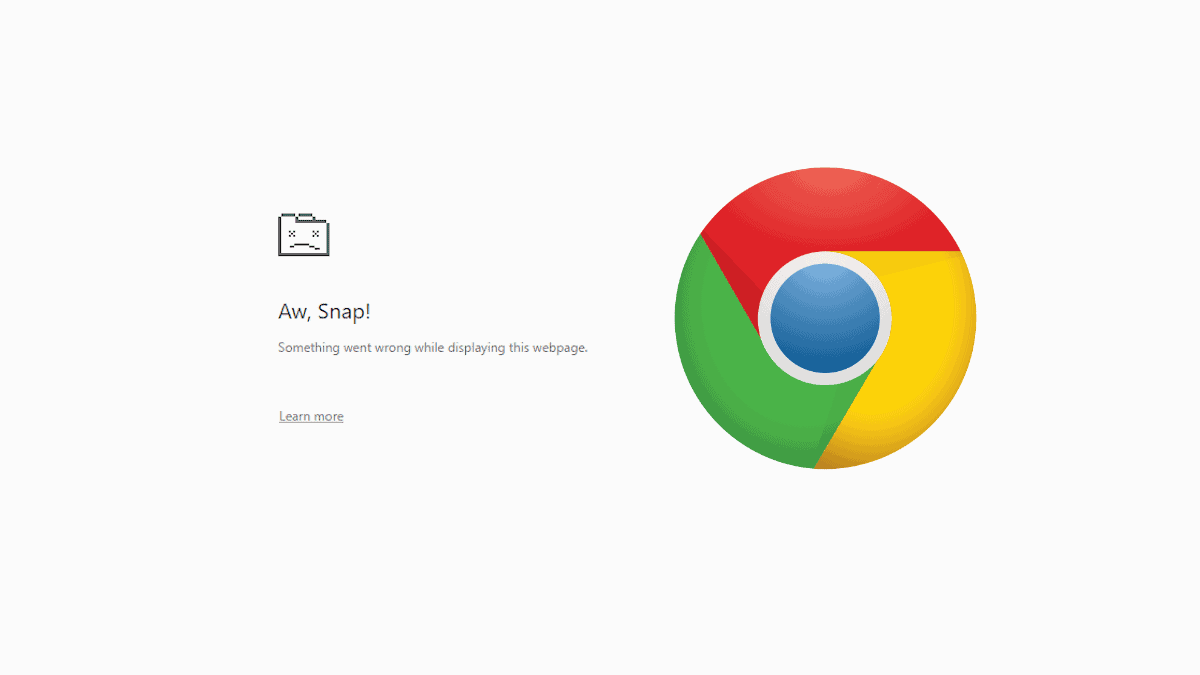
How to fix “Aw Snap” error after installing Chrome 78 update
Google Chrome version 78 is giving many users a nightmare with “Aw Snap” crashes on every webpage. However, the issue is not with Chrome,…
-
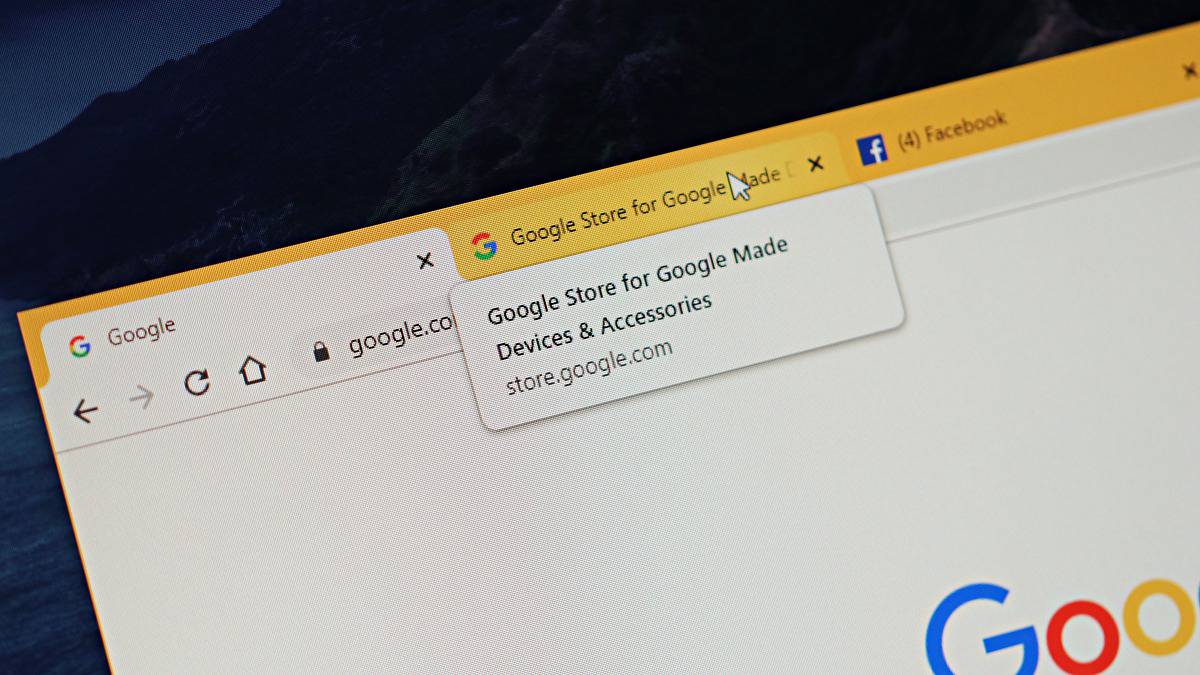
How to Disable Tab Hover Cards Previews in Chrome
Don’t like tab hover card previews in Chrome? You can disable it from the chrome://flags experimental features page. Here’s a complete guide.