
Category
Google Workspace, Gmail, Google Docs, Meet.
-
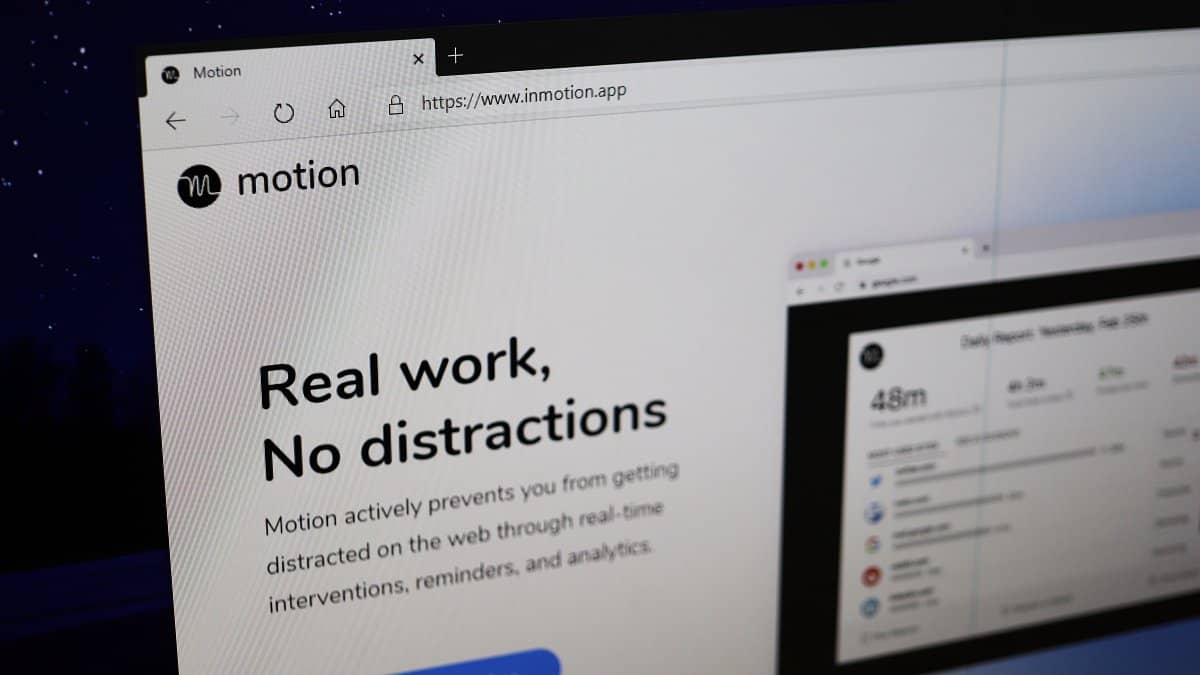
How to Intelligently Block Websites in Chrome and Microsoft Edge
Staying focused in the digital age can be tough, with countless websites vying for your attention. To enhance your productivity and minimize online distractions,…
-
How to Enable Reader Mode in Chrome
Google Chrome includes a hidden Reader Mode that simplifies web pages by removing ads and other distracting elements, making articles easier to read. Although…
-
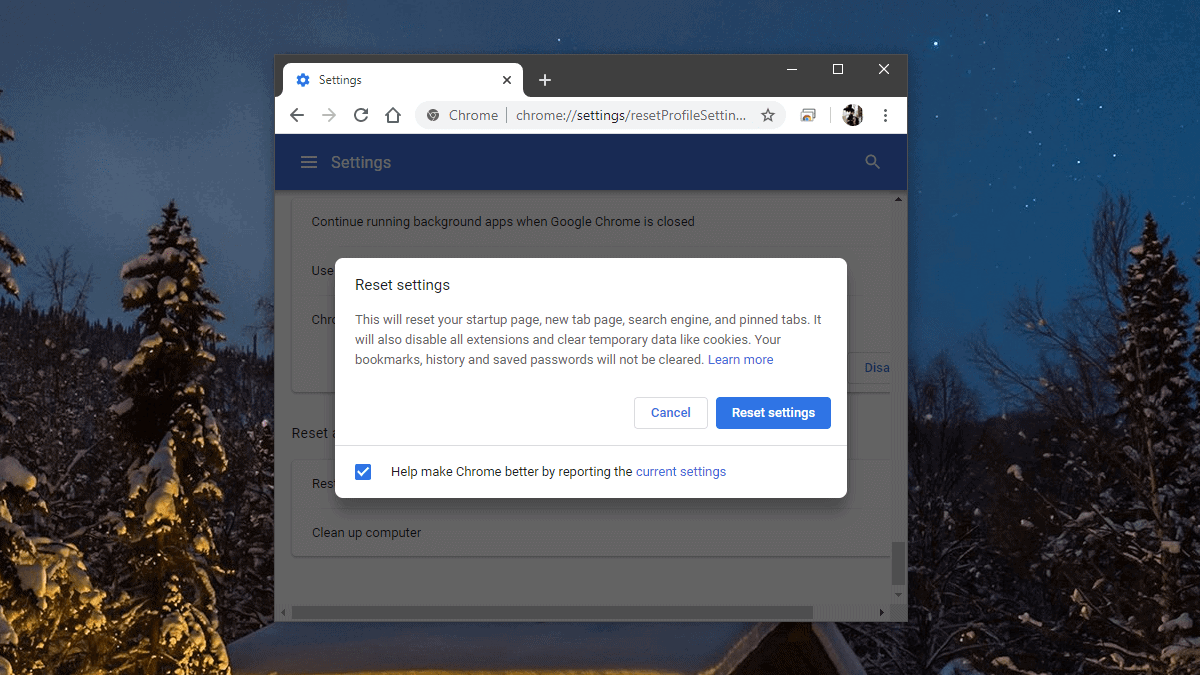
How to Reset Chrome Settings to Default
If your Google Chrome browser is experiencing slow performance or displaying unexpected behavior due to unwanted extensions, themes, or unintended changes to settings, resetting…
-

How to Free Up Space in Gmail
Gmail offers 15 GB of free storage shared across its services like Google Drive, Google Photos, and Gmail itself. Over time, this space can…
-
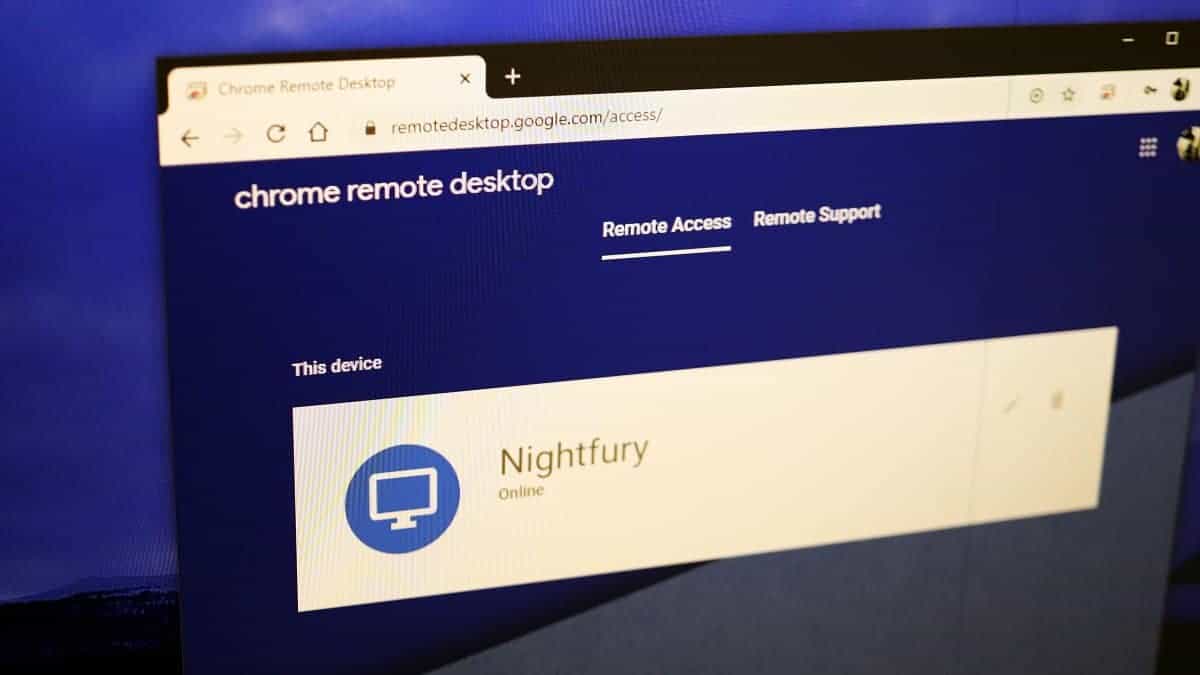
How to use ‘Chrome Remote Desktop’ to Access your Computer from iPhone or Android
Accessing your computer remotely can be highly convenient, whether you need to retrieve files or assist someone with technical issues. Google’s Chrome Remote Desktop…
-
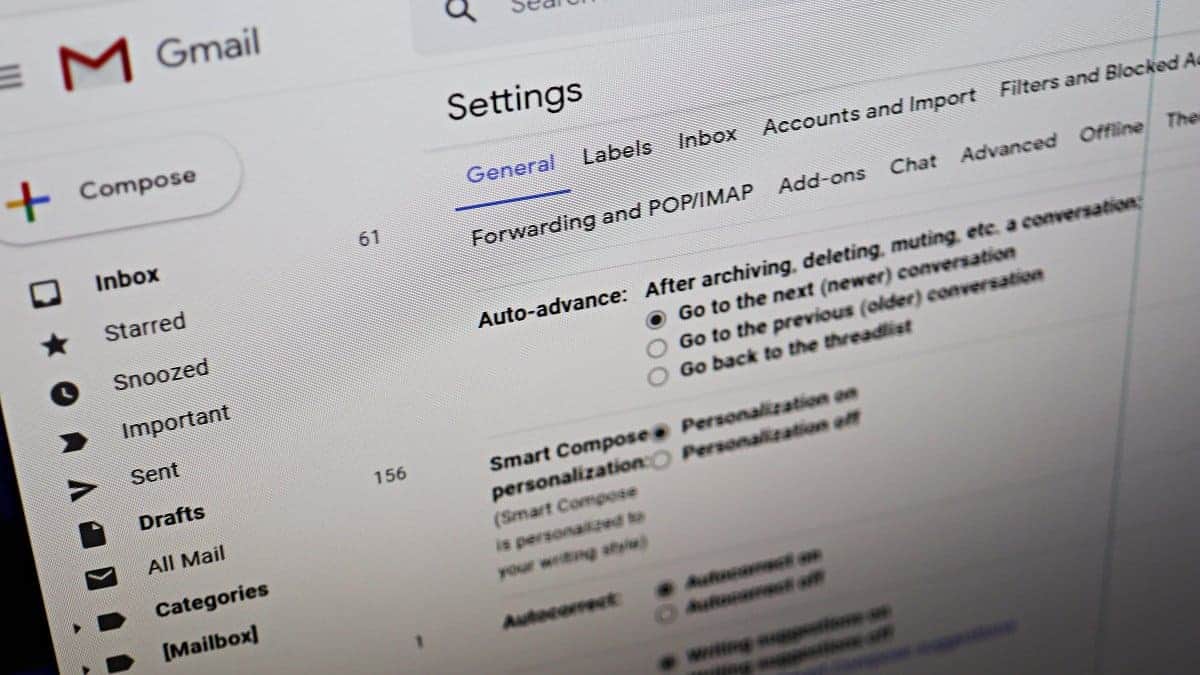
How to Enable ‘Auto-advance’ in Gmail to Quickly Go Through your Emails
Managing a crowded inbox can be overwhelming, especially when you have to return to the inbox after handling each email. Fortunately, Gmail offers an…
-
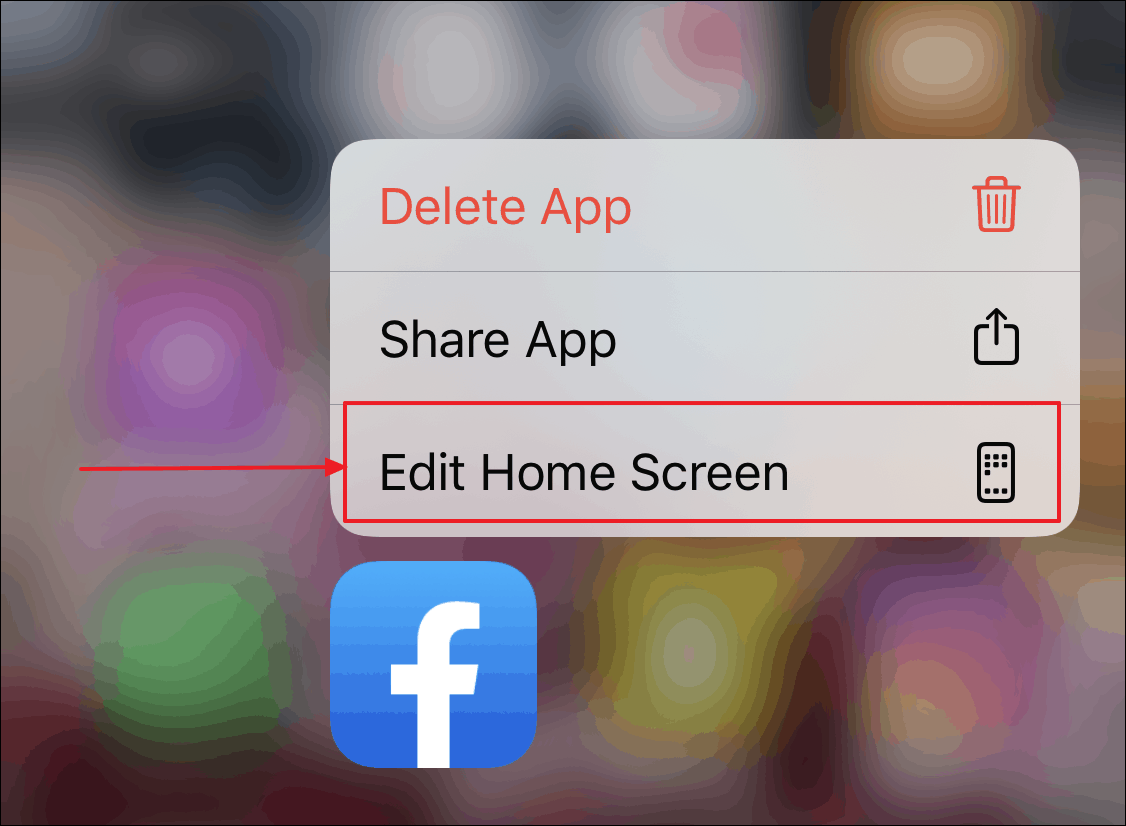
How to Check Backup Status in Google Photos App
Google Photos is hand-down the best photo and video storage service. Not only is it free with unlimited storage, it also makes finding and…
-

How to Increase Font Size in Chrome and Microsoft Edge
If you’re having trouble reading small text on websites, both Google Chrome and Microsoft Edge allow you to adjust the font size to make…
-
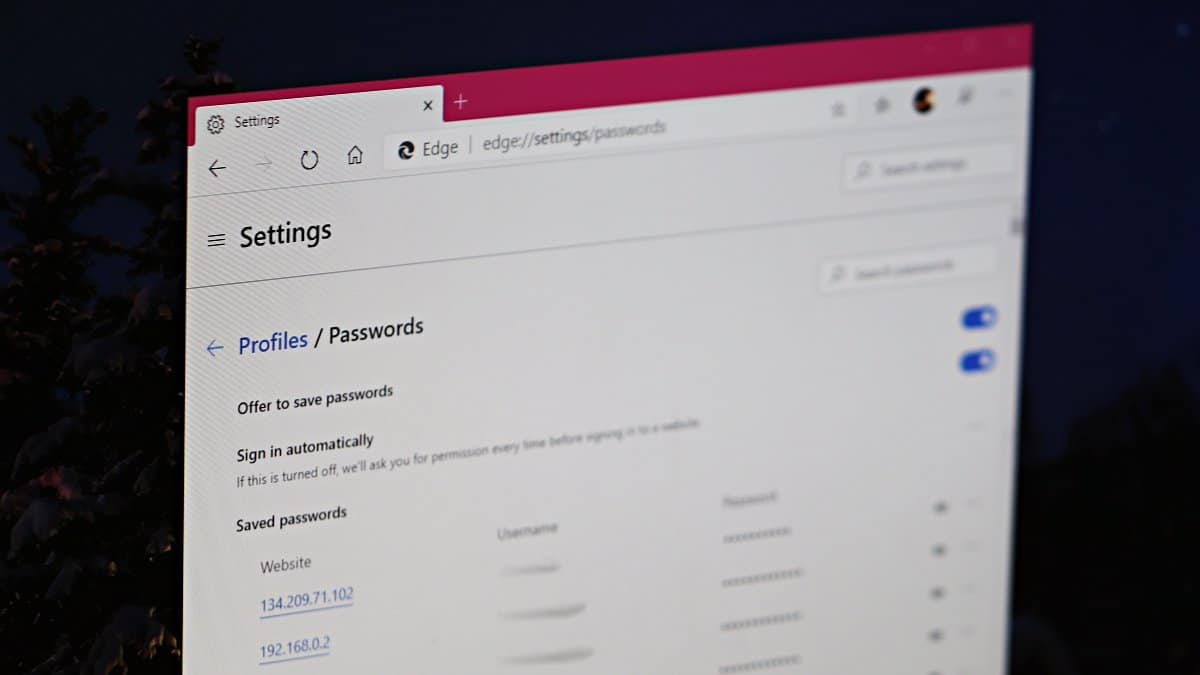
How to Disable Password Saving in Chrome and Microsoft Edge
Most web browsers, including Google Chrome and Microsoft Edge, offer to save your passwords for the websites you visit, making future logins more convenient.…
-
Make Your Emails Stand Out With Formatted Subject Lines in Gmail
Everyone receives tonnes of emails every day and it is a fact that no one opens every single email in their inbox. So, when…