
Category
Google Workspace, Gmail, Google Docs, Meet.
-
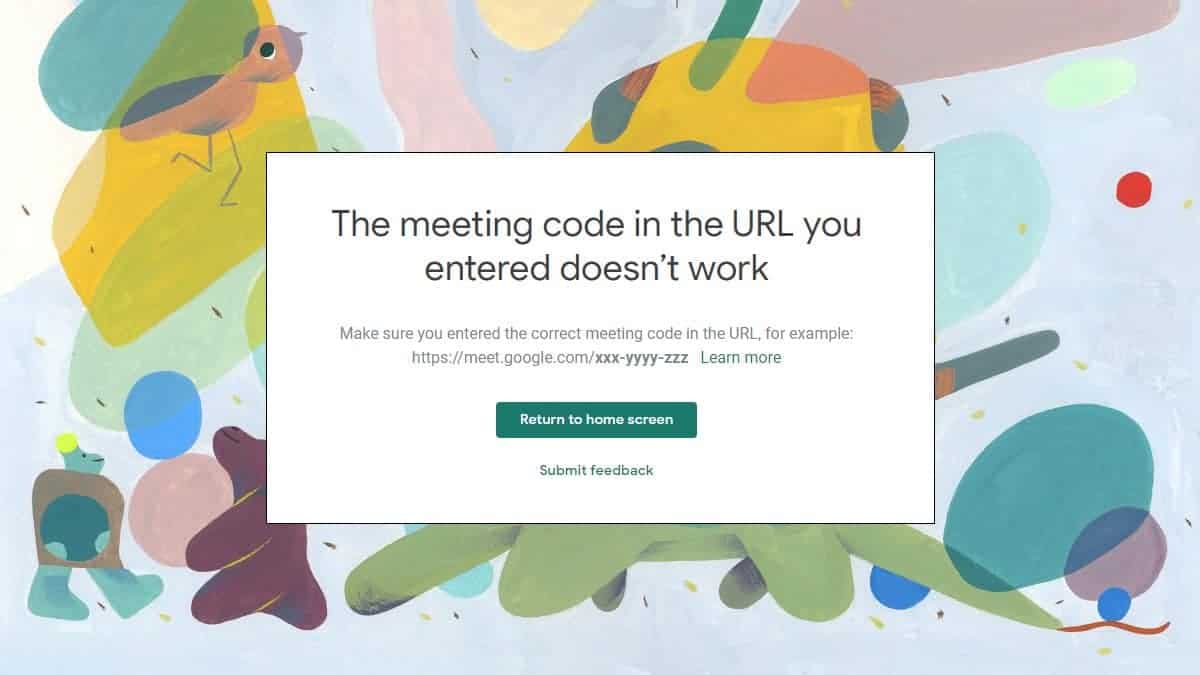
Why Google Meet Shows “The Meeting code in the URL you entered doesn’t work” Error
Google recently made some changes to Google Meet to secure meeting rooms by not letting participants rejoin a meeting after the host of the…
-

Best Background Images for Microsoft Teams, Zoom, Google Meet, and WebEx
Ever since Zoom introduced virtual backgrounds feature for video meetings, it has been crazily adopted by businesses of all types and size. Having a…
-
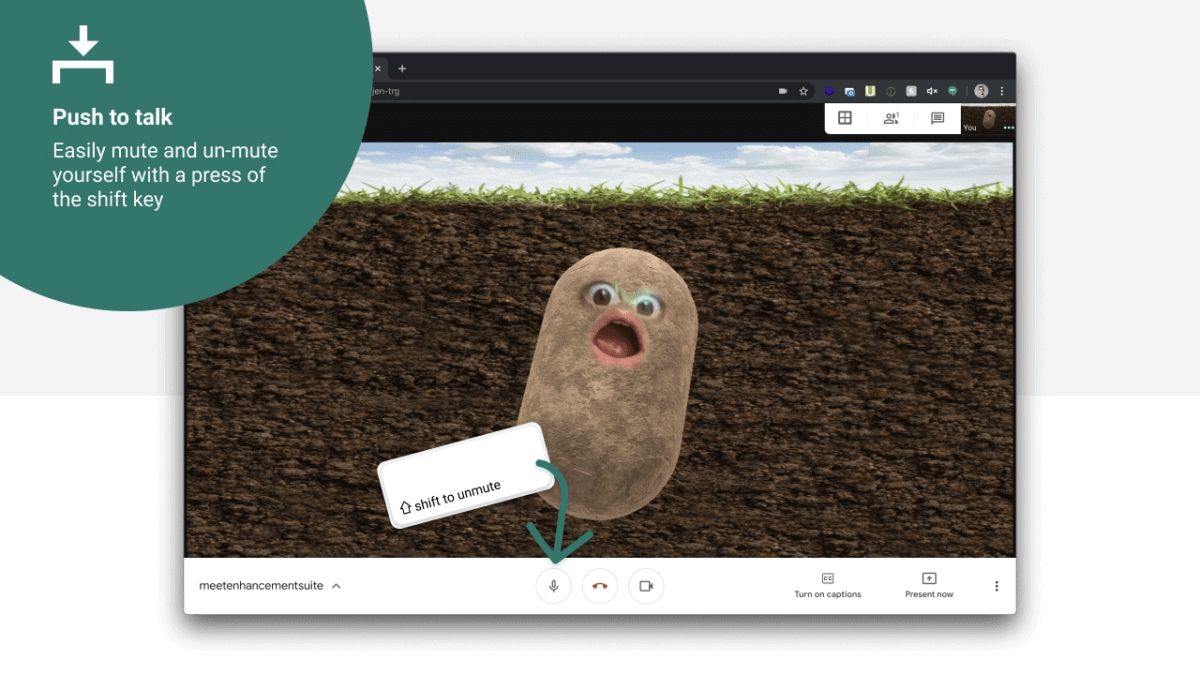
How to Get Push to Talk in Google Meet
In virtual meetings, managing audio can be a challenge, especially when multiple participants are involved. Unwanted background noise and interruptions can disrupt the flow…
-
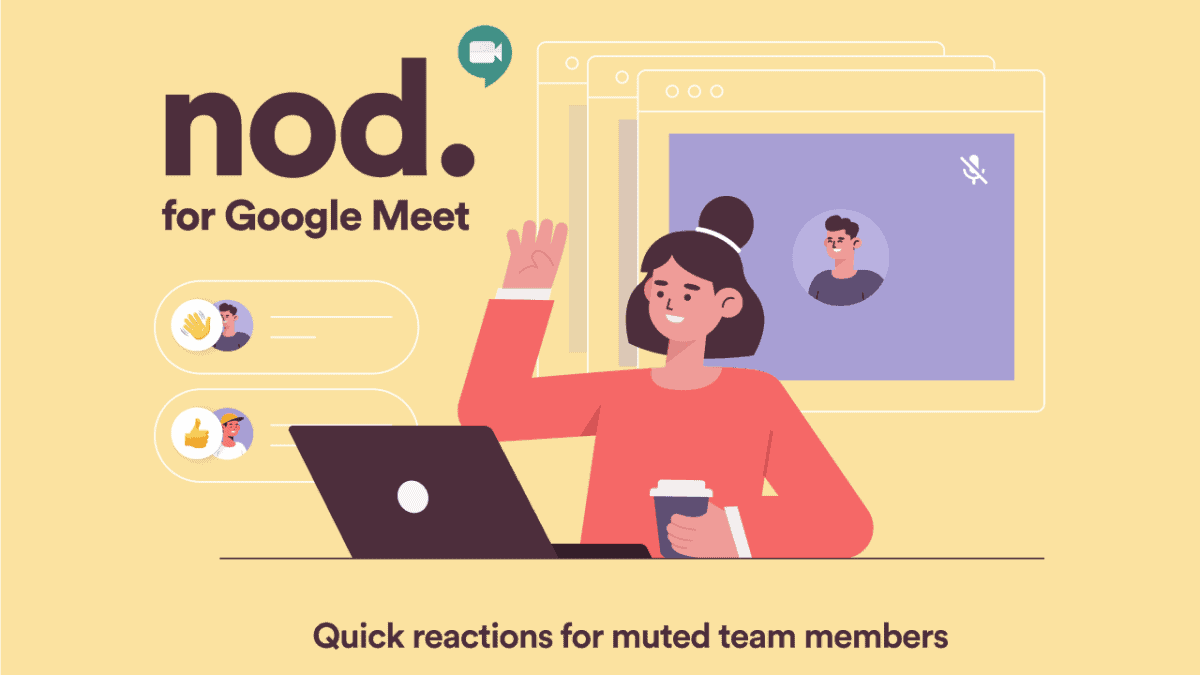
How to Use Nod in Google Meet to Send Emoji Reactions
Enhancing interaction during virtual meetings can be challenging when participants are muted. Google Meet users can utilize the Nod – Reactions for Google Meet…
-

How to Blur or Change Background in Google Meet and Webex using ChromaCam
Video conferencing apps are our superheroes when we are working from home and have to attend online meetings, or attending online classes for school.…
-
FIX: Google Meet Grid View Not Working Problem
Google offers a handful of layouts for video calls on Google Meet, and some recent updates also enabled a 4 x 4 grid that…
-
How to Get Grid View in Google Meet
Google Meet has become a go-to platform for hosting online meetings and classes, especially during times when remote communication is essential. While it’s packed…
-
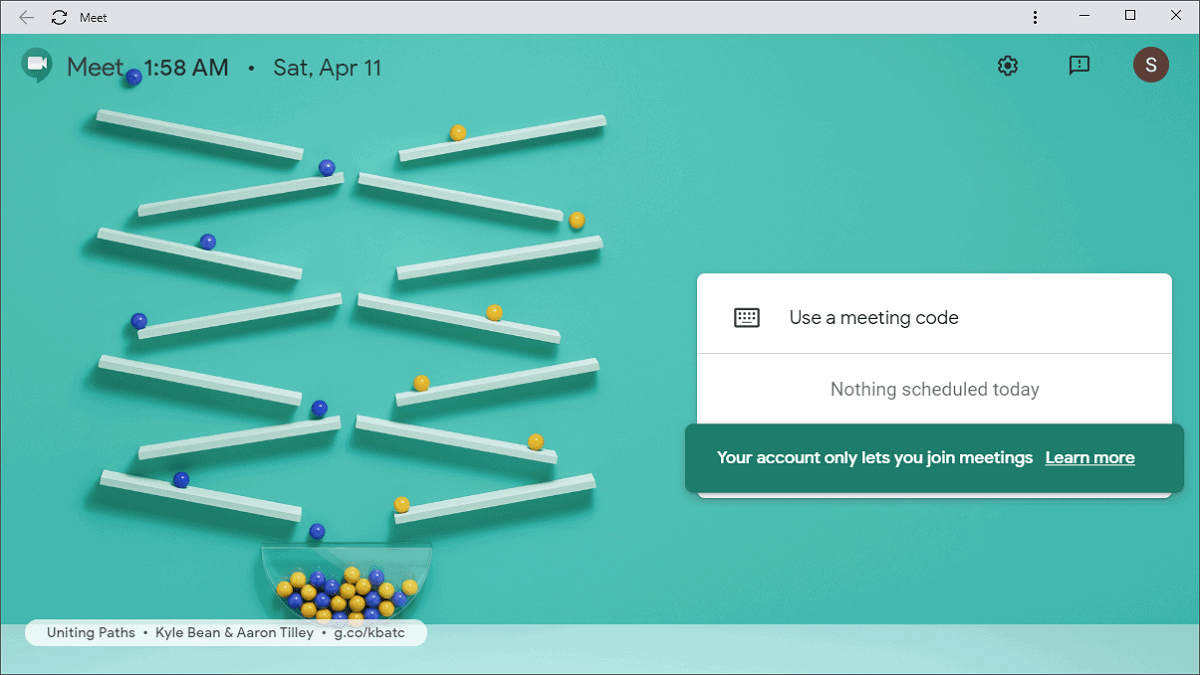
How to Install Google Meet as an App on Windows 10
Google Meet has become an essential tool for video conferencing, especially for organizations and educational institutions conducting online meetings and classes. Despite its popularity,…
-
How to Join a Google Meet
Google Meet has become a popular choice for video conferencing, offering a secure and convenient way to connect with others online. Whether you have…
-
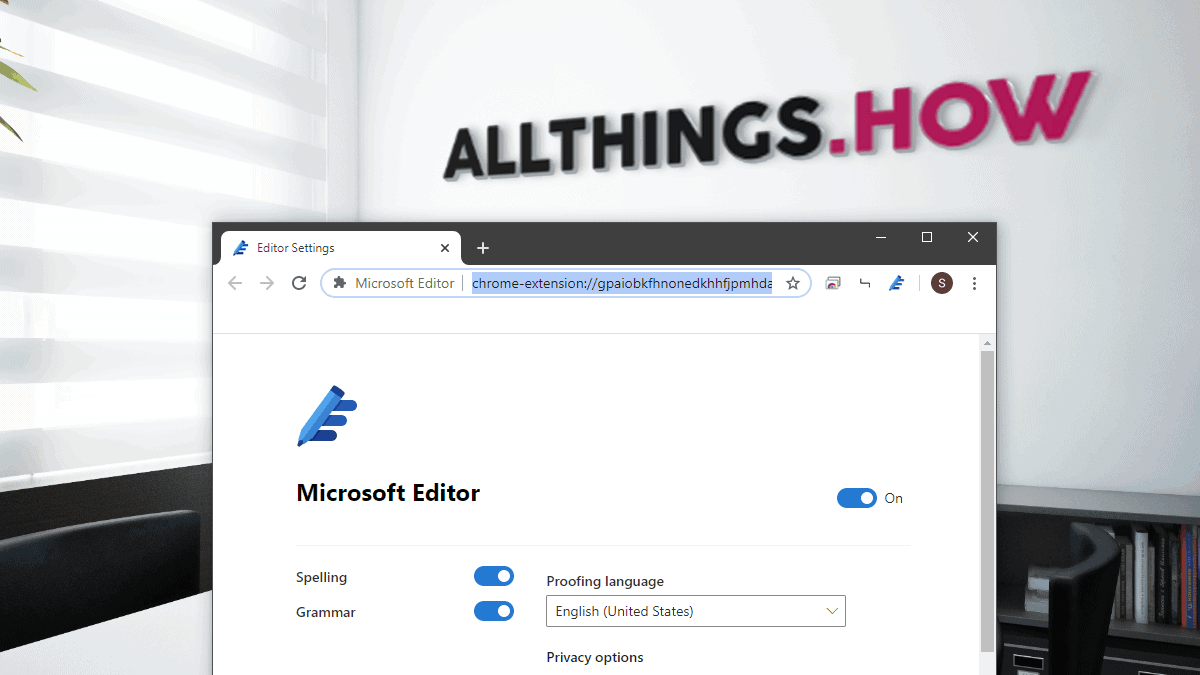
How to Download Microsoft Editor Extension for Chrome and Edge
Microsoft Editor is an AI-powered assistant designed to enhance your writing by providing real-time suggestions for spelling, grammar, and style across various web platforms.…