
Category
Apps
Productivity tools, Microsoft Office, communication apps, and browsers.
-
How to Fix “The File Is Corrupt and Cannot Be Opened” in Microsoft Office
Proven solutions for repairing and recovering Word, Excel, and PowerPoint files that display the “file is corrupt and cannot be opened” error in Microsoft…
-
How to Stop Saving Screenshots to OneDrive Automatically
Disable automatic screenshot uploads to OneDrive in Windows to keep your captures local and free up cloud storage.
-
How to Merge and Split Cells in a Table in Microsoft Word
Combine or divide table cells in Word documents to organize data more efficiently and create custom layouts.
-
How to Save Outlook Emails as Files to PC
Exporting Outlook emails to your computer preserves important messages and simplifies archiving, migration, and data recovery.
-

How to Fix Microsoft Teams Error CAA5009D
Resolve Microsoft Teams error CAA5009D with proven solutions that address authentication, account issues, and installation problems to restore full access to Teams.
-

How to Fix PowerPoint Crashing or Freezing When Inserting Video
Detailed solutions to resolve PowerPoint crashes or freezes that occur when inserting or playing videos in your presentations.
-
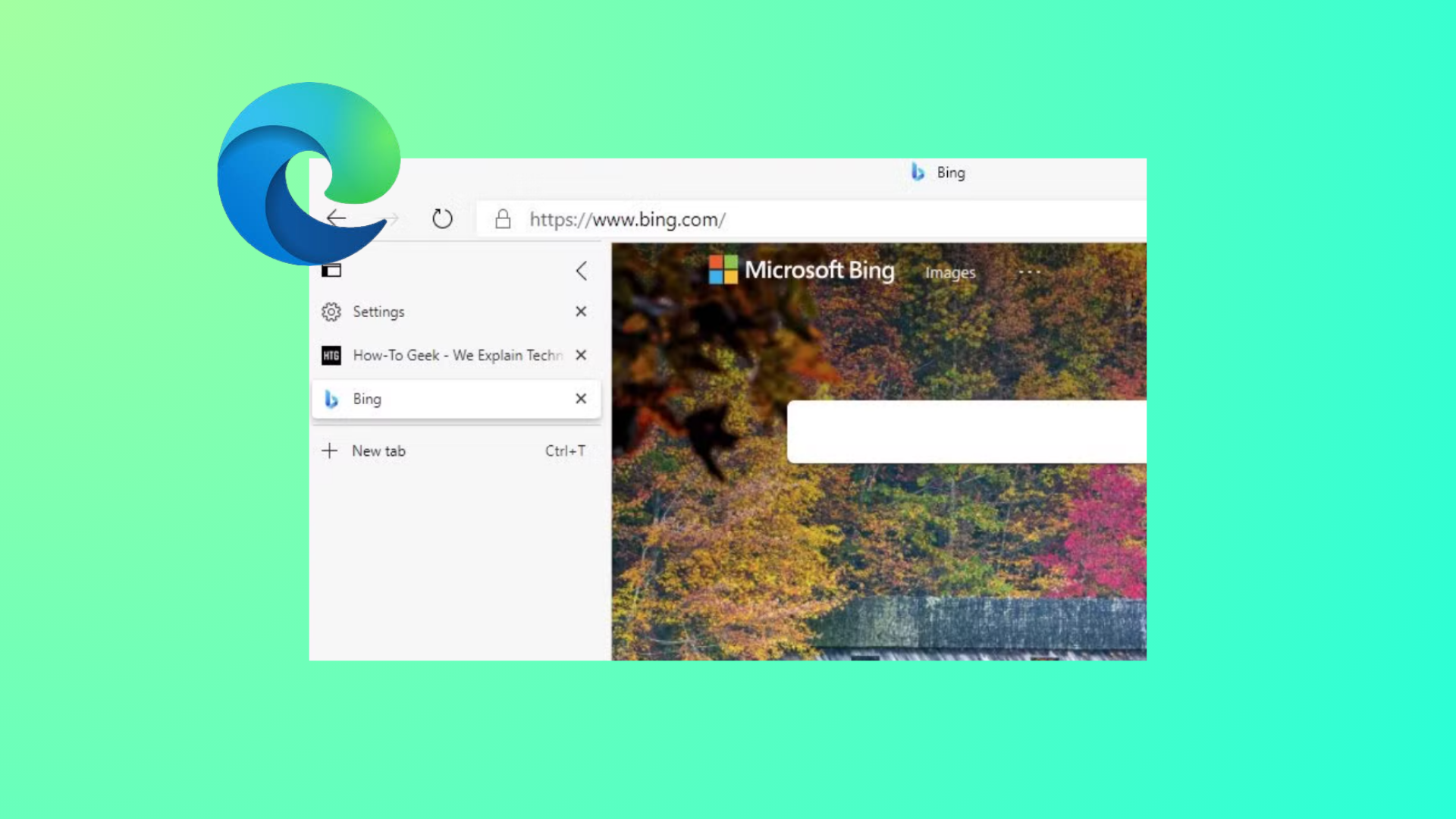
How to Remove Edge Browser Tabs from Alt+Tab in Windows 11
Stop Microsoft Edge tabs from appearing as separate entries when switching apps with Alt+Tab by adjusting Windows 11 multitasking settings.
-

How to Fix OneDrive Unable to Move Shortcut
Resolve OneDrive shortcut errors and restore seamless access to your shared folders with these clear solutions.
-

How to Fix Opera Browser Not Launching or Loading Pages
Resolve Opera browser startup failures and page loading issues on Windows 11 with detailed solutions addressing DNS, antivirus, Family Safety, and more.
-

How to Show Sender’s Image in New Outlook
Display sender photos in your Outlook email list by adjusting key settings for a more visual inbox experience.