
Category
Apps
Productivity tools, Microsoft Office, communication apps, and browsers.
-

Increase any Image’s Resolution by 4X using AI powered Pic.Hance tool
Do you have a picture that you want to view on the big screen, or print on a large canvas? Well, the resolution of…
-

How to Send Encrypted Messages and Files using MagicPad
Sending and receiving encrypted messages is not uncommon knowledge anymore. However, we would admit that you’d still need a whole lot of understanding of…
-
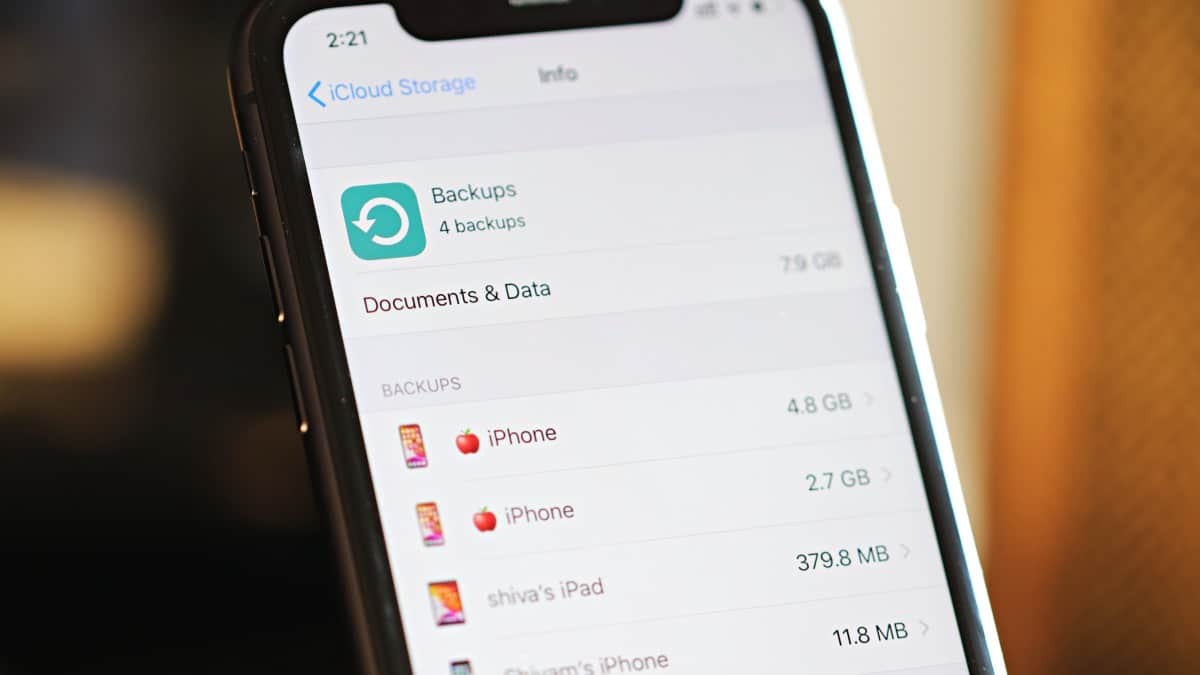
How to Delete an iCloud Backup from iPhone
Your iCloud storage is full and you don’t want to spend to get extra storage? Maybe it’s time to look into what is being…
-
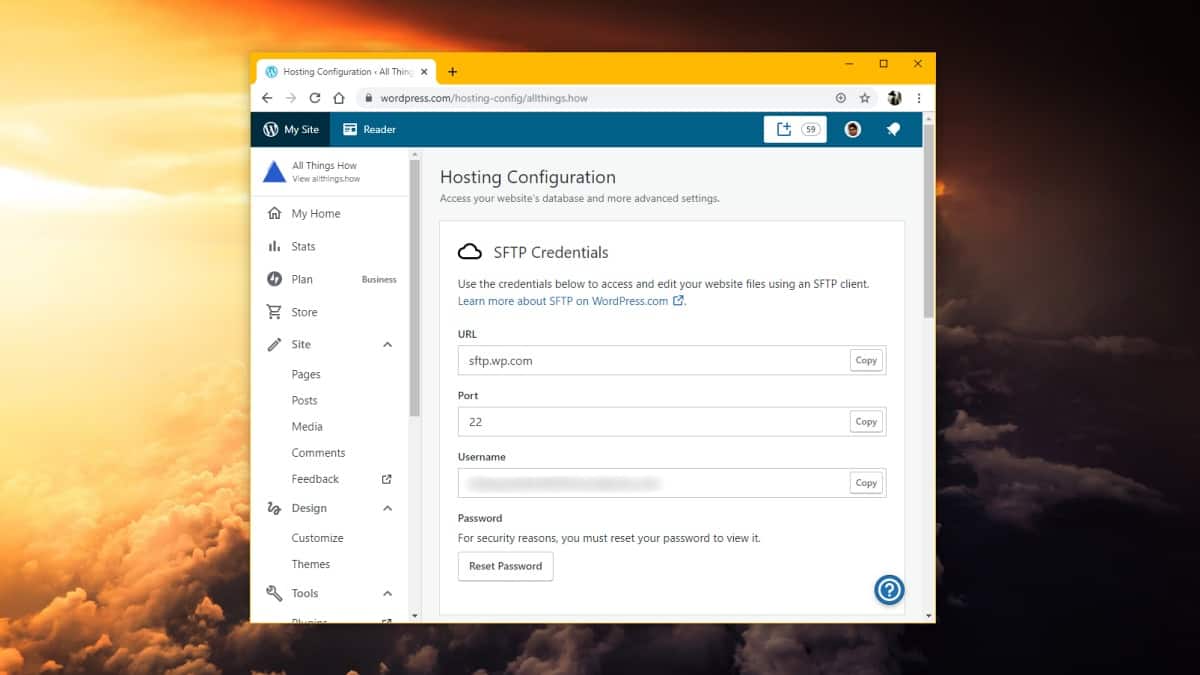
How to Enable SFTP on WordPress.com Business and eCommerce Plans
WordPress.com Business and eCommerce plans have already been pretty amazing with support for custom plugins and themes. Now with the addition of SFTP and…
-

This Smart Voice Recorder app can live transcribe and search for text in voice recordings on iPhone
Available in the App Store only on iOS 13 and up, the Smart Voice Recorder – Offline by Ronan Stark is exactly as the…
-
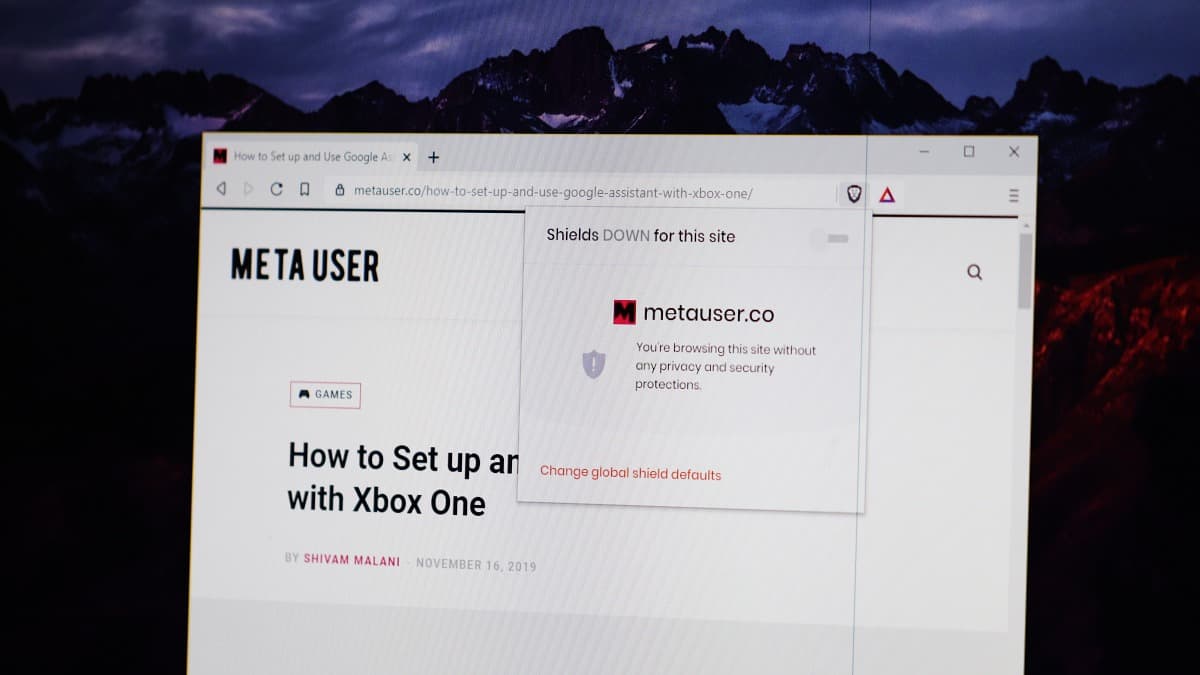
How to Disable Ad Blocker for a Website in Brave Browser
The Brave browser is fast because it blocks websites from loading ads and scripts for a user. It saves a lot of network usage…
-
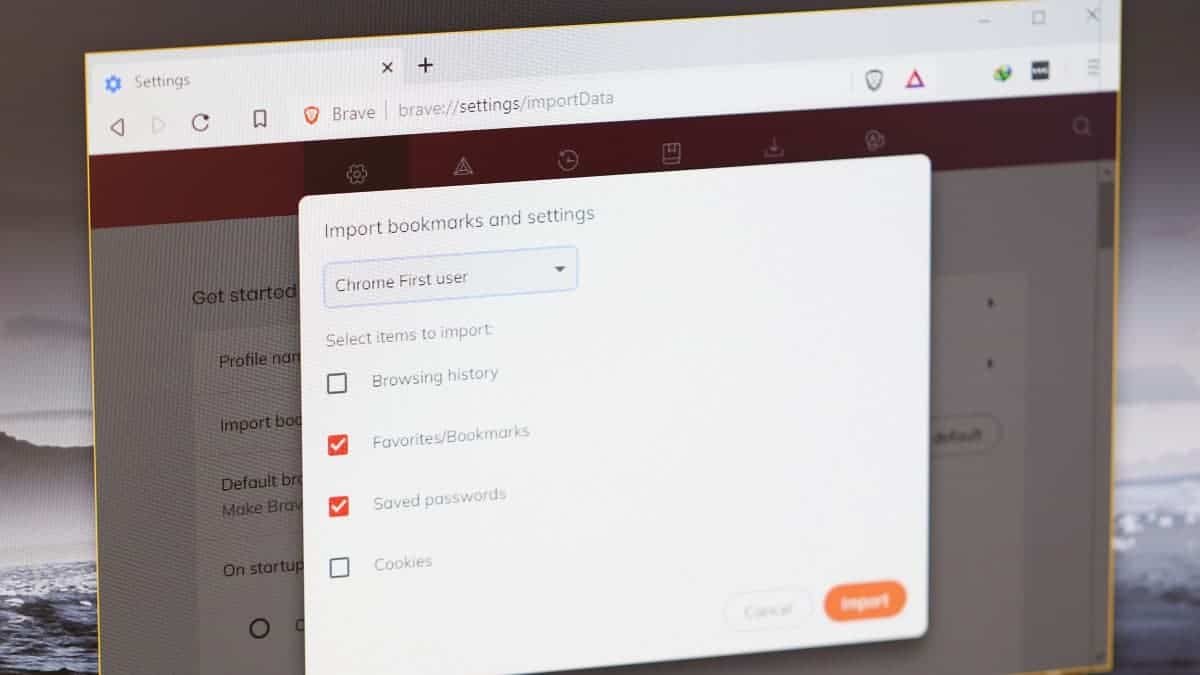
How to Import Chrome Bookmarks and Passwords into Brave Browser
Looking to move from Google Chrome to Brave browser? Well, it’s a challenging task. But you’re probably making a good call. Brave will protect…
-

How to Delete a Retweet from Twitter
Did you accidentally retweeted something that you do not want your Twitter followers to see? Well, you won’t find a delete tweet button for…
-
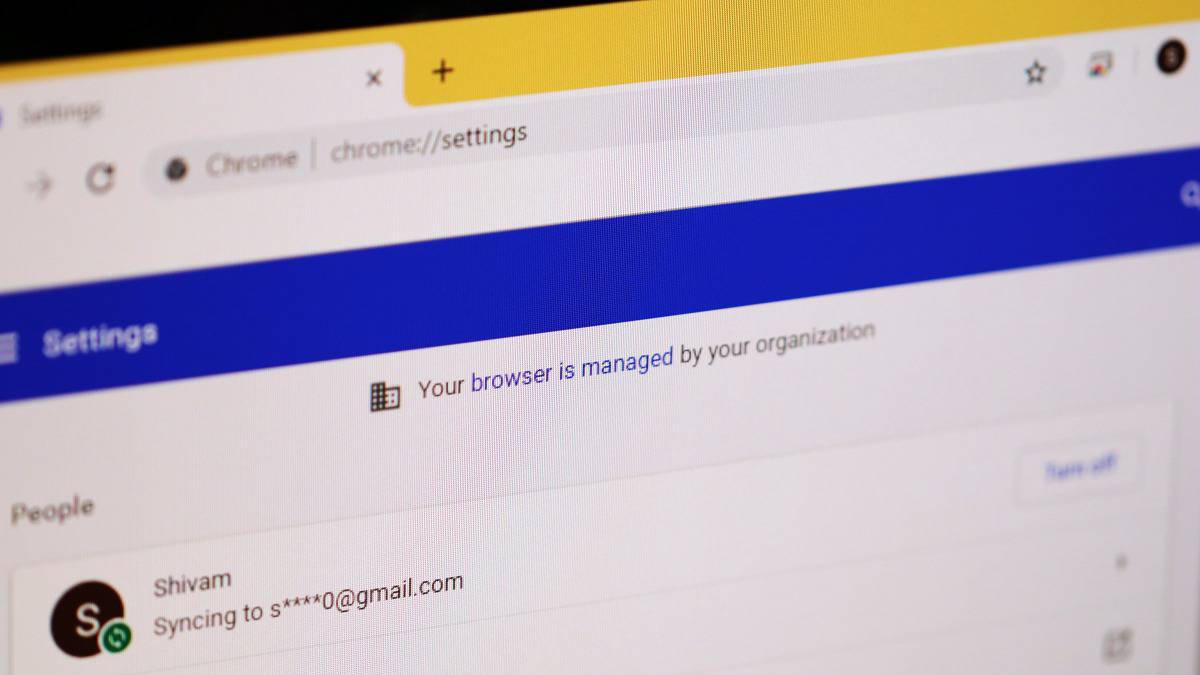
How to remove “Managed by your organization” in Chrome on Windows 10
Do you see a disclaimer in Chrome settings that says “Your browser is managed by your organization” even when you are the admin of…
-

How to Take Scrolling Screenshot of Selected Area in Chrome and Firefox
Ever wanted to take a scrolling screenshot of a selected area on a webpage? It’s not possible by the default means in Windows 10,…