
Category
Apps
Productivity tools, Microsoft Office, communication apps, and browsers.
-
How to Install any Website as an App using Edge or Chrome browser on Windows 10
Installing your frequently visited websites as desktop applications can streamline your workflow by allowing quick access without opening a browser first. Modern browsers like…
-

How to Enable Flash in New Microsoft Edge Chromium
Adobe Flash Player’s end is near, but for those who still need to access Flash content in the new Microsoft Edge Chromium browser, there…
-
How to Set Google Search as Default in New Microsoft Edge on PC, iPhone, and Android
Microsoft Edge has come a long way, offering a browsing experience comparable to other major browsers. Despite its improvements, Edge still defaults to Bing…
-
How to Change GRUB Background in Linux
GRUB (Grand Unified Bootloader) is the default boot loader program for Linux based operating systems. One of the most familiar screens in Linux is…
-
How to Use Git in Linux
From the late ’80s when version control software first started developing, Git remains the most easy to use code change tracking tool. Services like…
-
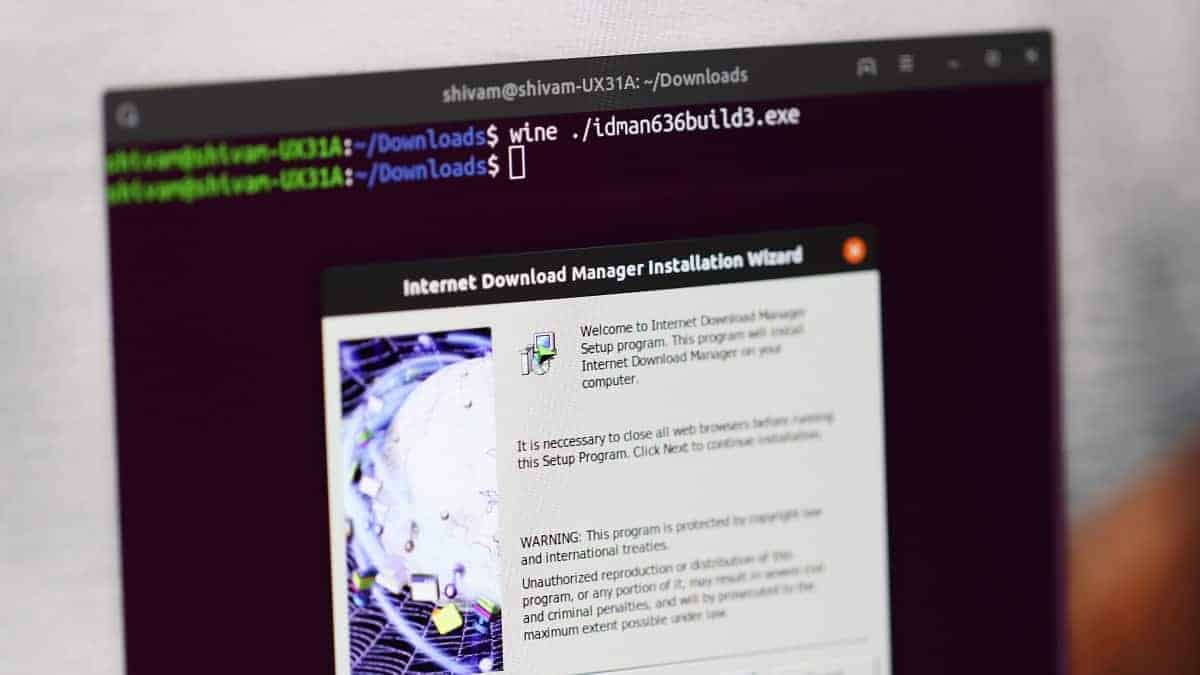
How to Run Windows Programs and Games in Linux using Wine
Running Windows applications on a Linux system can be a necessity when certain software isn’t available for Linux. Wine is a compatibility layer that…
-
How to Create and Run a Macro in LibreOffice Calc on Linux
LibreOffice is the FOSS world’s answer to the mainstream and proprietary Microsoft Office Suite. Developed by leading Office Productivity software developers and contributors, it…
-
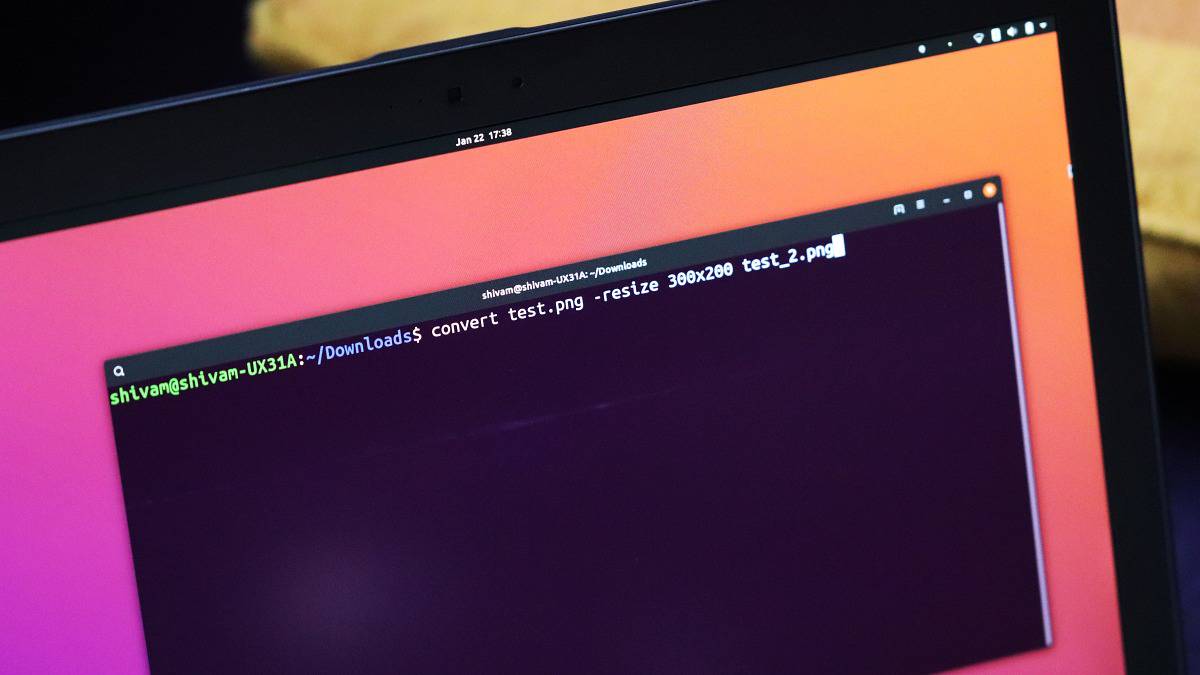
How to Use Convert Tool to Edit Images from Linux Command Line
ImageMagick is a suite of image modification software for Linux. It consists of many tools with number of options for image modification, conversion, etc.…
-
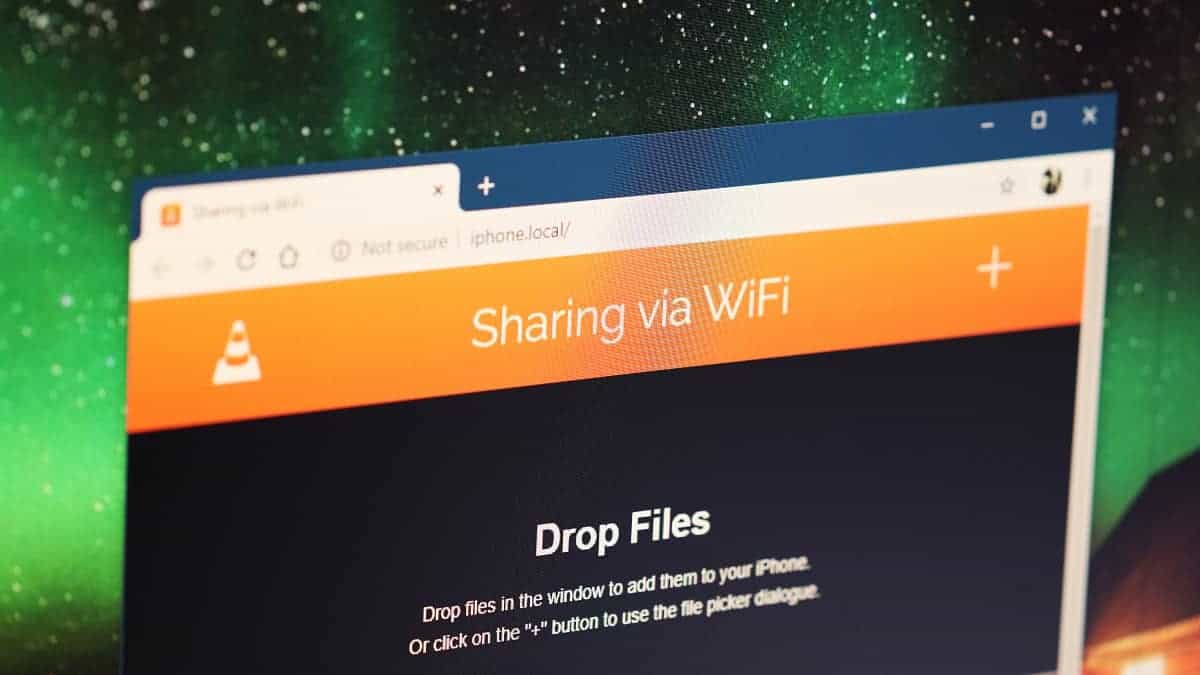
How to Use VLC Player to Share Files over Wi-Fi between iPhone and PC
VLC Player has long been on the internet than iPhone and Windows 10 have even existed. It is one of the most popular software…
-
How to Disable SELinux on CentOS 8
SELinux (Security Enhanced Linux) is a Linux kernel module which provides options for Mandatory Access Control (MAC) policies. It comes with various command line…