
Category
Apps
Productivity tools, Microsoft Office, communication apps, and browsers.
-

How to Fix “utf8mb4_0900_ai_ci” Collation Error when Importing WordPress Database
If you’re switching your WordPress installation from a MySQL 8 server to MySQL 5.7 (or below), you’ll most likely encounter the 1273 – Unknown collation:…
-

🚐 How to Transfer Contacts from iPhone to iPhone without iCloud
The only built-in option to export contacts on an iPhone is iCloud, but if iCloud is acting up and not syncing the contacts from…
-
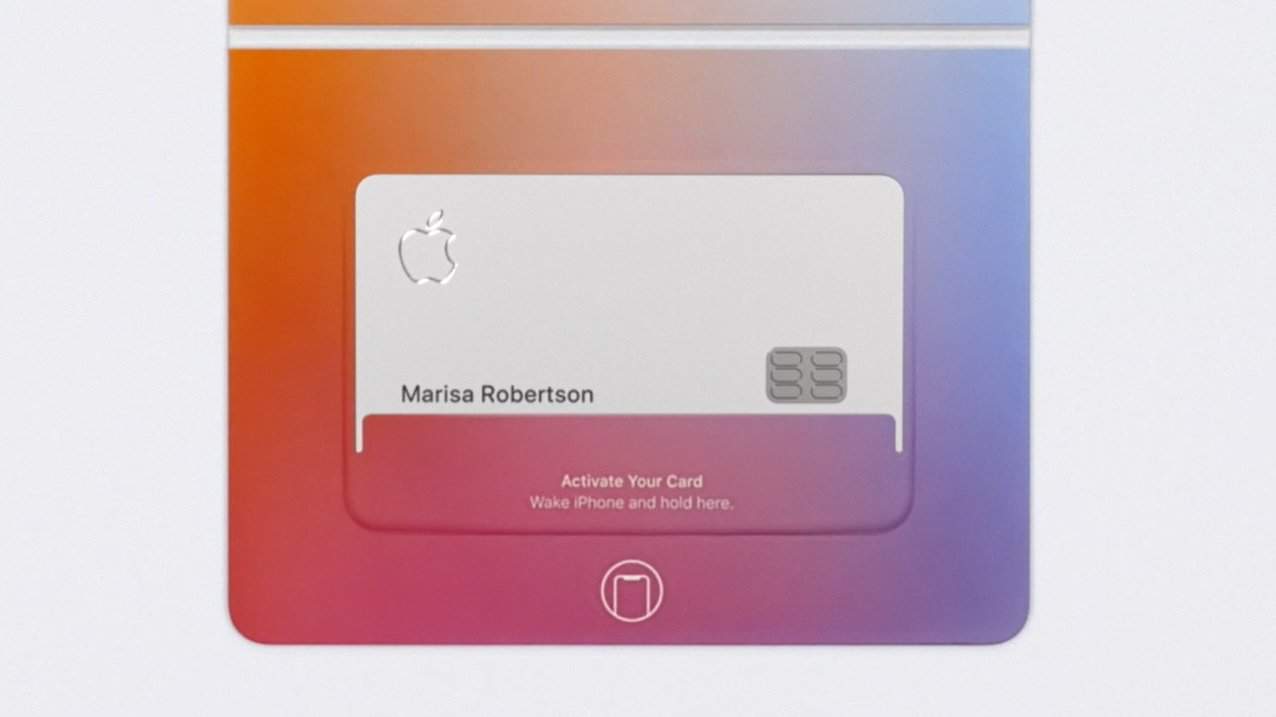
How to Activate Apple Card
The Apple Card is a mobile-first credit card, and you need an iPhone to activate it. And yes, for the Apple fan inside us,…
-
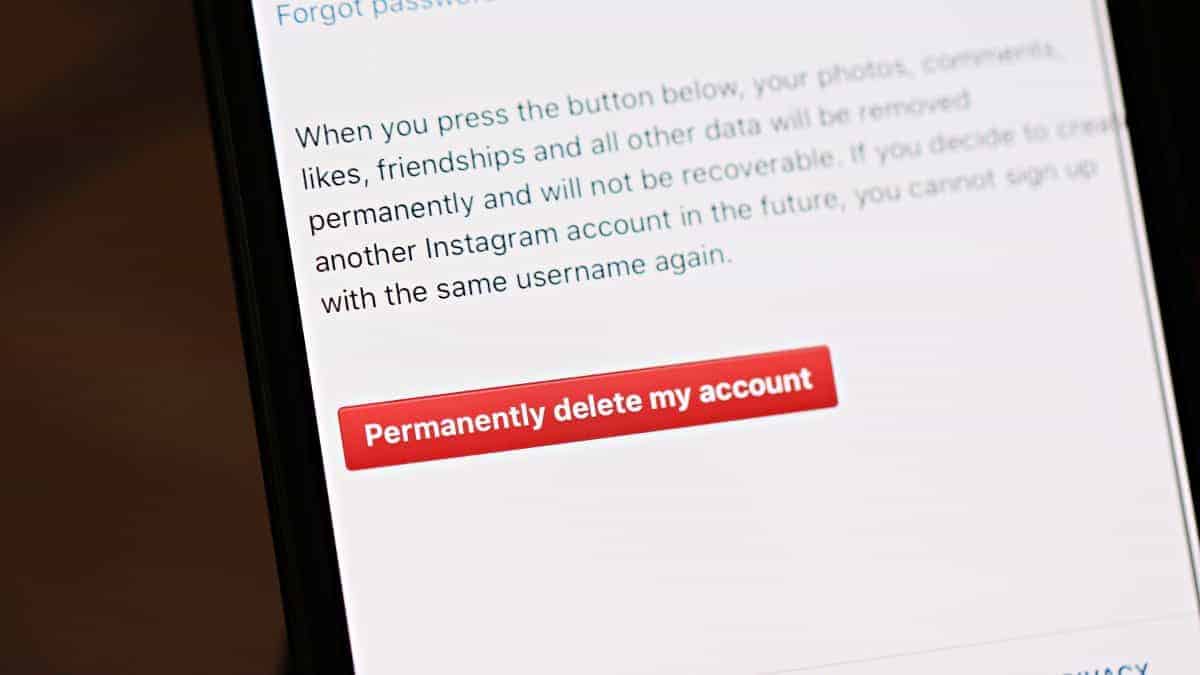
How to Delete Instagram Account on iPhone
Time needed: 2 minutes. The Instagram iPhone app doesn’t have a direct option to permanently delete an Instagram account, but you can use Safari or…
-
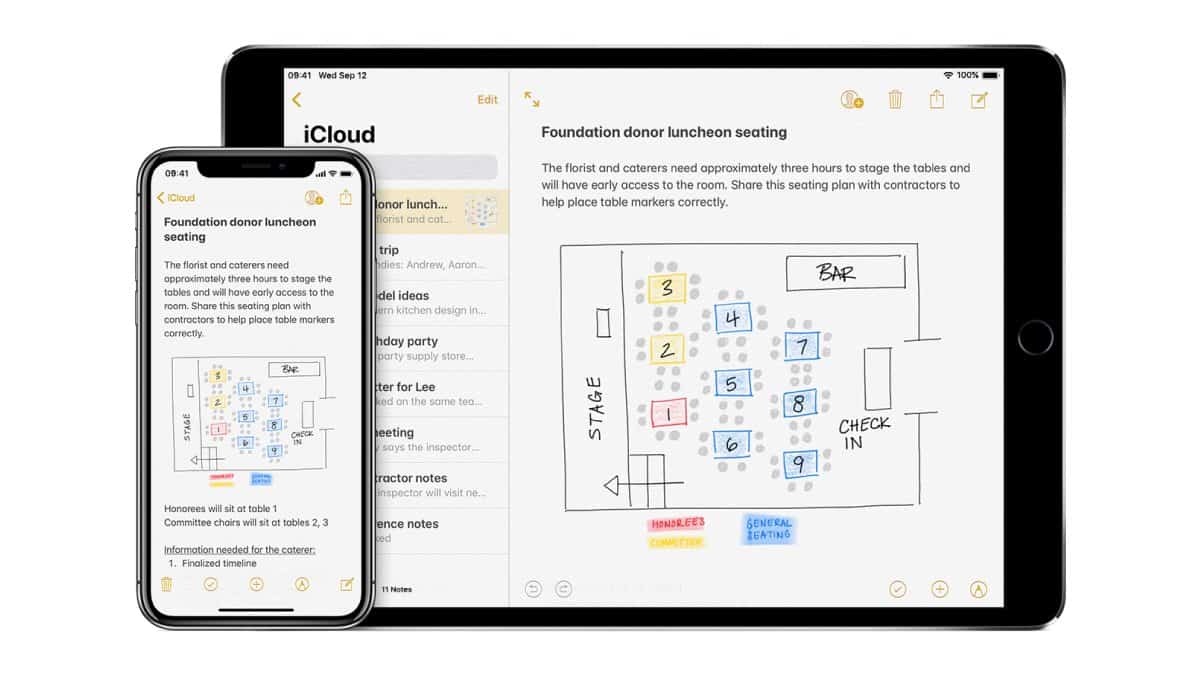
🔃 How to Sync Notes from iPhone to Mac
Time needed: 2 minutes. Thanks to the deep integration Apple offers for all of its services and products, you can sync Notes from your iPhone…
-
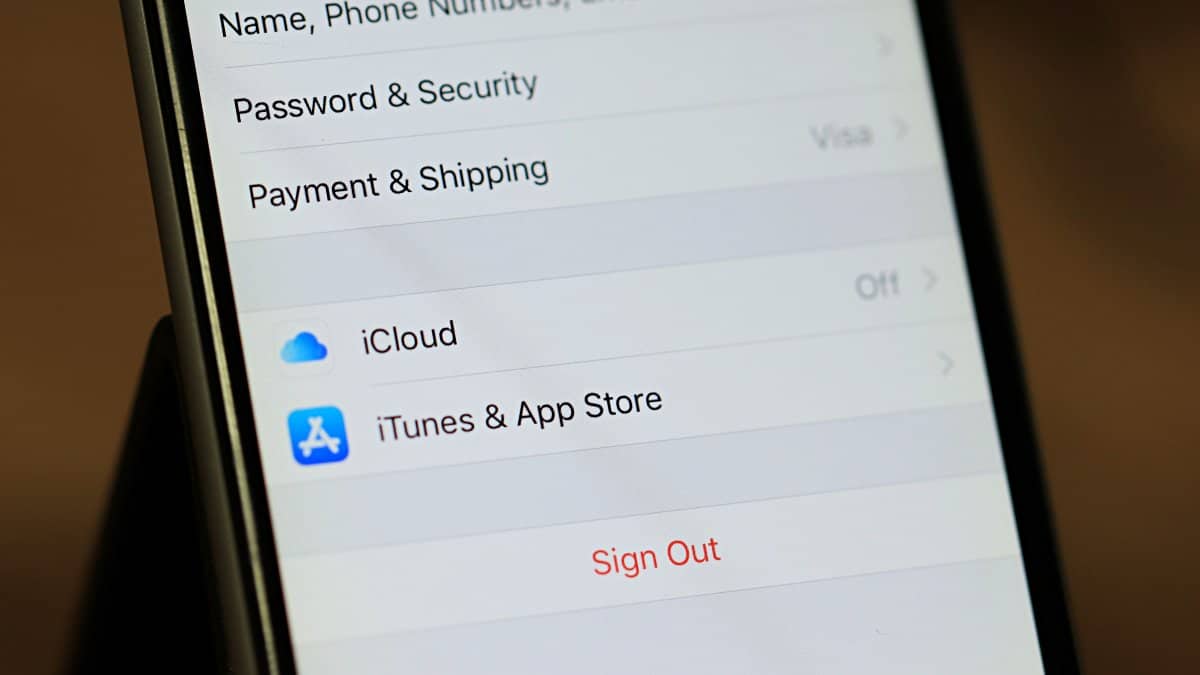
How to Turn Off iCloud on iPhone
Don’t want iCloud running your iPhone because it’s uploading stuff to the cloud? Well, you have a point. But Apple has been integrating iCloud…
-
💬 How to Transfer Messages from iPhone to iPhone
iOS doesn’t allow any third-party software to access Messages on your iPhone. This is one of the biggest security feature of using an iPhone,…
-

How to enable and use Chrome’s “Send tab to self” feature
The recent update to the stable release of Chrome brought the “Send tab to self” feature for everyone. But it’s still hidden, and interested…
-

How to Export Contacts from iPhone
There many ways and many apps to export contacts from iPhone. The only inbuilt method though is iCloud which works wondersfully well, but if…
-

🎵 How to Delete Music from iPhone
Music taking up too much storeage space on your iPhone? Well, you can easily delete music files from your iPhone from the in-built Music…