
Category
Apps
Productivity tools, Microsoft Office, communication apps, and browsers.
-
How to Fix Word Not Saving Documents
Learn practical solutions to resolve issues when Microsoft Word fails to save documents, including troubleshooting permissions, file corruption, OneDrive sync problems, and more.
-

How to Fix Files Not Appearing in OneDrive
Solve missing OneDrive files by addressing sync issues, account problems, and folder misconfigurations with these proven steps.
-
How to Fix Blank or White Screen When Opening Chrome
Resolve the issue where Google Chrome displays only a blank or white screen at startup by following proven troubleshooting steps for Windows and Linux…
-

How to Fix Background Effects Not Working or Missing in Teams
Resolve issues with Microsoft Teams background effects by following targeted troubleshooting steps to restore blur, image, and custom background options.
-

How to Fix Images Not Displaying on Websites in Firefox
Resolve missing or broken images in Firefox with detailed troubleshooting and proven solutions.
-

How to Fix Audio Not Working on Certain Websites in Edge
Resolve sound problems in Microsoft Edge for specific sites by adjusting audio settings, updating drivers, and resetting browser configurations.
-
How to Rebuild Outlook Search Index
Resolve missing or incomplete search results in Microsoft Outlook by rebuilding the search index for faster, more accurate searches.
-

How to Turn Off Text Prediction in New Outlook
Disable text predictions in the New Outlook to regain full control over your email composition and reduce distractions from unwanted suggestions.
-

How to Fix “Your IT Admin Hasn’t Enabled This Feature” Error in OneDrive
Fix the OneDrive sync error by adjusting admin policies, registry settings, and SharePoint permissions to restore full sync functionality.
-
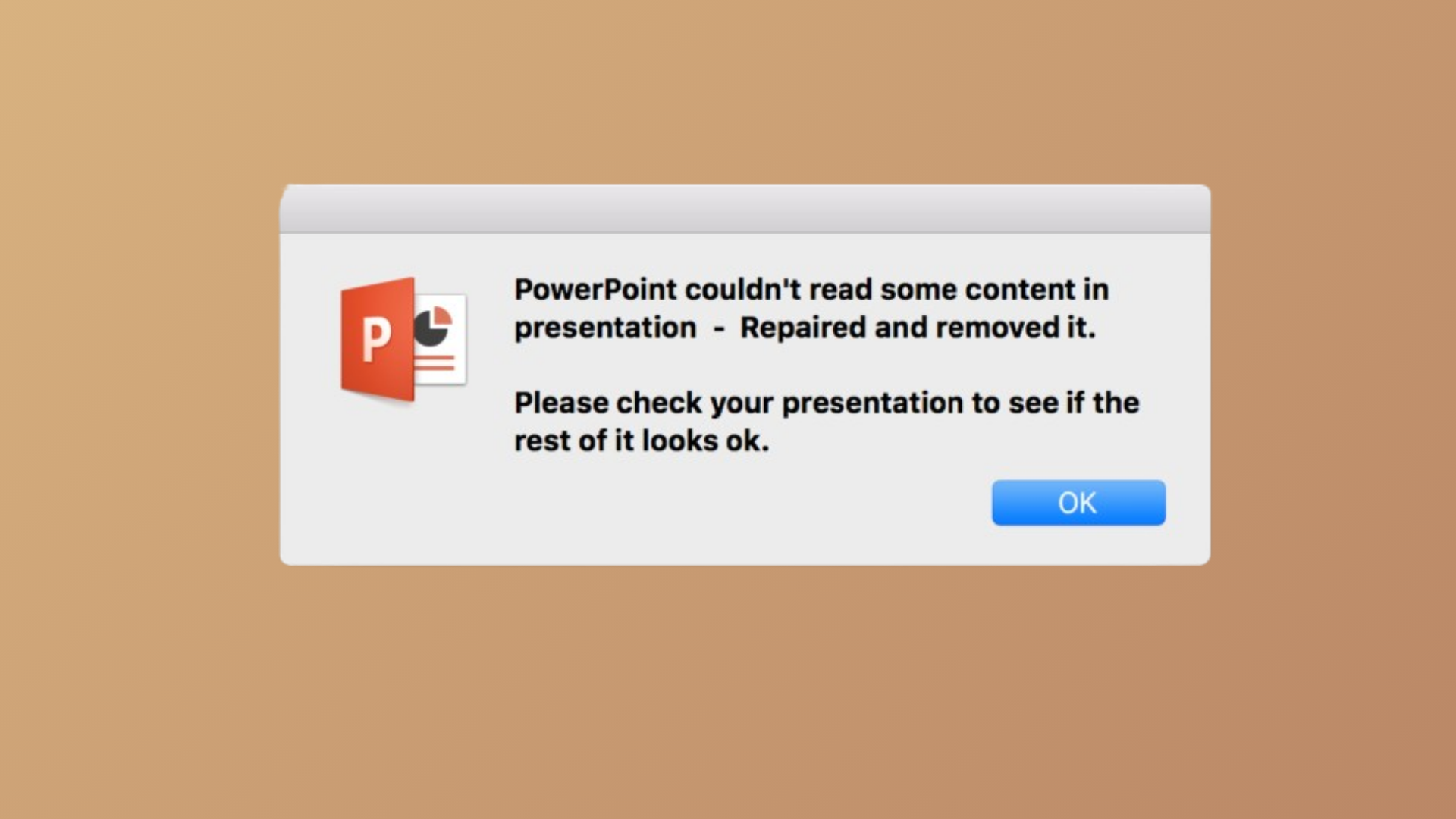
How to Fix PowerPoint Couldn’t Read Some Content Error
Resolve the “PowerPoint couldn’t read some content” error with proven solutions for file corruption, security settings, and trusted locations on both Windows and Mac.