
Category
Productivity
-

How to Fix “This File Cannot Be Previewed Because of an Error with the Word Previewer” Error in Windows 11
Resolve the Microsoft Word previewer error in Windows 11 File Explorer and Outlook by adjusting Protected View settings and troubleshooting preview handler issues.
-
How to Fix Excel Not Saving Formatting
Learn multiple methods to resolve issues where Microsoft Excel fails to retain your formatting changes, including solutions for file types, compatibility, and file corruption.
-
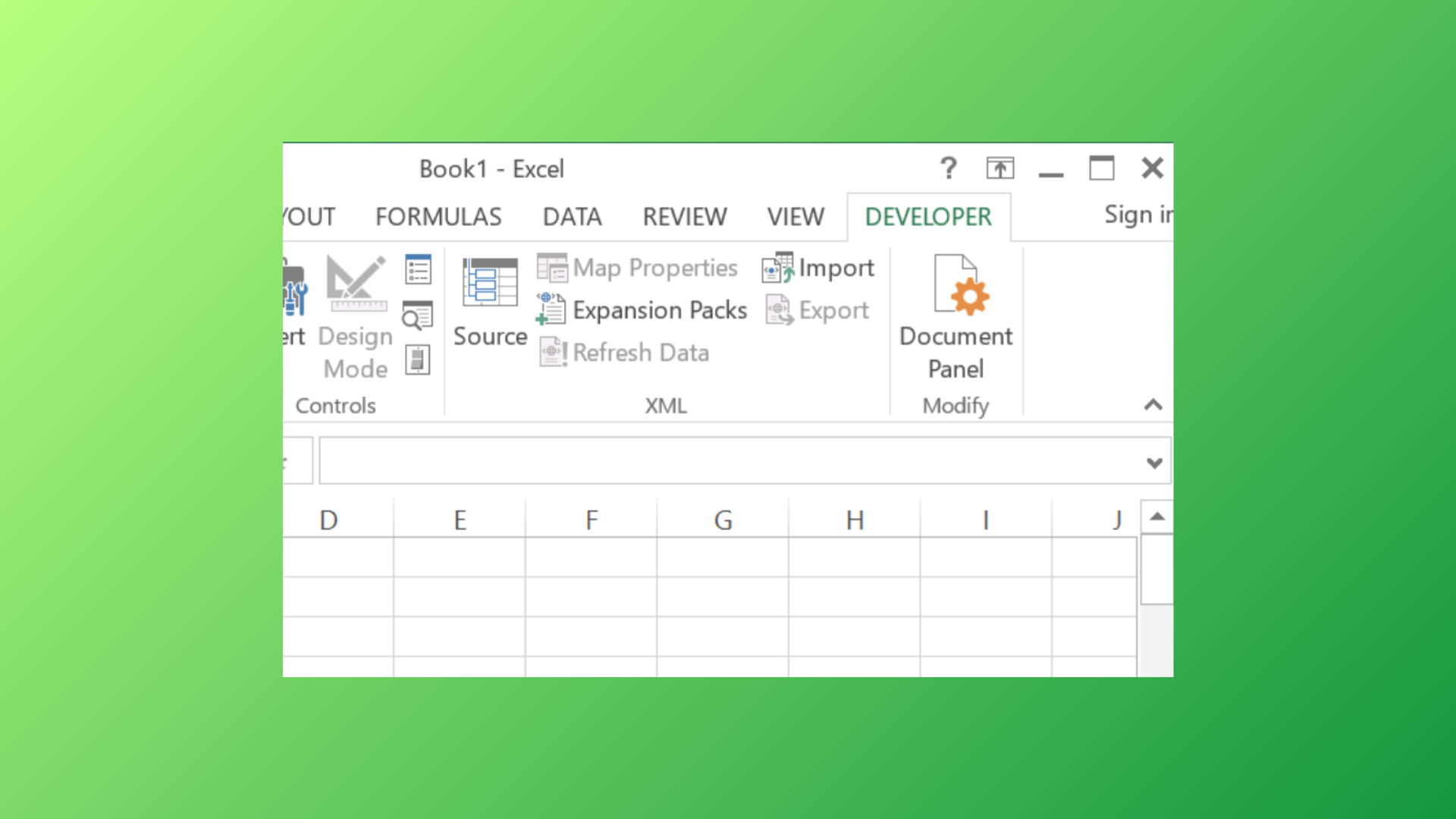
How to Enable, Use, or Remove the Developer Tab in Microsoft Excel
Access advanced Excel features by showing or hiding the Developer tab, and learn how to manage developer controls for streamlined workbook functionality.
-
How to Fix Microsoft Word Lagging When Typing
Resolve slow typing response and input delays in Microsoft Word with targeted troubleshooting steps and proven solutions.
-
How to Fix Signature Not Appearing in Microsoft Word
Resolve issues with missing signature lines or digital signatures in Microsoft Word documents using these detailed troubleshooting steps.
-
How to Fix Microsoft Excel Not Pasting Data
Resolve Excel copy and paste errors by identifying causes such as filters, merged cells, formatting mismatches, and clipboard conflicts, and apply effective solutions to…
-
How to Fix Slow Performance in Large Excel Files
Discover multiple methods to speed up large and sluggish Excel workbooks by optimizing formulas, cleaning up files, and using advanced data tools.
-
How to Fix Word Not Saving Documents
Learn practical solutions to resolve issues when Microsoft Word fails to save documents, including troubleshooting permissions, file corruption, OneDrive sync problems, and more.
-
How to Fix Conditional Formatting Not Working in Excel
Resolve issues where Excel conditional formatting fails to apply rules as expected, with comprehensive solutions for common formula, range, and cell formatting problems.
-

How to Fix Word Opening in Read-Only Mode
Stop Microsoft Word from forcing documents into read-only mode and regain full editing access with these practical solutions.