
Category
Productivity
-

How to Prevent Right Margin Changing Automatically in Word Document
Stop unexpected right margin shifts in Microsoft Word by adjusting key settings, removing formatting conflicts, and applying targeted troubleshooting methods.
-

How to Create a Table of Contents With and Without Page Numbers in Microsoft Word
Learn practical methods to generate a table of contents in Microsoft Word, including options for showing or omitting page numbers for specific entries or…
-
How to Insert an Online Video in a Word Document
Insert online videos directly into your Word documents to create interactive content that plays within the document itself—no external browsers required.
-
How to Collaborate and Share Documents in Word
Learn multiple methods to share, co-edit, and track changes in Word documents for seamless teamwork and document management.
-
How to Insert a Text Field in Microsoft Word
Learn effective methods to add fillable text fields, form controls, and text boxes in Microsoft Word for interactive documents and forms.
-
How to Insert a PDF File in an Excel Sheet
Learn practical methods to embed or attach PDF files in your Excel spreadsheets, making document sharing and organization more efficient.
-
How to Create an Organization Chart in Microsoft Excel
Learn multiple methods to build, update, and customize organizational charts directly within Microsoft Excel using built-in tools and data-driven techniques.
-
How to Add or Create Newspaper-Like Columns in Google Docs
Organize text into side-by-side columns in Google Docs to achieve a classic newspaper layout for newsletters, reports, or creative projects.
-
How to Print Background and Color Images in Word
Learn the exact process to make Word print your document’s background colors and images, including troubleshooting common issues and alternative methods.
-
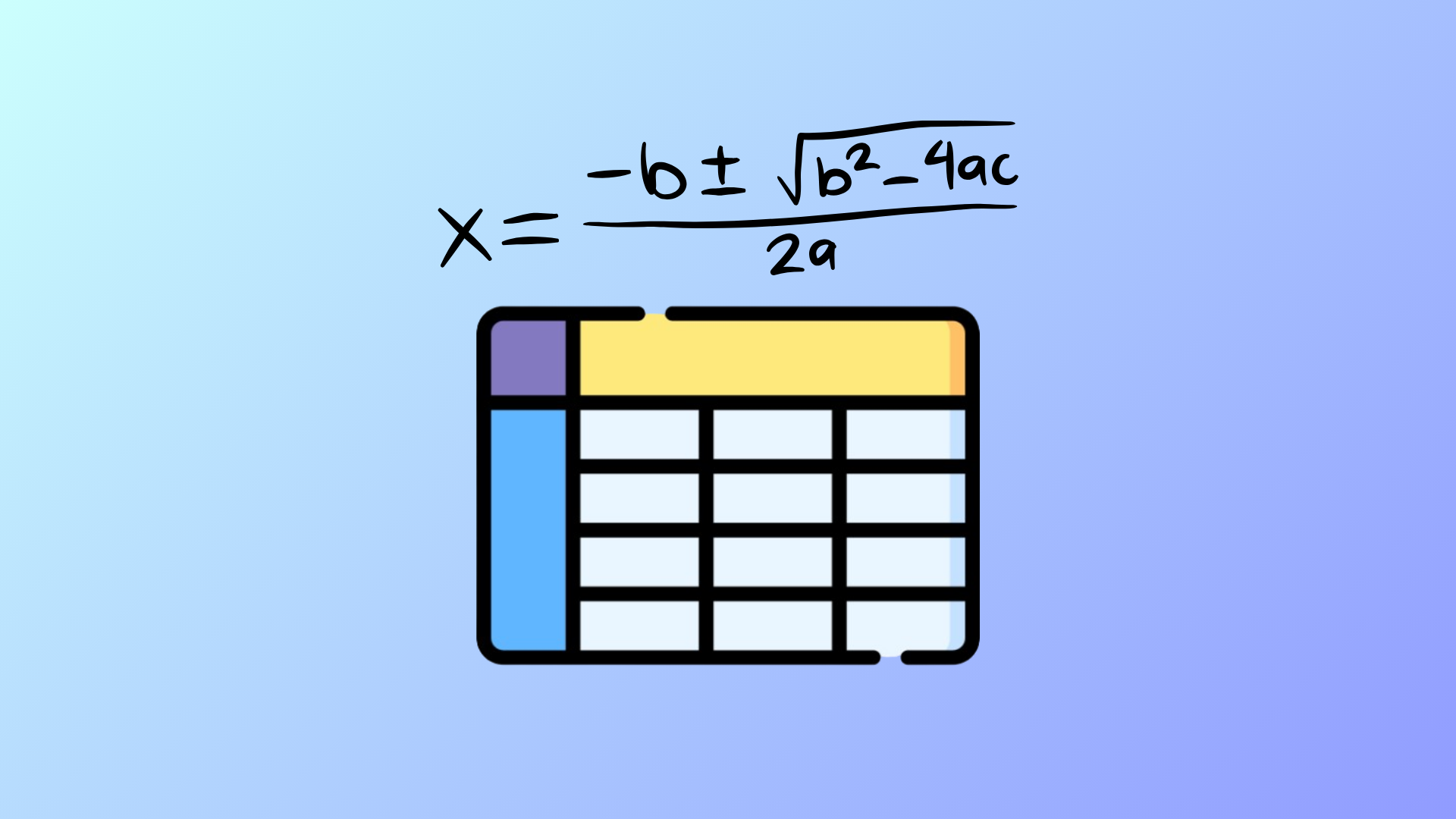
How to Add Formulas to Tables in Word
Insert, calculate, and update formulas in Microsoft Word tables to quickly perform sums, averages, and other calculations without leaving your document.