
Category
Productivity
-
How to Stop Word from Automatically Creating Horizontal Lines
Prevent Microsoft Word from inserting automatic horizontal lines when typing dashes, underscores, or similar characters, and remove existing lines with precise formatting adjustments.
-
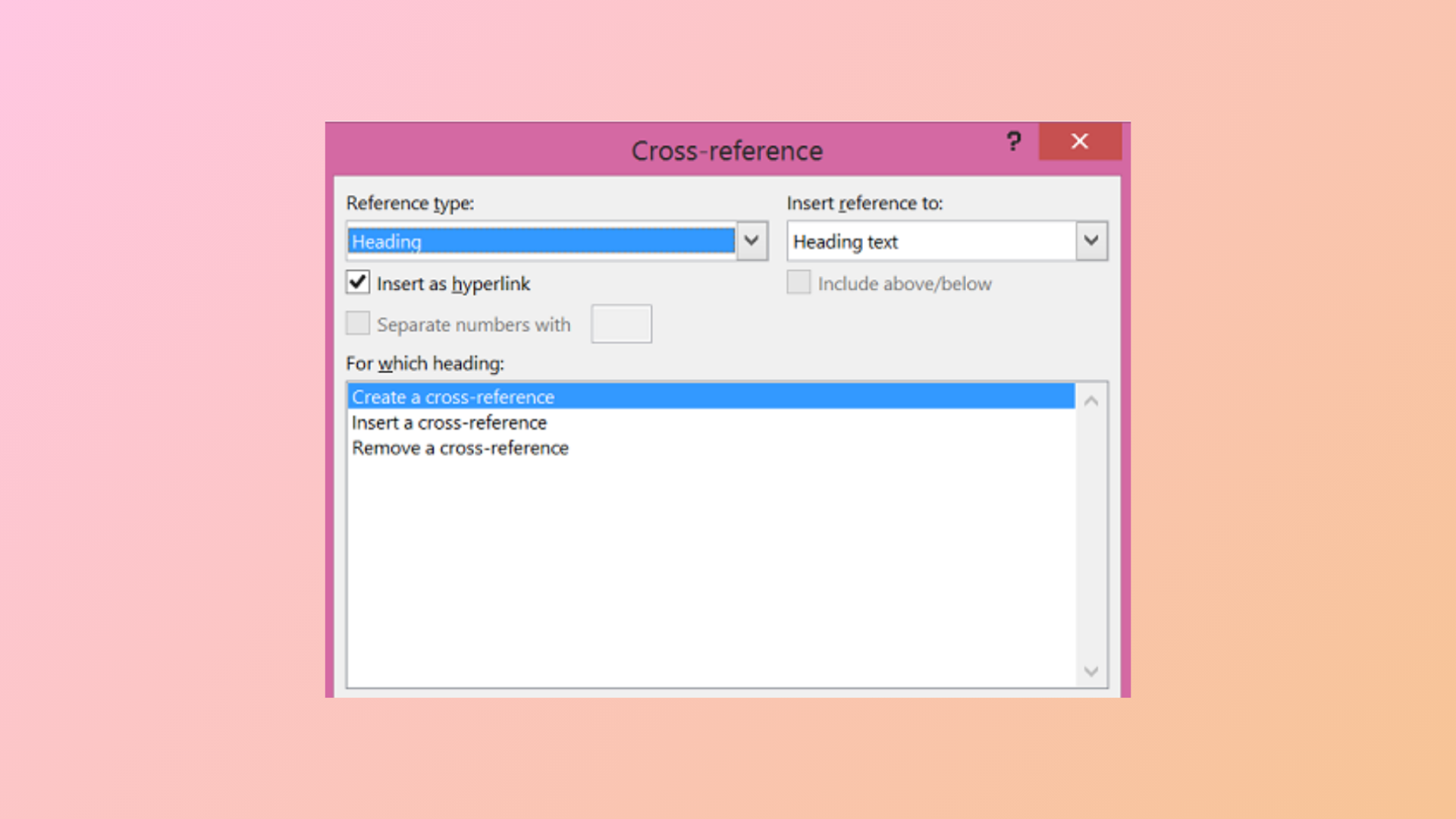
How to Use the Cross-Reference Feature in Microsoft Word
Link different parts of your document and keep references accurate with Microsoft Word’s cross-reference tool.
-

How to Change the Normal Template (Normal.dotm) in Microsoft Word
Update your default Word document formatting by modifying the Normal.dotm template to save time and ensure consistent styles in every new file.
-
How to Merge and Split Cells in a Table in Microsoft Word
Combine or divide table cells in Word documents to organize data more efficiently and create custom layouts.
-

How to Fix Bookmark Not Defined Error in Microsoft Word
Resolve the “Error! Bookmark Not Defined.” message in Word by repairing broken bookmarks, updating your table of contents, and restoring document navigation.
-
How to Change Line Spacing in Microsoft Word
Learn how to adjust the space between lines and paragraphs in your Word documents for improved readability and formatting control.
-
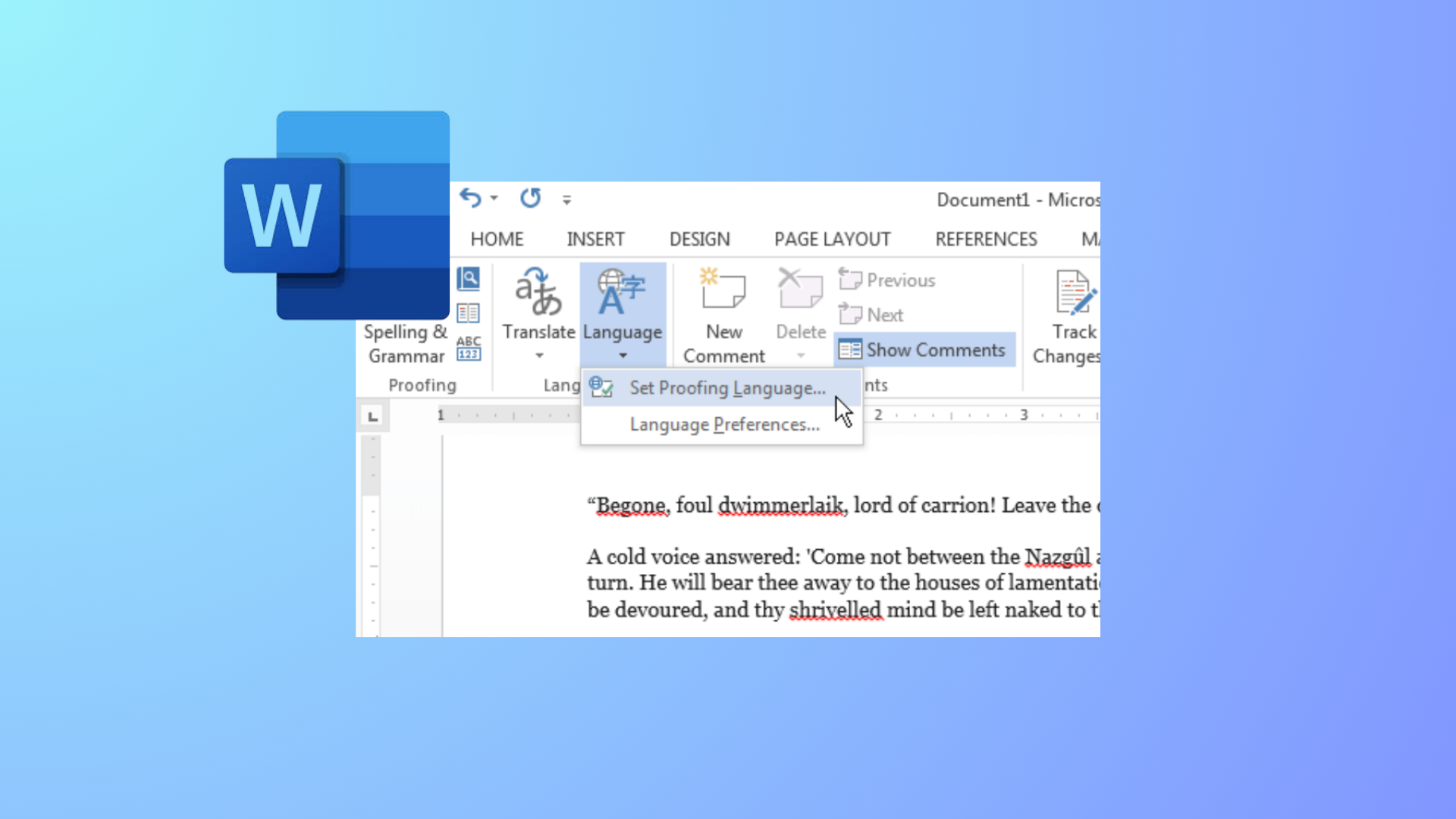
How to Change Colors of Grammar and Spelling Underlines in Microsoft Word
Modify the appearance of Word’s spelling and grammar underlines by editing the Windows Registry or adjusting system settings for better visibility and accessibility.
-
How to Fix Superscript Not Working in Google Docs
Resolve Google Docs superscript shortcut issues with clear solutions for Chrome, Mac, and Windows.
-
How to Create Progress Bars in Microsoft Excel
Learn comprehensive methods to visually track progress in Excel using conditional formatting, formulas, and chart techniques for tasks, projects, or goals.
-
How to Fix Microsoft Word Typing in All Caps Even When Caps Lock Is Off
Resolve the issue where Microsoft Word types only uppercase letters despite Caps Lock being off by adjusting formatting, keyboard shortcuts, and system settings.