
Category
iOS
-

How to Search iMessage by Date
Learn how to find old iMessage conversations from a specific date on your iPhone by using the Search Filters in iOS 17
-

How to Collaborate on a FaceTime Call
Learn how to collaborate on documents in apps like Notes, Freeform, etc. on FaceTime calls.
-
How to Lock Journal with Face ID or Passcode on iPhone
Learn how to lock the new Journal app on iPhone with Face ID or passcode for private writing.
-
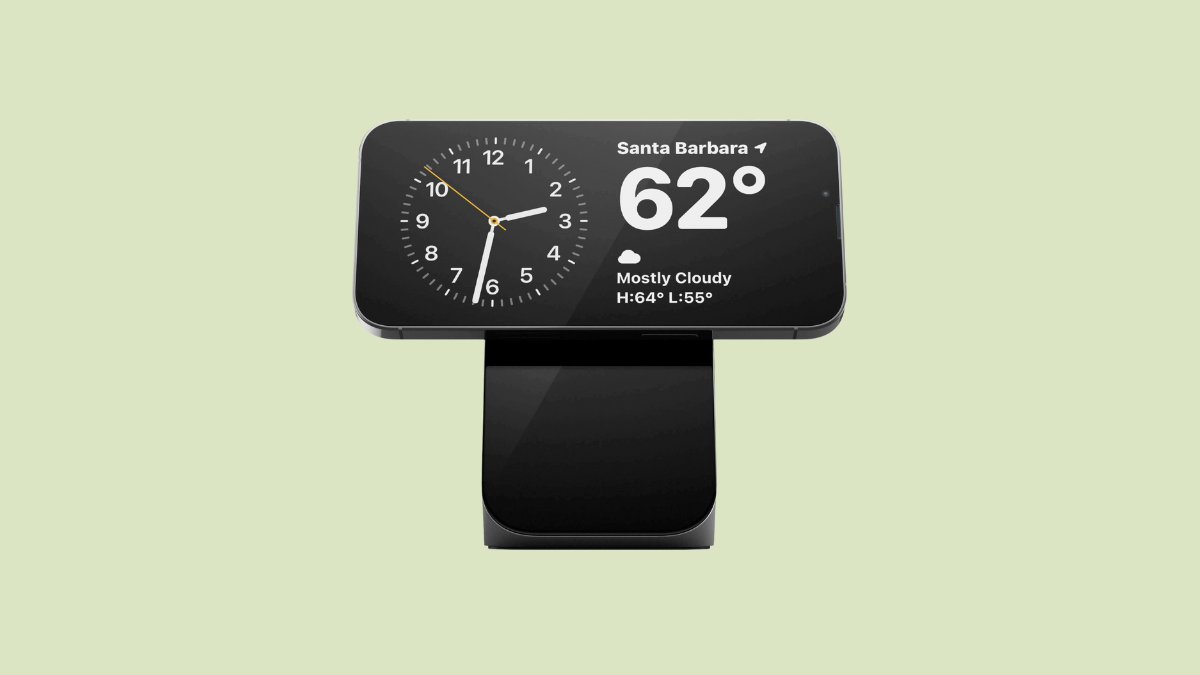
How iPhone Sets Your Preferred StandBy View per MagSafe Charger
Learn how the iPhone sets a preferred StandBy view when using MagSafe chargers, allowing different views for different charger locations.
-
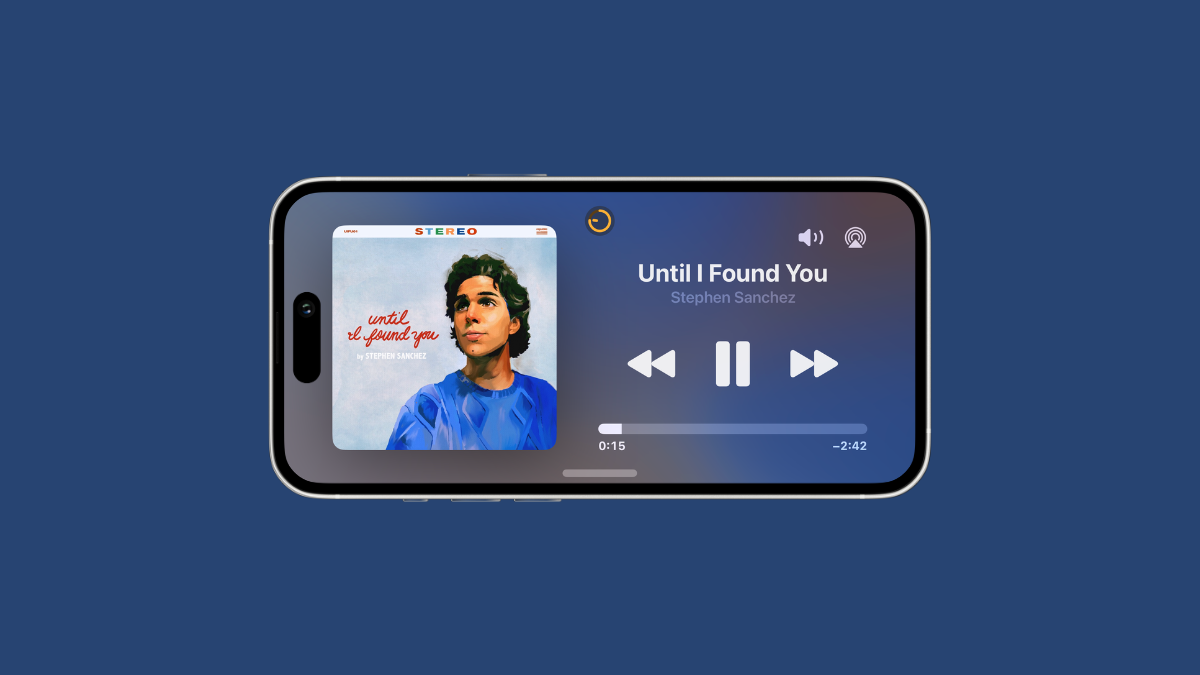
How to View and Switch Between Live Activities in StandBy Mode on iPhone
Learn how to view and toggle between multiple Live Activities in StandBy Mode in iOS 17.
-

How to Change Your Journaling Schedule in the Journal App on iPhone
Customize your journaling schedule to get reminders to write as and when it suits you.
-

How to Filter Your Entries in the Journal App on iPhone
Easily find your old entries in the Journal app by filtering them by categories.
-

How to Skip Journaling Suggestions in the Journal App on iPhone
Journaling Suggestions popping up every time you want to write getting on your nerves? Learn how you can skip them.
-
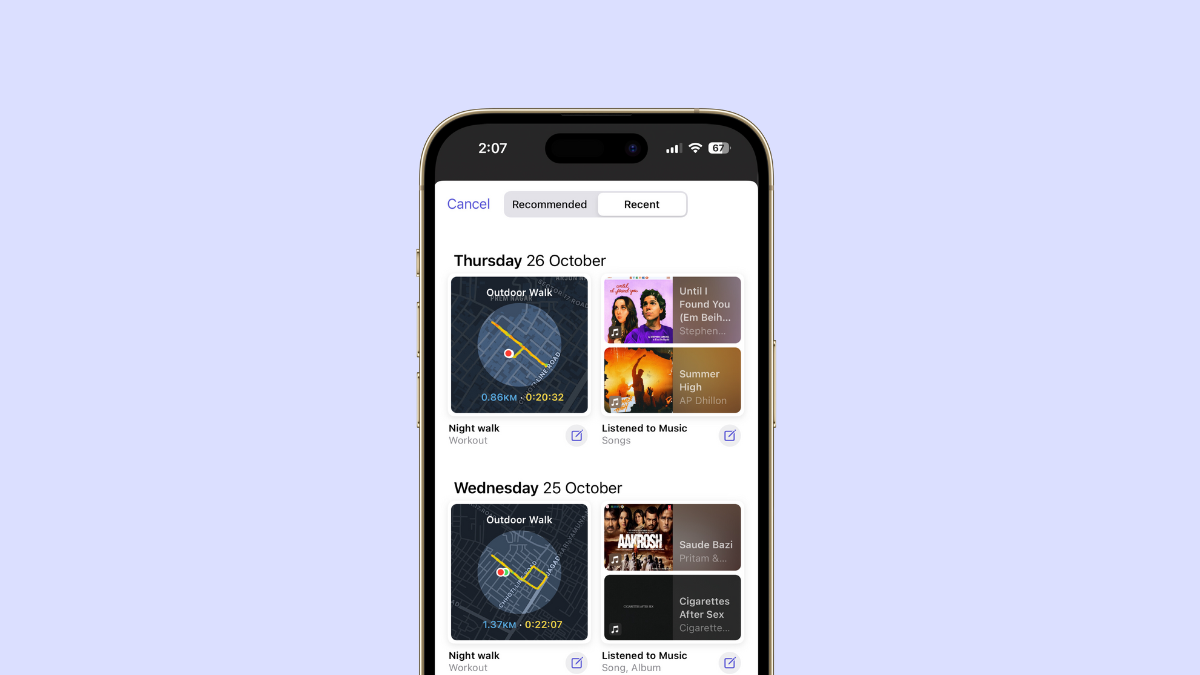
How to Turn Off Journaling Suggestions in the Journal App on iPhone
Easily turn off Journaling Suggestions for the Journal app if they’re not your cup of tea.
-
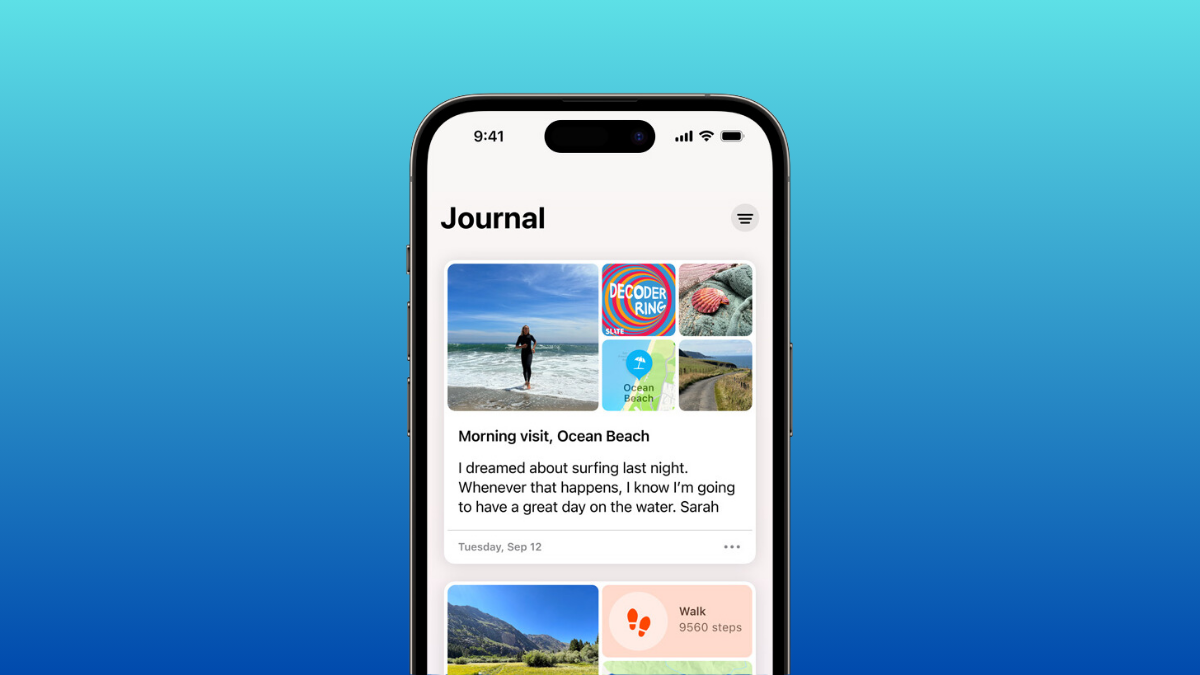
How to Use the Journal App on iPhone
The much-anticipated Journal app from Apple has arrived. Here’s everything you need to know about it.