
Category
iOS
-
How to Set an Early Reminder for Your Reminders on iPhone
Learn how to set an early reminder for your reminders on iPhone so you never miss an important task again. Follow these simple steps…
-

How to Filter and View Your Favourite Songs, Playlists, and Albums in Apple Music
Apple Music will now let you discover your favourite songs, playlists, and albums with ease.
-

How to Make StandBy Mode to Never Turn Off on iPhone
With iOS 17.1, you can easily configure your iPhone’s StandBy Mode to always remain active.
-

How AirDrop Over Internet Works on iPhone in iOS 17.1
With AirDrop Over the Internet, you won’t have to sit patiently next to someone for sharing or receiving large files.
-
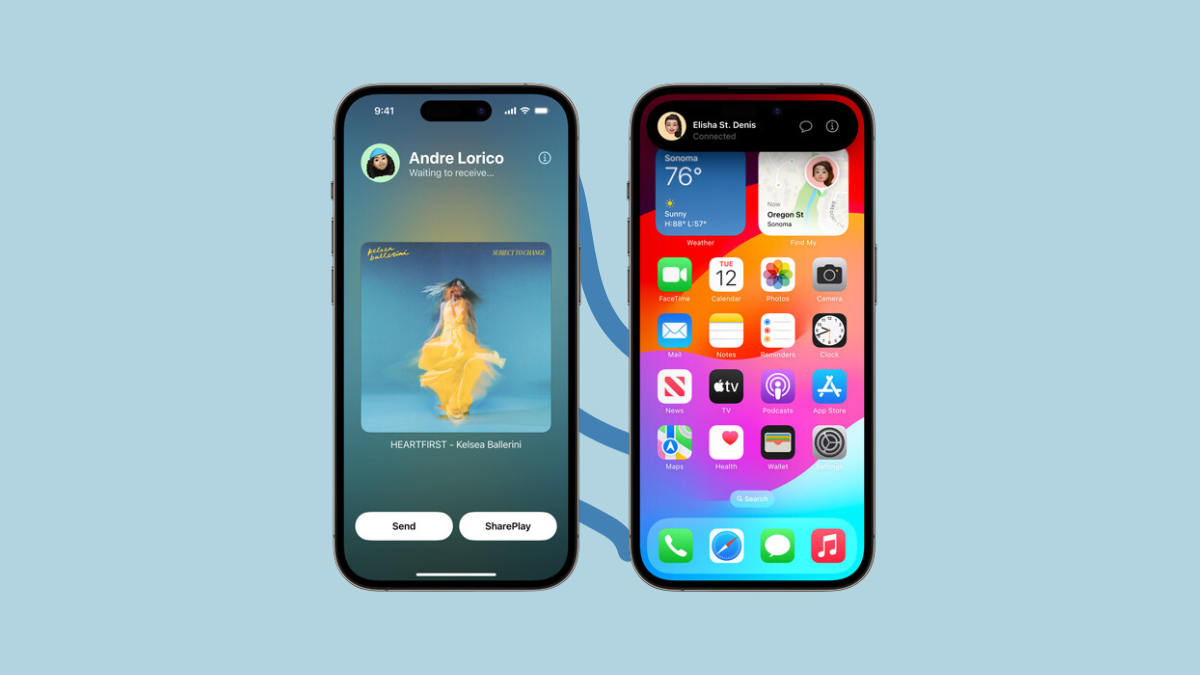
How to Start a SharePlay Session Using AirDrop on iPhone
Simply start watching content or listening to music together by bringing your iPhones close.
-
How to Silence Unknown Callers in FaceTime on iPhone
Are you receiving unwanted FaceTime calls from unknown numbers? Learn how to silence unknown FaceTime callers on your iPhone in this easy-to-follow guide.
-

How to Set up Photos in StandBy on iPhone
Want to turn your iPhone into a digital photo frame? Learn how to set up photos in StandBy on iPhone in this easy-to-follow guide.…
-
What and How Information is Shared When ‘Check In’ is Delayed on iPhone
Understand Check In in detail so you can know what you’re getting into when you opt to use the feature.
-
How to Set a Different Default Search Engine for Private Browsing in Safari on iPhone and Mac
Easily set a different search engine for your private browsing sessions in Safari.
-
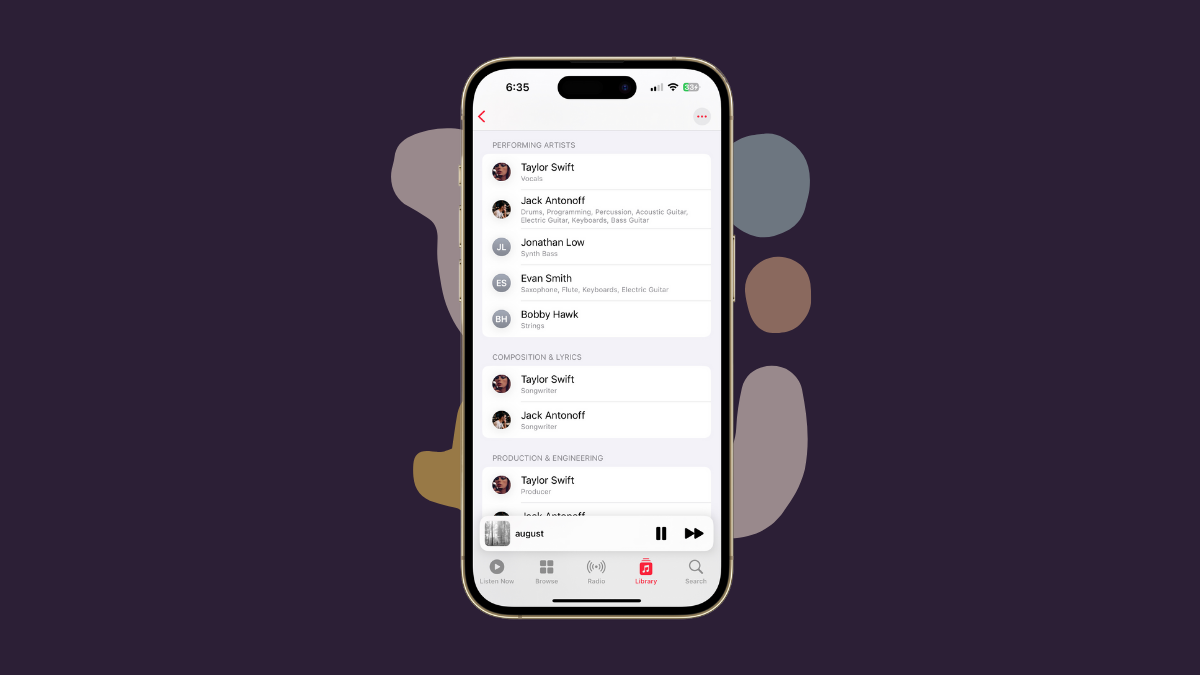
How to View Song Credits in Apple Music on iPhone
Curious about the talent that contributed to the creation of your favorite tune? Apple Music has your back!