
Category
Windows
Windows 11, Windows 10, troubleshooting, and tips for power users.
-
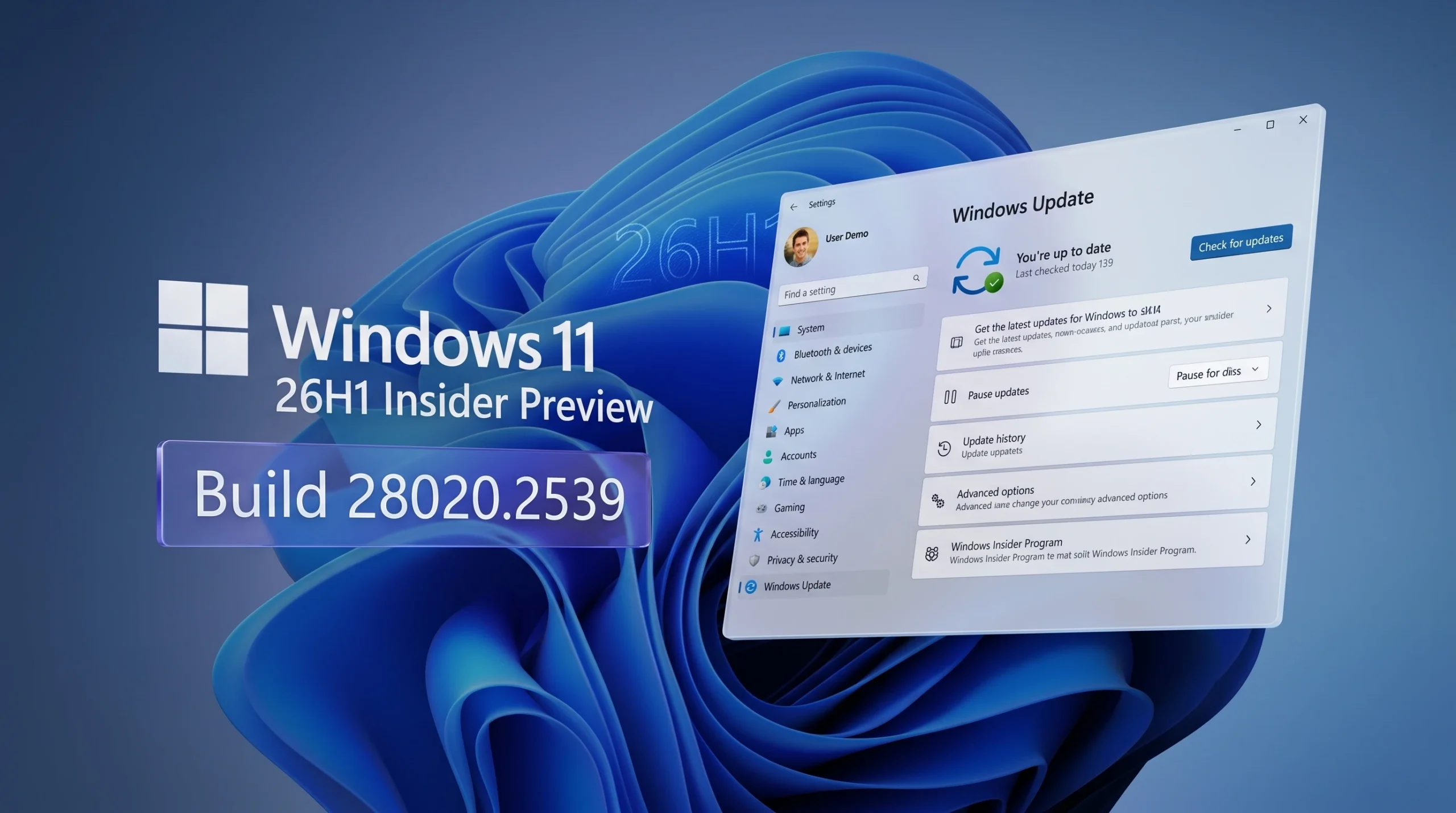
Windows 11 26H1 Build 28020.2539: New Narrator Braille and Voice Access Features
The Beta (26H1) channel build adds instant HID braille display support, three new Voice Access languages, and a handful of Settings fixes.
-
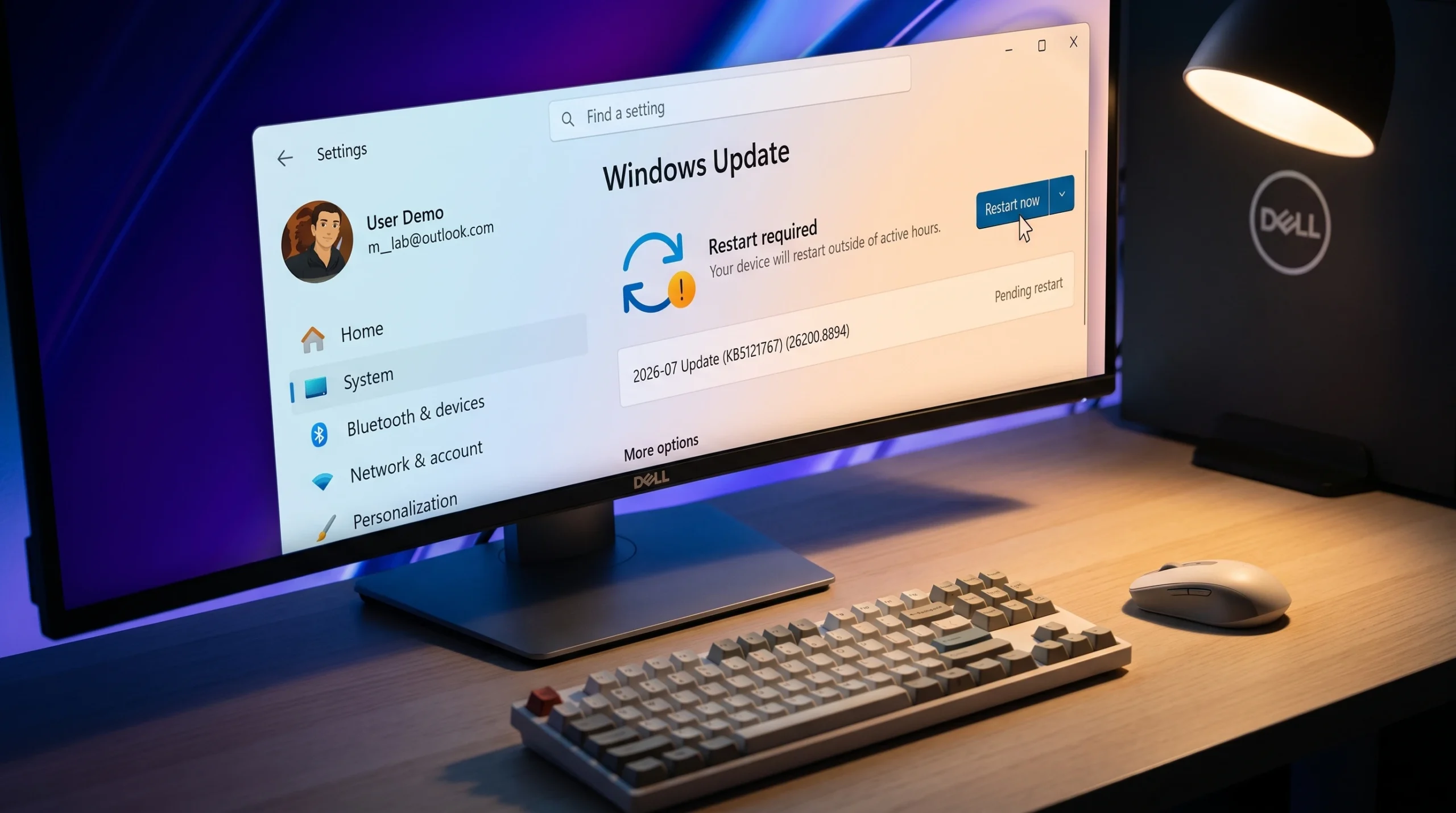
KB5121767: Microsoft’s Emergency Fix for Dell PCs Broken by the July 2026 Windows 11 Update
The out-of-band patch restores the blocked July security update on Dell machines hit by an Intel driver conflict.
-
Windows 11 26H2: Which Upgrade Path Applies to Your PC
Your current version decides whether 26H2 arrives as a 174 KB switch or a 6.5 GB reinstall.
-
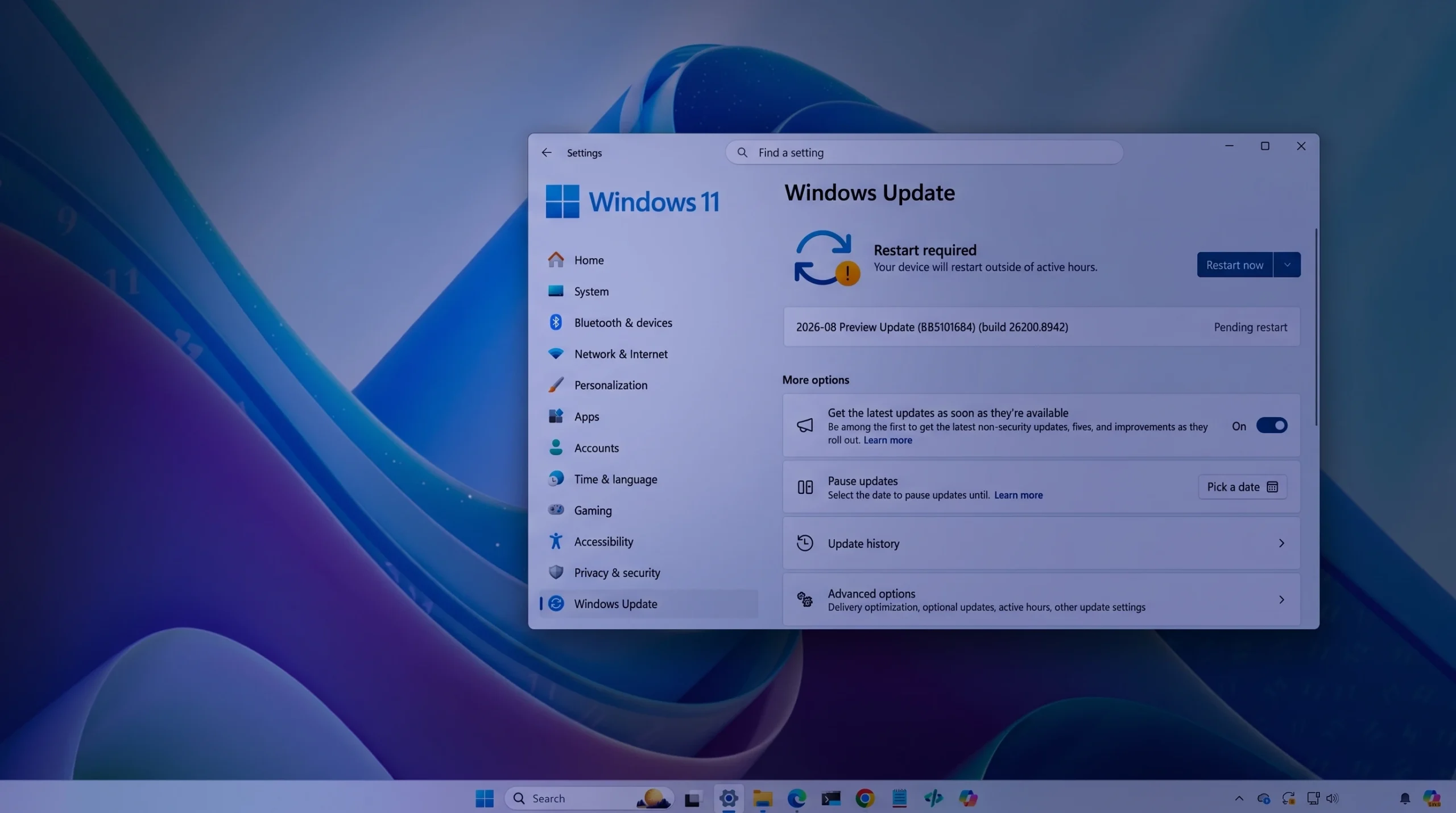
Windows 11 Preview Build 26200.8942 (KB5101684) Adds Voice Isolation and Touchpad Gestures
The Release Preview update for versions 24H2 and 25H2 reworks File Explorer, Windows Search, Voice Access, and Windows Hello sign-in.
-
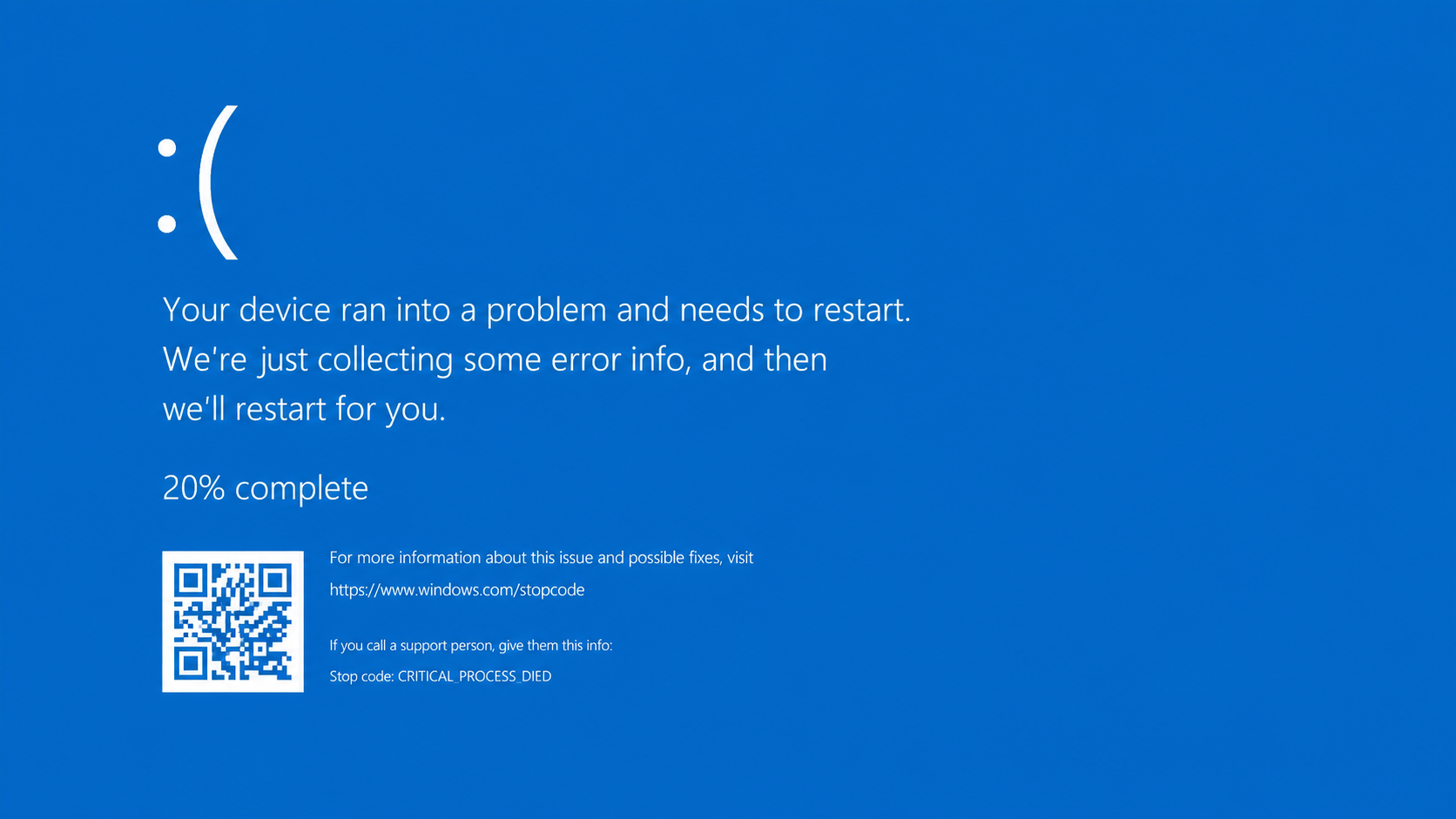
How to Fix the CRITICAL_PROCESS_DIED (0xEF) Error on Windows 11
Recover a Windows 11 PC stuck on the 0xEF blue screen using recovery mode, system file repairs, and hardware checks.
-
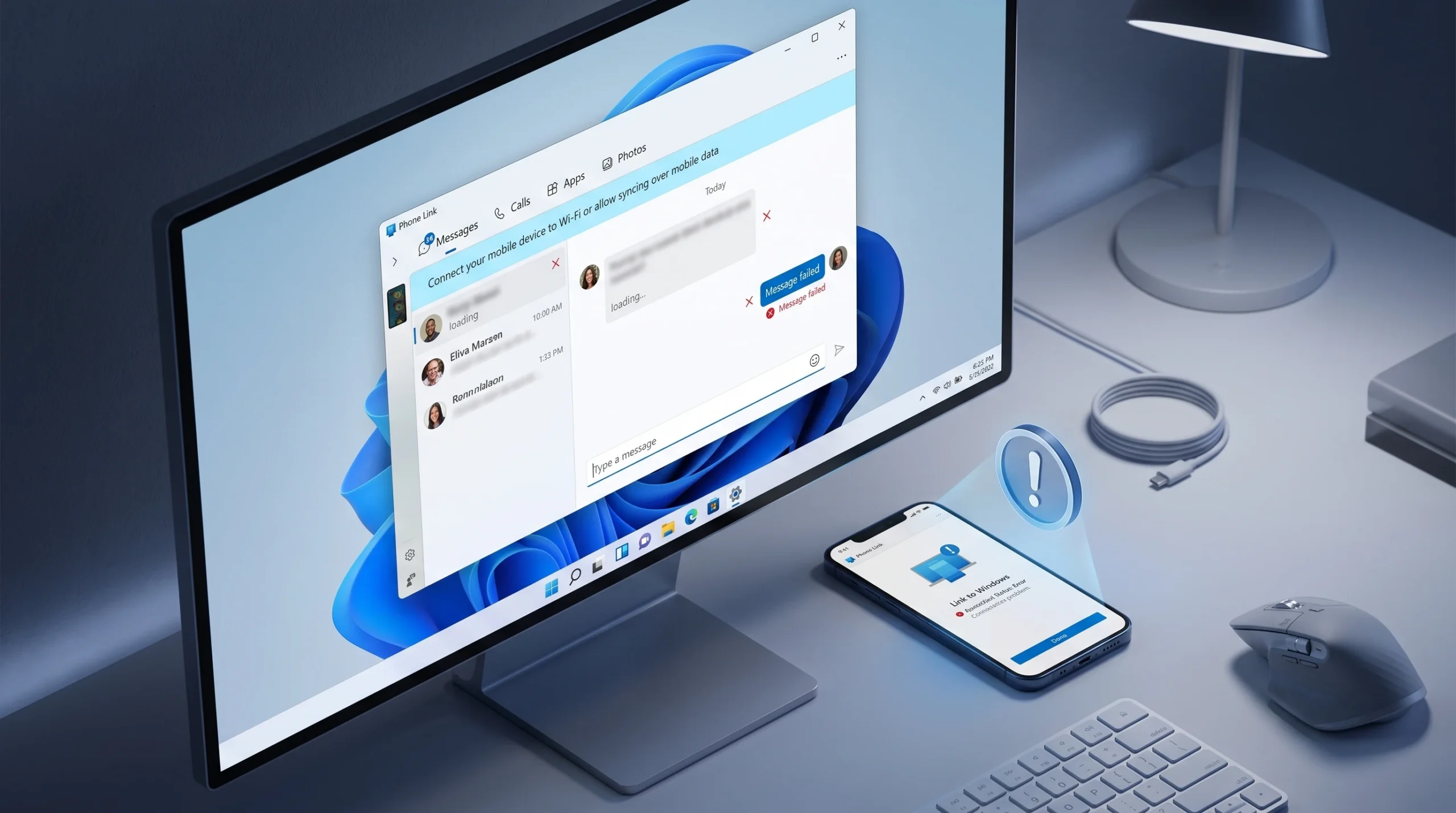
Fix Phone Link Not Syncing Messages or Sent State (Windows 10 + Android)
Reset the stuck sync session so texts appear in the Messages tab and show as sent.
-
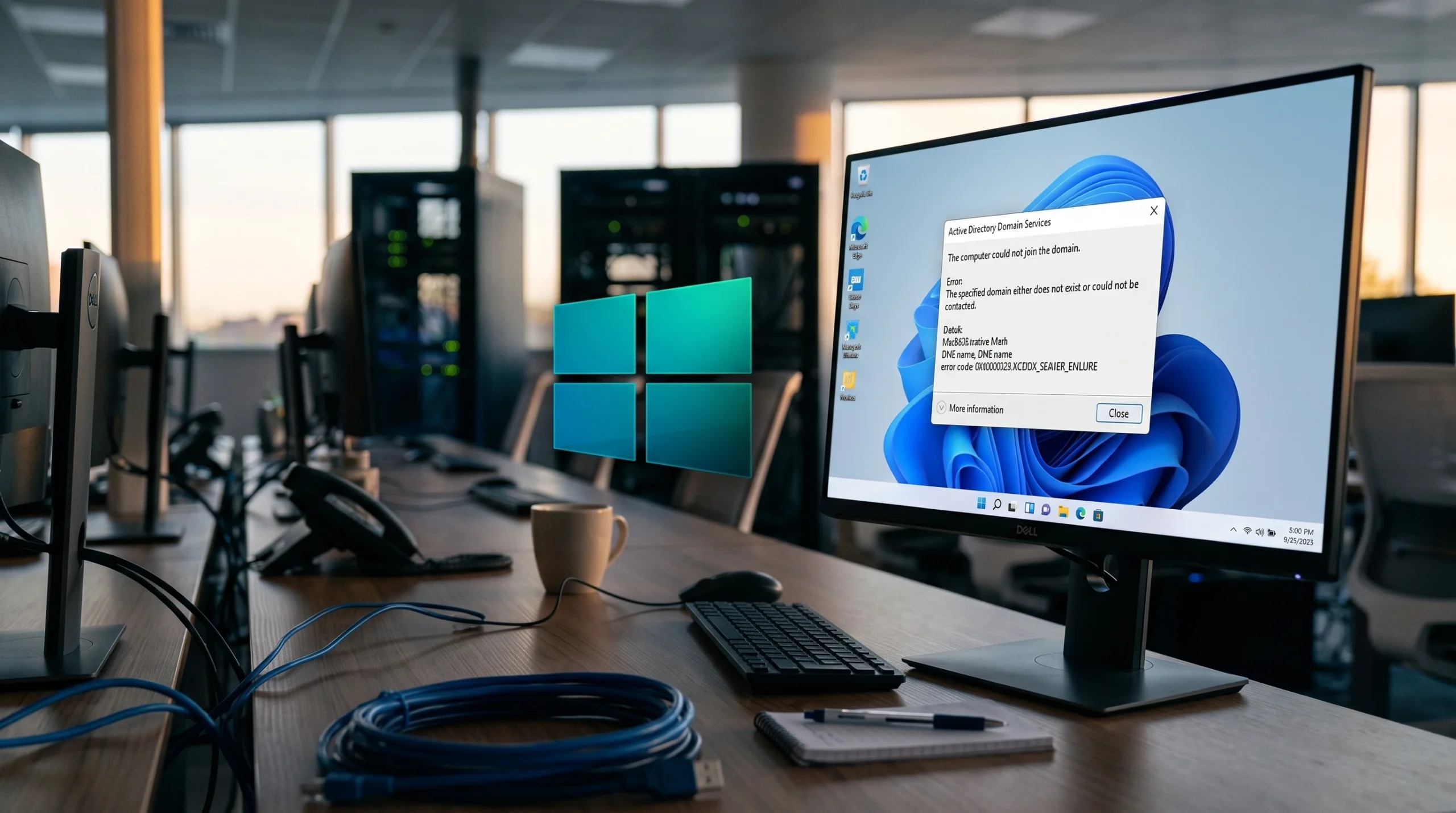
Fix Windows 11 24H2 Domain Join Failure on Single-Label Domains
Why 24H2 machines fail with error 0x54b and the registry value that lets them join.
-
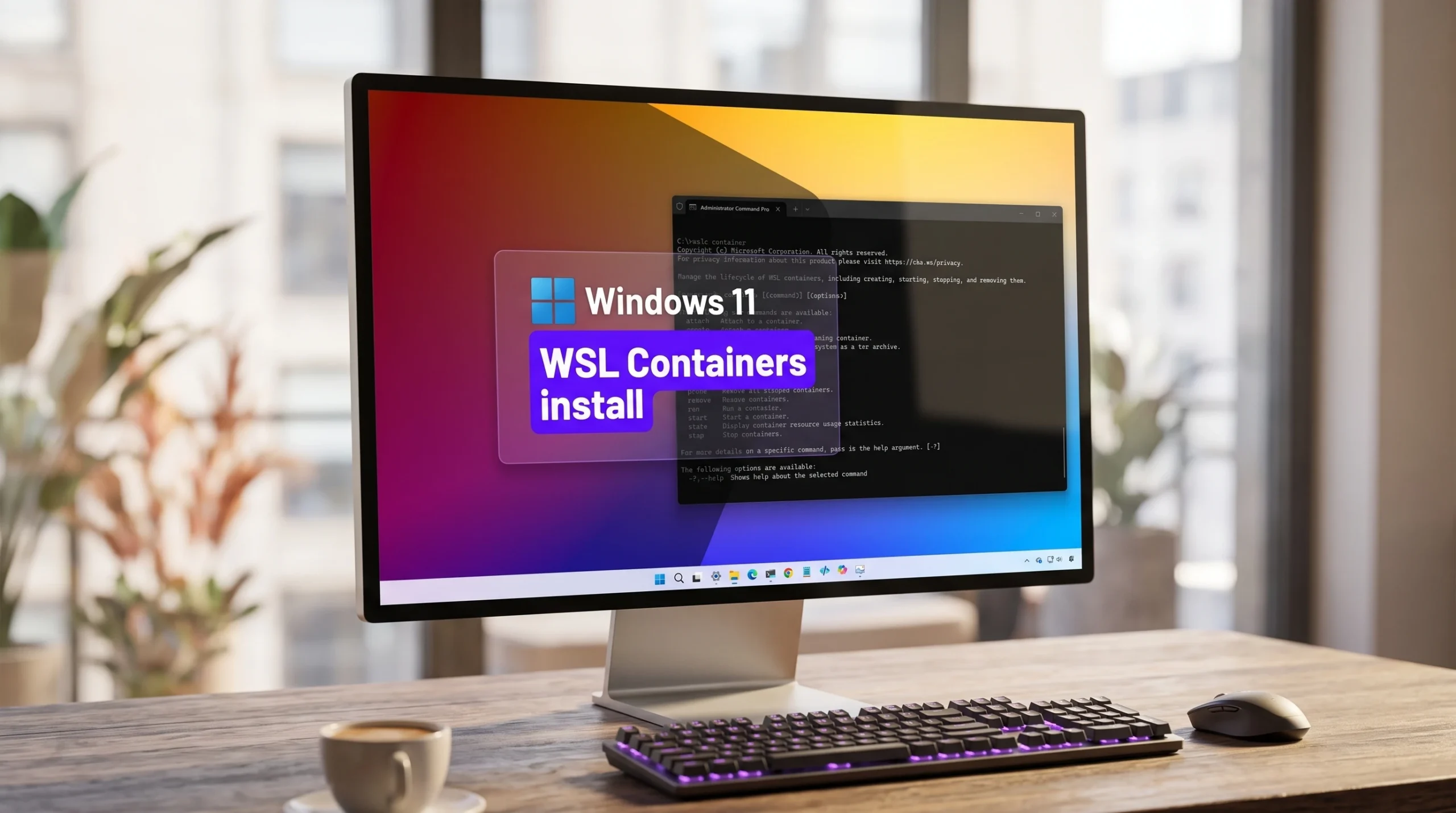
Install WSL Containers on Windows 11 With wslc (Public Preview)
Switch WSL to the pre-release channel, add the wslc.exe tool, and run your first Linux container without Docker Desktop.
-

Horizontal and Vertical Lines on a Laptop Screen or PC Monitor: How to Diagnose and Fix Them
Isolate whether the fault is the panel, the cable, or the graphics driver, then apply the fix that matches.
-
Windows 11 KB5101650: New Features and How to Install It
The July 2026 Patch Tuesday update brings point-in-time restore, Screen Tint, and smarter update pausing to Windows 11.