
Category
Windows
Windows 11, Windows 10, troubleshooting, and tips for power users.
-
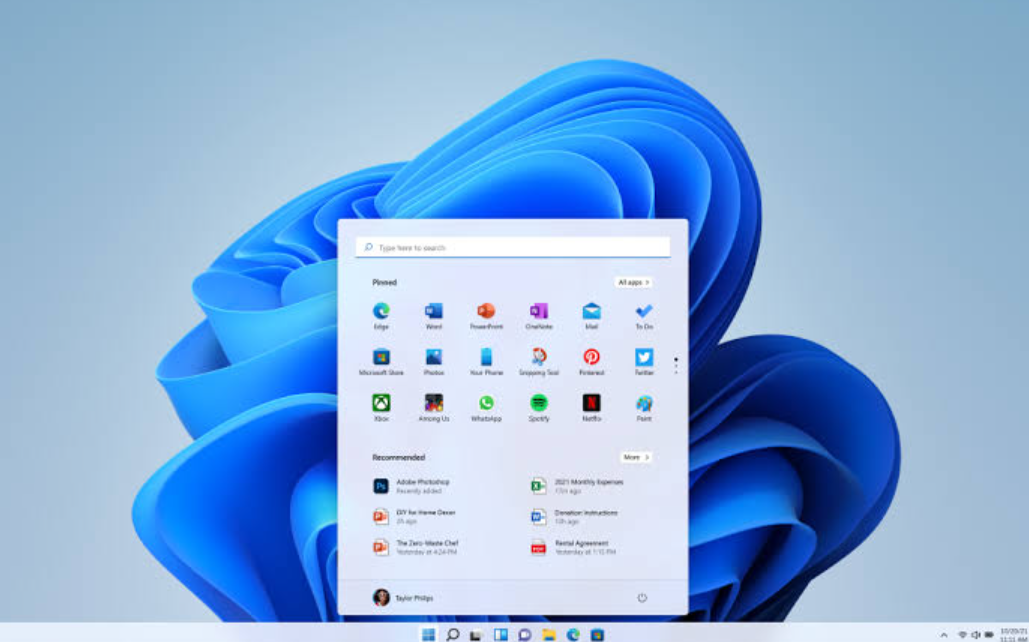
How to Disable Credential Guard in Windows 11 (and Confirm It’s Off)
Turn off virtualization-based credential protection to restore RDP password saving, VMware, and older authentication.
-
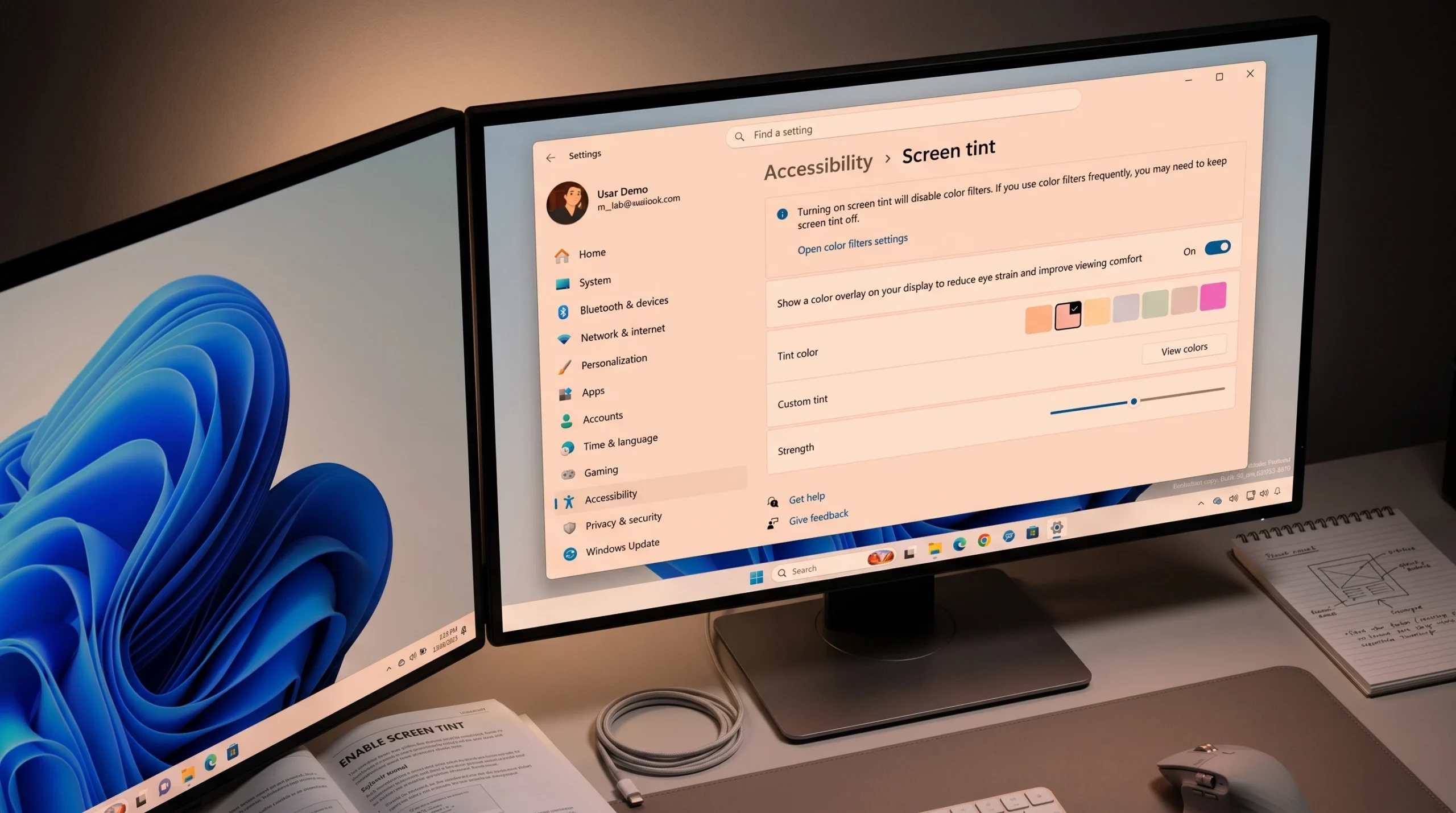
How to Enable Screen Tint in Windows 11 (Accessibility Setting)
Turn on the color overlay under Accessibility, pick a preset, and set its strength to ease eye strain.
-
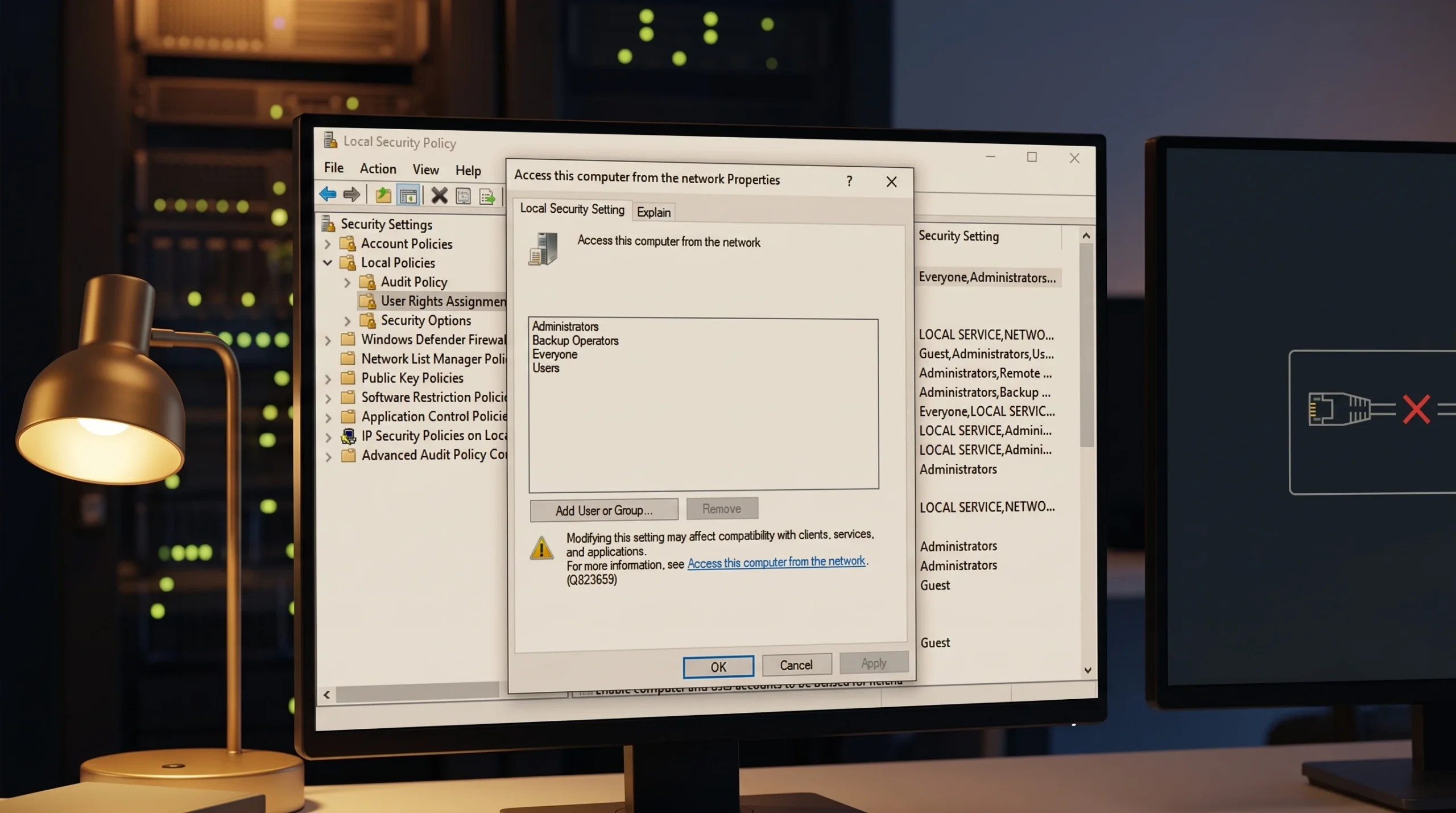
Fix Group Policy Event ID 1129: No Network Connectivity to a Domain Controller
How to diagnose and clear the network connectivity failure that stops computer policies from applying.
-
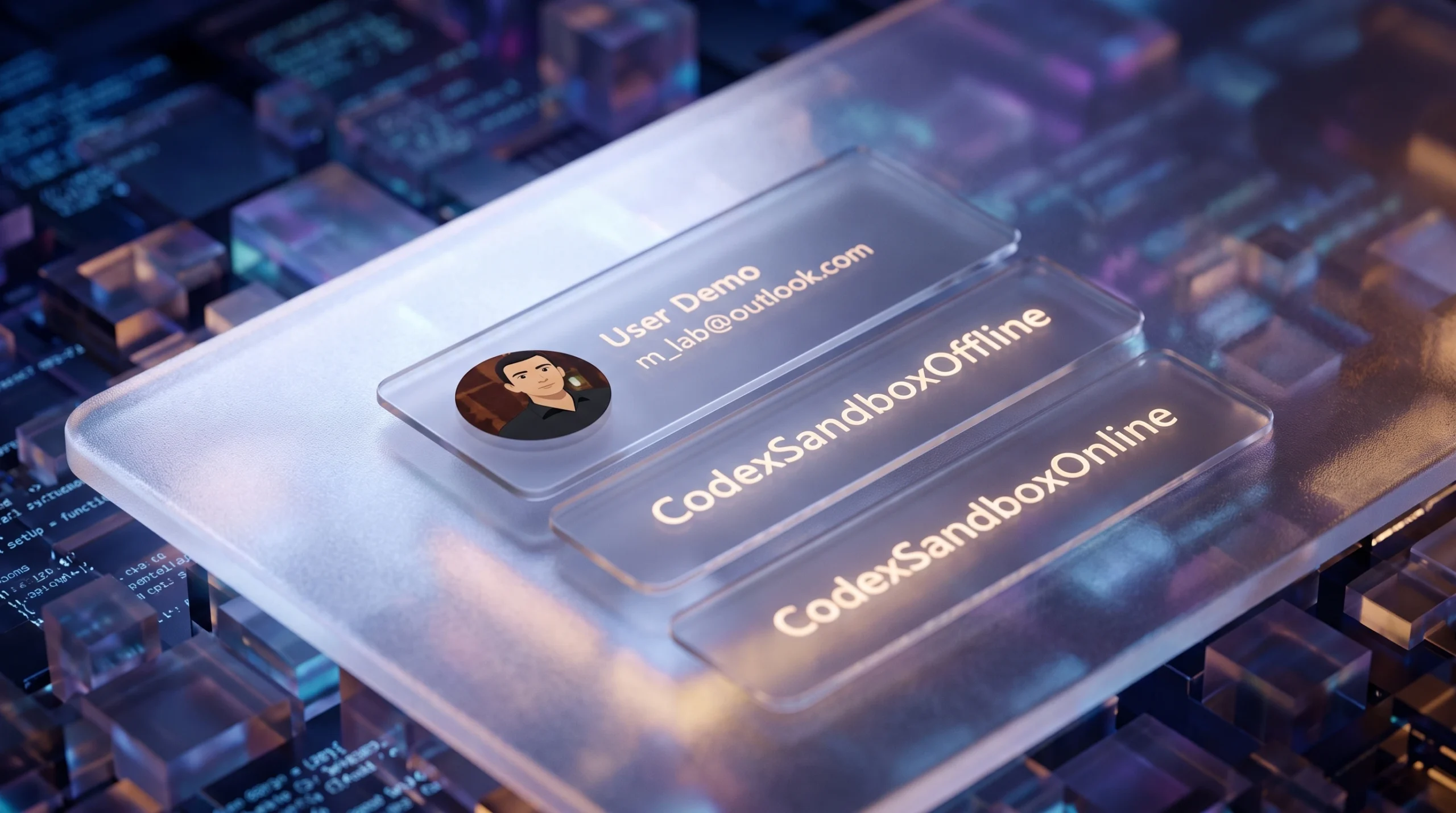
CodexSandboxUsers on Windows 11: What the Account Is and Whether to Delete It
What the Codex sandbox accounts do, why they touch your user folders, and how to remove them cleanly.
-
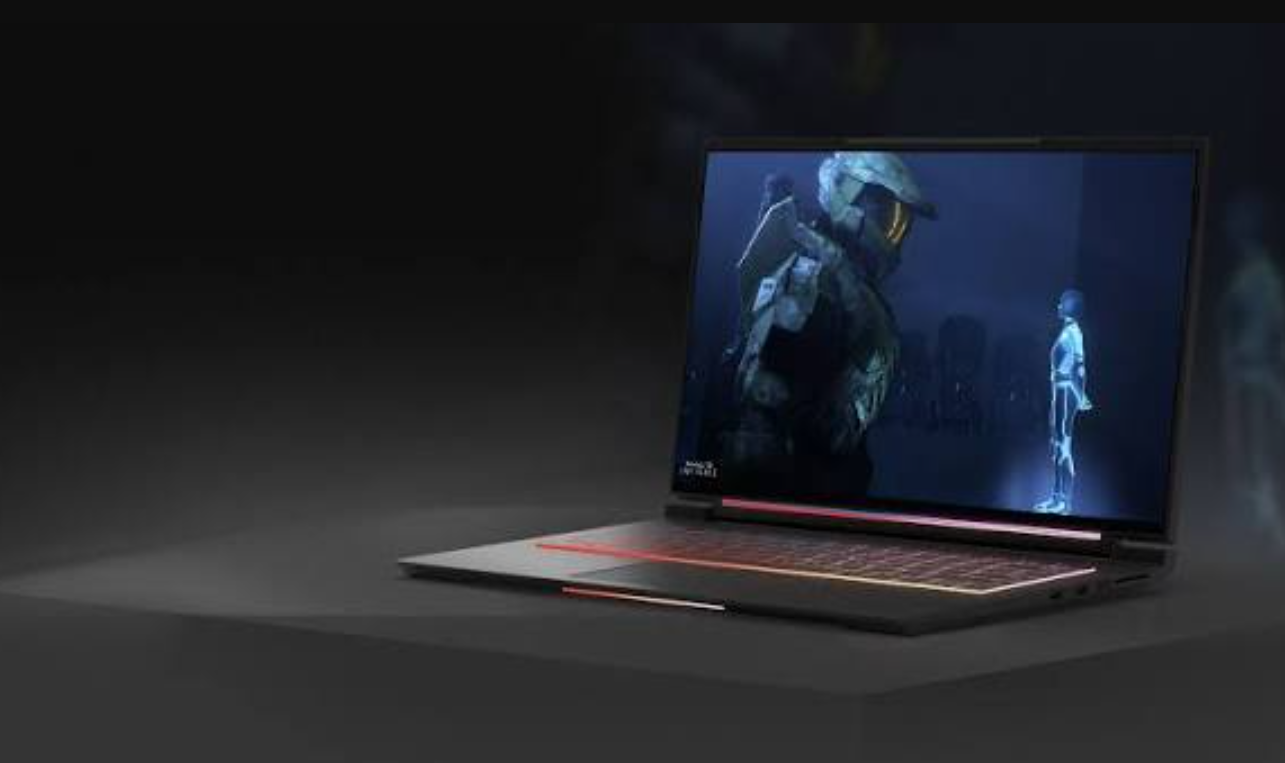
Best HDR Settings for Gaming on Windows 11 (2026)
Exact toggles, calibration steps, and GPU tweaks to make HDR games look right instead of washed out.
-
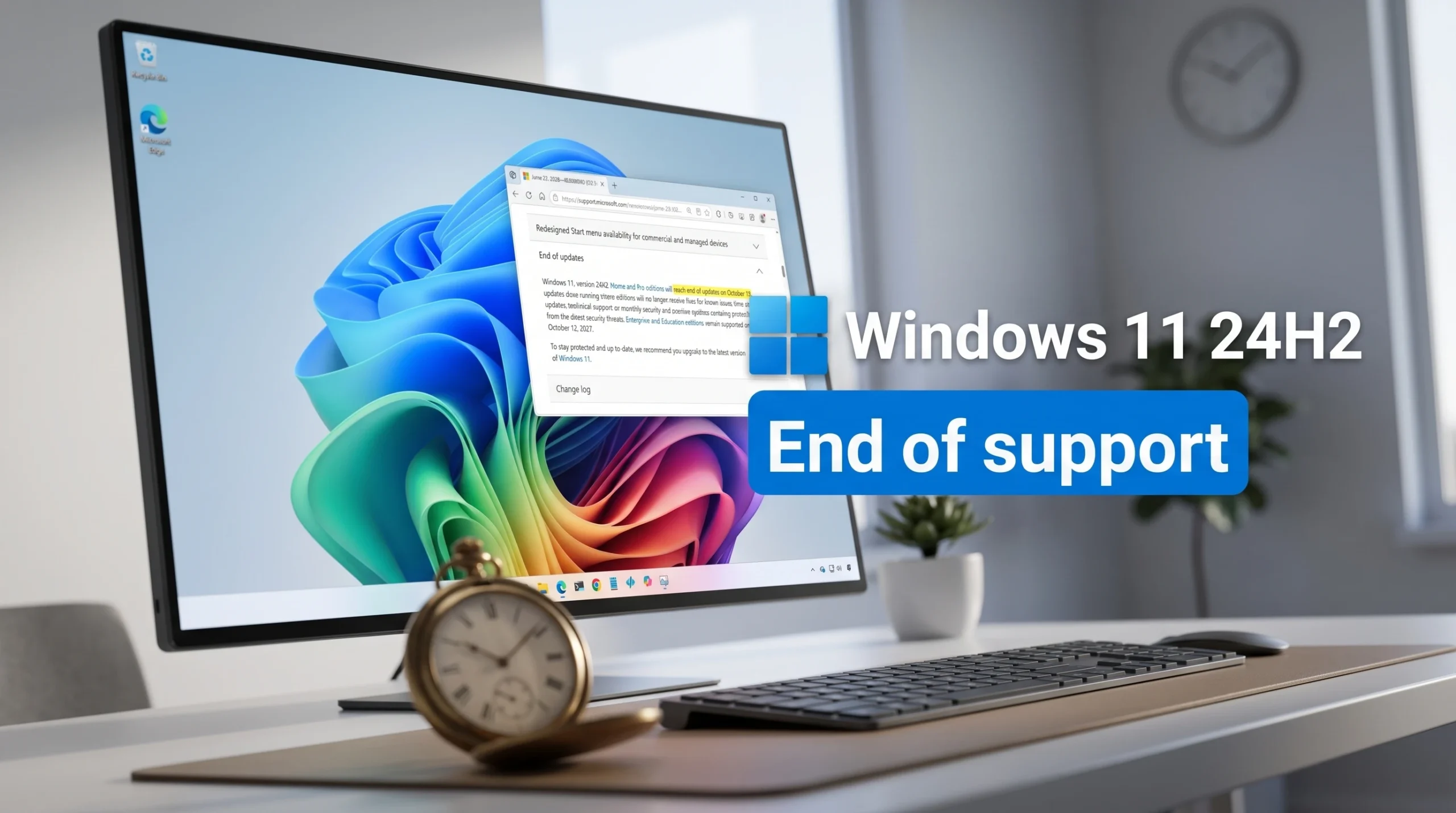
Windows 11 24H2 End of Support: October 13, 2026 Deadline for Home and Pro
Consumer editions stop getting security updates after October 13, 2026, and upgrading to 25H2 keeps you supported.
-
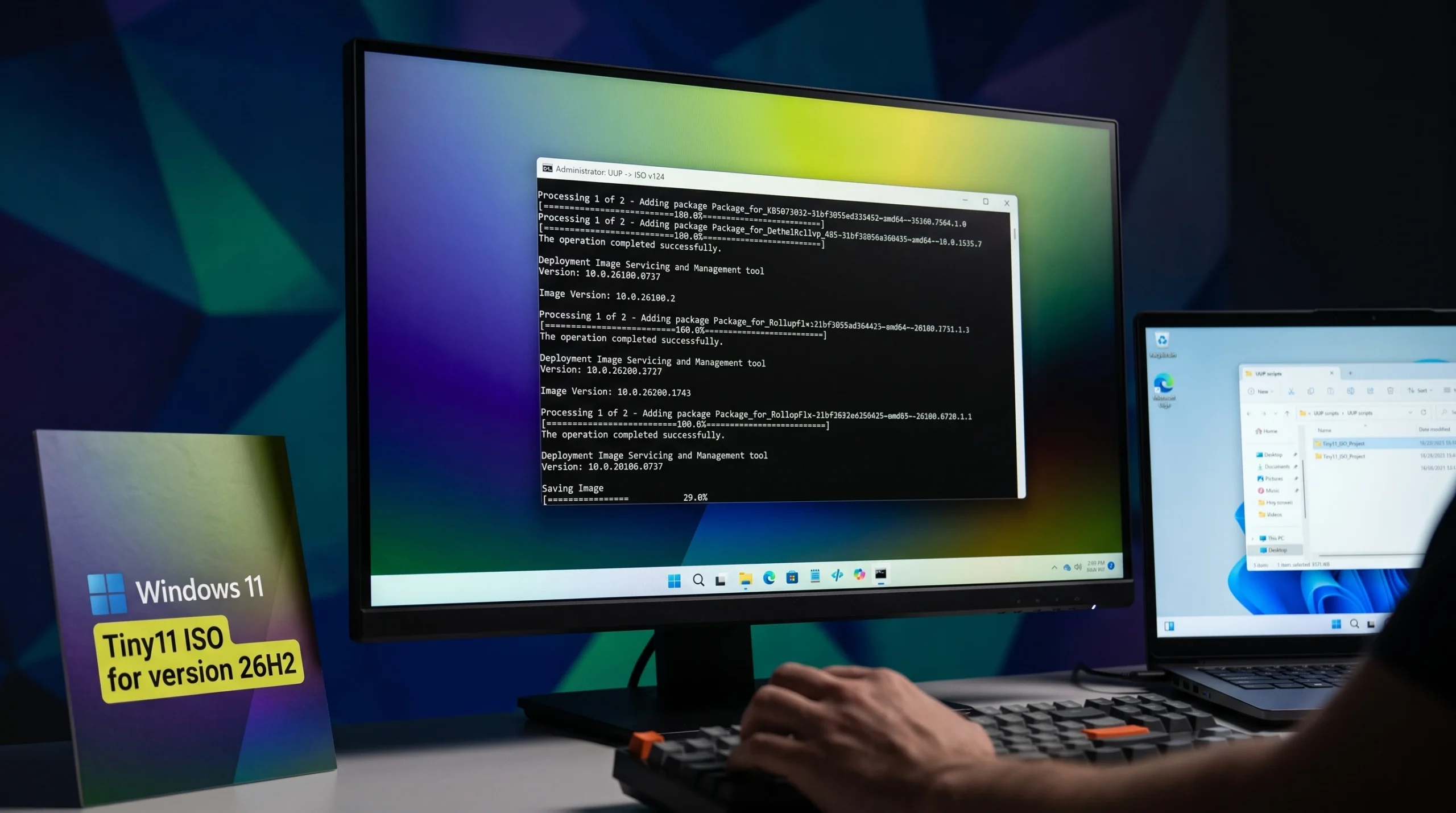
Tiny11 26H2 ISO for Windows 11: Where to Download and How to Build It
Pull the debloated Windows 11 26H2 image from the Internet Archive, or build your own with Tiny11 Builder and an official Microsoft ISO.
-
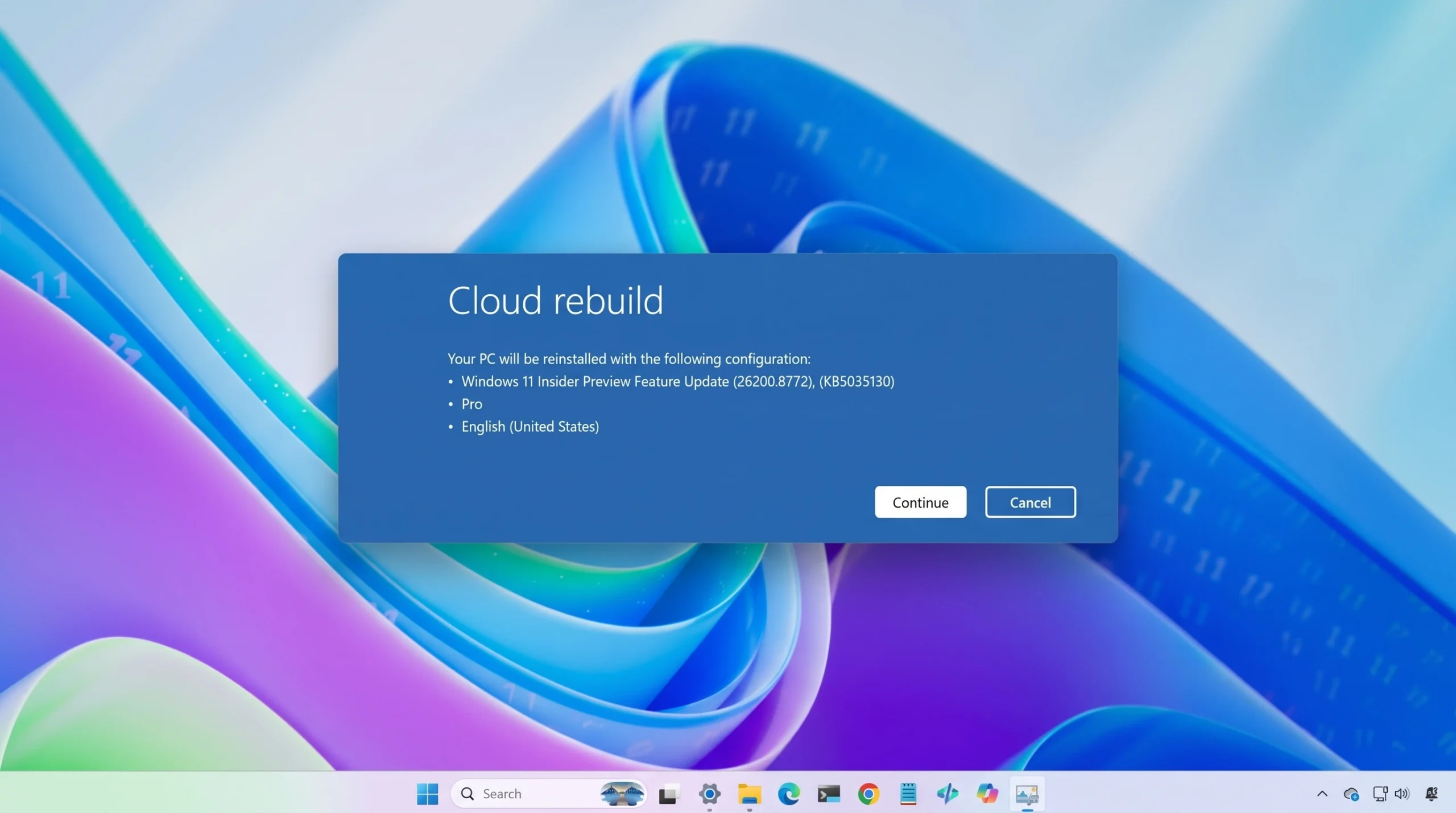
Reinstall Windows 11 From the Cloud Using Cloud Rebuild in WinRE
A full driver-and-OS reinstall from Windows Update, with no USB stick or custom image required.
-

Project Aion Explained: Microsoft’s Copilot-First Windows Prototype, Not Windows 12
What the leaked 2024 concept actually is, how Win3 and Edge power it, and why it isn’t a shipping product.
-
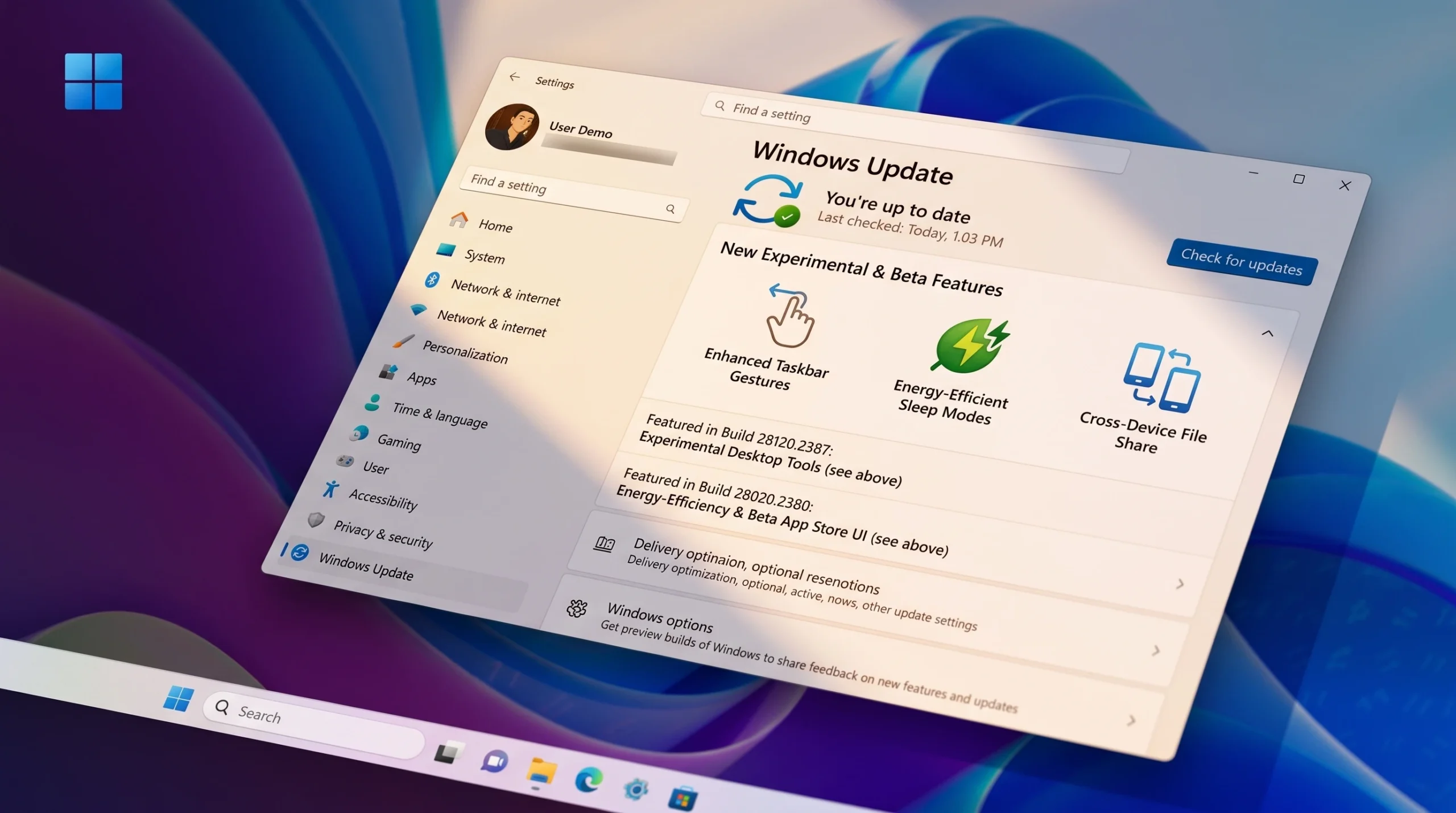
Windows 11 26H1 Insider Builds: New Beta (28020) and Experimental (28120) Train Explained
Microsoft split 26H1 into distinct Beta and Experimental branches, each with its own build numbers and a simple in-place switch.