
Category
Windows
Windows 11, Windows 10, troubleshooting, and tips for power users.
-

How to Turn Off Automatic Screen Rotation in Windows 11
Stop your display from switching orientation by disabling auto-rotate using Windows 11 settings, Quick Settings, or advanced methods.
-

How to Fix Device Manager Blinking or Flickering in Windows 11
Resolve persistent Device Manager flickering and refreshing issues in Windows 11 with targeted troubleshooting steps to restore stable system performance.
-

How to Fix OneDrive Slowing Down Windows 11 PC
Detailed solutions to resolve OneDrive-related slowdowns and sync issues on Windows 11, with detailed instructions for restoring system performance.
-

How to Fix Phone Link Error 0x80190001 in Windows 11
Resolve the 0x80190001 error when connecting your Android phone to Windows 11 with clear troubleshooting and proven solutions.
-
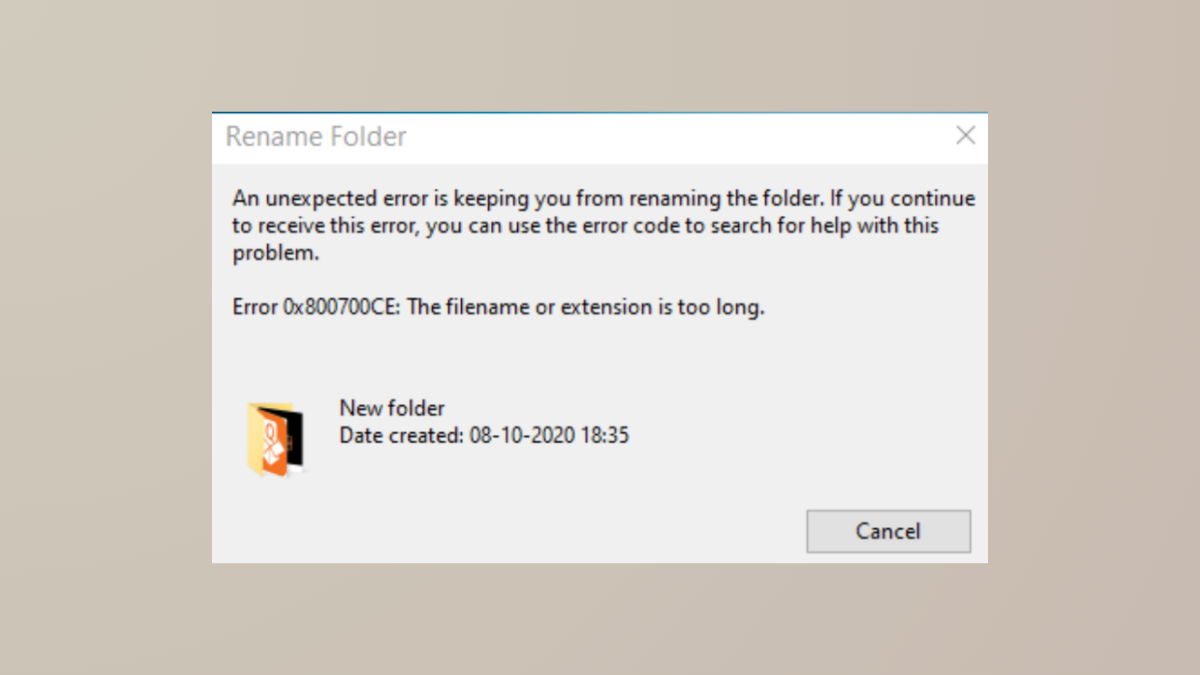
How to Fix Error 0x800700CE The Filename or Extension Is Too Long in Windows 11
Resolve the 0x800700CE error in Windows 11 by addressing long path issues, system glitches, and third-party conflicts, using proven methods.
-

How to Fix Activation Error 0xC004F078 in Windows 11
Resolve Windows 11 activation error 0xC004F078 by addressing product key issues, network problems, or license mismatches using these proven solutions.
-
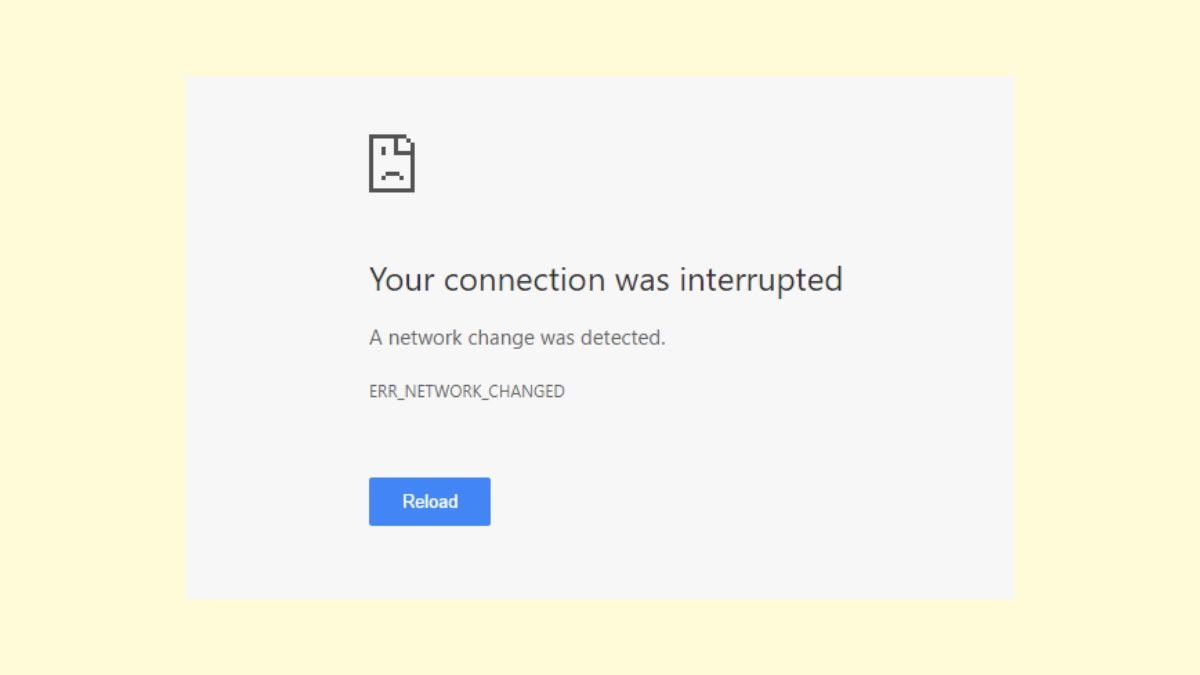
How to Fix “Your Connection Was Interrupted” Error in Windows 11
Resolve the “Your Connection Was Interrupted, A Network Change Was Detected” error in Windows 11 with practical solutions to restore stable internet access.
-

How to Use Presence Sensing on Windows 11
Presence Sensing lets your Windows 11 device automatically lock when you leave and wake up when you return, improving security and saving battery life.
-
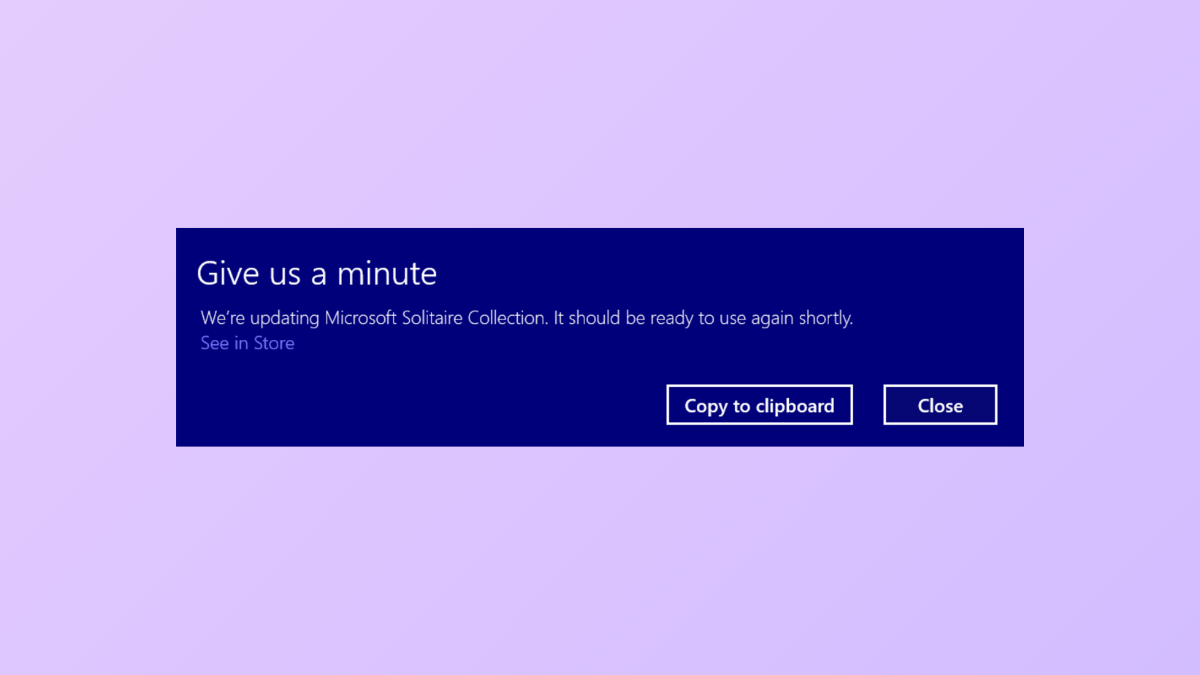
How to Get Rid of the “Give Us a Minute” Message on Windows 11
Detailed instructions for removing the persistent “Give Us a Minute” pop-up in Windows 11, covering notification settings, app resets, and update management.
-

How to Fix System Image Backup Failed Error 0x80780038 in Windows 11
Resolve the “The specified backup storage location has the shadow copy storage on another volume (0x80780038)” error and successfully create system image backups on…