
Category
Windows 10
-
How to Block Windows 10 May 2020 Update, Version 2004
Save yourself the trouble and block Windows 10 May 2020 update before it installs on your computer automatically.
-
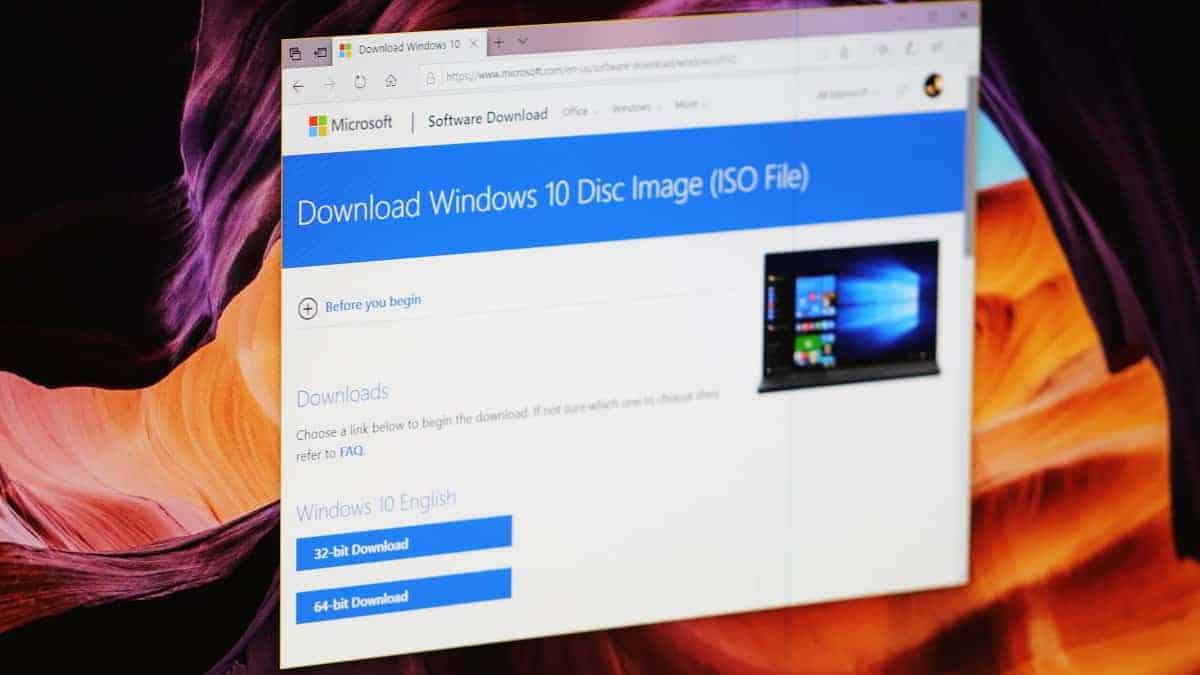
How to Download Windows 10 2004 ISO File Directly From Microsoft’s Servers
Learn how to retrieve the direct download link of the latest available Windows 10 update from Microsoft’s website
-
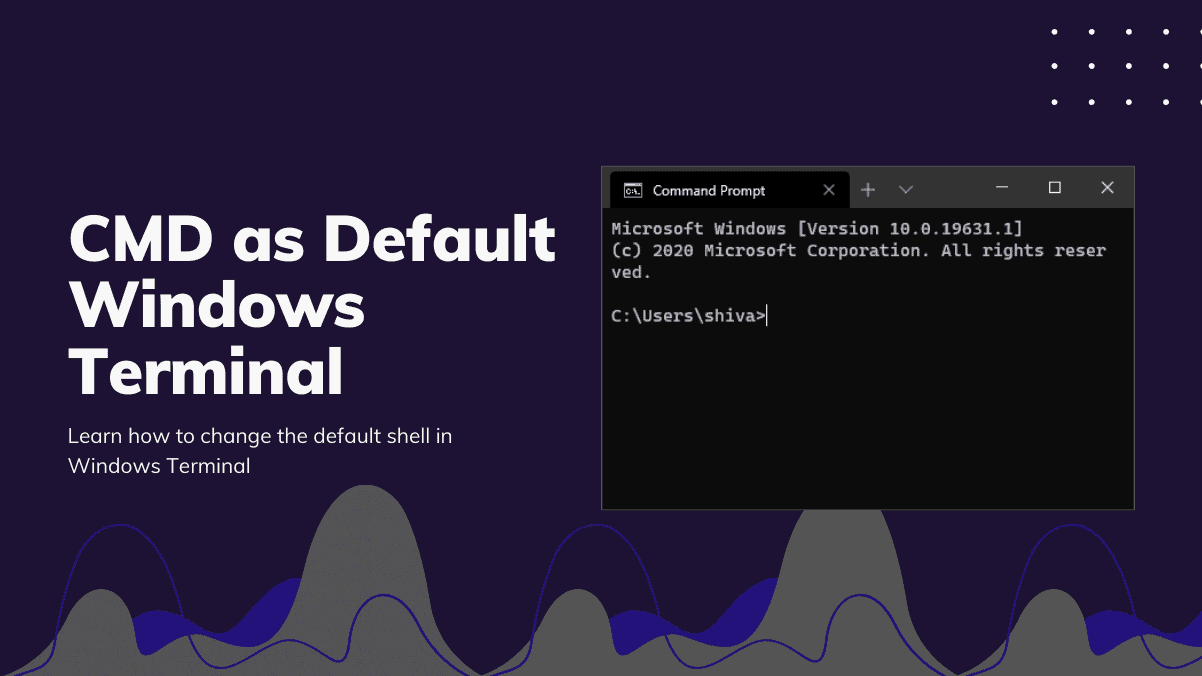
How to Set Command Prompt (CMD) as Default in Windows Terminal
Change the default shell in Windows Terminal to ‘Command Prompt’ cmd.exe shell by replacing the GUID in ‘defaultProfile’ to CMD’s GUID.
-
How to Use “winget” to Install Apps from Command Line on Windows 10
The Windows Package Manager, known as winget, is a command-line tool developed by Microsoft that enables Windows 10 users to download and install applications…
-
How to Download and Install Winget CLI (Windows Package Manager)
Microsoft’s Windows Package Manager, known as winget, is a powerful tool that streamlines installing, upgrading, and configuring applications on Windows 10 and Windows 11.…
-
How to Copy Code or Text with Color in Notepad++
Notepad++ is a widely favored text and source code editor known for its ease of use and support for numerous programming languages. One of…
-
How to Use Canon DSLR Camera as Webcam on Zoom, Google Meet, Microsoft Teams using EOS Webcam Utility
With the rise of video conferencing, having a high-quality webcam has become more important than ever. Unfortunately, many laptop cameras offer mediocre quality at…
-
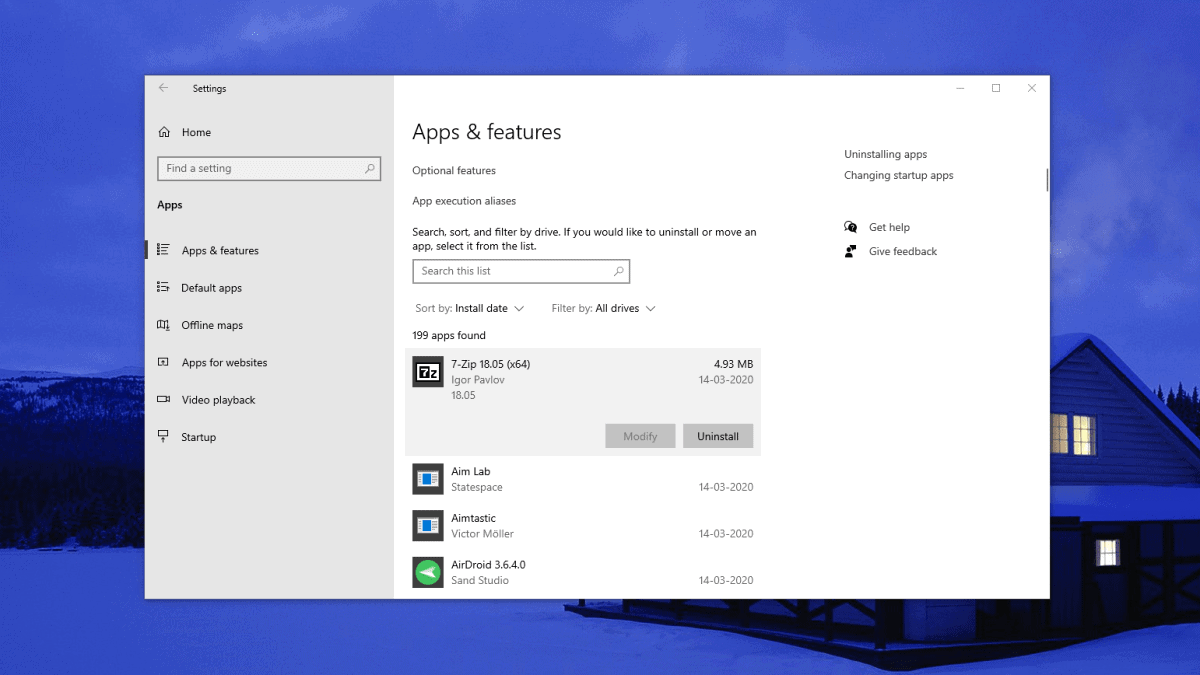
How to Uninstall Apps Downloaded from Microsoft Store on Windows 10
Uninstalling applications downloaded from the Microsoft Store on Windows 10 can be a bit different from removing traditional desktop programs. Since these apps are…
-
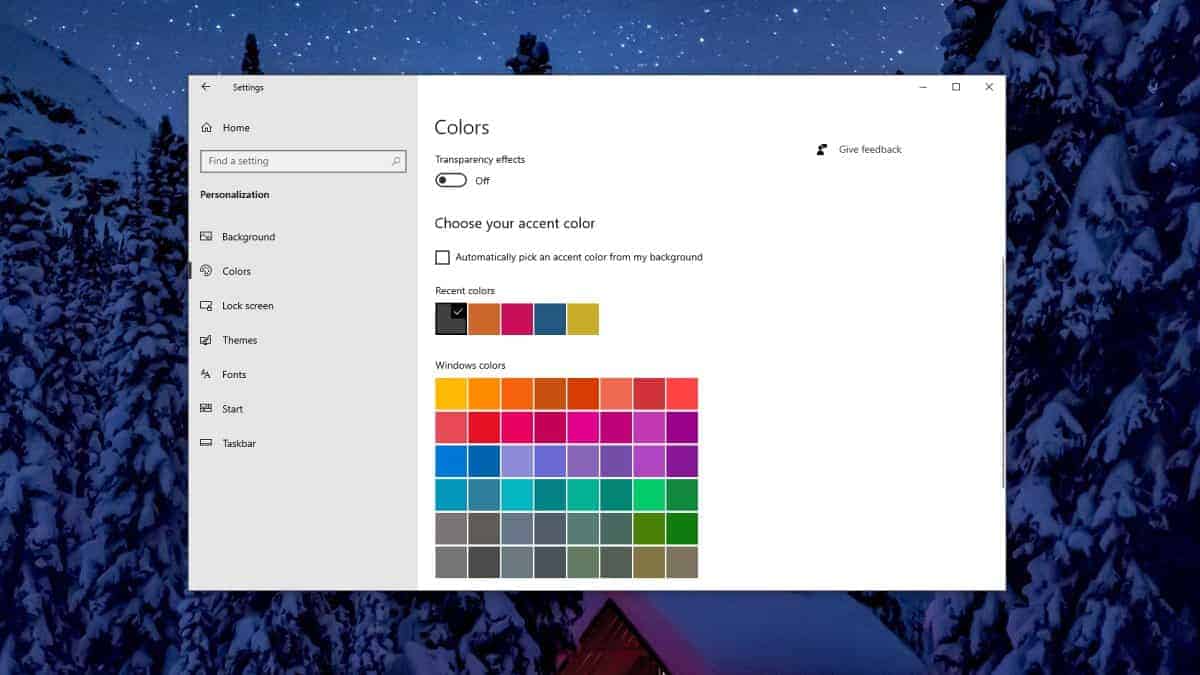
How to Change Taskbar Color in Windows 10
Customizing your Windows 10 desktop allows you to create a more personal and visually appealing workspace. One easy way to personalize your desktop is…
-

How to Install Prime Video as an App on Windows 10
Although Amazon Prime Video doesn’t offer an official Windows 10 app, you can still enjoy an app-like experience on your desktop. By leveraging the…