
Category
Windows 10
-

How to Turn Off Mouse Acceleration in Windows 10
Mouse acceleration affecting your work? Turn it off within no time with these simple steps to enjoy a flawless experience.
-

How to Delete Backup Files in Windows 10
Backup files taking up a lot of storage space on your Windows 10 PC? You can clear it by deleting old backup files from…
-
How to Check Installation Date of Any Program or Application on Windows 10
Computers these days are loaded with programs and applications. Sometimes a user might require the installation date to check the expiry date of trial…
-

How to Forget a Network on Windows 10
With laptops being extensively used for work, the availability of wireless connections has improved. People connect their systems with available networks to access the…
-
How to Use Windows PowerToys
Increase your productivity on Windows 10 with Windows PowerToys suite of tools. Here’s a quick guide to use all PowerToys features.
-
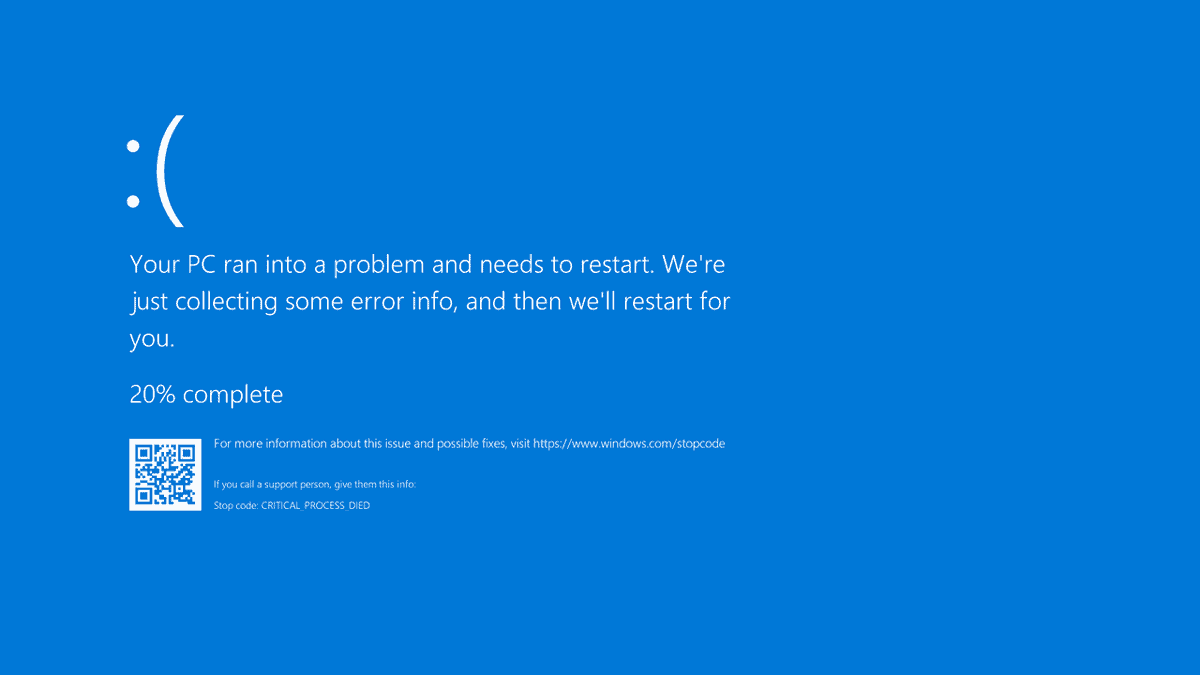
How to View BSOD Error Log in Event Viewer on Windows 10
Blue screen of death can be a real pain to diagnose on Windows 10, but you can ease the process using the Error log…
-

FIX: YouTube Playback Error in Windows 10
YouTube has become the staple of streaming videos online for almost all kinds of content. It is not just the go-to streaming place for…
-

How to Automatically Shutdown a Windows 10 Computer at a Scheduled Time
Automatic shutdown is a very convenient feature that helps you to turn off your computer at a scheduled time. It comes in handy in…
-
How to Disable or Remove Meet Now in Windows 10 Taskbar
Meet now in Windows 10 is the new space for collaboration where you can invite anyone to a video call without any prior setup.…
-
What is Meet Now in Windows 10 Taskbar?
Video conferencing apps have been quite the heroes this year. We would have been literally unable to stay safe in the confines of our…