
Category
Windows 10
-
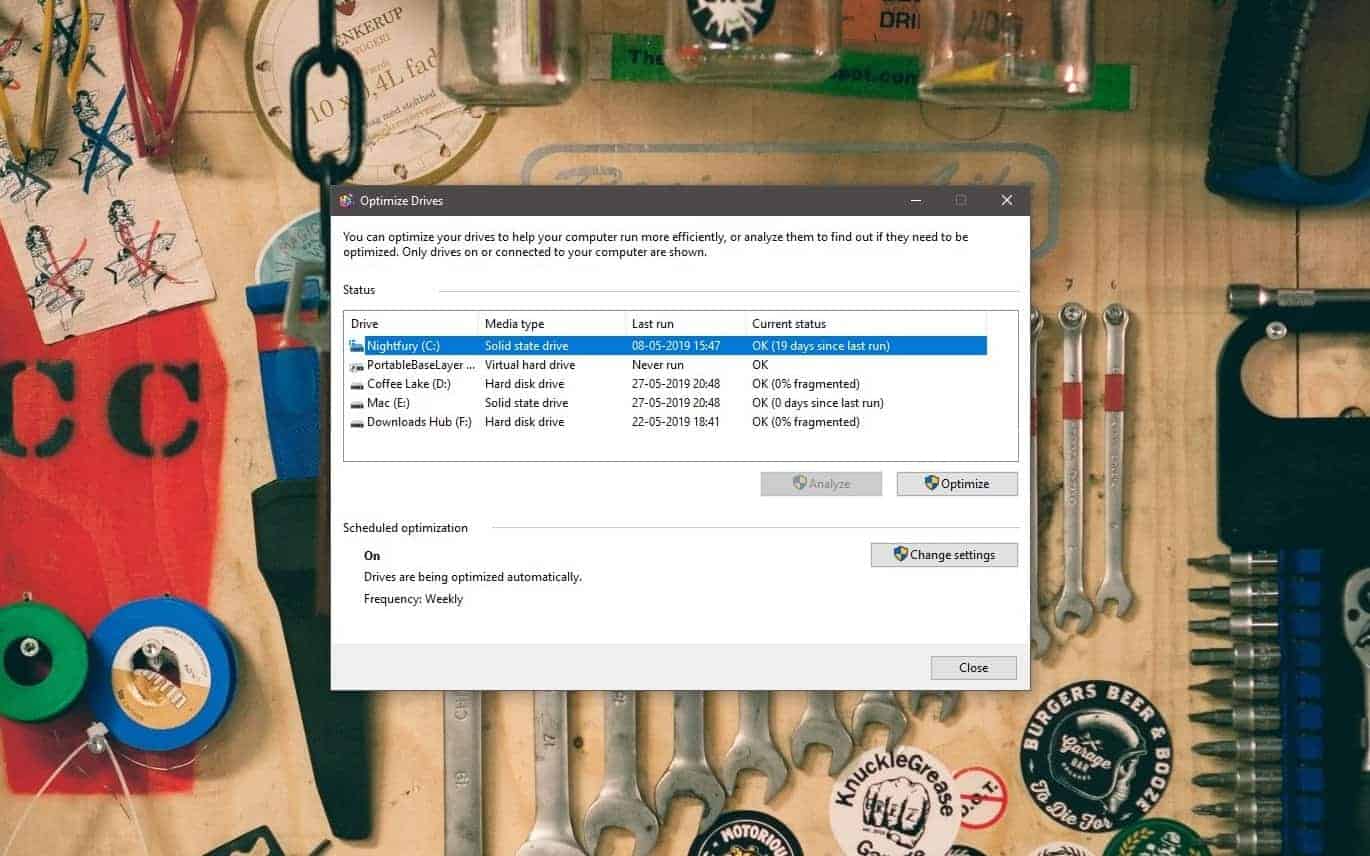
How to Defrag Windows 10
Fragmentation in hard drives can lead to slow read/write speeds and reduced PC performance. You should periodically defrag drives on your PC to keep…
-
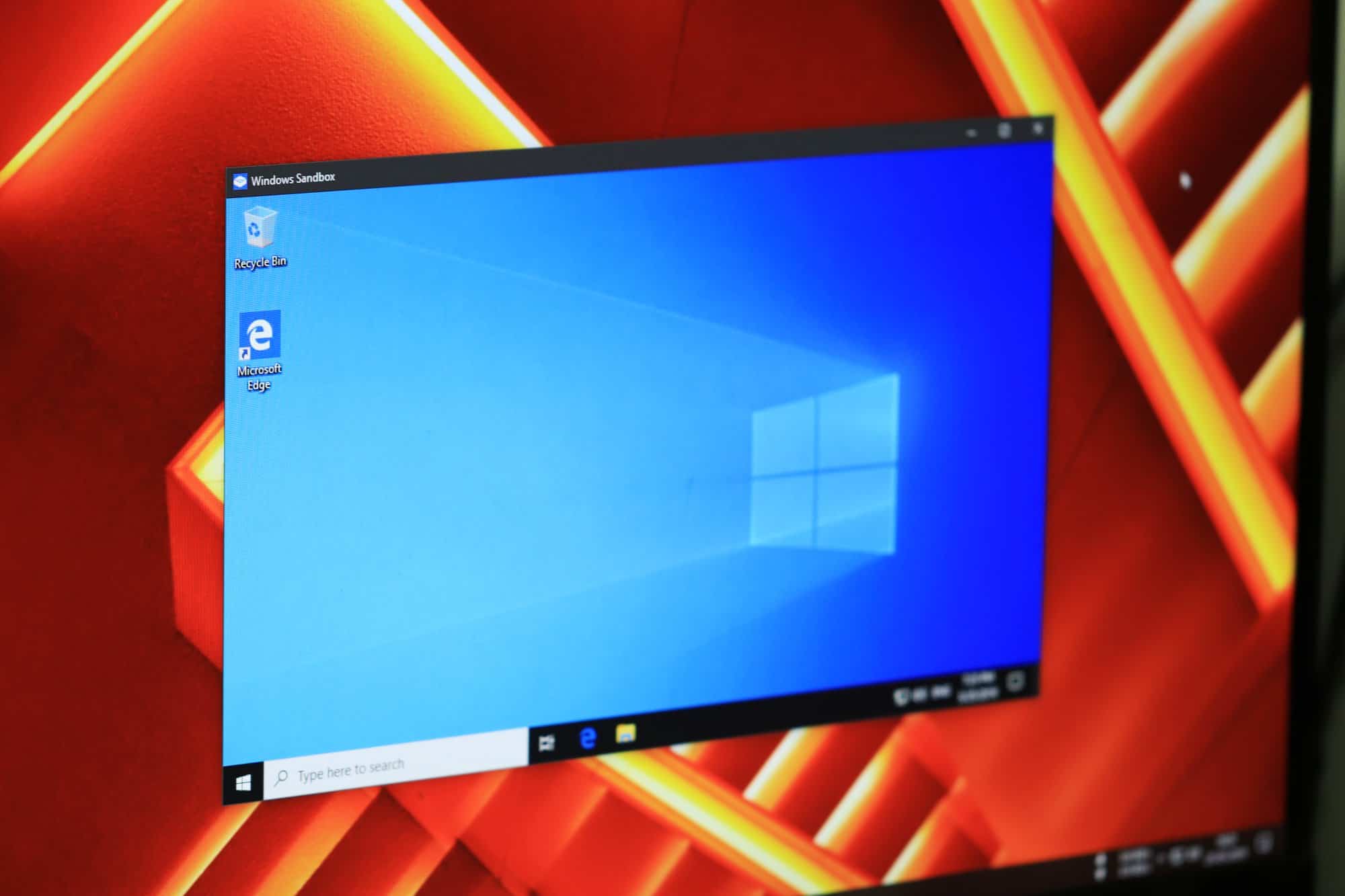
How to Use Windows Sandbox on Windows 10
The long-awaited Windows Sandbox feature has finally arrived with the release of Windows 10 May 2019 update. The Sandbox is a new place on…
-

Best Wallpaper Apps for Windows 10 on the Microsoft Store
Any PC, laptop, tablet, or phone that come with Windows 10 as its default OS offers one basic customization option — the ability to…
-
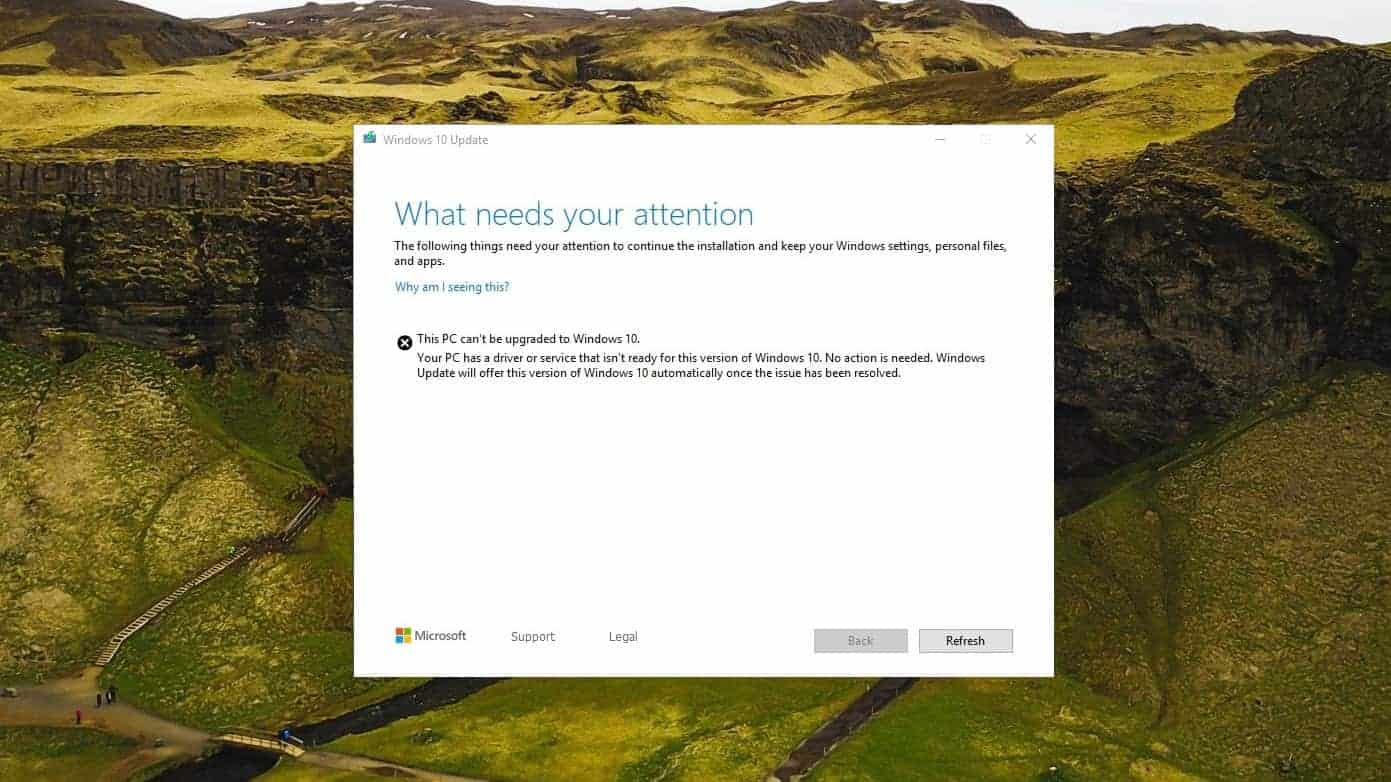
How to fix “Driver or service not ready to upgrade” error in Windows 10 May 2019 (1903) update
Unable to install Windows 10 May 2019 update because your PC is throwing a “driver or service not ready to upgrade” error? Well, you’re…
-
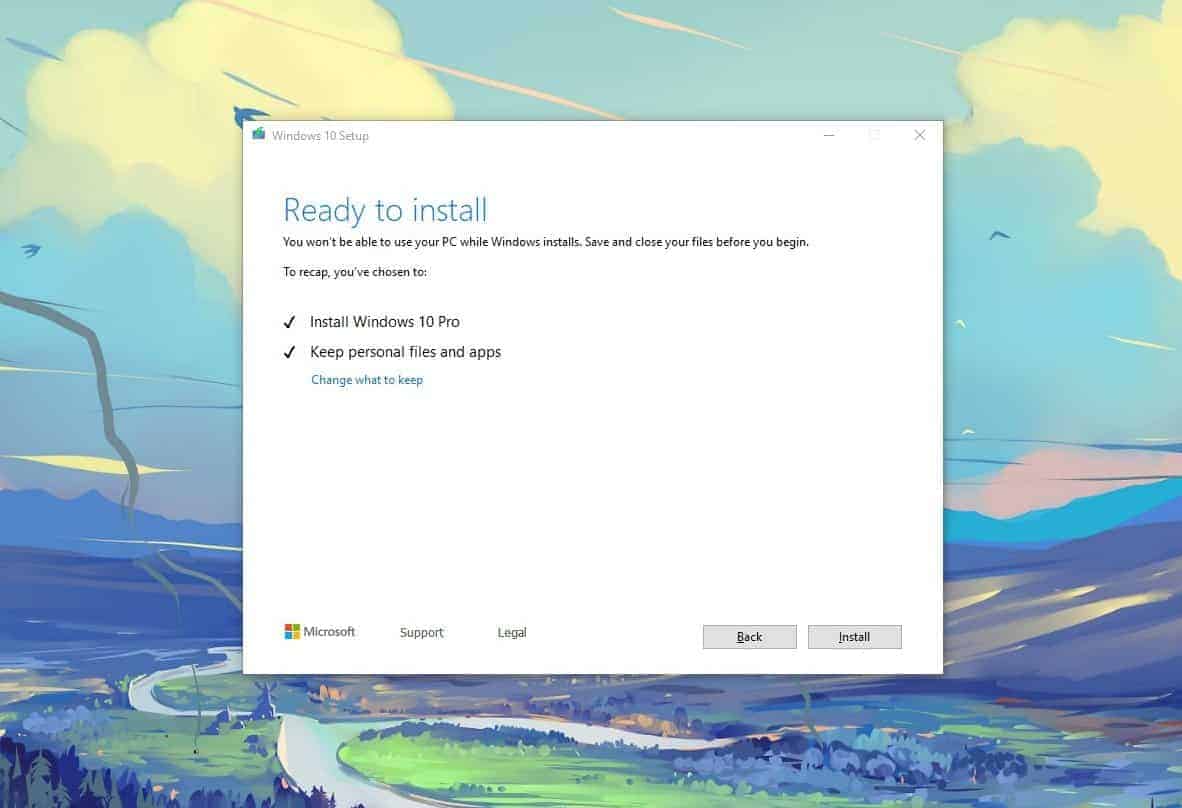
How to Download and Install Windows 10 version 1903 from ISO file
The Windows 10 version 1903 update is now rolling out for the public after several months of testing under the Windows Insider Program. The…
-
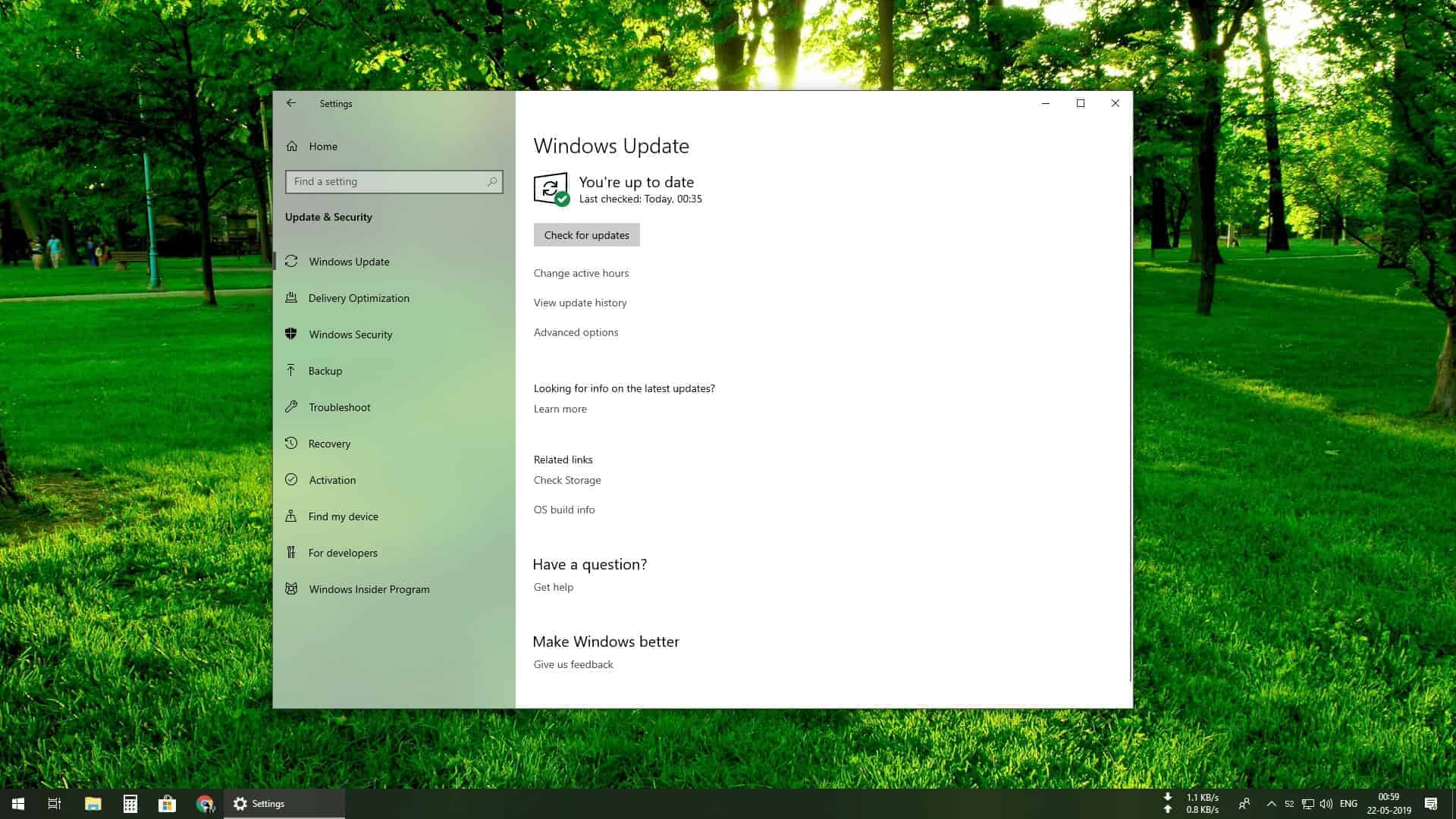
How to Download Windows 10 May 2019 Update (version 1903)
Time needed: 30 minutes. Microsoft is finally rolling out the long-awaited Windows 10 May 2019 update with a handful of new features such as a…
-
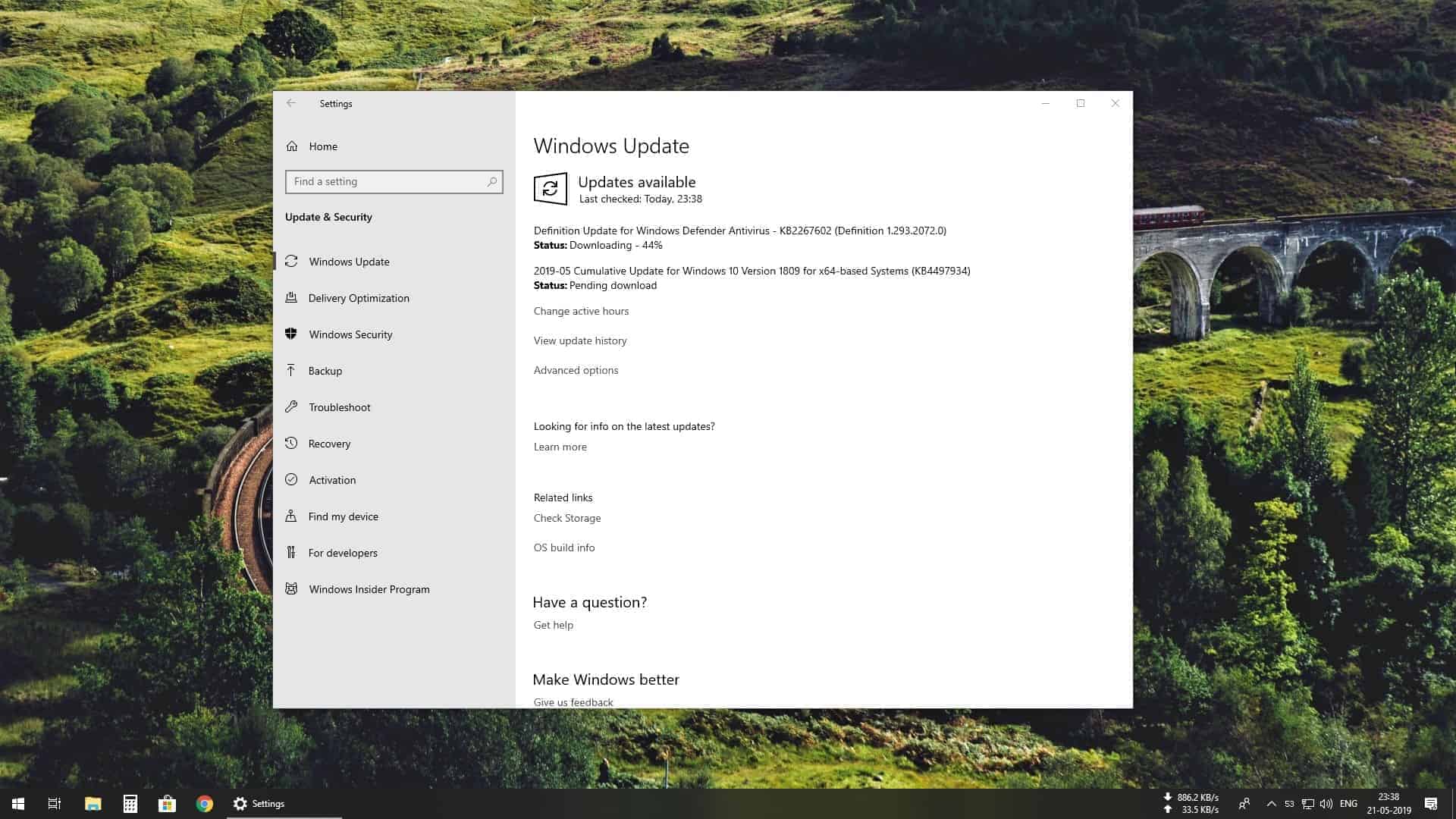
Download Windows 10 update KB4497934 and KB4499183
Microsoft is rolling out cumulative updates for Windows 10 version 1809 and 1803 with builds 17763.529 (KB4497934) and 17134.799 (KB4499183), respectively. The update includes…
-

How to Turn your Windows PC into a WiFi Router
There are many reasons you may need to turn your PC into a WiFi router. Maybe the signal of your WiFi doesn’t reach all…
-
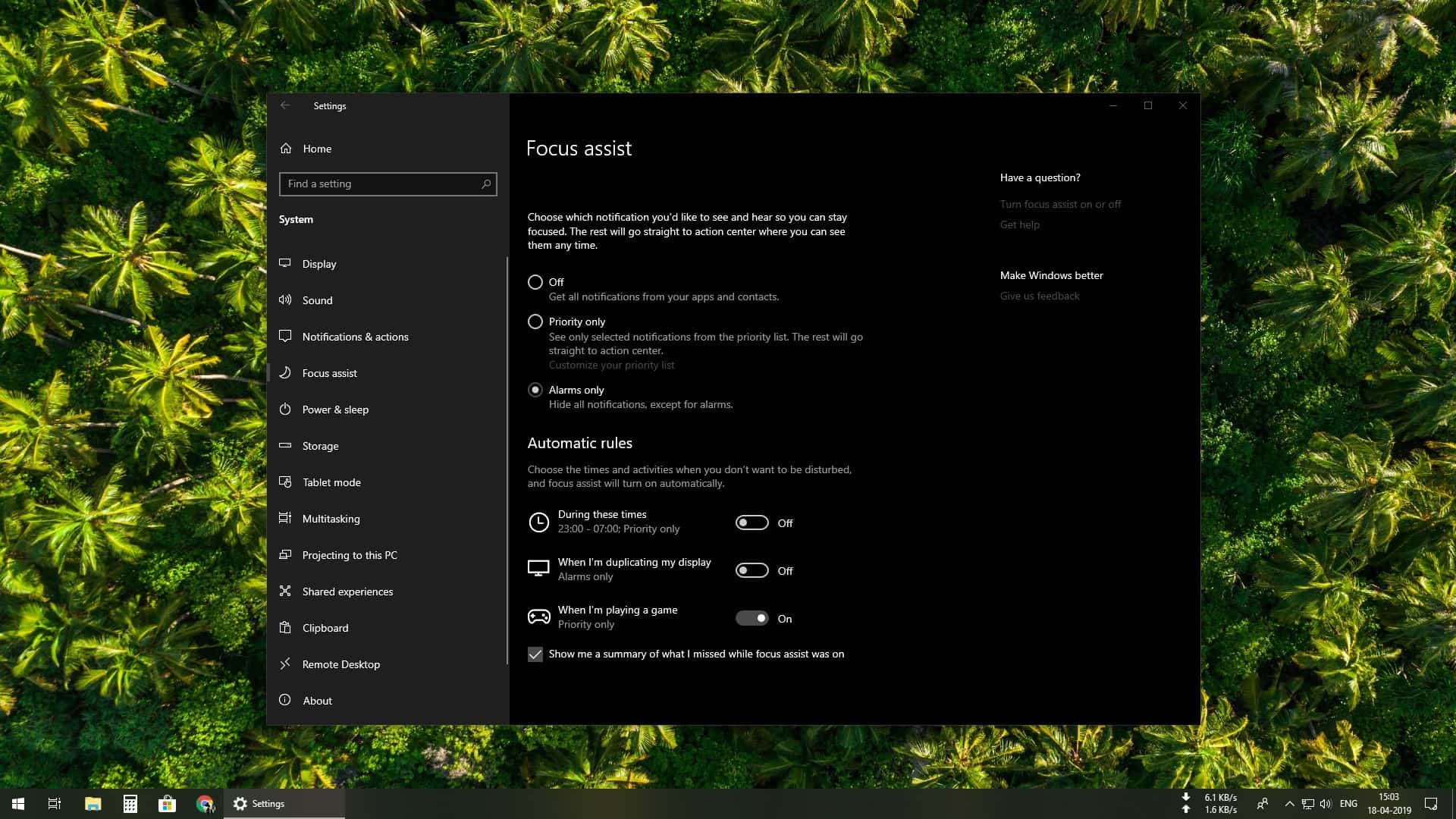
How to Set Up and Use Focus Assist in Windows 10
Have you ever been unable to focus at work because your PC would constantly show notifications from apps and websites? Well, Windows 10 has…
-
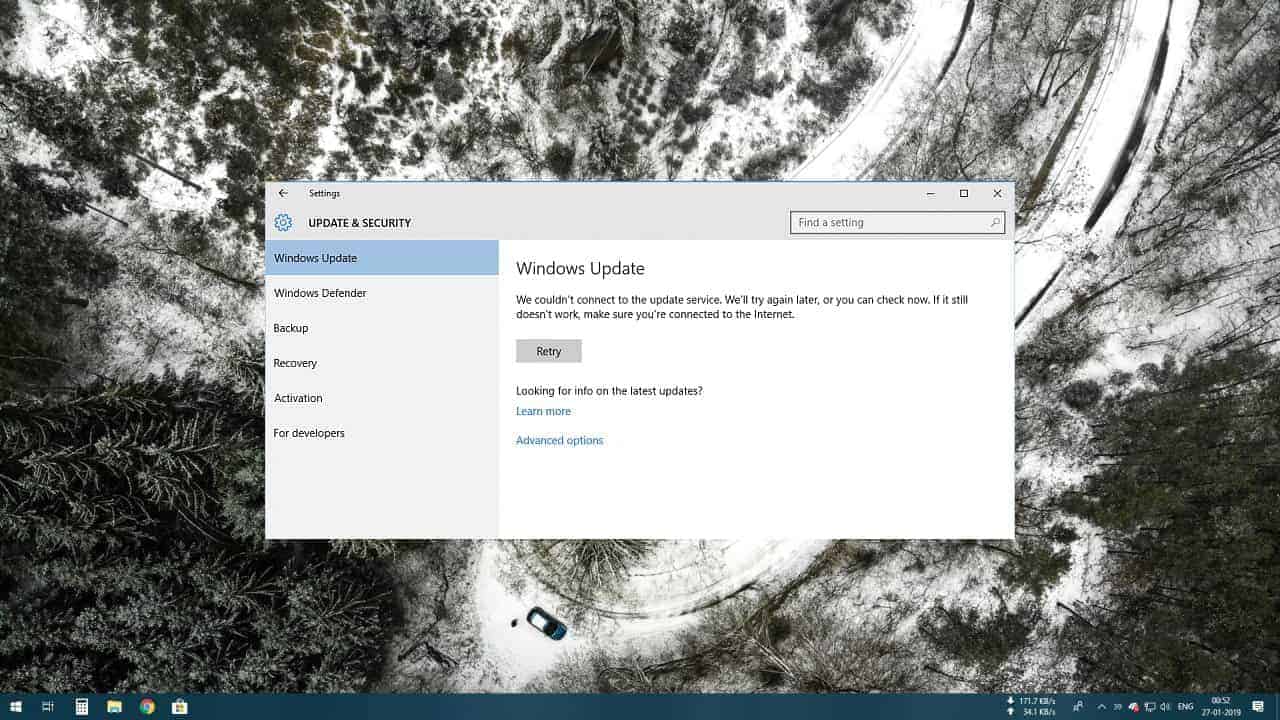
FIX: Windows 10 error “Couldn’t connect to the update server” and MS Store error “We couldn’t install, we would try shortly”
Windows 10 users are reporting an issue with the Microsoft servers not connecting on their PCs. Affected systems are showing an error stating that…