
Category
Windows 10
-
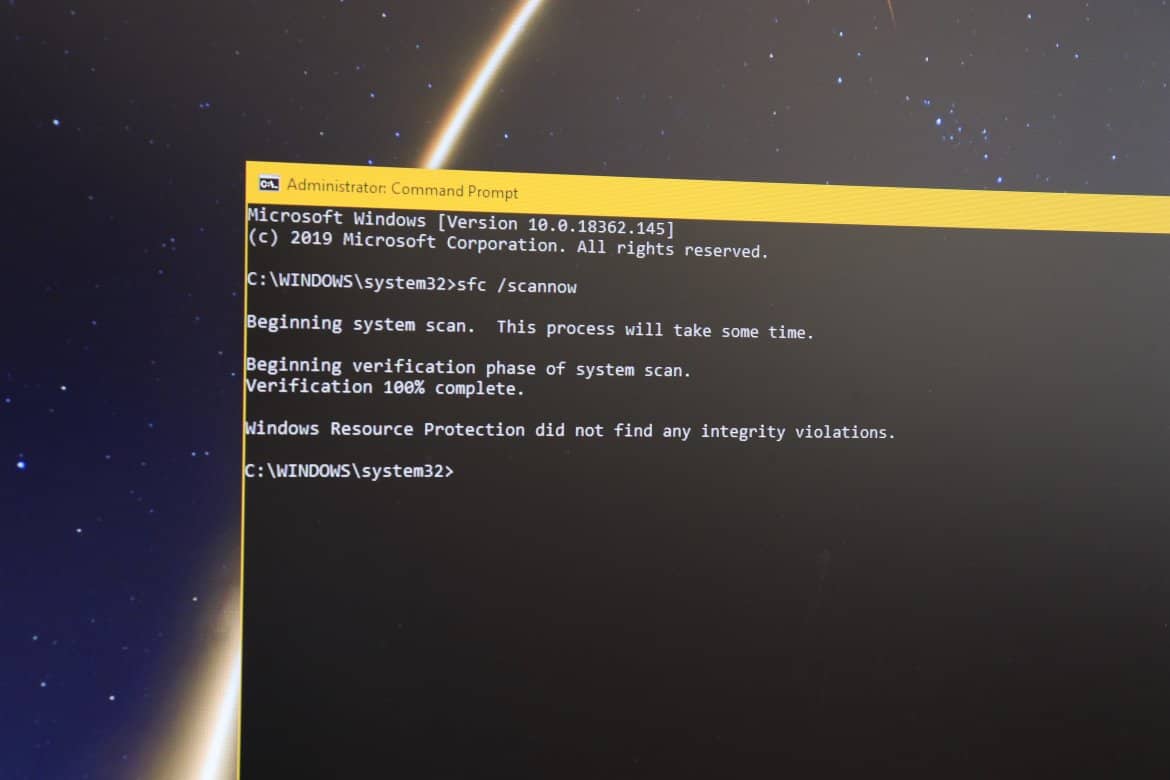
How to Fix Broken Registry Items in Windows 10
Are you worried about the broken registry items on your Windows 10 PC? Well, don’t be. Antivirus programs like Avast often show broken registry…
-
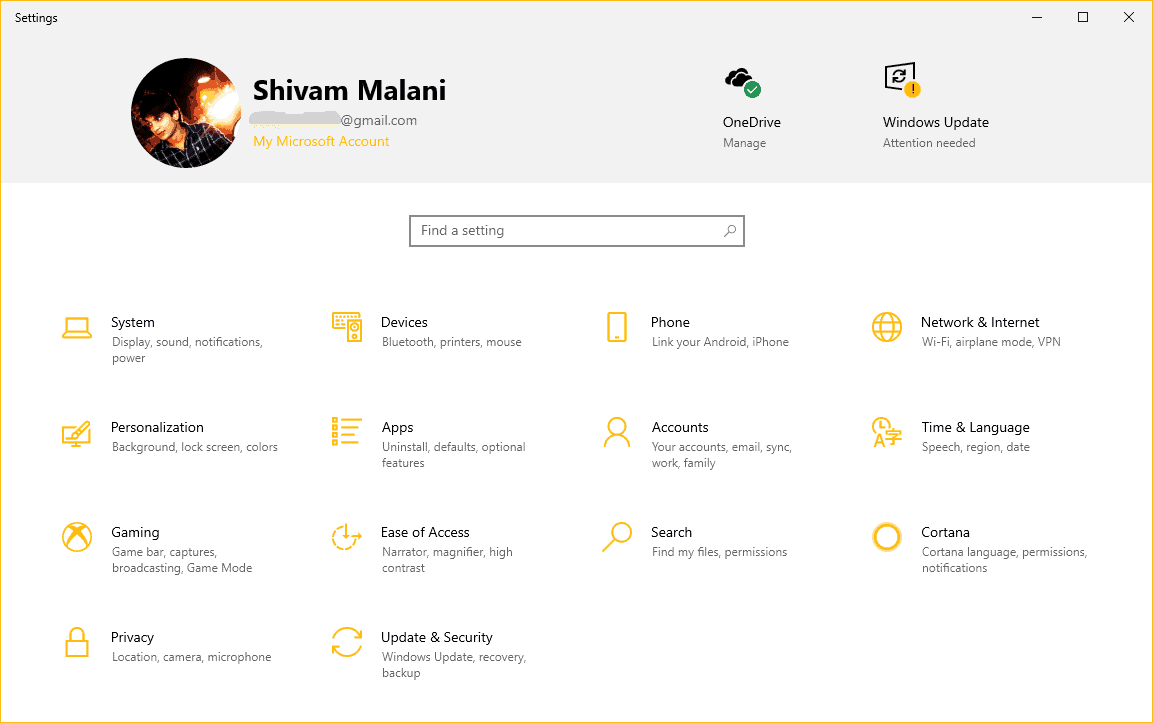
How to Enable Settings Header Design in Windows 10 1903
One of the coolest things we saw in Windows 10 version 1903 while it was in the Insider Preview Ring, was the elegant new…
-
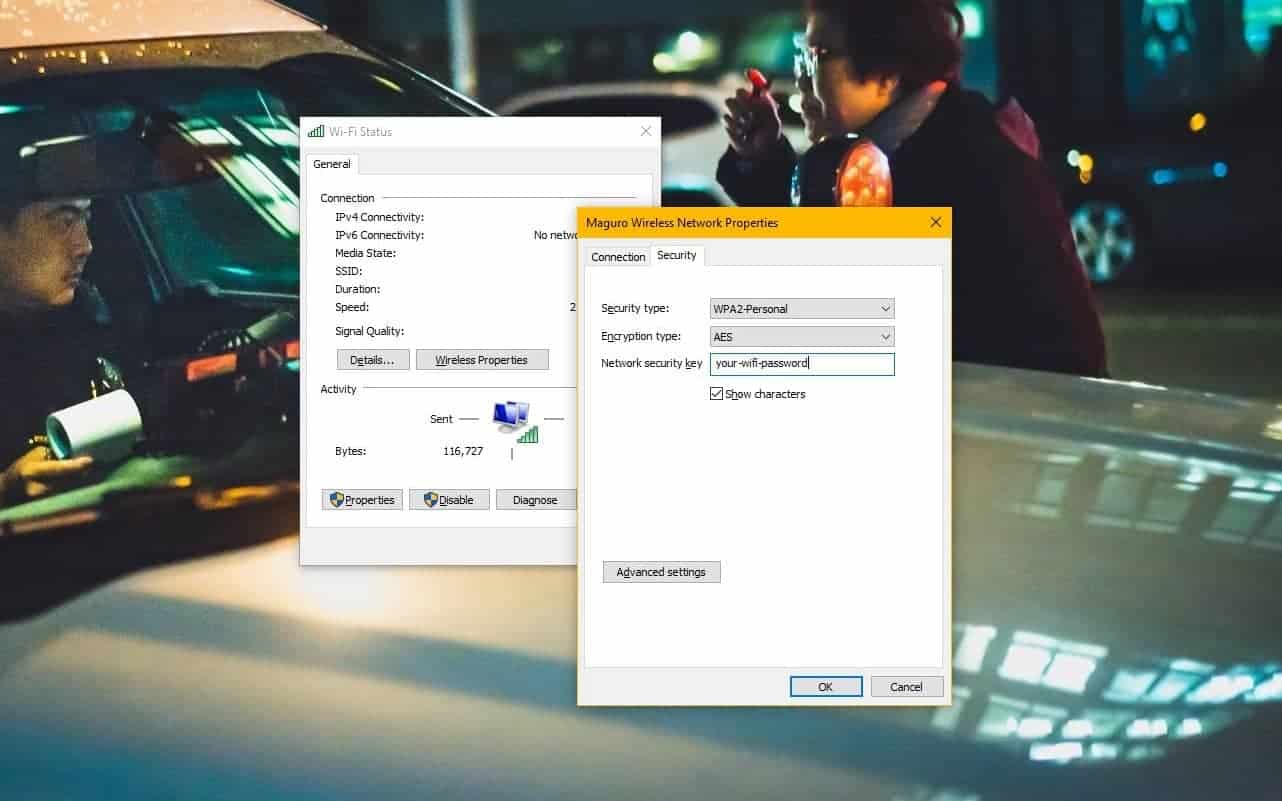
How to Find WiFi Password on Windows 10
Time needed: 5 minutes. Want to connect your mobile device to WiFi but forgotten your WiFi password? Fret not. If you’re connected to the WiFi…
-
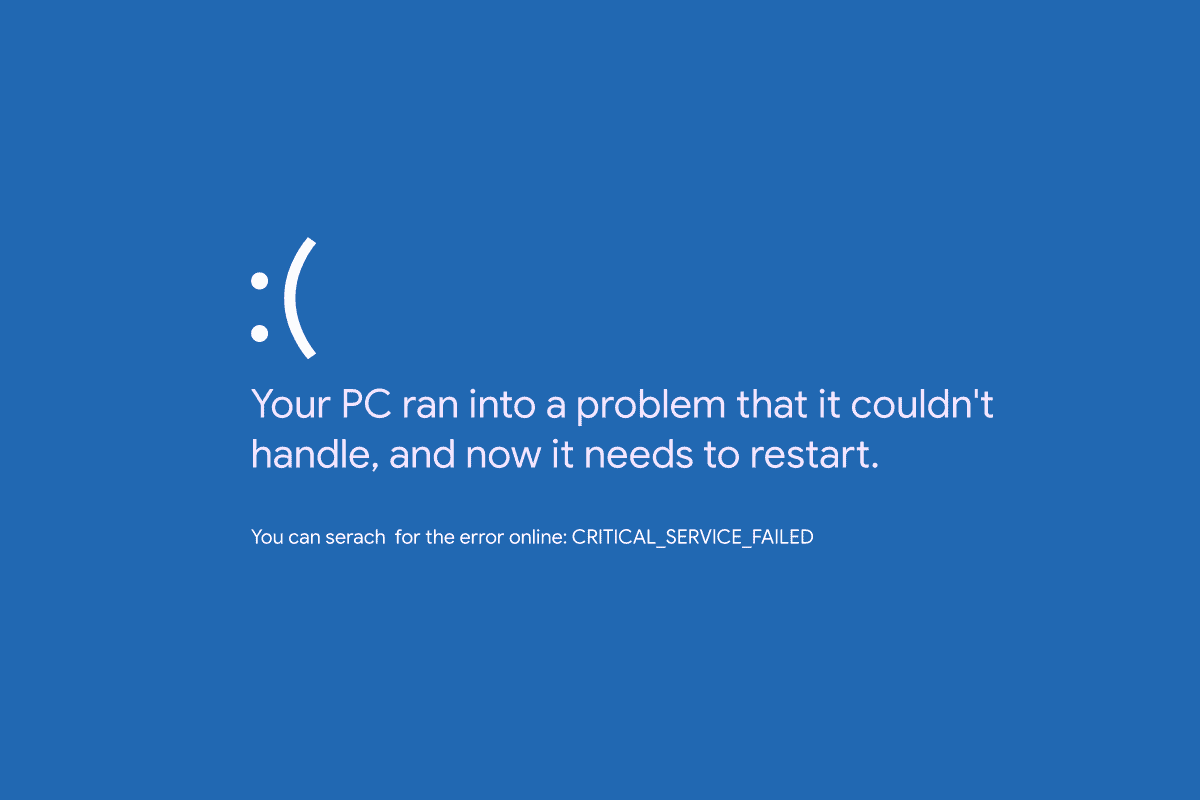
How to Fix “Critical service failed” Blue Screen Error in Windows 10
The “Critical service failed” error with a Blue Screen of Death (BSOD) is a common problem with Microsoft’s Windows 10. Whenever a service that…
-
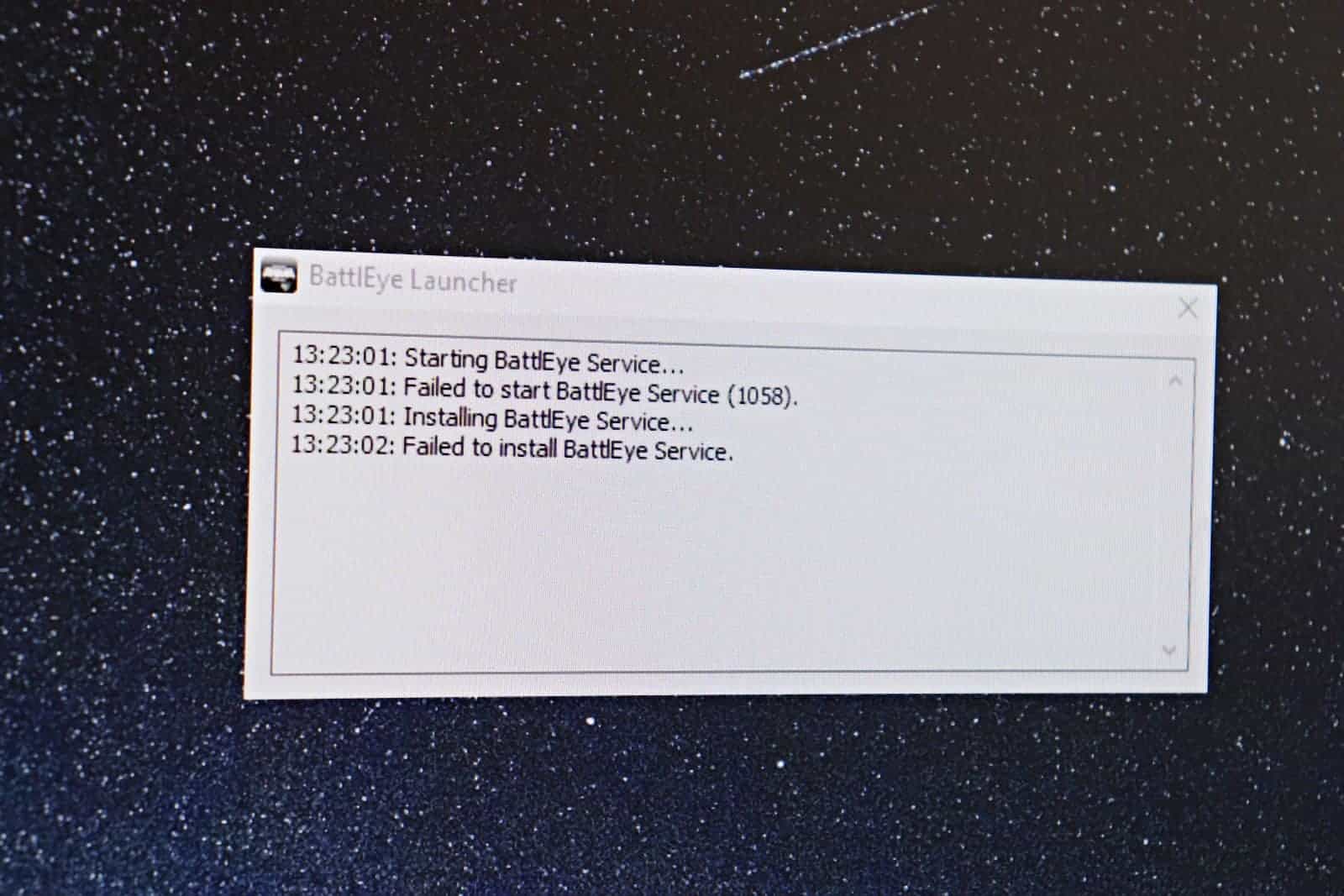
How to Fix “Failed to start BattlEye Service” Error after Windows 10 Update 1903
The BattlEye Anti-Cheat software that many games (including Fortnite) use to keep the cheaters away from the game appears to be having issues with…
-
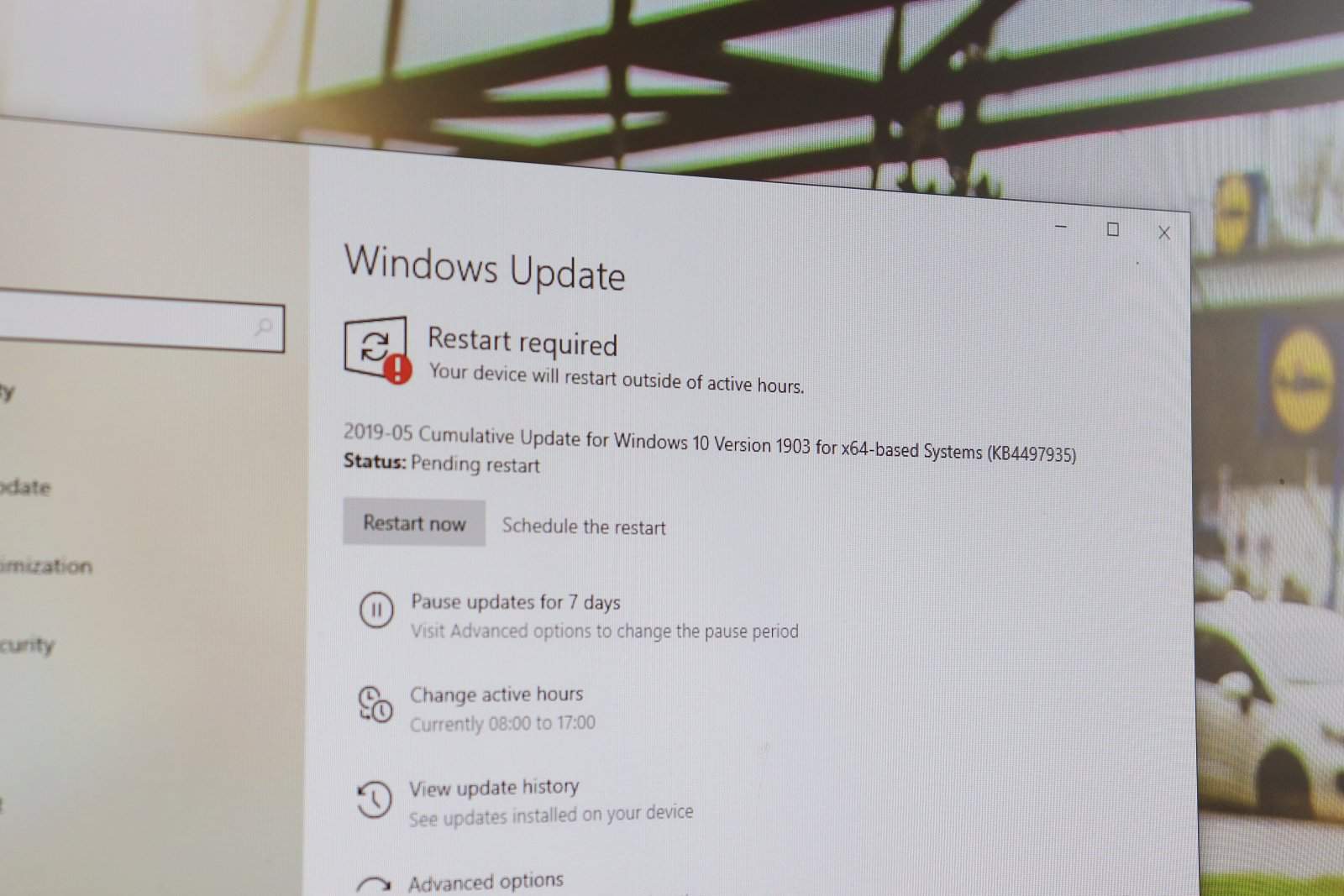
Download Windows 10 1903 update KB4497935
Microsoft is rolling out a cumulative update for Windows 10 version 1903 users with OS Build 18362.145 (KB4497935). The update addresses various issues which…
-

How to Fix Windows 10 1903 update failed error 0x8007000e
Error 0x8007000e not letting you install Windows 10 version 1903 update? You’re not alone. Many users are reporting a similar issue on the community…
-
How to Remove Password from Windows 10
Given the fact about how much of our lives details we store digitally, it is of great importance to keep a password on your…
-
How to Hide Taskbar in Windows 10
For the cursor user, the Windows 10 taskbar is where all the multitasking happens. It is the place to access the Start menu and…
-
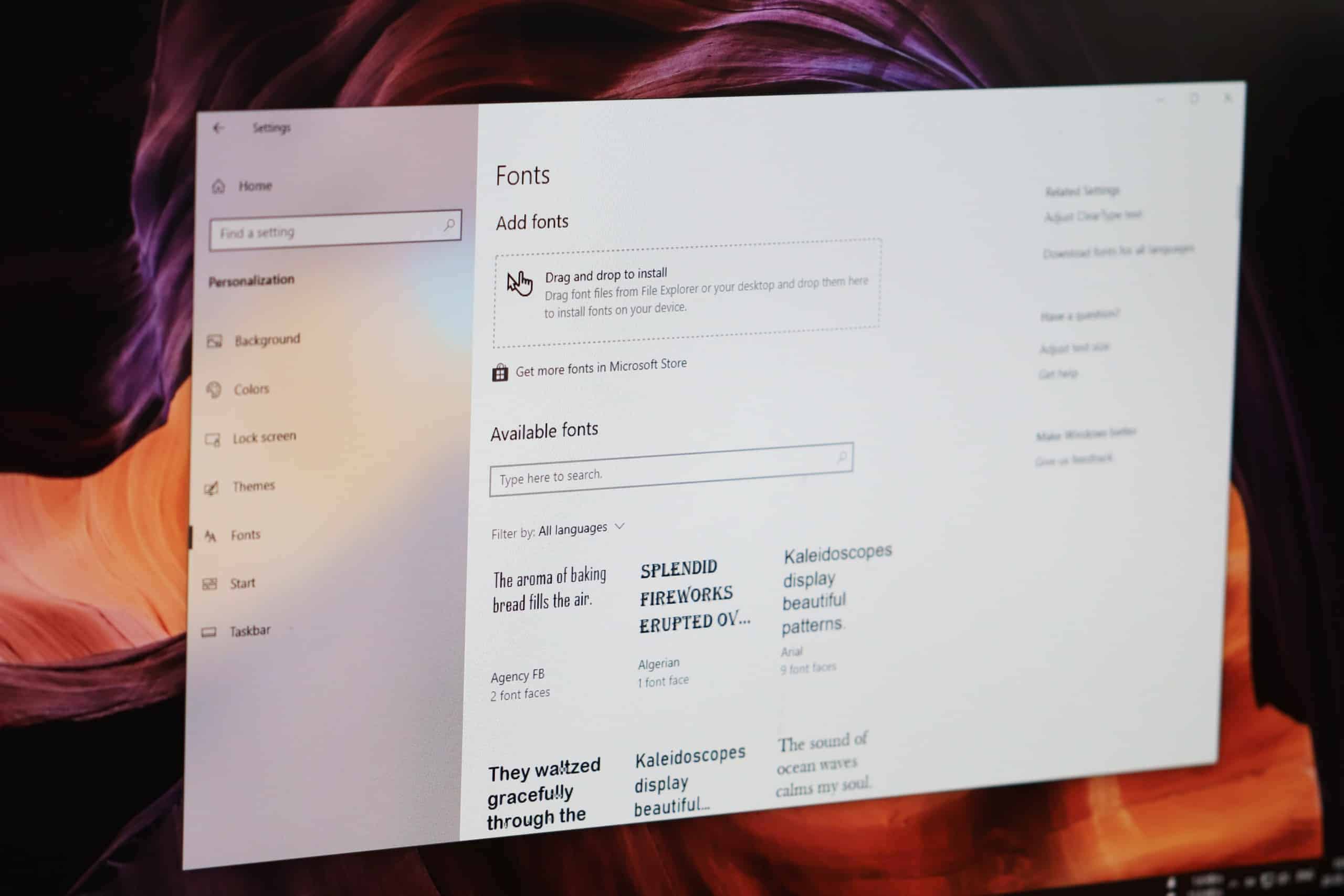
How to Install Fonts on Windows 10
Are you looking to spice up your piece of writing with a custom font you downloaded off the web? Thankfully, Windows 10 supports all…