
Category
Windows 11
-
How to Fix F5 Refresh Key Not Working in Windows 11
Resolve issues with the F5 key not refreshing your Windows 11 desktop or browser by addressing function key locks, driver conflicts, and system errors.
-
How to Fix Setup Incomplete Because of a Metered Connection Error in Windows 11
Resolve the “Setup incomplete because of a metered connection” error in Windows 11 by enabling driver downloads, adjusting network settings, and troubleshooting Bluetooth connectivity.
-
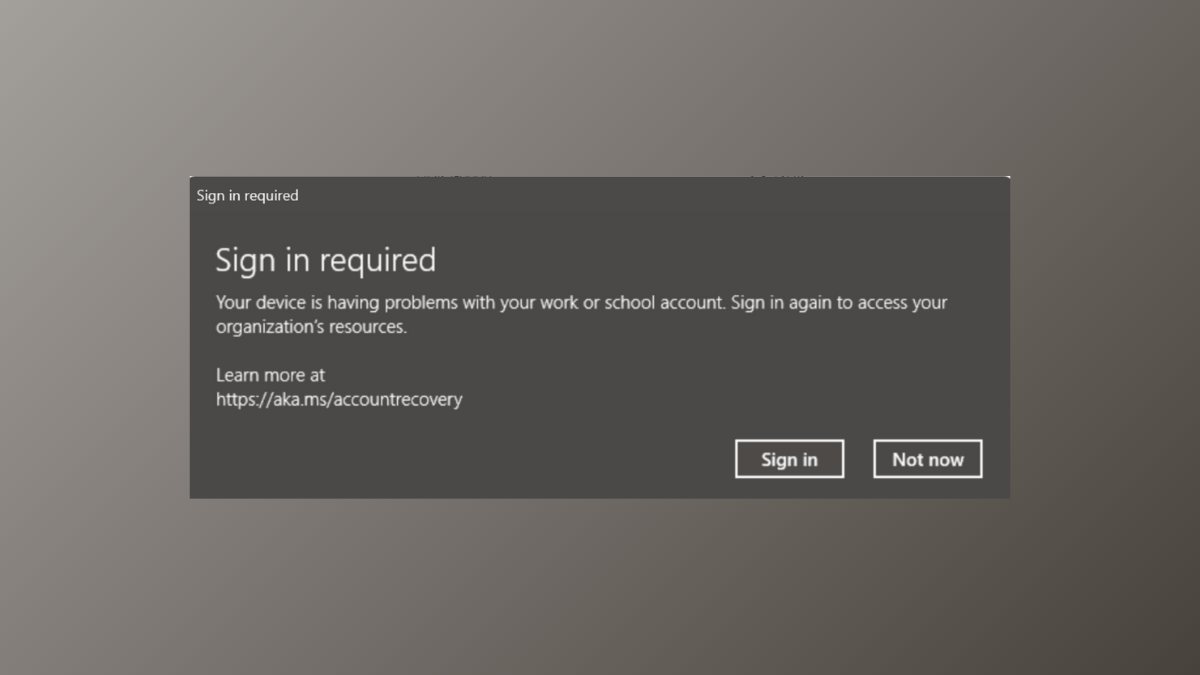
How to Fix “Sign In Required – Your Device Is Having Problems With Your Work or School Account” Error on Windows 11
Resolve persistent sign-in issues with work or school accounts on Windows 11 by following effective solutions for account, credential, and device management problems.
-
How to Prevent Windows 11 From Changing Audio Device Automatically
Stop Windows 11 from auto-switching your default audio output device with these practical steps and advanced workarounds.
-

How to Get Rid of Black and White Squares on Screen in Windows 11
Resolve persistent black or white squares and flickering blocks on your Windows 11 display with targeted troubleshooting and fixes.
-
How to Fix Explorer.exe Server Execution Failed Error on Windows 11
Resolve the “Explorer.exe Server Execution Failed” error in Windows 11 with proven methods that address system file corruption, user profile issues, problematic updates, and…
-
How to Prevent Windows 11 from Adding Keyboard Layouts Without Permission
Stop Windows 11 from automatically adding unwanted keyboard layouts by applying targeted system settings, registry changes, and Office configuration steps.
-
How to Access Denied Restricted Folder in Windows 11
Simple instructions to regain access to restricted folders and fix “Access Denied” errors on Windows 11.
-

How to Fix PC Shutting Down When Playing Videos on Windows 11
Effective solutions to resolve unexpected shutdowns while watching videos or streaming on Windows 11, focusing on hardware and software troubleshooting.
-
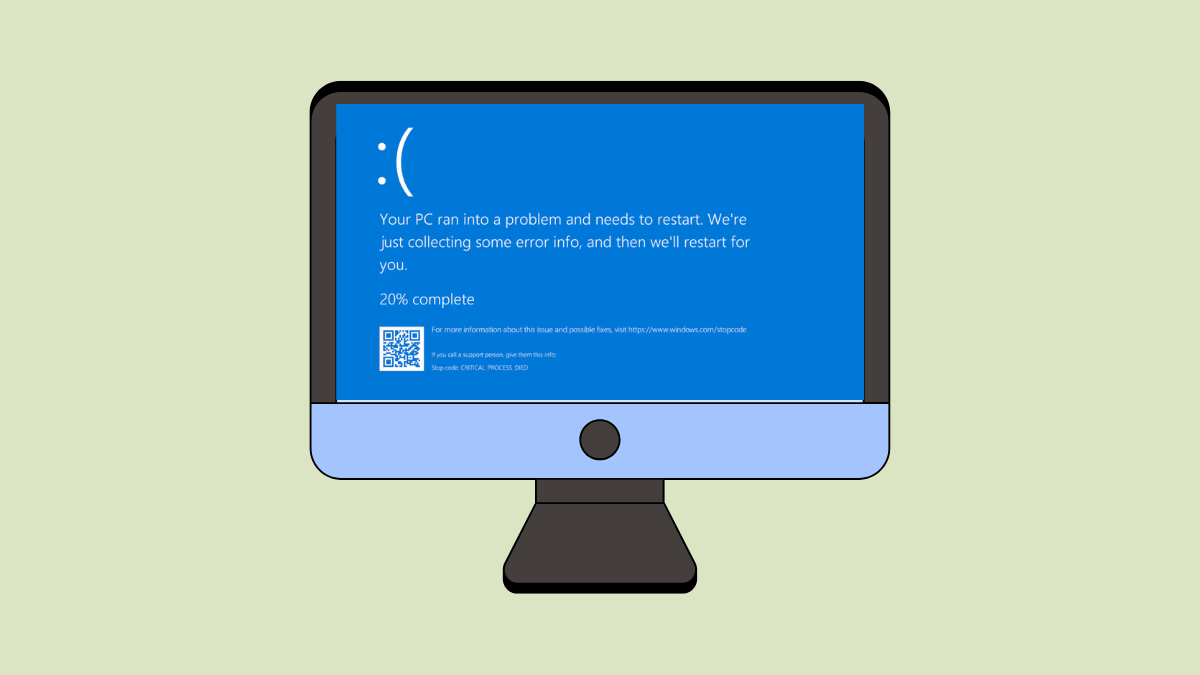
How to Fix Setup_Failure Blue Screen Error 0x00000085 in Windows 11
Practical solutions to resolve the SETUP_FAILURE stop code and complete your Windows 11 installation without blue screen errors.