
Category
Windows 11
-
Fix Error 0x800705aa in Windows 11
Resolve Windows Update failures caused by error 0x800705aa with detailed troubleshooting steps for system file repair, update component resets, and configuration fixes.
-
Fix Error 0x800f0831 on Windows 11
Resolve Windows 11 update failures caused by error 0x800f0831 with various repair, cache clearing, and manual installation methods.
-
Install Openshift Local on Windows 11 Without Using the C-Drive
Set up Openshift Local on a different drive in Windows 11 to manage disk space and optimize system performance.
-
Bypass OOBE During Windows 11 Packer Build on AVD
Streamline Windows 11 image creation for Azure Virtual Desktop by skipping the Out-of-Box Experience (OOBE) using Packer automation.
-
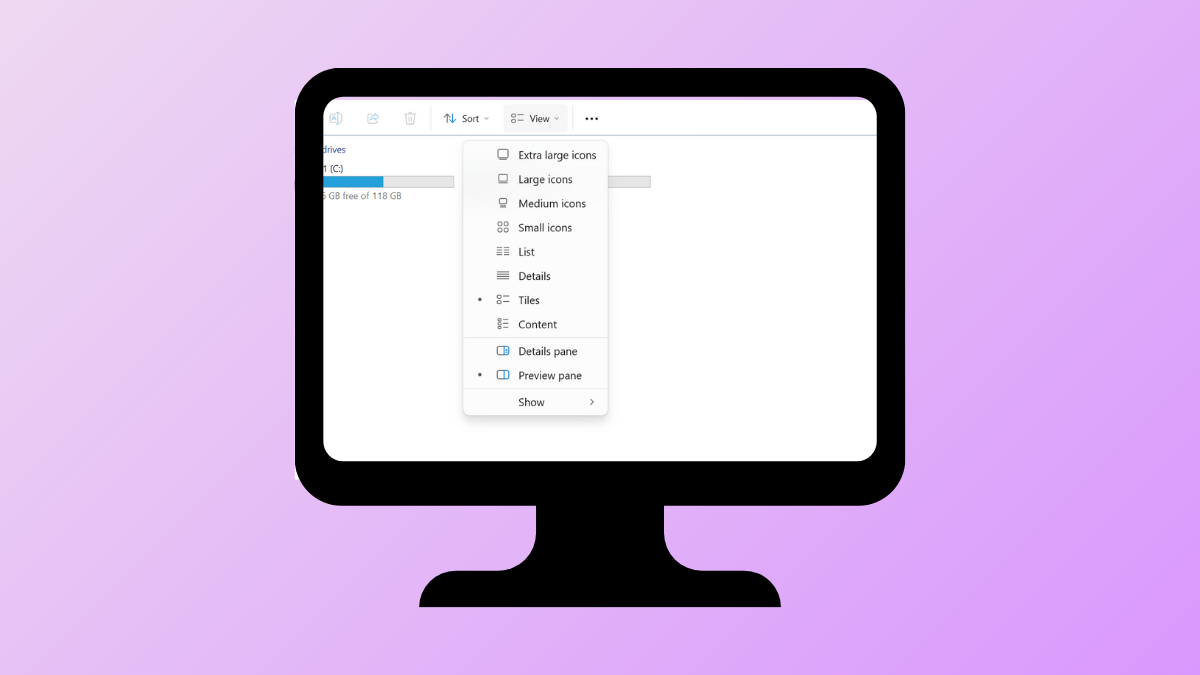
Fix Dropdown Menus Not Working in Windows 11
Resolve unresponsive or missing dropdown menus in Windows 11 with multiple troubleshooting and repair methods.
-
Fix Missing Codec Error 0xc004f011 in Windows 11
Resolve playback issues caused by missing codecs in Windows 11 with detailed solutions to restore video and audio functionality.
-
Resolve Windows 11 Folder Access Denied for Administrators Group
Effective solutions to fix denied folder access on Windows 11, even when using an account in the Administrators group.
-
Fix SSH Key Generation Failure in Git Bash on Windows 11
Resolve SSH key creation issues in Git Bash on Windows 11 by addressing common permission and environment conflicts.
-
Change File Extension in Windows 11 Directly
Quickly rename and modify file extensions in Windows 11 to control how files are recognized and opened.
-
Resolve Unable to Map a Drive Between Two Windows 11 Computers
Multiple solutions to fix network drive mapping issues between Windows 11 systems, including permissions, SMB protocol, and network discovery settings.