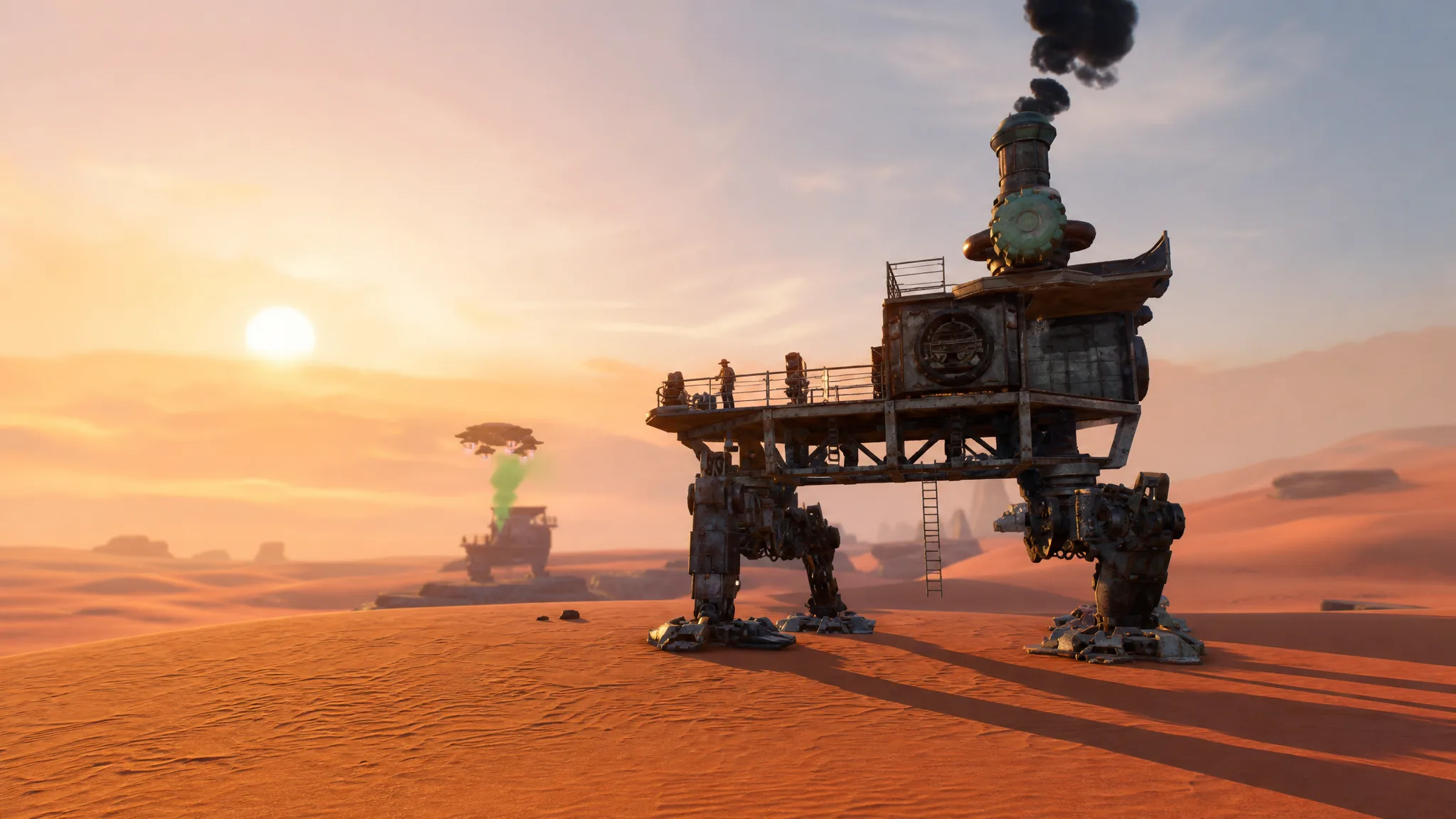
The flare gun in Sand: Raiders of Sophie fires a green flare by default, but you can swap to five other colors to send different signals to teammates and rival crews. Because the game has no built-in voice prompts for this, the color you launch is often the only message other players get from a distance.
Quick answer: Hold R on keyboard (or press and hold Y/Triangle on controller) to open the color menu, then scroll up or down to pick a color before you fire.
Flare colors you can switch between
The flare gun holds six colors. Green is loaded by default, and the other five are available the moment you open the color menu. There is no fixed in-game meaning attached to any color, so crews tend to fall back on the common reading that green signals friendly intent and red signals danger.
| Color | Common use |
|---|---|
| Green (default) | Friendly intent or a completed task |
| Red | Danger or hostile warning |
| Yellow | Free-form signal |
| Cyan | Free-form signal |
| Orange | Free-form signal |
| Dark blue | Free-form signal |
Change the flare color on PC and controller
R key to bring up the color menu. On a controller, press and hold Y on Xbox or Triangle on PlayStation to open the same color switcher.R, your character loads a flare in the color you picked.How firing a flare works
Once a flare bursts, the colored smoke cloud stays in the sky for about 45 seconds and is visible across a long stretch of the dunes. The flare gun has infinite ammo, so you can reload and fire as many flares as you want without running out.
Aim matters. If you fire at a shallow angle instead of upward, the flare arcs back toward the ground and never explodes, so point it high before you shoot.
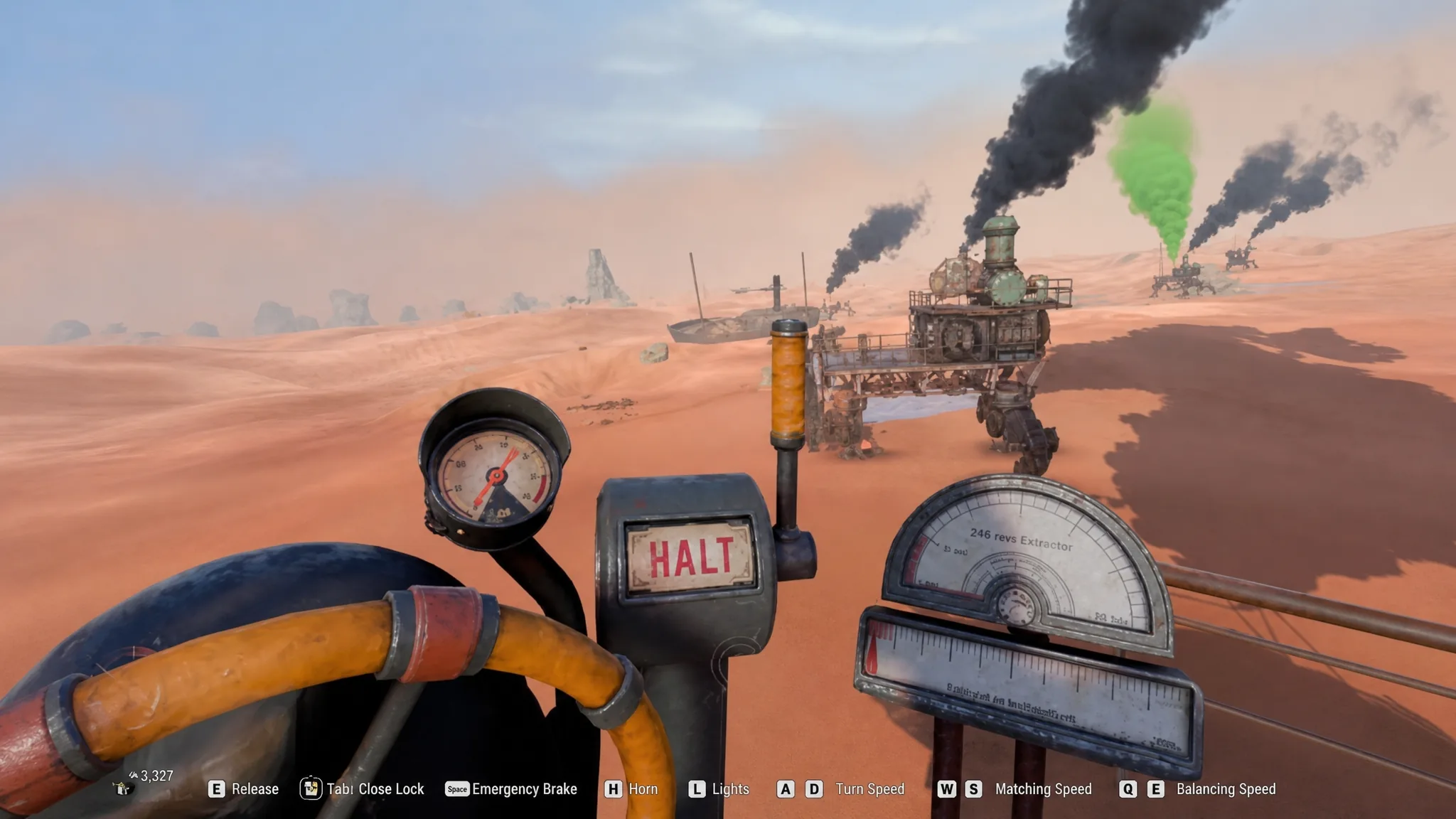
A colored cloud carries far, which means it can pull attention from players you would rather avoid. If you are carrying valuable loot, fire only when you actually need to signal. Keep in mind that calling an extraction also produces green smoke from your Trampler, telling nearby raiders you are trying to leave.
How other crews read your flare depends entirely on the lobby. A red flare near an enemy Trampler can be taken as a threat and spark a fight, while a green flare can convince an approaching crew to change course and leave you alone. The colors give you a simple, wordless way to set the tone before anyone gets close.