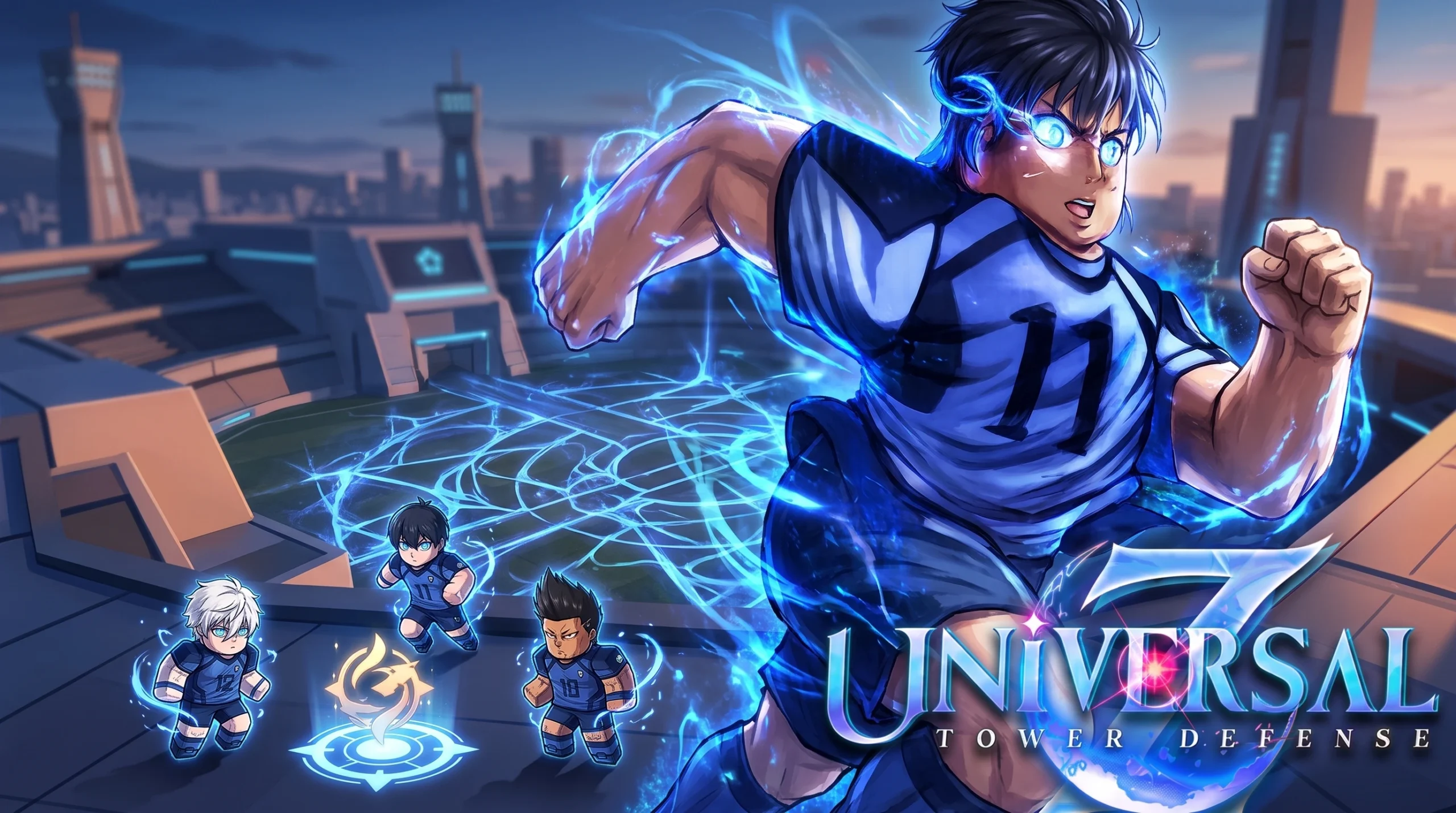
New units in Universal Tower Defense X reach your roster through a few fixed channels, and turning them into their stronger evolved forms follows a separate, material-based process. Once you know which summon banners, stages, and raids feed each unit, the grind becomes predictable rather than random.
Quick answer: Pull new units from the Selection or Special Banner, or farm them as drops from Legend Stages, raids, event quests, and redeemed codes. To evolve one, open the Evolve menu, gather every material it lists (crafting some through Quick Craft and farming the rest from raids and Legend Stages), then confirm the evolution once all counters are full.
Where new units come from
Units enter your account through summoning, stage and raid drops, event rewards, and codes. Higher-rarity units are rarely handed to you outright. Instead, you obtain a base unit and then evolve it, or you farm a rare drop over several runs.
| Source | How it works |
|---|---|
| Selection / Special Banner | Spend gems to summon; each unit has a set drop rate and a pity counter |
| Legend Stages | Clear specific acts to farm evolution items and unit drops |
| Raids | Run raid acts for evolution materials and secret units, tracked by a pity counter |
| Event quests | Complete event missions to earn event coins, then spend them in the event shop |
| Codes | Redeem in the Codes menu for gems, materials, and exclusive units |
| Extractions / Expeditions | Solo or co-op modes such as Golden Palace and Crime Fighting that drop secret units |
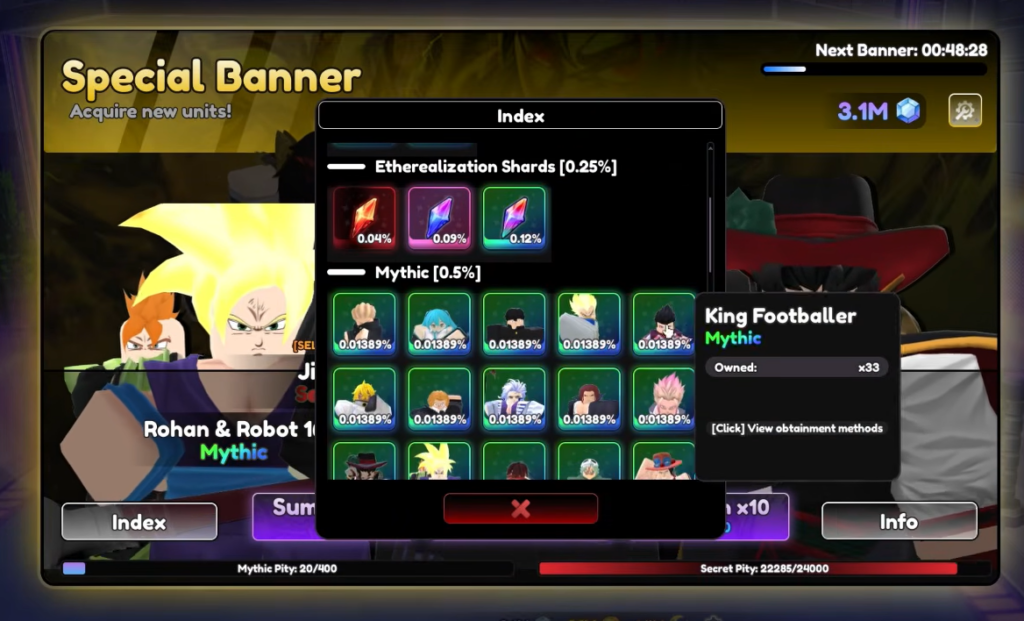
On the summon index, drop rates make the odds clear. Secret units sit at 0.00625%, Unrivaled at 0.1% (split between Visionary and King Sailor at 0.05% each), and Mythic at 0.5%. Because those numbers are low, banner pulls are best paired with the pity system rather than treated as a reliable path to a specific unit.
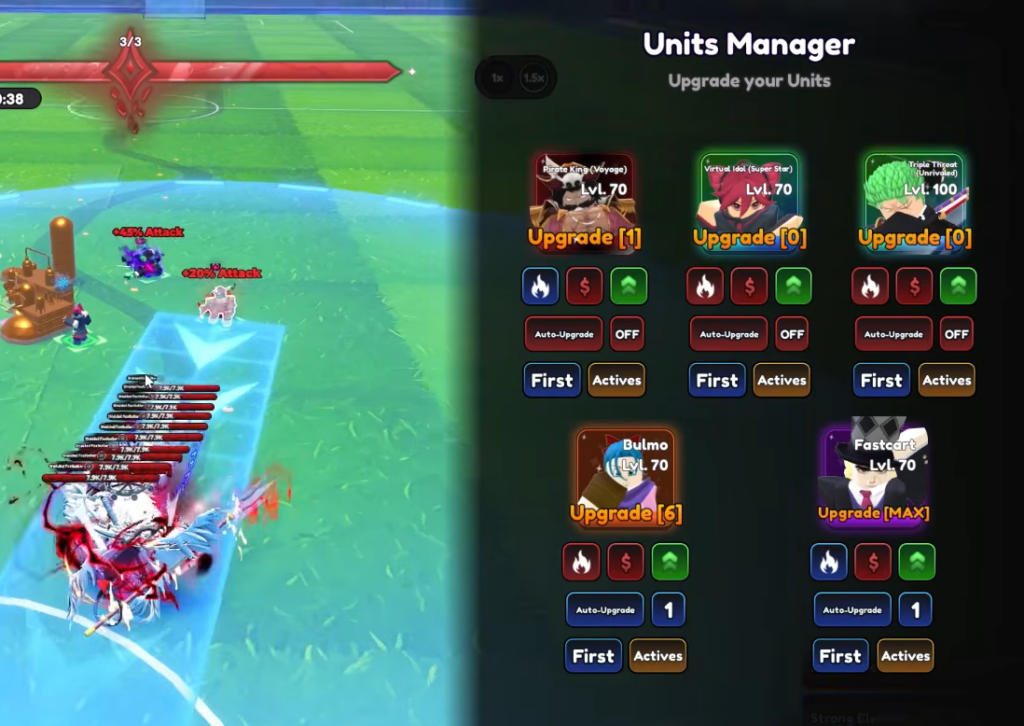
Unit rarities and what evolution unlocks
Rarity determines base stats and how far a unit can climb. The ladder runs from Rare at the low end up through Epic, Legendary, and Mythic, then into the top tiers of Secret, Boundless, and Synchro. Boundless forms are evolved Secret units, while Synchro units are fused from other units.
Evolution is how you move a unit up that ladder. A Mythic unit like Judgment Sorcerer evolves into Judgment Sorcerer (Domain), and a Monarch-tier unit like Jinoo evolves into the Boundless form Jinoo, Shadow Monarch. Each evolution raises the unit’s ceiling and, in the top cases, changes both its name and its rarity band.
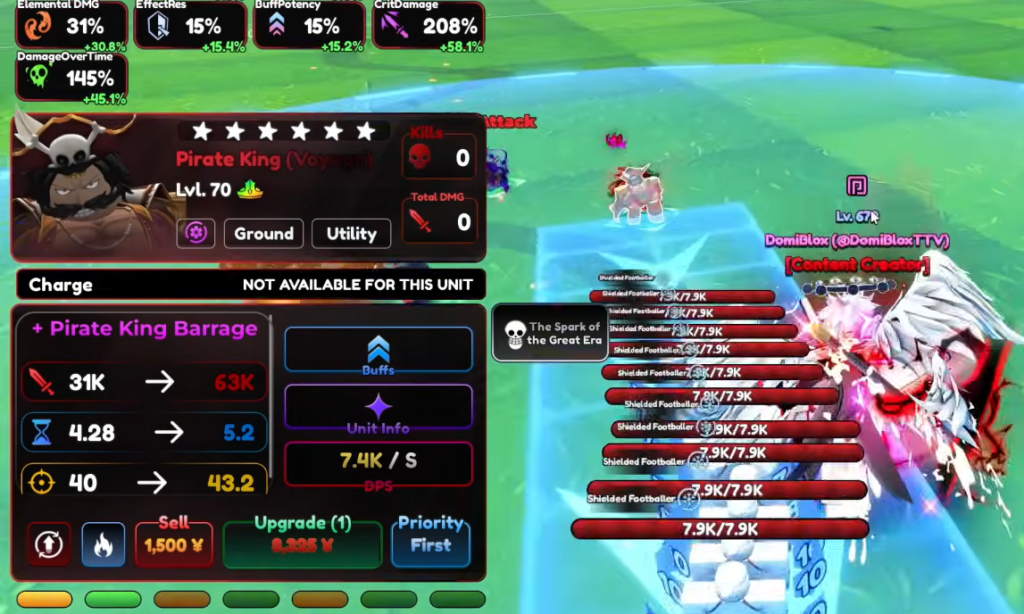
How to evolve a unit
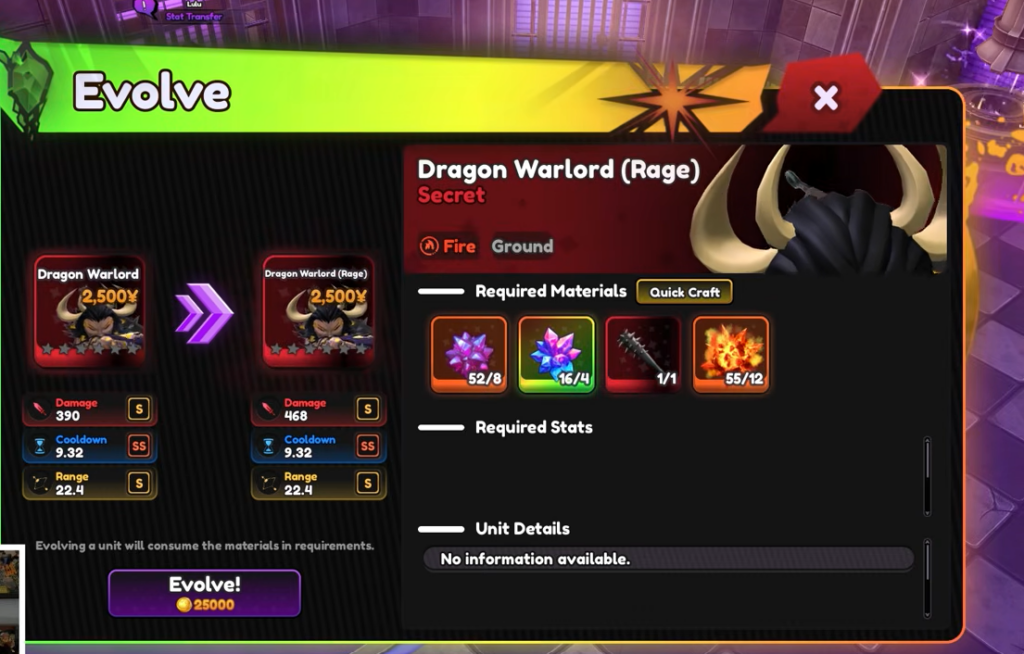
Farming evolution materials from raids and Legend Stages
Most drop-only materials are tied to a specific act. Certain evolution swords and orbs come from raid chambers, and evolution items like a Judge Gavel or a Roulette Wheel drop from set acts of a Legend Stage set. When you click a required item in the Evolve menu, its description names the exact stage it comes from, so read that before you queue.
Two mechanics speed this up. Raids, rifts, and stages track a pity counter (for example, a Shadow Knight Pity of 0/20 runs), which guarantees the target drop after enough attempts. On stages with a Difficulty Meter, raising the slider increases drop rates. Pushing it to 1000% has been shown to lift a 3% unit drop up to roughly 4.35%, so higher difficulty pays off if you can clear it.
Tip: Prioritize the material with the fewest sources first. Fragments can be crafted at any time through Quick Craft, so the true bottleneck is usually a single raid- or stage-locked drop gated behind its pity counter.
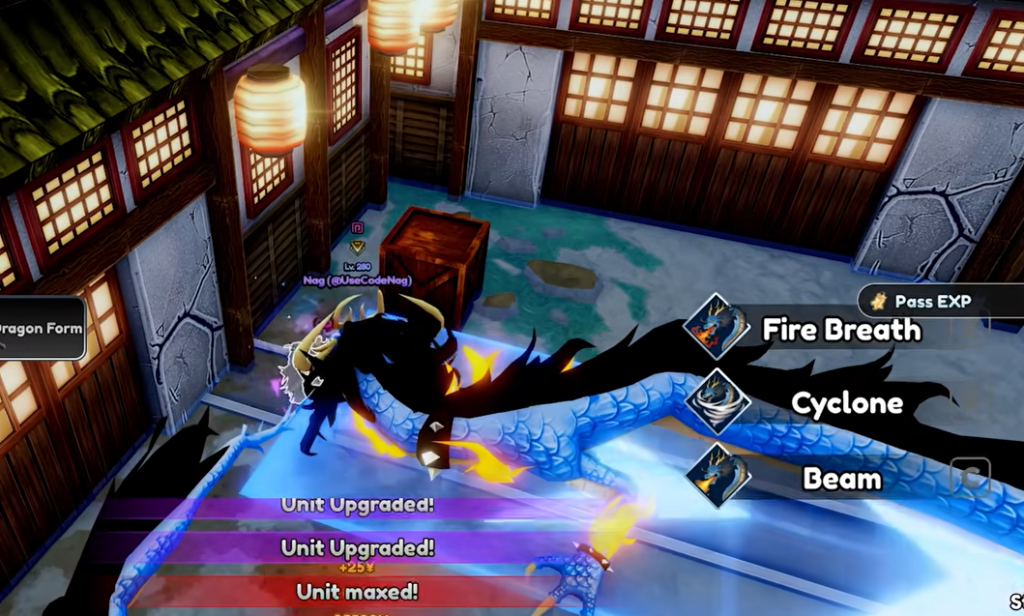
Confirming an evolution and why it can stall
You know an evolution worked when the unit’s entry updates to its new name and, for top-tier upgrades, a higher rarity band such as Boundless. The evolved unit then appears in your roster ready to place.
An evolution will not go through while any Required Material sits below its listed count. If the confirm option stays locked, open the material panel again and look for the counter that is not full, then craft or farm that specific item before returning. Nothing else blocks the process once every requirement is met.
The same loop applies to every new addition, from Mythic banner units to the Boundless and Synchro tiers. Summon or farm the base unit, read the exact material list in the Evolve menu, craft what you can and farm the rest against the pity counters, and the upgrade completes the moment your materials line up. You can jump straight into the current roster and modes on the official Roblox game page.