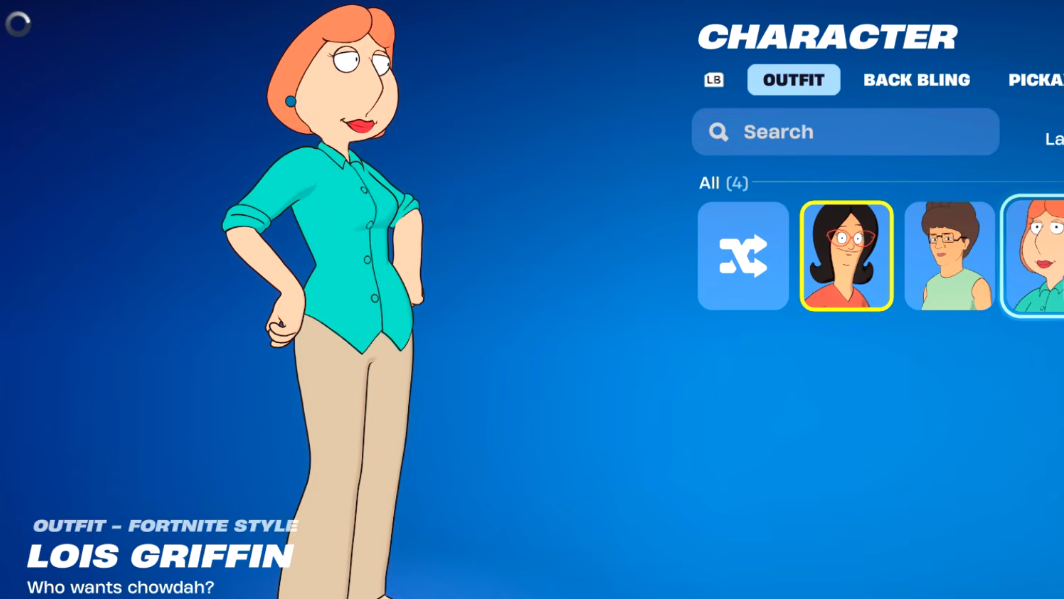
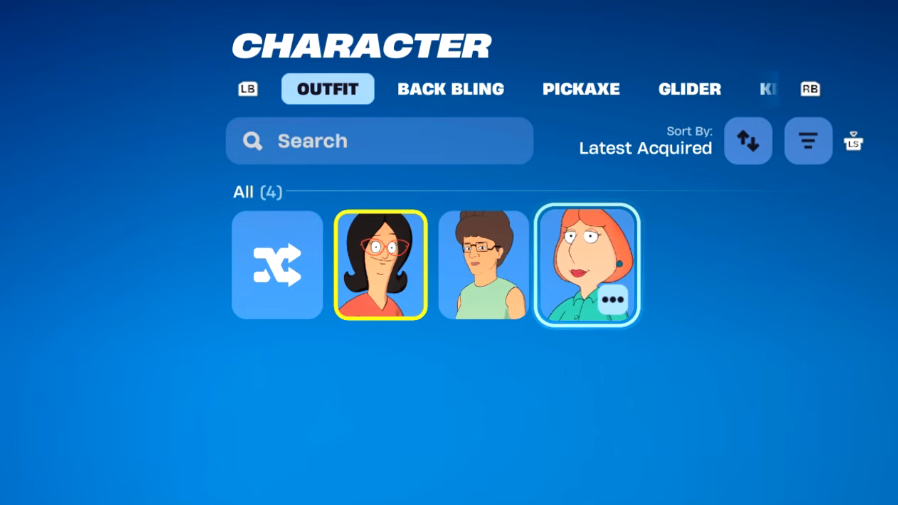
The Lois Griffin outfit is a Family Guy collaboration skin available only through the Fortnite Item Shop. It launched on May 8, 2026, at 8 PM ET as part of the Fox Mother’s Day set, alongside Linda Belcher from Bob’s Burgers and Peggy Hill from King of the Hill. There is no quest, challenge, or free unlock route for this skin, so the only way to get it is to spend V-Bucks during its current shop rotation.
Quick answer: Open the Fortnite Item Shop, find the Lois Griffin Bundle (2,000 V-Bucks) or the standalone Lois Griffin outfit (1,500 V-Bucks), and confirm the purchase before the set leaves the shop on May 17, 2026, at 8 PM ET.
Lois Griffin skin price and bundle contents
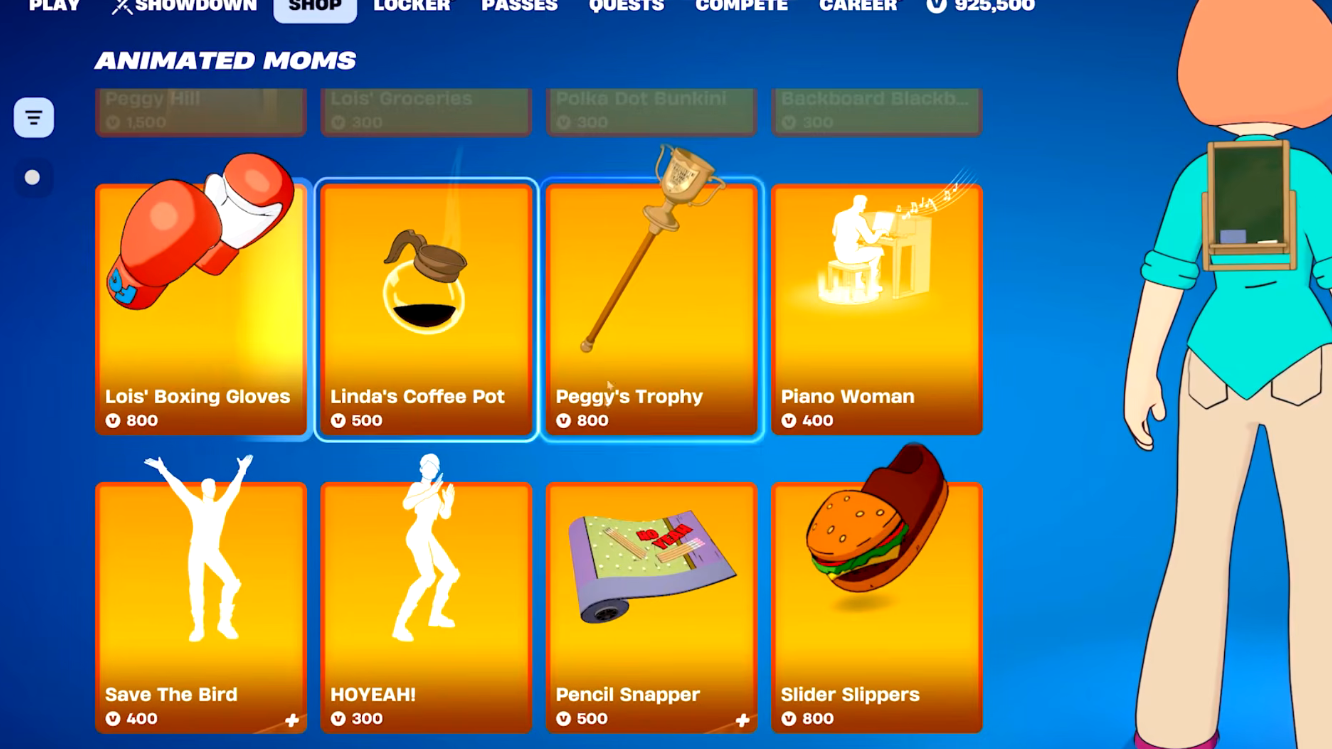
The skin is sold two ways. You can buy the full bundle for a small discount, or pick individual cosmetics if you only want certain pieces. Each item is also priced separately in the shop.
| Item | Type | Price (V-Bucks) |
|---|---|---|
| Lois Griffin Bundle | Bundle | 2,000 |
| Lois Griffin | Outfit | 1,500 |
| Lois’ Boxing Gloves | Pickaxe | 800 |
| Piano Woman | Emote | 500 |
| Lois’ Groceries | Back Bling | 200 |
The Piano Woman emote shows Lois playing the Family Guy theme on a piano. The outfit ships with no alternate edit styles.
How to buy the Lois Griffin skin in the Item Shop
Availability window
The Fox Mother’s Day set entered the Item Shop at 5 PM PT / 8 PM ET on May 8, 2026, which is 1 AM BST on May 9 for UK players. The in-game timer shows the bundle rotating out on May 17, 2026, at 8 PM ET. Once it leaves, the skin can return in a future rotation, but Epic has not committed to a specific re-release date.
Free unlock paths
There is no official free route to the Lois Griffin outfit. It is not part of a Battle Pass, a tournament cup reward, a Twitch drop, or a friend-invite quest. Any video or post claiming otherwise is unrelated to a confirmed Epic Games promotion. Spending V-Bucks in the Item Shop during the rotation window is the only verified way to add the skin to your account.
How to know the purchase worked
After confirming the buy, Fortnite shows an on-screen confirmation and removes the item’s price tag, replacing it with an Owned label. Each cosmetic also appears in its matching locker slot. If V-Bucks were deducted but the items do not appear, restart the client and check the locker again before contacting Epic support, since shop entitlements occasionally take a moment to sync across platforms.
Lois joins Peter Griffin, who first appeared in the Chapter 5 Season 1 Battle Pass, making her the second Family Guy character added to Fortnite. If you want the full Mother’s Day trio, Linda Belcher and Peggy Hill are sold in their own bundles during the same rotation window.